Chapter 3 of 20Browse the complete guide
Writing Playwright Tests: Actions, Structure, and Isolation
Learn how to write Playwright tests in TypeScript: actions, auto-waiting, test.describe groups, beforeEach hooks, isolation, and a full login test example.
The anatomy of a test file
Every Playwright test file follows the same shape. You import test and expect from @playwright/test, then declare tests as async functions that receive fixtures:
import { test, expect } from '@playwright/test';

test('homepage has the right title', async ({ page }) => {
  await page.goto('https://example.com');
  await expect(page).toHaveTitle(/Example/);
});
The { page } argument is a fixture. Playwright creates a fresh Page object for each test, hands it to your function, and tears it down afterward. You never construct browsers or pages by hand in a test file. If you have not set up a project yet, the installation guide covers scaffolding one with npm init playwright@latest.
The async keyword matters more than it looks. Nearly every Playwright call returns a Promise, because each one involves real communication with a browser process. Forgetting an await is the most common beginner bug:
// Broken: the test moves on before the click happens
test('broken example', async ({ page }) => {
  await page.goto('https://example.com/login');
  page.getByRole('button', { name: 'Sign in' }).click(); // missing await
  await expect(page).toHaveURL(/dashboard/);
});
The click is fired but not awaited, so the URL assertion runs while the navigation may still be in flight. Sometimes it passes, sometimes it fails, and you spend an afternoon blaming your app. Playwright detects many floating promises and fails the test with an explicit error, and the @typescript-eslint/no-floating-promises lint rule catches the rest at build time. Turn it on early.
Performing actions
Actions live on locators. You find an element with a locator method such as getByRole or getByLabel, then call an action on it:
await page.goto('https://example.com/signup');

await page.getByLabel('Email').fill('qa@example.test');
await page.getByLabel('Password').fill('demo-password');
await page.getByLabel('I agree to the terms').check();
await page.getByLabel('Country').selectOption('France');
await page.getByRole('button', { name: 'Create account' }).click();
The actions you will use daily:
page.goto(url)navigates and waits for the page to load.locator.click()clicks an element, withdblclick()for double clicks.locator.fill(value)clears an input and types the value in one operation.locator.press(key)sends a keystroke, such as'Enter'or'Control+A'.locator.check()andlocator.uncheck()set checkboxes and radio buttons.locator.selectOption(value)picks an option in a<select>.locator.dragTo(target)drags one element onto another.
Prefer fill over simulating individual keystrokes. It is faster and less flaky. Reach for locator.pressSequentially() only when the page listens for individual key events, like an autocomplete widget.
Actionability: why there is no sleep() in your tests
Before performing any action, Playwright runs a series of actionability checks on the element. For a click, it waits until the element is visible, stable (not animating), enabled, and able to receive pointer events at the click point. Only then does it click. If the checks never pass, the action times out with an error describing exactly which check failed.
This is why idiomatic Playwright code contains no manual waiting:
// Anti-pattern: hard-coded waits
await page.waitForTimeout(3000);
await page.getByRole('button', { name: 'Save' }).click();

// Recommended: let actionability checks do the waiting
await page.getByRole('button', { name: 'Save' }).click();
The first version wastes three seconds when the button is ready in 200ms and still fails when the page takes four. The second version waits precisely as long as needed, up to the action timeout. The same principle applies to assertions, which retry until they pass or time out. The waits and timeouts guide covers what to do in the rare cases where auto-waiting is not enough.
Grouping tests with test.describe
test.describe groups related tests under a shared title:
test.describe('checkout', () => {
  test('applies a discount code', async ({ page }) => {
    // ...
  });

  test('rejects an expired card', async ({ page }) => {
    // ...
  });
});
Groups do more than organize the report. They scope hooks and configuration, so a beforeEach declared inside a describe block only runs for the tests in that block. You can nest groups, though one level is usually enough. Deeply nested describes are a sign the file should be split.
Hooks: beforeEach for shared setup
When every test in a file starts the same way, move that setup into a hook:
import { test, expect } from '@playwright/test';

test.describe('dashboard', () => {
  test.beforeEach(async ({ page }) => {
    await page.goto('https://app.example.com/login');
    await page.getByLabel('Email').fill('qa@example.test');
    await page.getByLabel('Password').fill('demo-password');
    await page.getByRole('button', { name: 'Sign in' }).click();
    await expect(page.getByRole('heading', { name: 'Dashboard' })).toBeVisible();
  });

  test('shows the current billing plan', async ({ page }) => {
    await page.getByRole('link', { name: 'Billing' }).click();
    await expect(page.getByText('Pro plan')).toBeVisible();
  });

  test('lets the user rename a project', async ({ page }) => {
    await page.getByRole('link', { name: 'Projects' }).click();
    await page.getByRole('button', { name: 'Rename' }).first().click();
    await page.getByLabel('Project name').fill('Marketing site');
    await page.getByRole('button', { name: 'Save' }).click();
    await expect(page.getByText('Marketing site')).toBeVisible();
  });
});
Notice the assertion at the end of the hook. Verifying that login succeeded before the test body starts gives you a clear failure message when credentials break, instead of a confusing failure deep inside an unrelated test. Playwright also provides beforeAll, afterEach, and afterAll, but beforeEach is the one you will use constantly. Be cautious with beforeAll: it runs once per worker, and state it creates is shared across tests, which conflicts with the isolation model described next.
For real suites, logging in through the UI before every test is slow. Playwright's recommended pattern is to log in once in a setup project, save the session with storageState, and reuse it everywhere. Keep that in mind for later; the structure above is still the right mental model.
Test isolation
Playwright runs each test in a fresh browser context, which behaves like a brand new browser profile. Cookies, localStorage, sessions, and cache from one test never leak into another. Browsers themselves are reused across tests for speed, but contexts are not, and creating a context takes milliseconds.
The practical consequence is a rule from Playwright's own best practices: each test must be able to run completely on its own. Do not write a test that creates a record and a second test that edits it, because the second test fails whenever it runs first, runs alone, or runs in parallel on another worker.
// Anti-pattern: test B depends on test A
test('creates an invoice', async ({ page }) => {
  // ...creates invoice #42
});

test('sends the invoice', async ({ page }) => {
  // ...assumes invoice #42 exists
});

// Recommended: each test owns its setup
test('sends an invoice', async ({ page }) => {
  const invoice = await createInvoiceViaApi(); // seed data via API or fixture
  await page.goto(`/invoices/${invoice.id}`);
  await page.getByRole('button', { name: 'Send' }).click();
  await expect(page.getByText('Invoice sent')).toBeVisible();
});
Seeding data through your API or a database helper is faster than clicking through the UI and keeps each test focused on the one behavior it verifies. Isolation is also what makes Playwright's parallelism safe: tests can run on many workers at once precisely because none of them share state.
test.step for readable reports
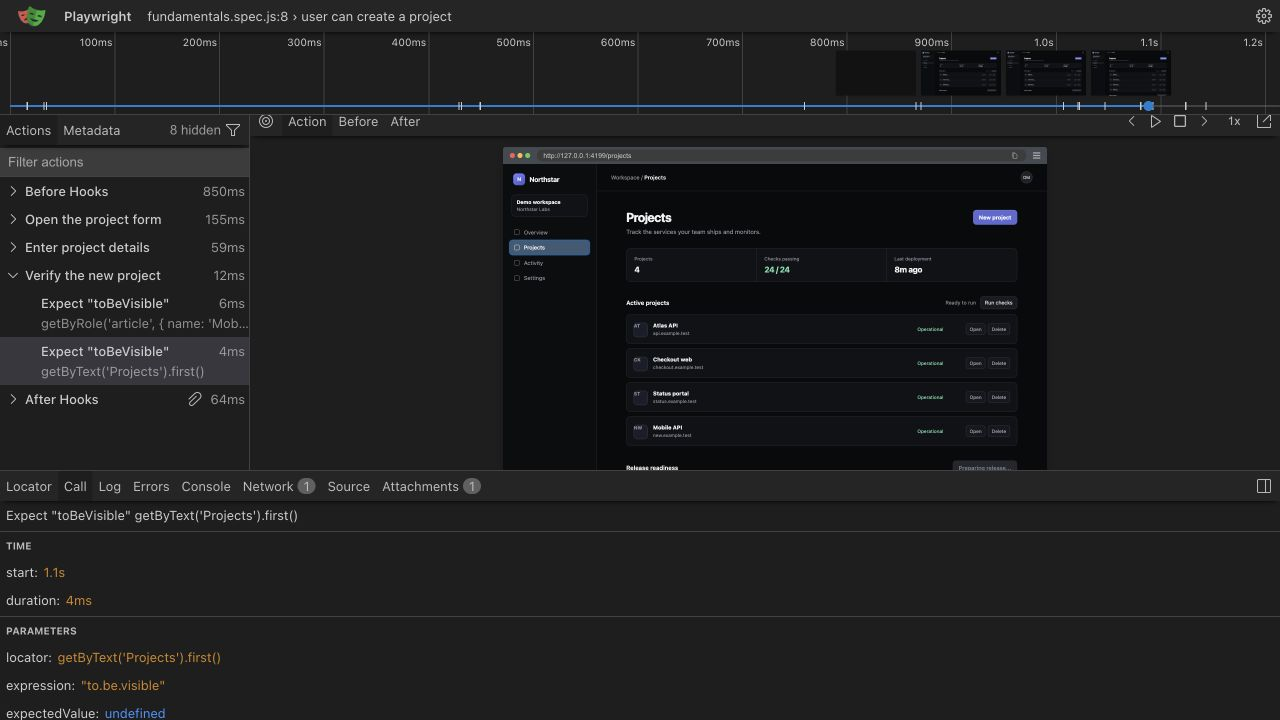
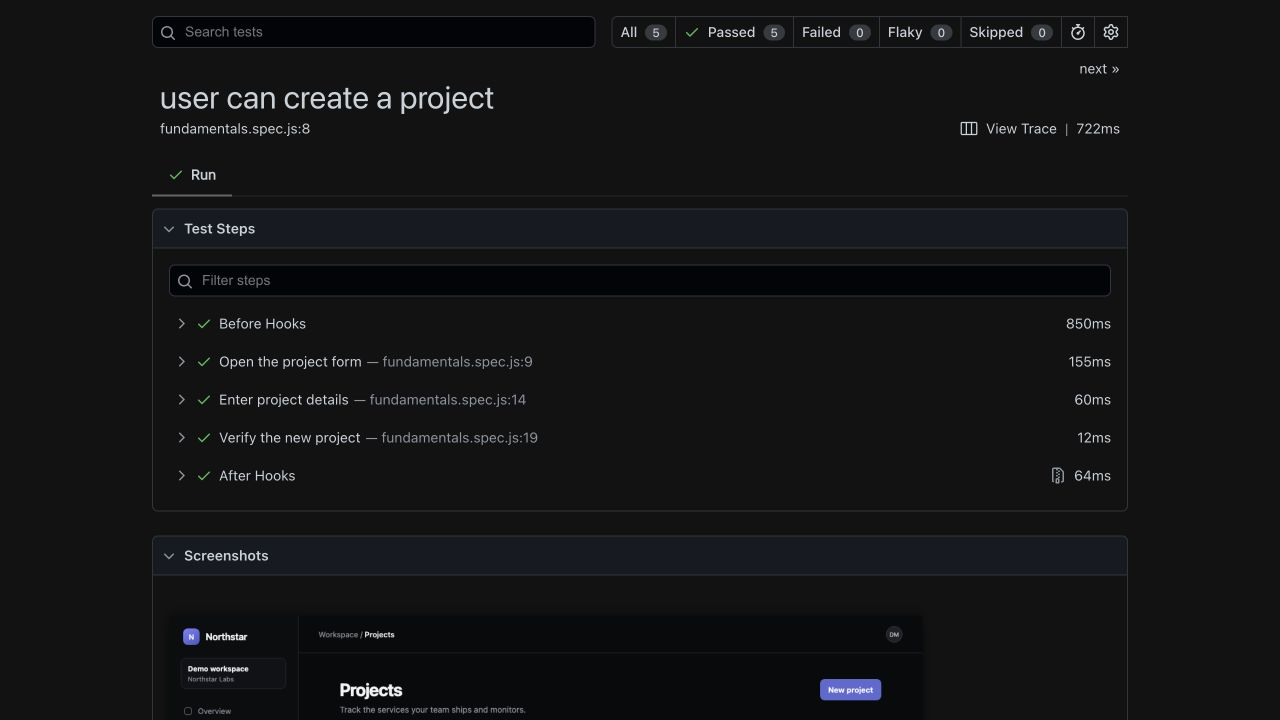
Long tests produce long failure logs. test.step groups actions under named phases that appear in the HTML report and trace viewer:
test('user can upgrade to the Pro plan', async ({ page }) => {
  await test.step('log in', async () => {
    await page.goto('https://app.example.com/login');
    await page.getByLabel('Email').fill('qa@example.test');
    await page.getByLabel('Password').fill('demo-password');
    await page.getByRole('button', { name: 'Sign in' }).click();
  });

  await test.step('open billing settings', async () => {
    await page.getByRole('link', { name: 'Billing' }).click();
    await expect(page.getByRole('heading', { name: 'Billing' })).toBeVisible();
  });

  await test.step('upgrade the plan', async () => {
    await page.getByRole('button', { name: 'Upgrade to Pro' }).click();
    await expect(page.getByText('You are on the Pro plan')).toBeVisible();
  });
});
When this fails, the report tells you it broke during "upgrade the plan" rather than pointing at line 14 of a wall of actions. Steps cost nothing at runtime and pay off the first time someone else has to read your failure.
Annotations: skip, fixme, and slow
Three annotations cover most day-to-day needs:
test.skip('not applicable on this plan', async ({ page }) => { /* ... */ });

test.fixme('drag and drop is broken on WebKit', async ({ page }) => { /* ... */ });

test('imports a 10k row CSV', async ({ page }) => {
  test.slow(); // triples the timeout for this test
  // ...
});
skip marks a test as intentionally not run. fixme marks it as known-broken; Playwright skips it too, but the intent in the report is different: this should work and currently does not. Both accept a conditional form, such as test.skip(browserName === 'webkit', 'reason'), for platform-specific gaps. test.slow() triples the test timeout instead of you hard-coding a bigger number.
Naming tests
A test name should describe observable behavior, not implementation. The name appears in reports, CI logs, and flaky-test dashboards, so write it for the person debugging at 2 AM:
| Weak name | Better name |
|---|---|
test login | user can sign in with valid credentials |
test login 2 | shows an error for a wrong password |
dashboard test | dashboard lists the three most recent projects |
check button | submit stays disabled until the form is valid |
Name files after the feature they cover, such as billing.spec.ts or login.spec.ts, and keep one feature per file. When a describe block and its test titles read together as a sentence, you got it right: "checkout > rejects an expired card".
Once your tests act on the page, the other half of the job is verifying outcomes, which is covered in the assertions guide.
Run it in production
A test like the login flow above verifies your app on every commit, but it can also verify production continuously. Hyperping Browser Checks run the same Playwright script on a schedule from multiple regions and alert your team the moment a step fails, so a broken login page pages you before your users notice.