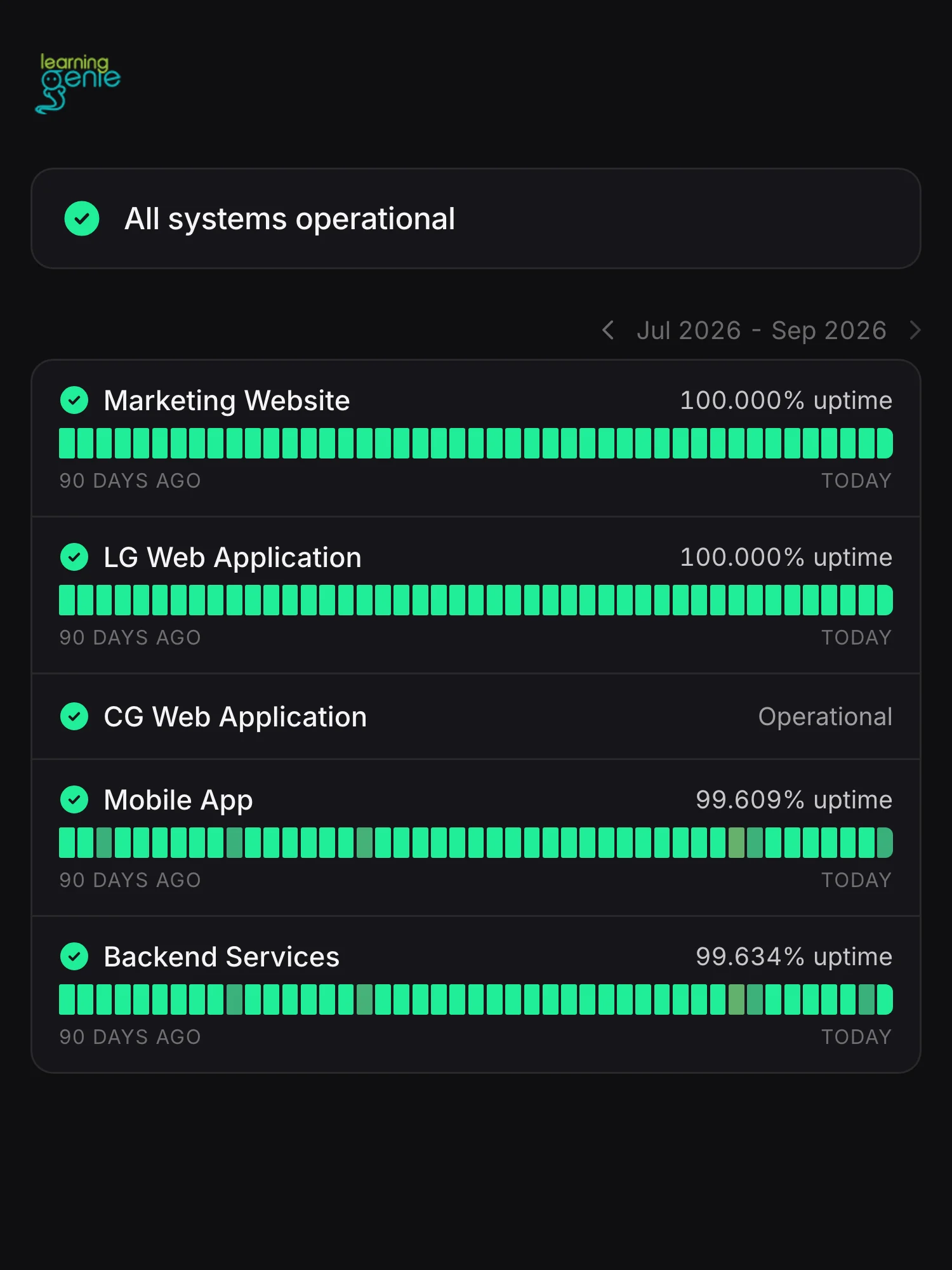
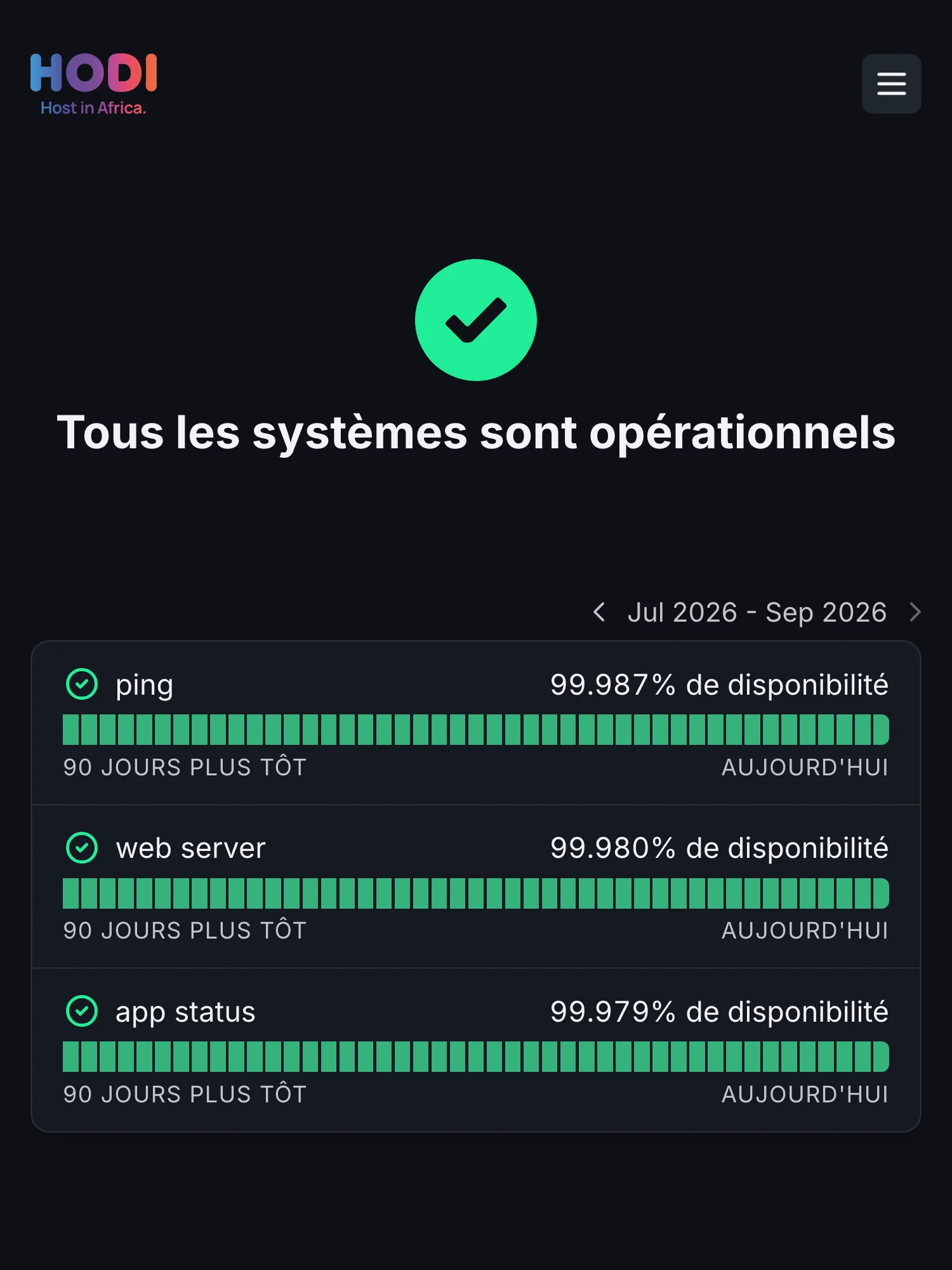
Tell the whole campus at once
Post an incident in a minute: students, families and staff who subscribed hear it by email, Slack, Teams or SMS.
See every channelStatus pages, monitoring and on-call for schools, universities and EdTech. Tell students and staff what’s down before the help desk fills up.
20 monitors free. No credit card required.
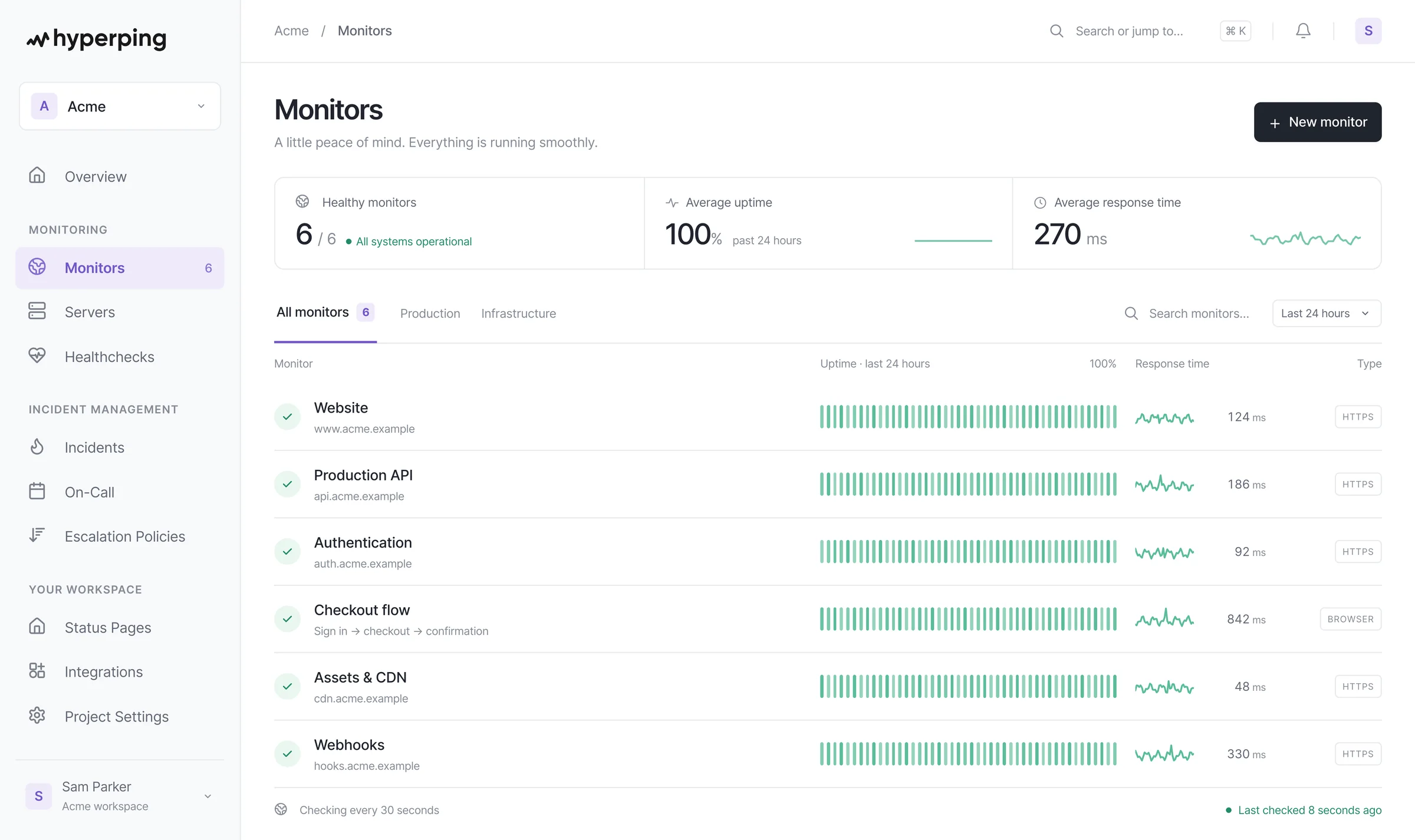
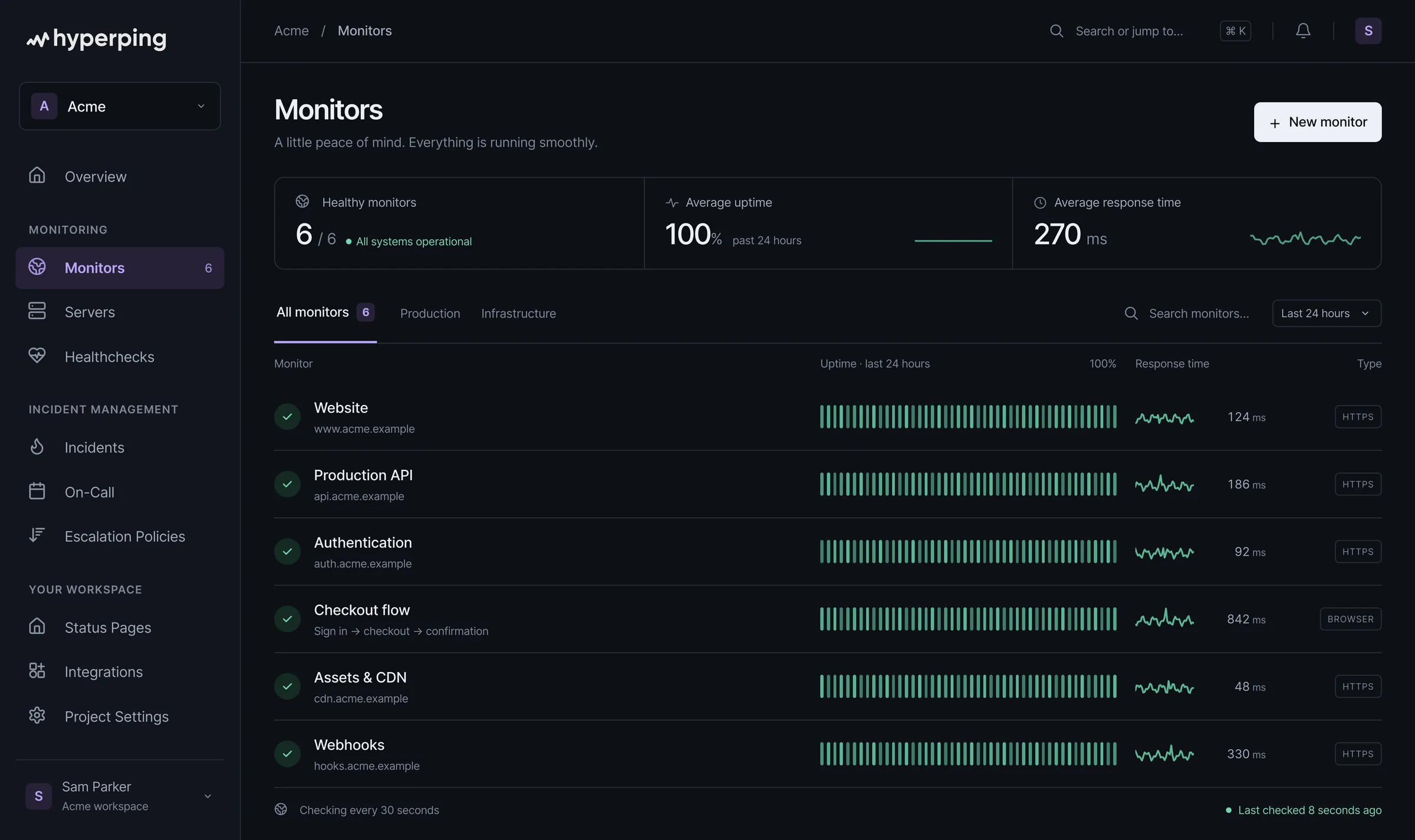

















Playwright checks run the real path: sign in through SSO, open a course, start a quiz. Each failed run comes with a screenshot, a video and a trace.
Browser checksPost the incident once. Students, faculty and staff read it on your status page, or get it by email, Slack, Teams or SMS, and your help desk gets back to work.
Status page subscribersMonitor the learning platform, video and email services your campus relies on, and show them in a third-party section. Everyone sees where the problem is.
Uptime monitoringEnrollment syncs, backups and grade exports ping Hyperping when they finish. Miss a check-in and your on-call engineer knows before the first class of the day.
Cron job monitoringEvery HTTPS monitor checks its certificate chain and reminds you 30 days before expiry, so the student portal never greets anyone with a security warning.
SSL monitoringSchedule the window once: it shows on your status page, pauses the monitors it touches so nobody is paged, and notifies subscribers ahead of time.
Maintenance windowsPost an incident in a minute: students, families and staff who subscribed hear it by email, Slack, Teams or SMS.
See every channelKeep infrastructure updates for your own people: let in your email domain with access codes, or sign in with Google SSO or SAML SSO on Business.
Explore private status pagesChecks on your portal and learning platform, Playwright runs through sign-in, certificate reminders and heartbeats from your nightly jobs. Each confirmed outage updates the right component on your page.
Explore uptime monitoringEvery alert is double-checked from at least two other locations before it reaches the tools your team already uses.
 Slack
Slack Microsoft Teams
 Google Chat
 PagerDuty
 Opsgenie
 Jira Service Management
 Discord
 Telegram
 Mobile app
USD · Monthly billing for every plan
Three subscriptions to keep it all running.
$747/month
$8,964 over 12 months
Everything connected, from the first check.
$299/month
$3,588 over 12 monthsSave $5,376 a year with this mix.
Reviewed . All amounts are USD; local currency prices may differ.
This is one example of a three-tool stack, not the cheapest possible setup or a feature-for-feature match. Pingdom and PagerDuty also include status-page features; a separate Statuspage subscription may not be needed by every team. Usage charges and paid connectors are not included. Annual totals are 12 monthly payments, not annual subscription quotes.
Yes. Make a page private and let in only your domain: email access codes (for example anyone at @university.edu) or a shared password on Pro, Google SSO and SAML SSO with Microsoft Entra ID or Okta on Business (SAML connections are billed separately). Keep the public page for students and families next to it.
Link it from your portal, your learning platform and your IT help pages, then post the incident once. Students and staff who subscribed hear it by email, Slack, Microsoft Teams or SMS, and everyone else finds the answer on the page instead of opening a ticket. See subscribers.
Yes, from the outside, as your students reach them. HTTP monitors check the URLs your campus uses, and browser checks run the real path in Playwright: sign in through SSO, open a course, start a quiz. Each failed run comes with a screenshot, a video and a trace.
Yes. A maintenance window shows on your status page on its date, pauses the monitors you pick so nobody is paged for planned work, and notifies subscribers when you schedule it or a set time before it starts. Windows can repeat weekly or monthly.
Yes. A page can show its services and every incident update in English, French, German, Dutch, Polish, Russian and Swedish, and visitors pick their language on the page. Additional languages are on Pro. See multi-language status pages.
Yes. The server agent runs on Linux, macOS and Windows and reports CPU, memory, disk and network. It only makes outbound HTTPS calls, so nothing needs opening in your firewall. Ping and port checks cover the hosts reachable from the internet that don’t speak HTTP, like VPN gateways and mail servers.
Yes. The Statuspage importer brings your past incidents and maintenances over, and the public JSON endpoints of every page use Statuspage’s formats, so the tools that read your page keep working. Step-by-step guides cover Statuspage and Better Stack.
Start free with 20 monitors. Pro adds 250 monitors, 3 status pages, private pages and 10 seats. Business adds 1,000 monitors, 20-second checks, 10 status pages, SSO for private pages, white labeling and 20 seats. Compare every limit on the pricing page.