The Pingdom alternative: 3 products for the price of one
Hyperping is a Pingdom alternative at about the same price that replaces three tools: uptime and Playwright browser monitoring, status pages, and on-call with escalation policies. Pro is $74/mo for 250 monitors and 10 seats; Pingdom charges $71.50/mo for 50 uptime checks billed annually, monitoring only.
Free plan, 20 monitors. No credit card, no time limit.
Trusted by teams that put uptime first.
Read customer stories













We’re on watch
- Checks run today
- 28,480,000
- Active monitors
- 19,600
- Outages caught today
- 6,100
- Alerts sent today
- 24,400
- Heartbeats received today
- 160,000
- Live status pages
- 1,700
The same monitoring, plus the products around it.
Compare the bill and the included usage first, then the capabilities Pingdom never shipped.
Swipe to compare
| Compare plansAnnual pricing · 100-monitor setup |  Pro · $74/mo | PingdomSynthetics · $136/mo |
|---|---|---|
| Pricing and usage | ||
| Monthly pricing100 monitors, billed annually | $74/moMonitoring, status pages, and on-call | $136/moSynthetic monitoring and basic public status pages |
| Free planWhat you can run without paying | 20 monitorsPlus a status page, forever free | Not included30-day trial only |
| Check intervalHow fast you learn about downtime | 30 seconds20 seconds on Business | 1 minute |
| Browser checksScripted user-journey monitoring | 10 includedStandard Playwright code | 20 includedProprietary pseudo-code editor |
| On-call scheduling & escalation policiesRoute alerts until someone acknowledges | IncludedIncluded | Not included |
| Status pagesBranded pages connected to your monitors | 3 includedCustom domains, private pages, SSO on Business | Public onlyLimited customization |
| Cron job monitoringCatch scheduled jobs that stop running | IncludedIncluded | Not included |
| AlertingPhone, SMS, and chat notifications | Unlimited voice callsSlack, Teams, SMS included | 350 SMS alertsOn the 100-monitor tier |
| Team seatsPeople who can manage monitors and incidents | 10 includedThen $9/seat | Included |
| Monitoring essentials, side by side | ||
| HTTP(S) monitoring | Included | Included |
| Ping monitoring | Included | Included |
| Port monitoring | Included | Included |
| Email/SMS alerts | Included | Included |
| False-positive protection (multi-location re-check) | Included | Included |
| Integrations | Included | Included |
| Basic status pages | Included | Included |
| API access | Included | Included |
Pingdom prices and features checked on : Pingdom pricing. List prices in USD. They change: check the vendor page before you decide.
Everything Pingdom does, plus what it doesn't Recreate your Pingdom checks in minutes. Most teams are fully migrated within an hour.
Start monitoring free“Hyperping’s reputation in our company is that it’s more reactive than Datadog. We usually get notifications from Hyperping before Datadog.”

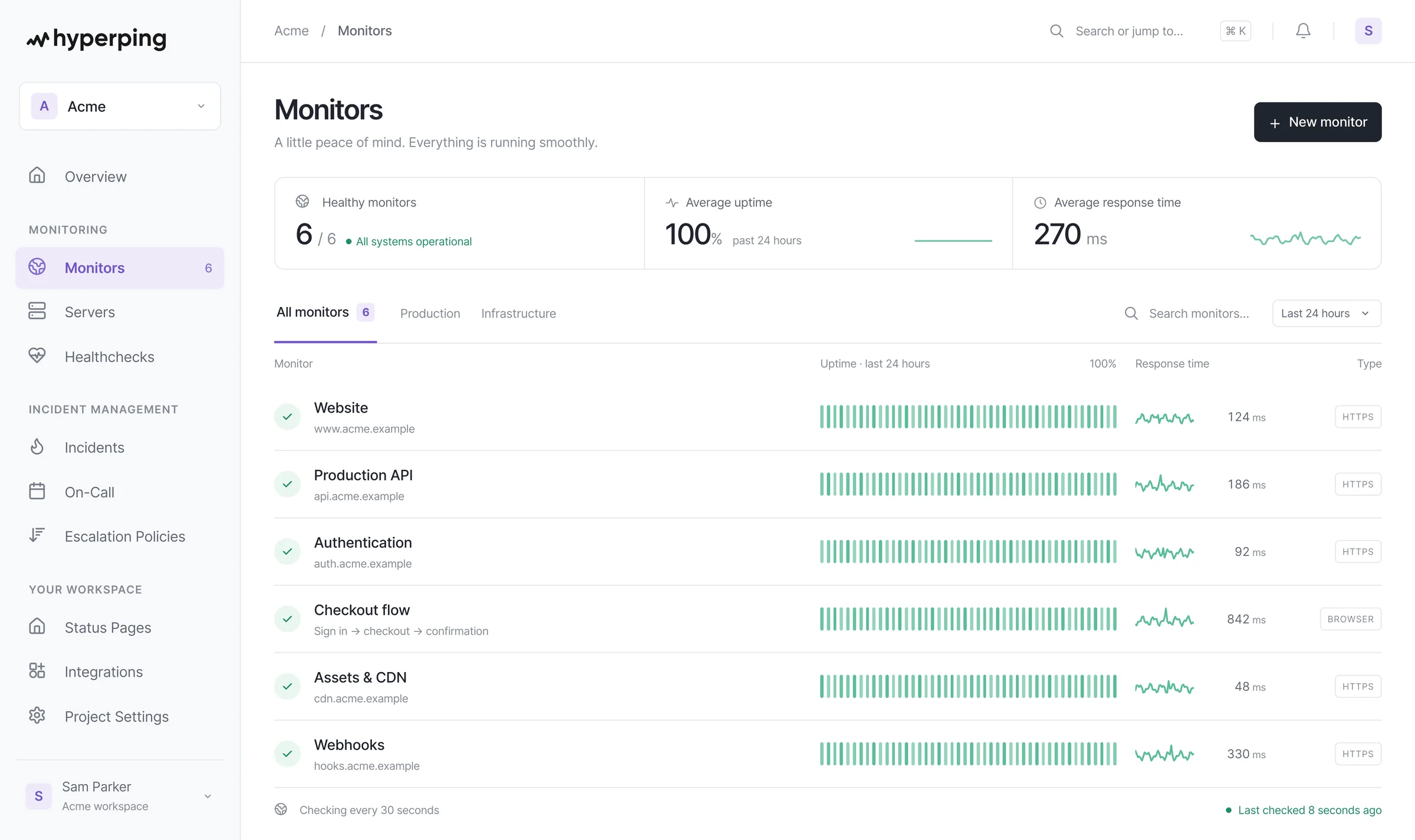
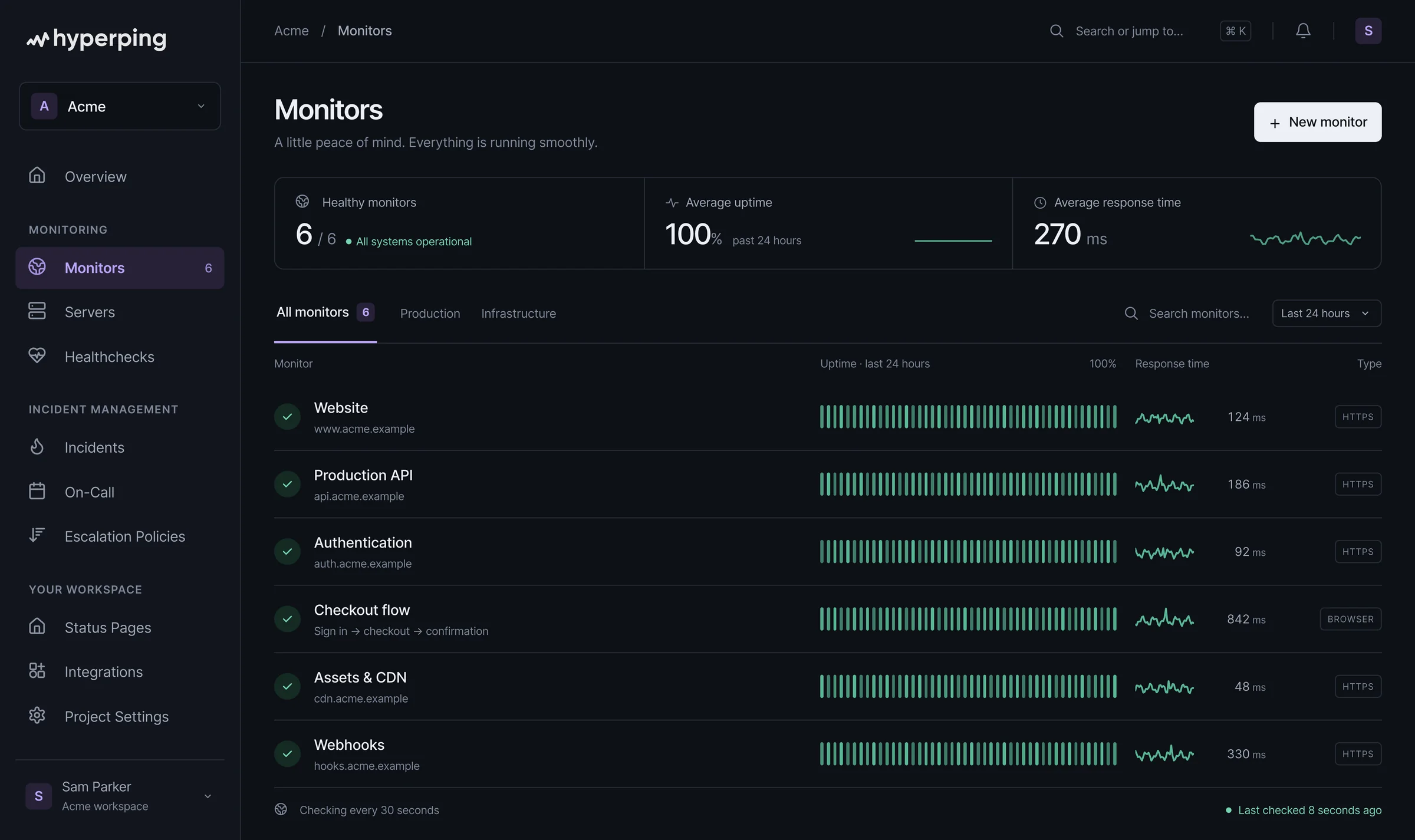
More than an uptime checker. One workflow to detect issues, reach the right people and keep customers informed.
Escalation policies
Route an outage through timed steps until the right person acknowledges it.
Browser checks with Playwright
Monitor real user journeys in standard Playwright, no proprietary pseudo-code.
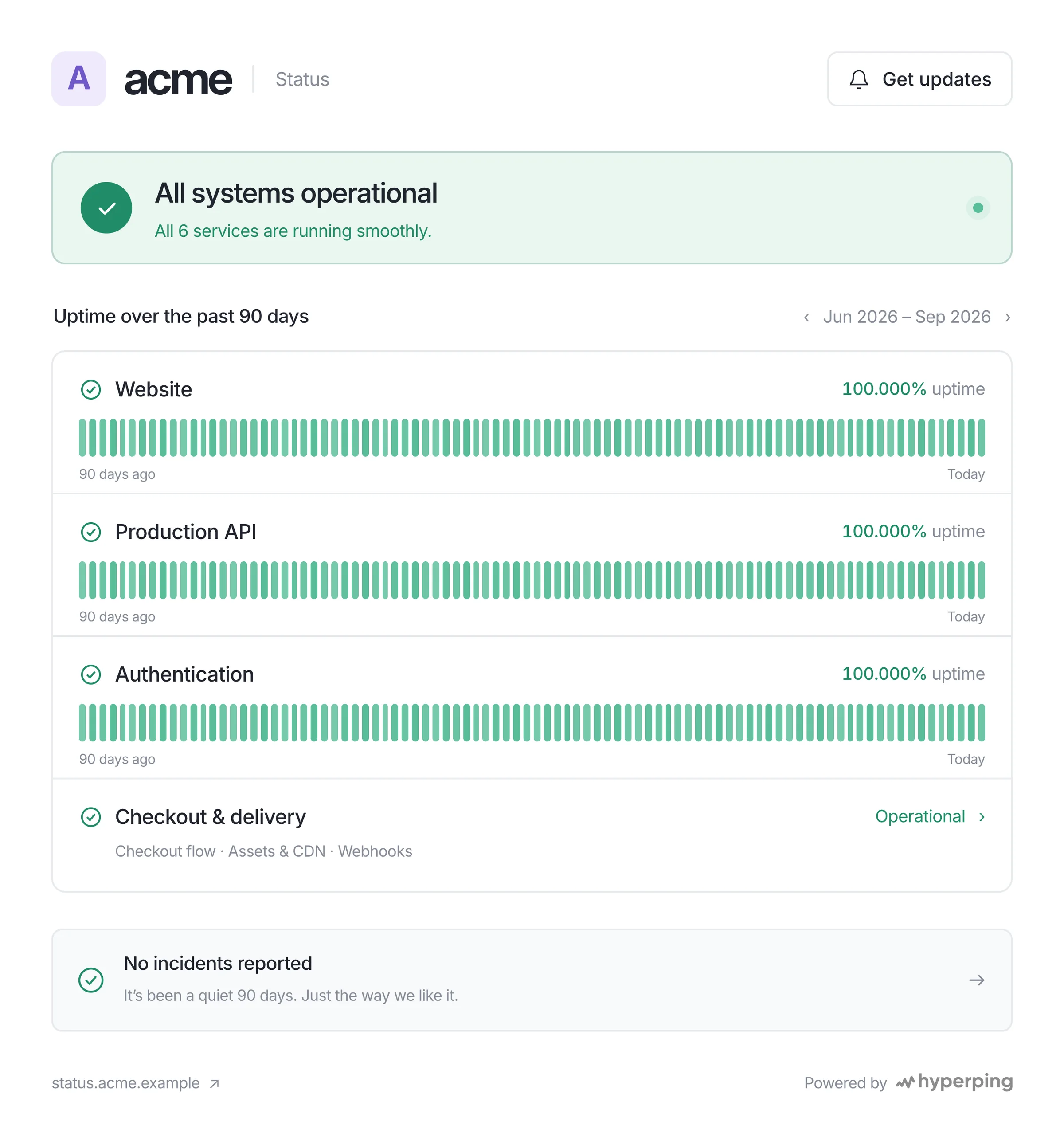
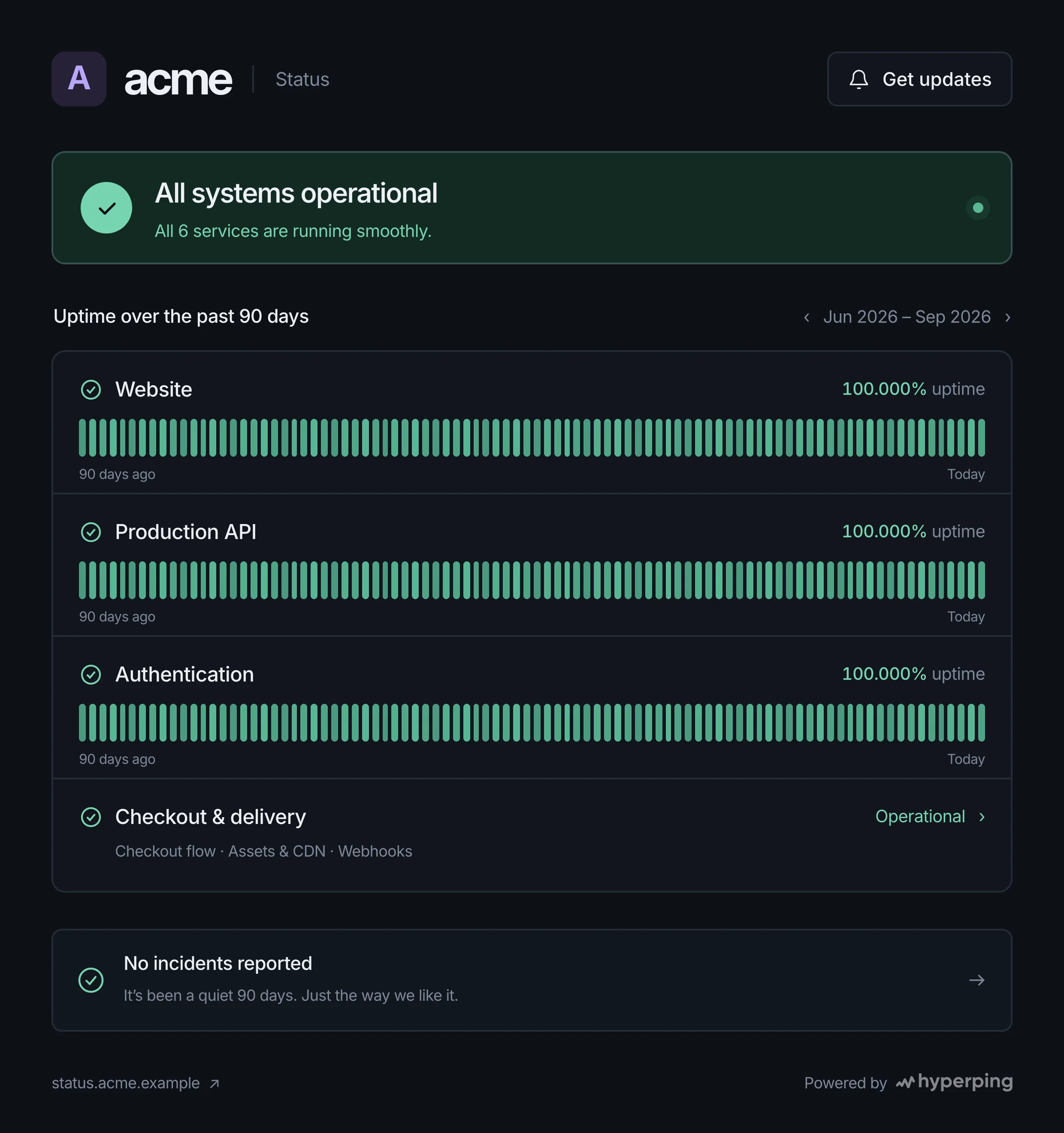
Advanced status pages
Publish branded, private, or multi-tenant pages on your own domain.
Built-in cron job monitoring
Know when a scheduled job stops running before customers notice.
About the same price. Three products instead of one.
- 01
Free tier
Pingdom offers a 30-day free trial with no ongoing free plan.
Hyperping offers 20 monitors with 5-minute intervals and a status page permanently free.
- 02
Starter monitoring
Pingdom's cheapest plan starts at $16.50/mo for 10 monitors, 1 advanced check, and 50 SMS.
Hyperping starts at $24/mo for 50 monitors with 30-second intervals, plus escalation policies among other things that aren't available in Pingdom.
- 03
Advanced features
Pingdom charges about $136/mo for 100 monitors and 20 advanced checks on annual billing.
Hyperping starts $74/mo for 250 monitors and includes browser monitoring, escalation policies, cron job monitoring, 3 public/private status pages, and 10 seats.
- 04
Bottom line
While Pingdom has an extensive global network and enterprise pedigree, it comes with enterprise complexity and pricing.
On price alone the two are close. The difference is what the plan covers: Hyperping replaces Pingdom plus the status page tool and the on-call tool you would add around it, with browser checks written in standard Playwright instead of a proprietary recorder.
If you need monitoring, customer-facing status pages and on-call in one place, Hyperping is three products for the price of one. Our Pingdom alternatives guide covers the other options.
Hyperping vs. Pingdom, your questions.
What is the best Pingdom alternative?
For teams that want more than monitoring for the same budget, Hyperping: Pro is $74/mo billed annually for 250 monitors, Playwright browser checks, status pages, on-call and escalation policies, where Pingdom charges about $136/mo for 100 uptime checks. If you need real user monitoring (RUM), Pingdom or Uptime.com fit better; the Pingdom alternatives guide compares seven tools.
How much does Pingdom cost compared to Hyperping?
Pingdom starts at $16.50/mo for just 10 monitors and charges about $136/mo for 100 monitors ($265/mo for 200) on annual billing, with basic public status pages but no on-call. Hyperping's Pro plan at $74/mo covers 250 monitors and includes browser checks, status pages, on-call scheduling, escalation policies, and 10 seats. Additional seats are billed separately.
How is Hyperping different from Pingdom?
Hyperping combines uptime monitoring with status pages, incident management, and on-call scheduling in one platform. Pingdom provides monitoring, alerting and basic public status pages, but no on-call scheduling, escalation policies or private status pages.
How do I migrate from Pingdom to Hyperping?
Sign up for the free plan, add your URLs as monitors (HTTP, ping, TCP, or DNS), and connect your alert channels (email, Slack, Teams, SMS, voice). Browser checks are written in standard Playwright, so there's no proprietary scripting language to learn. A typical Pingdom setup is rebuilt in under an hour.
Does Hyperping avoid false positive alerts?
Yes. Like Pingdom, Hyperping never alerts on a single failed check: the failure is immediately re-verified from the other monitoring regions you selected, across 18 regions worldwide, and only a confirmed outage triggers an alert. False-positive protection is included on every plan, including the free tier.
Does Hyperping support synthetic monitoring like Pingdom?
Yes. Hyperping offers browser checks powered by Playwright for end-to-end synthetic monitoring, in addition to HTTP, TCP, DNS, and SSL monitoring. Unlike Pingdom's pseudo-code editor, you write real JavaScript with no vendor lock-in.
Start migrating in minutes. Cut over when you are ready.Move from Pingdom without creating a blind spot. The guides below cover setup, parallel verification, and the final cutover.
- Step 1
Inventory your Pingdom setup
List checks, alert routes, status pages, and the historical reports you want to keep.
Open migration guide - Step 2
Recreate monitoring and alerting
Add monitors, connect notification channels, and rebuild escalation or on-call rules.
Follow the quickstart - Step 3
Run both tools, then cut over
Compare alerts in parallel, verify customer communication, and only then retire the old setup.
Open the go-live checklist
More on Pingdom and its alternatives
Still comparing? Hyperping against the rest of your shortlist.
- UptimeRobot alternativeOn-call, escalation and browser checks next to 30-second checks.Read the comparison
- Better Stack alternativeMonitoring, status pages and on-call without a license per responder.Read the comparison
- PagerDuty alternativeOn-call and alerting, with monitoring and status pages in the same plan.Read the comparison