Hyperping API
The Hyperping API gives you programmatic access to your uptime monitoring, status pages, incidents, and more. Build custom integrations, automate your workflows, and extend Hyperping to fit your needs.
https://api.hyperping.ioQuick Start
Get started with the Hyperping API in minutes:
curl https://api.hyperping.io/v1/monitors \
  -H "Authorization: Bearer YOUR_API_KEY"
Available APIs
Explore the full range of Hyperping APIs:
Authentication
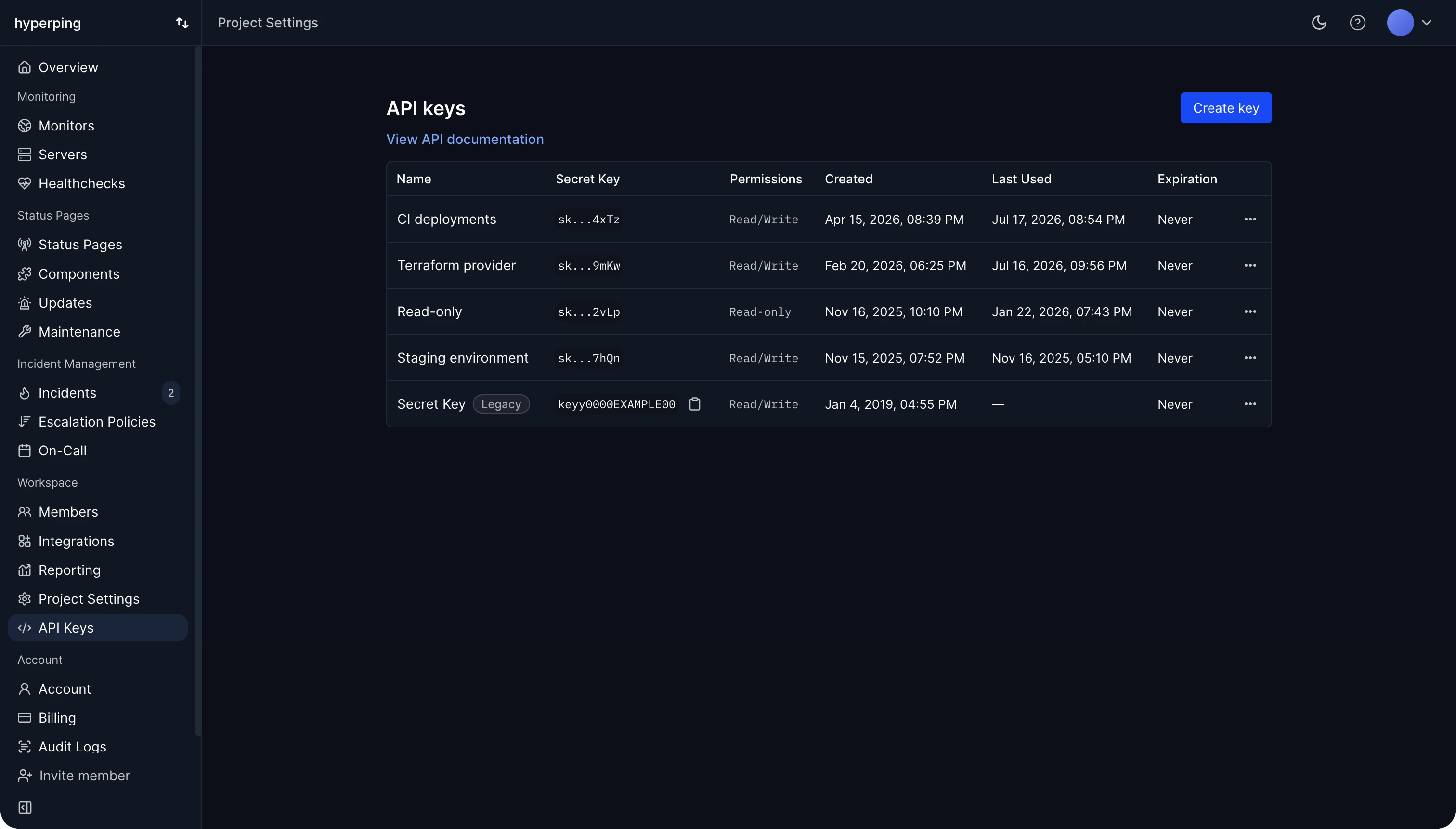
All API requests require authentication using a Bearer token. Include your API key in the Authorization header:
Authorization: Bearer YOUR_API_KEYAPI keys can be created with Read & Write or Read-only permissions. See Authentication for detailed setup instructions.
Response Format
All responses are returned in JSON format. Successful responses include the requested data, while errors include an error field with a description.
{
  "monitors": [...],
  "total": 10
}{
"error": "Invalid or missing API key"
}Rate Limits
The API has rate limits to ensure fair usage. If you exceed the limit, you'll receive a 429 Too Many Requests response. See Rate Limits for details.
Have questions or need higher rate limits? Contact us and we'll be happy to help.