The best Healthchecks.io alternatives are Hyperping (cron monitoring with uptime checks, status pages, and on-call for uptime monitors at a flat rate), Cronitor (deeper cron-specific analytics and schedule awareness), Better Stack (monitoring with logs and incident management), Uptime Kuma (free self-hosted heartbeat and uptime checks), and UptimeRobot (budget-friendly uptime with basic heartbeat checks). I analyzed 25 tools total and narrowed it to these five based on hundreds of G2, Capterra, and Reddit threads, product research, and conversations with self-hosters and DevOps teams.
Most teams leave Healthchecks.io for one of three reasons: they outgrow simple "ping or no ping" alerts and need richer statuses with attached logs, they hit the limits of clickops setup when managing 100+ checks, or they need features Healthchecks.io explicitly doesn't ship: uptime monitoring, status pages, or on-call scheduling.
In this guide, you'll learn:
- Why teams leave Healthchecks.io (based on Reddit threads and reviews, not vendor speculation)
- Five alternatives that solve specific problems Healthchecks.io doesn't
- Honest pricing comparisons with actual numbers
- Which tool fits your team size, self-hosting appetite, and budget
If you want heartbeat monitoring alongside uptime checks, branded status pages, on-call scheduling with escalation policies, and pricing you can predict, Hyperping covers all four in one tool. Schedule a demo to see how it works.
Key takeaways
- Hyperping is the most cost-effective bundle at $24/mo flat-rate with included seats and paid additional seats: cron and heartbeat monitoring, uptime checks with on-call, and status pages in one tool.
- Cronitor offers the deepest cron-specific analytics with schedule awareness, job duration tracking, and crontab auto-import, useful when Healthchecks.io's basic "missed ping" alert is too thin.
- Better Stack combines heartbeat checks, uptime monitoring, log management, and incident response, helpful when you want to jump from "job failed" to "here's the log line that explains why."
- Uptime Kuma is the strongest free self-hosted alternative, with a polished UI, broader check types than Healthchecks.io, and an active open-source community.
- UptimeRobot is the budget pick for teams that need uptime monitoring with basic heartbeat checks, with a free tier of 50 monitors and paid Solo from $12/mo billed annually.
Competitor prices checked on October 8, 2026 on each vendor's pricing page. They change: check the vendor's page before you buy.
Why you should trust this guide
I'm Léo, founder of Hyperping. Yes, that means I have a stake in one of these tools. But I've watched teams pick competitors when they were the better fit, and I'm not going to pretend otherwise. My goal isn't to convince you Hyperping is always the answer. It's to help you understand which tool actually solves your problem.
I analyzed hundreds of reviews on G2 and Capterra, dug through Reddit threads in r/selfhosted and r/homelab where Healthchecks.io users discuss what they wish was different, tested platforms myself, and talked to engineering teams about their setups. Where I couldn't test something directly, I leaned on verified user feedback and documented sources.
Top picks at a glance
| Best for | Product |
|---|---|
| Cron and uptime monitoring, status pages, and on-call for uptime at a predictable price | Hyperping |
| Deep cron analytics with schedule awareness and job timing | Cronitor |
| Unified monitoring, logs, and incident management | Better Stack |
| Free self-hosted heartbeat and uptime monitoring | Uptime Kuma |
| Budget uptime monitoring with basic heartbeat checks | UptimeRobot |
Why teams consider Healthchecks.io alternatives
Healthchecks.io has earned a strong reputation in the self-hosted community. It's open-source under BSD, has a generous SaaS free tier (20 checks), and does one thing well: tell you when a scheduled job didn't run. Reddit threads in r/selfhosted regularly recommend it as the default for cron monitoring. But as teams scale or their needs broaden, several pain points push them to look elsewhere.
Statuses are too coarse
A late or missed ping is treated the same way as a failed exit code. Users monitoring backups and ETL jobs want a clear "warning" state separate from "critical," similar to what PRTG offers. One r/selfhosted user with 150 to 200 monitored jobs explicitly searched for a Healthchecks.io alternative for this reason: no nuance between "ran a bit late" and "failed entirely."
Setup is heavy on the web UI
Every check has to be created in the dashboard before you can ping it (auto-provisioning works but doesn't set the schedule, grace period, or channels). Random UUID URLs make it awkward to embed pings in Docker Compose files or scripts without first creating the check. Several Reddit threads (here and here) look for alternatives with config-file-driven setup, declarative provisioning, or custom-friendly ping URLs.
No uptime monitoring or status pages
Healthchecks.io only does heartbeat checks. It can't tell you whether your website is reachable, monitor SSL certificates, check API response times, or report CPU, memory, and disk from the machine running the job. It also doesn't ship a status page for customer communication. Teams that started with cron monitoring and now want a single tool for uptime, heartbeat, and public status communication end up bolting on Instatus, UptimeRobot, or Atlassian Statuspage on top.
No on-call scheduling
Alerts go to whichever channels you configure (email, Slack, PagerDuty, and so on), but there's no concept of rotations, escalation policies, or who's actually responsible at 3 AM. Teams that need a real incident response workflow have to pair Healthchecks.io with a separate on-call tool.
Scaling limits and self-hosting overhead
The free tier caps at 20 checks. Paid SaaS plans start at $20/mo for 100 jobs (Business), and the next step is $80/mo for 1,000 jobs (Business Plus). Self-hosting removes the cap but adds operational work: production config, static file serving, email setup for error reports. A few users on r/selfhosted monitor their own Healthchecks.io instance with Uptime Kuma for redundancy, which says something about the maintenance cost.
Reporting and diagnostics feel thin at scale
Basic alerts work fine for a handful of jobs. At 100+ jobs, users say navigation gets clunky, log attachment is limited, and there's no real analytics layer for spotting timing trends, frequency anomalies, or jobs that are slowly drifting.
Quick comparison: Healthchecks.io alternatives
| Tool | Starting Price | Best For | Main Limitation |
|---|---|---|---|
| Hyperping | $24/mo (50 monitors) | SMBs wanting cron, uptime, status pages, and uptime on-call in one tool | Not a full observability platform |
| Cronitor | Free (5); $2/monitor + $5/user | Teams wanting deeper cron analytics and schedule awareness | Per-monitor pricing climbs at scale |
| Better Stack | $29/mo | Teams wanting monitoring, logs, and incidents unified | Modular pricing adds up quickly |
| Uptime Kuma | Free (self-hosted) | Self-hosters wanting a polished free alternative | You are the single point of failure |
| UptimeRobot | Free; Solo from $12/mo | Budget teams needing uptime with basic heartbeat checks | No on-call, basic cron features |
Hyperping: Best for cron monitoring with uptime, on-call, and status pages
Who Hyperping is built for
Teams that started with Healthchecks.io for heartbeat monitoring and now want uptime checks, on-call scheduling, and status pages in one tool with predictable pricing. Hyperping focuses on doing the essentials well rather than adding every possible feature.
From the reviews and conversations I analyzed, Hyperping resonates with teams that value simplicity and flat-rate pricing. It's popular with European companies because it's a French company with EU hosting, and with growing SaaS teams that have outgrown Healthchecks.io but don't want a full observability suite.
Notable features
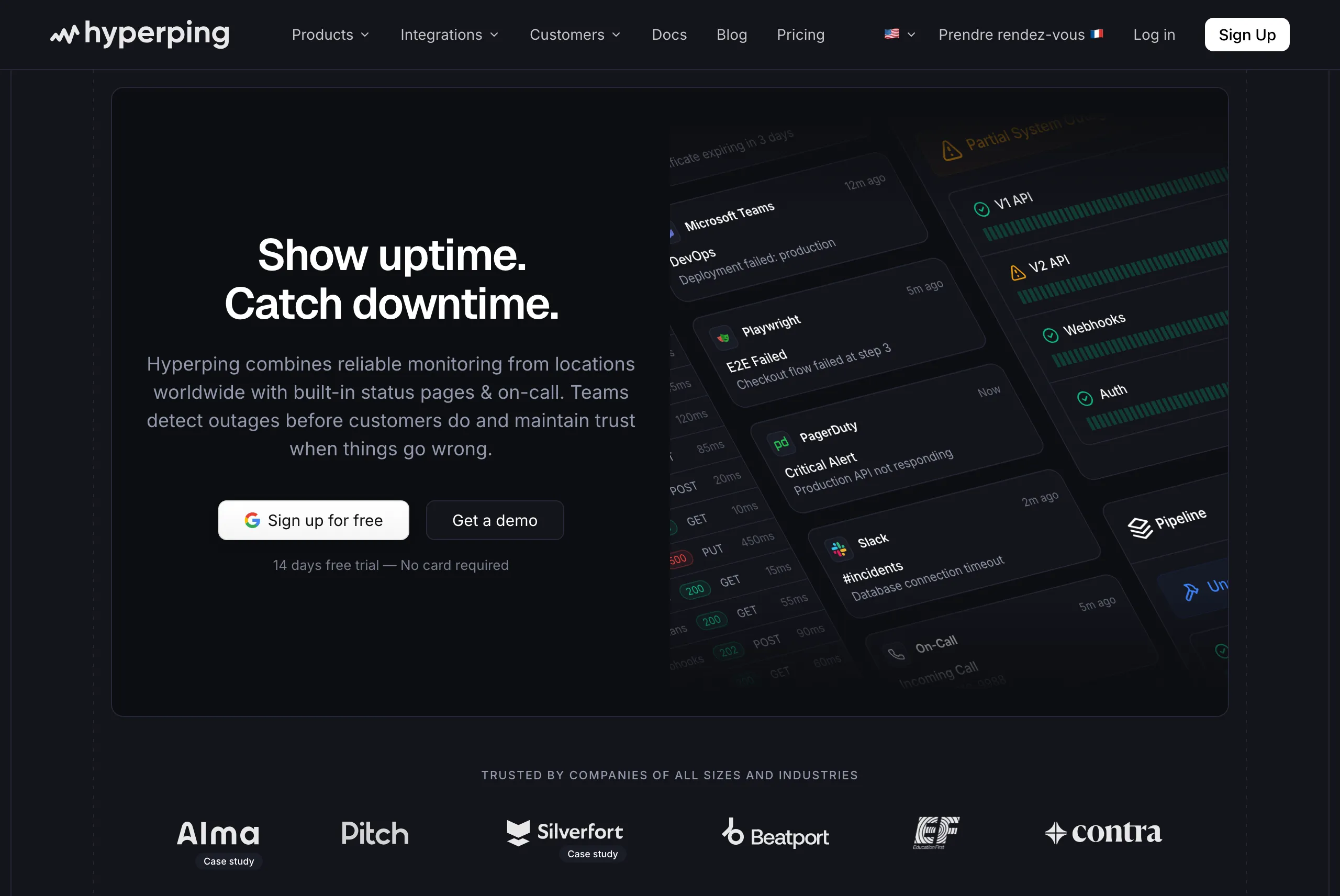
- Cron job monitoring: Same ping-based approach as Healthchecks.io, with simple intervals or cron expressions and timezones. Jobs send HTTP pings on completion, and Hyperping alerts when expected pings don't arrive within the grace window.
- 30-second uptime checks: Default check frequency for HTTP, HTTPS, and TCP monitoring, with a daily SSL certificate check on every HTTPS monitor. Business plans support sub-30-second intervals.
- On-call scheduling and escalation policies for uptime monitors: Timezone-aware rotations, automatic schedule changes, and multi-step escalation. Healthchecks.io doesn't offer this at all. Missed cron jobs page through PagerDuty or Opsgenie instead.
- Voice call alerts: Phone calls for critical uptime incidents, not just Slack or email.
- Full-featured status pages: Custom domain, white-label branding, multi-language support, and subscriber notifications. Included in plans rather than billed per page.
- Browser-based synthetic monitoring: Playwright tests for checkout, login, and other critical flows with video replay.
- Agent-based server monitoring: a one-line agent install reports CPU, memory, filesystem, disk I/O, and network metrics from the machines that run your jobs.
- European hosting: GDPR-compliant infrastructure with EU data residency.
Why choose Hyperping over Healthchecks.io?
One tool instead of three
If you're running Healthchecks.io plus a separate uptime monitor plus a separate status page tool, Hyperping bundles all three. For a team with 30 cron jobs, 20 uptime checks, and a public status page, you'd typically need Healthchecks.io ($20/mo) plus UptimeRobot Team ($39/mo billed annually) plus Instatus or Atlassian Statuspage ($20 to $79/mo). Hyperping's $24/mo Essentials plan covers the same surface area. The full side-by-side, including where Healthchecks.io is the better pick, is on Hyperping vs Healthchecks.io.
On-call scheduling and escalation built in for uptime monitors
Healthchecks.io sends alerts but doesn't manage who receives them or what happens when no one responds. Hyperping includes timezone-aware on-call rotations, multi-step escalation, and voice call alerts for your uptime monitors, so a website or API outage needs no separate PagerDuty or OpsGenie subscription. A missed cron job alerts email and SMS to the team, Slack, Discord, Telegram, PagerDuty and Opsgenie all at once: to page whoever is on call for it, route it to PagerDuty or Opsgenie.
Predictable pricing
Healthchecks.io has two paid tiers, Business at $20/mo for 100 jobs and Business Plus at $80/mo for 1,000 jobs: 4x the price for 10x the jobs. That's cheap per job, but uptime checks and a status page are separate bills. Hyperping's plans bundle status pages at every paid tier, plus on-call for uptime monitors, in one predictable bill.
What actual Hyperping users say
"Hyperping has been a total game-changer for us. The service is reliable, easy to use, and incredibly feature-rich. I love that it constantly checks our site and alerts us right away if there are any issues."
"We made our Hyperping status page publicly available and it became a crucial part of our sales pitches. We are proud of our uptime and we love that we can share it with prospects and customers in such an easy way."
How much does Hyperping cost?
- Essentials: $24/month for 50 monitors, 1 status page, 3 browser checks, 3 seats
- Pro: $74/month billed annually for 250 monitors, 3 public or private status pages, 10 browser checks, 10 seats. Includes email access codes, multilingual pages, and native account SAML SSO.
- Business: $249/month billed annually for 1000 monitors, 10 status pages, 20-second checks, 25 browser checks, 20 seats, priority support, and more.
Every plan, Free included, includes cron and heartbeat monitoring (healthchecks count toward the plan's monitors). Paid plans add on-call scheduling, escalation policies, and voice call alerts for uptime monitors. A free tier and 14-day trial are available on all paid plans.
Where Hyperping falls short
Hyperping isn't open-source and doesn't offer a self-hosted option. If self-hosting is a hard requirement (data sovereignty, air-gapped infrastructure, or zero recurring costs), Uptime Kuma or self-hosted Healthchecks.io is still the better path.
Hyperping's heartbeat monitoring uses the standard ping-based approach, the same as Healthchecks.io. If you need deeper cron-specific features like schedule-aware timing analysis, exit code categorization, or crontab auto-import, Cronitor is more specialized. Unlike Healthchecks.io's log attachment, Hyperping doesn't store job output or exit codes.
Healthcheck alerts don't use escalation policies or on-call schedules yet: route them to PagerDuty or Opsgenie to page someone.
Is Hyperping right for you?
Choose Hyperping if you want one tool for heartbeat monitoring, uptime checks with on-call, and status pages at a flat rate. It's a strong fit for teams that outgrew Healthchecks.io's heartbeat-only scope, European companies that value GDPR-compliant hosting, and SMBs that want on-call scheduling for their uptime monitors without adding PagerDuty.
Cronitor: Best for deeper cron analytics and schedule awareness
Who Cronitor is built for
Teams that picked Healthchecks.io for heartbeat monitoring but want more detail about what each job is doing: timing trends, duration tracking, exit code categorization, and schedule awareness baked into the alerting logic. Cronitor is the most cron-specific tool on this list.
From the reviews I analyzed, Cronitor is popular with engineering teams running hundreds of scheduled jobs (Reddit, Square, and monday.com are publicly cited customers). The schedule-aware alerts and crontab auto-import are the features users mention most.
Notable features
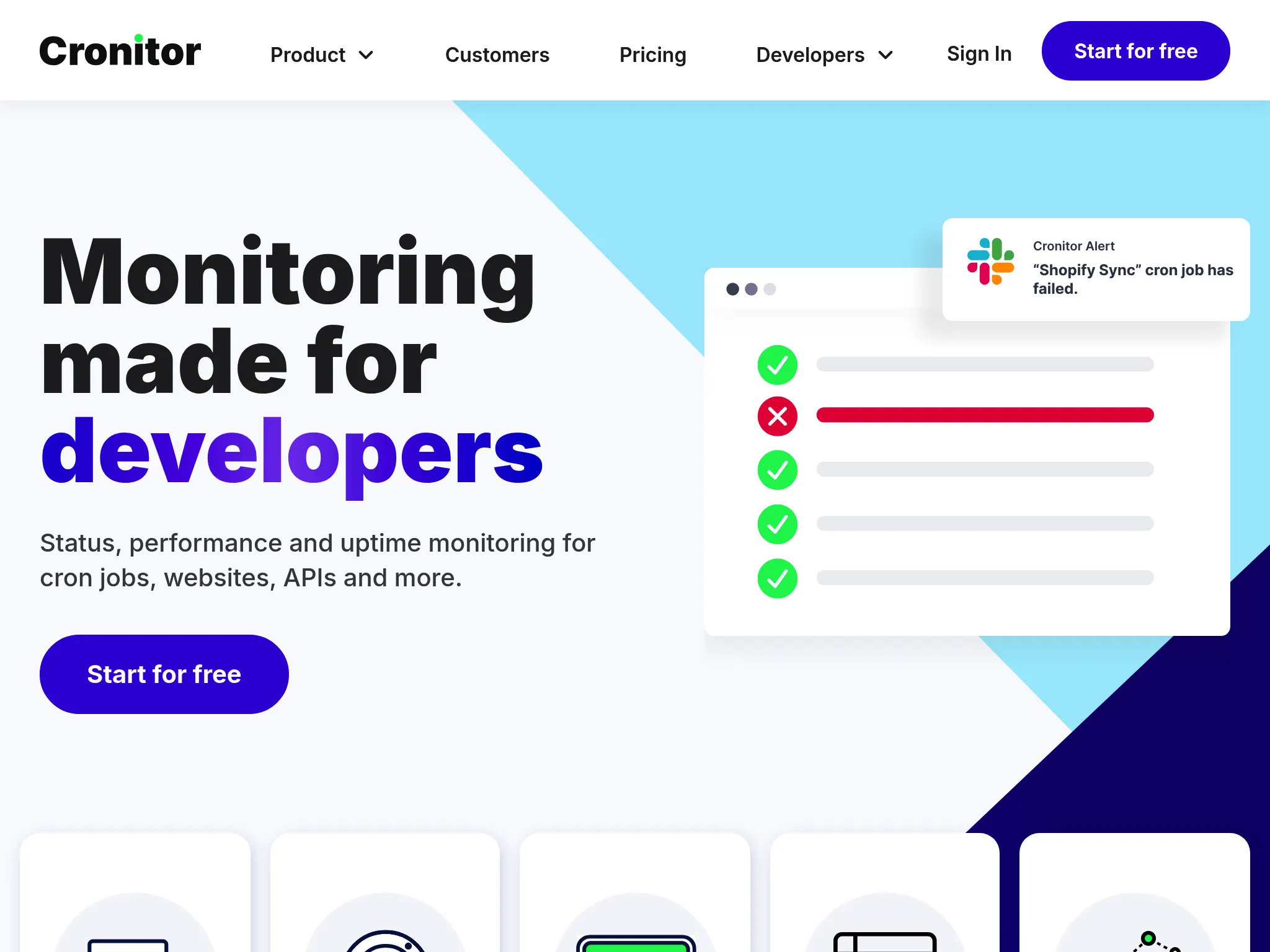
- Schedule-aware heartbeat monitoring: Cronitor parses cron expressions and knows when each ping should arrive. Late, missed, and unexpected pings each get their own treatment.
- Job duration and exit code tracking: Cronitor distinguishes between "ran successfully," "ran but exited non-zero," and "didn't run." Healthchecks.io users on Reddit specifically call out this as missing.
- Crontab auto-import: Point Cronitor at a server's crontab and it imports the schedules automatically, no clickops required.
- Anomaly detection on timing: Alerts when job duration drifts from the historical baseline, useful for catching slow backups before they fail outright.
- Uptime and RUM monitoring: Cronitor expanded beyond pure cron monitoring into uptime and real user monitoring, useful if you want a second check type in the same tool.
- Integrations: Slack, email, PagerDuty, OpsGenie, Microsoft Teams, webhooks, and others.
Why choose Cronitor over Healthchecks.io?
Nuanced job statuses
Healthchecks.io alerts on missed pings. Cronitor alerts on missed pings, late pings, failed exit codes, slow runs, and unexpected runs as separate events. The user on r/selfhosted who wanted PRTG-style warning states would find this much closer.
Declarative setup for teams that hate clickops
Cronitor's crontab auto-import and API make it possible to manage monitors as code rather than clicking through the web UI. Healthchecks.io supports an API too, but the auto-import workflow is more polished in Cronitor.
Deeper analytics
Healthchecks.io shows you a ping history. Cronitor shows you timing trends, duration distributions, and anomaly flags. For teams managing 100+ jobs where "is this job slowly getting worse?" matters, the difference is meaningful.
What G2 users say about Cronitor
"Cronitor caught a silent failure in our nightly billing job that had been failing for three days without anyone noticing. The schedule-aware alerts are exactly what we needed after outgrowing simpler ping monitors."
"The crontab auto-import made onboarding 80+ scheduled jobs trivial. Previously we'd been creating each one manually in a dashboard, which got old fast."
How much does Cronitor cost?
- Hacker: Free, 5 monitors, 1 dashboard user, 5-minute fastest checks, email and chat alerts (Slack, Discord, Teams, webhooks), 1 status page with 50 subscribers. No SMS or on-call integrations.
- Business: $2 per monitor per month plus $5 per user per month, no base fee, 14-day trial. All 11 alert integrations, including SMS, PagerDuty and Opsgenie. SAML SSO is $5 per user per month extra; branded status pages are $25/mo per page, private ones $50/mo.
- Enterprise: From $6,000/year
The per-monitor pricing is the friction point. Ten monitors and one user cost $25/mo. For 100 monitors and 5 users, the Business plan runs about $225/mo.
Where Cronitor falls short
Pricing climbs faster than Healthchecks.io at scale. Per-monitor plus per-user pricing means a team with 200 monitors and 5 users pays more than they would on Healthchecks.io's flat tiers.
No on-call scheduling. Like Healthchecks.io, Cronitor routes alerts but doesn't manage rotations or escalation. You still need a separate tool for incident response.
Feature expansion has diluted the focus. Long-time users on Capterra have noted that Cronitor's expansion into uptime and RUM has made the UI busier, which can feel like a step backward if you came for pure cron monitoring.
Is Cronitor right for you?
Choose Cronitor if you want deeper cron-specific analytics than Healthchecks.io offers and you're comfortable with per-monitor pricing. It's a strong fit for teams running hundreds of scheduled jobs, organizations that need exit code and duration tracking, and anyone who wants crontab auto-import to skip the clickops setup. If you also need uptime checks with on-call scheduling, and status pages, Hyperping covers more ground.
Better Stack: Best for unified monitoring, logs, and incidents
Who Better Stack is built for
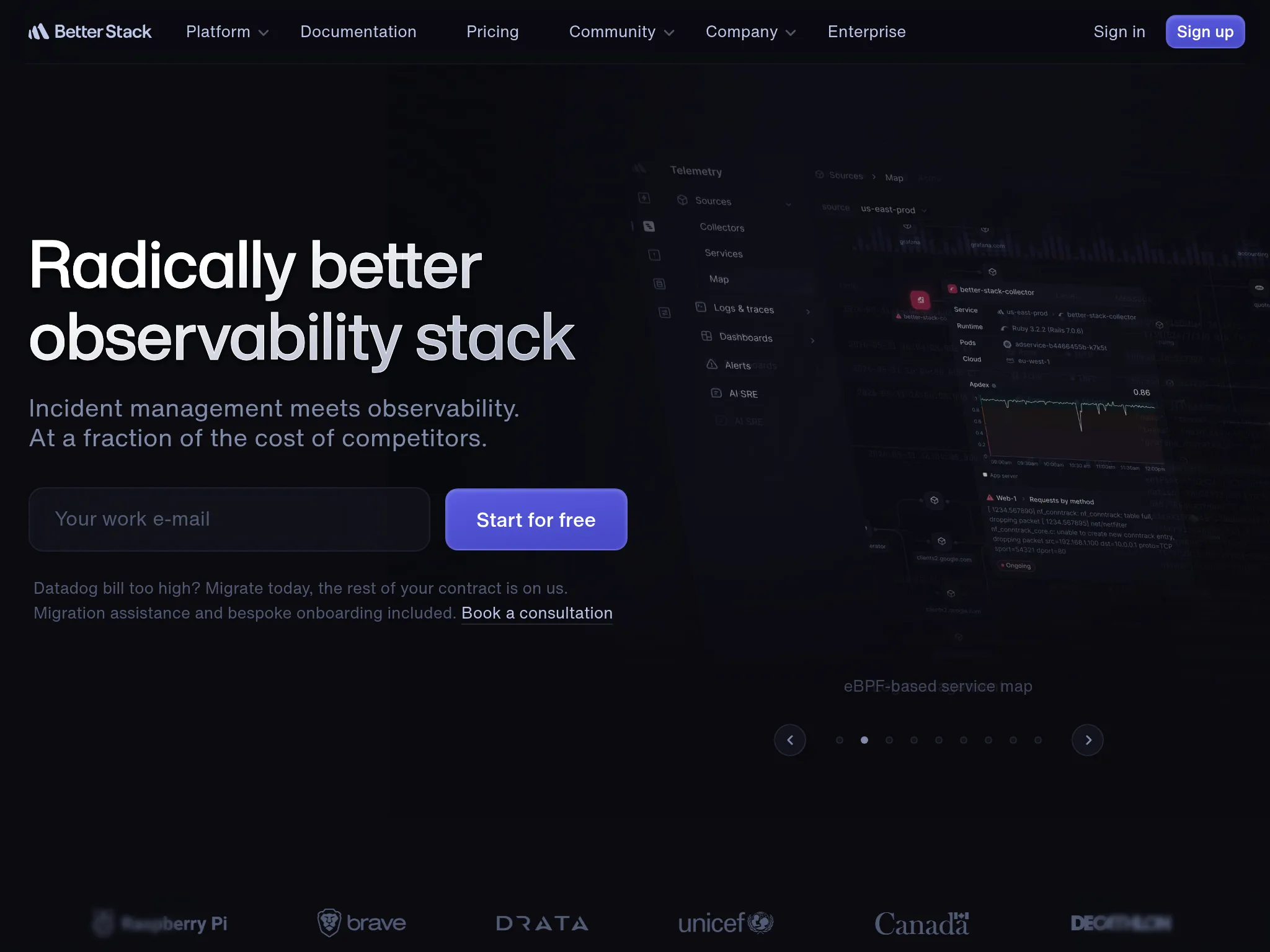
Engineering teams that want heartbeat checks, uptime monitoring, log management, and incident response in a single platform. Better Stack works well when you want to go from "the cron job failed" to "here's the log line that explains why" without switching tools.
From the G2 reviews I analyzed, Better Stack's strength is its polished developer experience. Users consistently call out the modern UI and fast setup. One reviewer described it as having "probably the best looking interface you'll ever get to work with."
Notable features
- Heartbeat monitoring: Cron job and background task checks with expected check-in intervals and alerts on missed pings.
- 30-second uptime checks: Verified from at least three geographic regions to reduce false positives.
- Integrated log management: SQL-like querying with ClickHouse-powered storage. When a job fails, you can search the logs from that job in the same platform.
- Incident management: On-call scheduling, escalation policies, and AI-generated post-mortems.
- Multi-channel alerting: Voice, SMS, Slack, Teams, email, and push notifications with noise suppression.
- Status pages: Public and private pages with branded communication.
Why choose Better Stack over Healthchecks.io?
Logs alongside heartbeat alerts
When a cron job misses a ping, Healthchecks.io tells you it missed. Better Stack can show you the logs from that job's last run in the same view. For teams that spend a lot of time SSH'd into servers tailing logs after a failed job, this is a real workflow improvement.
On-call scheduling and incident management included
Healthchecks.io routes alerts to channels. Better Stack manages rotations, escalation, smart incident merging, and post-mortem timelines. If a nightly job fails, the alert reaches whoever is on-call, escalates if they don't acknowledge, and creates an incident record automatically.
Broader scope in one tool
Healthchecks.io is heartbeat only. Better Stack adds uptime monitoring, logs, and infrastructure metrics. For teams whose needs have grown beyond "did the job run," Better Stack provides more context in fewer tools.
What G2 users say about Better Stack
"BetterStack Uptime is an excellent tool for monitoring the availability of sites and services in real-time. Its interface is modern, easy to use, and pleasant on a daily basis. I appreciate the ability to quickly set up monitors, receive multi-channel alerts, and share professional status pages with clients."
"It can be quickly and easily deployed as an external monitoring tool, with a free tier available. This allows organizations to test system uptime and functionality without a significant financial commitment."
How much does Better Stack cost?
Better Stack uses modular pricing that adds up across products:
- Free tier: 10 monitors, 1 status page, limited log retention
- Monitors: $21/month per 50 additional monitors
- On-call responders: $29/month per user
- Status pages: $12/month per page plus advanced addons
- Heartbeat monitors: $17/month per 10
A G2 reviewer noted: "The initial paid tier starts at $29 which is very steep for the small open source services I run. I would love to see some grace for public repos, or a lower tier around $14."
Where Better Stack falls short
Pricing is hard to predict. The modular structure (per-monitor, per-responder, per-status-page, per-heartbeat) makes total cost difficult to estimate up front. What starts as a free tool can climb to $100 to $200/mo for a small team.
Heartbeat features are basic. Better Stack's heartbeat checks are interval-based ("expected every X minutes, alert if missed"). They don't parse cron expressions, track job duration, or detect timing anomalies the way Cronitor does.
No infrastructure metrics or APM. If you want full observability with metrics and traces, you'll still need a tool like Datadog or Grafana Cloud on top.
Is Better Stack right for you?
Choose Better Stack if you want monitoring, logging, and incident management together and you're comfortable with modular pricing. It's a strong fit for teams that debug job failures through logs, organizations that value a modern UI, and groups that want on-call alongside their checks. Be aware that costs can climb faster than expected once you add monitors, responders, and status pages.
Uptime Kuma: Best free self-hosted alternative
Who Uptime Kuma is built for
Self-hosters and homelab users who want a free, open-source alternative to Healthchecks.io with a polished UI and broader check types. Uptime Kuma is the most-recommended self-hosted monitoring tool on r/selfhosted, often mentioned in the same breath as Healthchecks.io itself.
From the Reddit threads I read, many users actually run both: Uptime Kuma for active uptime checks (HTTP, TCP, DNS) and Healthchecks.io for cron heartbeat monitoring. The honest read on Uptime Kuma is that it has caught up enough on heartbeat features that some users now consolidate on it alone.
Notable features
- Self-hosted via Docker: One-command deployment. Active community and frequent releases.
- Multiple check types: HTTP(S), TCP, ping, DNS, push (heartbeat), Steam game server, and others. Broader than Healthchecks.io.
- Push (heartbeat) monitors: Generate a URL, have your cron job ping it. Same model as Healthchecks.io.
- Status pages: Built-in public status pages for incident communication. Healthchecks.io doesn't include this.
- Notification channels: 90+ integrations including Discord, Telegram, Slack, email, webhooks, ntfy, Gotify, Pushover, and many self-hosted notification systems.
- Clean UI: Reviewers and Redditors consistently praise the interface as more polished than self-hosted Healthchecks.io.
Why choose Uptime Kuma over Healthchecks.io?
Broader check types in one tool
Healthchecks.io is heartbeat only. Uptime Kuma does heartbeat plus HTTP, TCP, DNS, ping, and SSL certificate checks. For self-hosters who currently run Healthchecks.io plus a second tool for uptime, Uptime Kuma can replace both.
Built-in status pages
Uptime Kuma ships with public status pages. Self-hosted Healthchecks.io doesn't. If you want to share incident status with your team or users, this is one fewer service to run.
Zero recurring cost
Uptime Kuma is free under the MIT license. If you're already running a Docker host, adding Uptime Kuma is a single container.
How much does Uptime Kuma cost?
Free. The cost is the infrastructure you run it on and the time you spend keeping it patched.
Where Uptime Kuma falls short
You are the single point of failure. If your Uptime Kuma server is down, you won't know your services are down. Many users on r/selfhosted run a second monitoring instance (Healthchecks.io, Hyperping, or a second Uptime Kuma on different infrastructure) just to watch the first one.
No on-call scheduling or escalation policies. Notifications go to channels you configure, but there's no rotation logic or multi-step escalation.
Less mature for pure cron analytics. Push monitors work, but Uptime Kuma doesn't parse cron expressions, track job duration, or detect timing anomalies the way Cronitor does.
Operational overhead. Database migrations, upgrades, backups, and notification debugging are on you. For small homelab setups this is fine. At company scale, the maintenance cost adds up.
Is Uptime Kuma right for you?
Choose Uptime Kuma if self-hosting is a hard requirement, you want a polished alternative to self-hosted Healthchecks.io, and you're comfortable being responsible for uptime of your own monitoring tool. It's a strong fit for homelab users, privacy-conscious developers, and teams with data sovereignty needs. If you need on-call scheduling, deep analytics, or zero ops overhead, look at Hyperping or Better Stack instead.
UptimeRobot: Best for budget-friendly uptime with basic heartbeat checks
Who UptimeRobot is built for
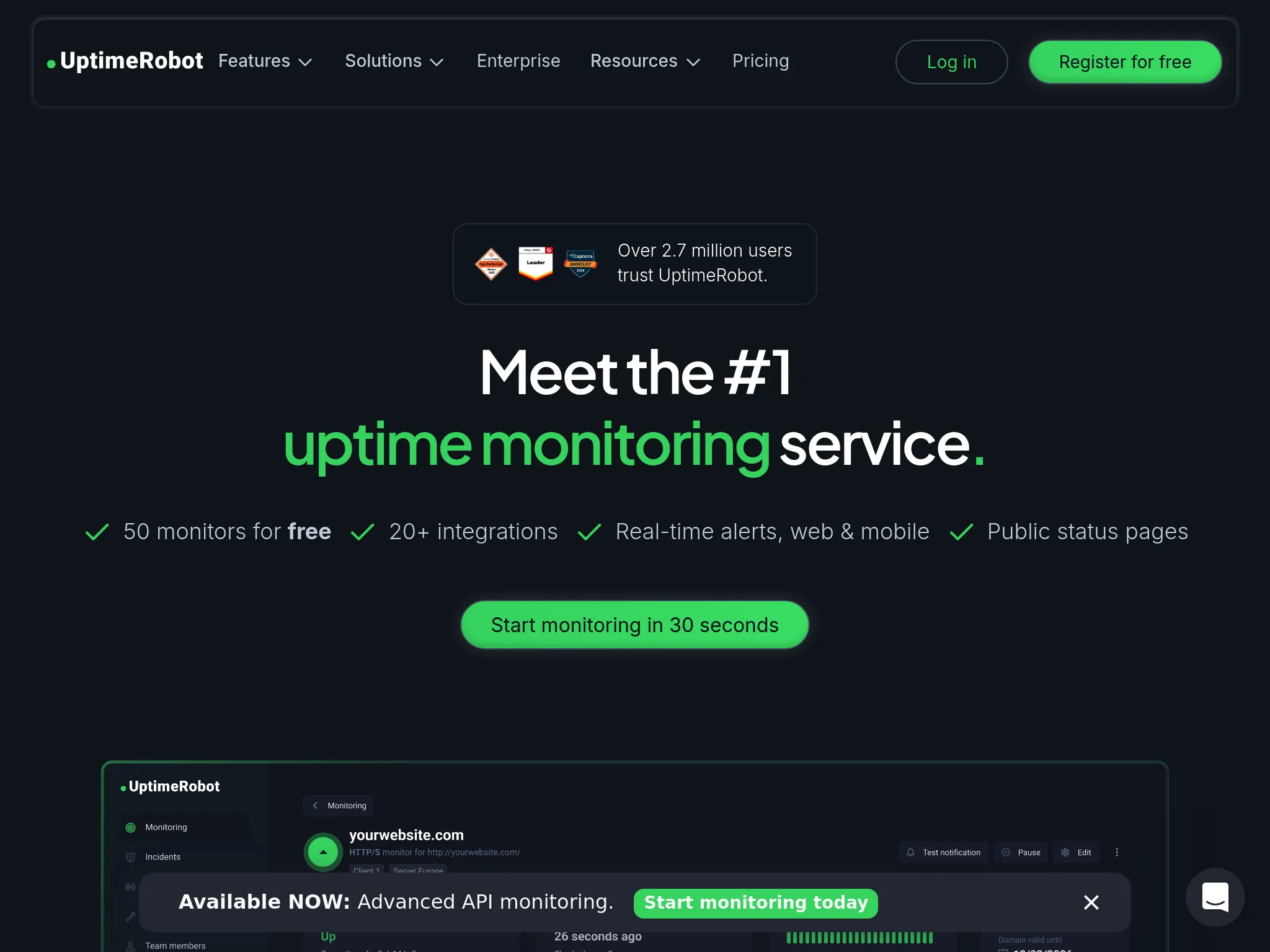
Freelancers, solo developers, small teams, and agencies that need affordable uptime monitoring with basic heartbeat checks included. UptimeRobot is the broadest entry-level monitoring tool with the most generous free plan in the category.
With more than 3.4 million users since 2010, UptimeRobot has the largest user base of any dedicated uptime monitoring tool. Its free plan with 50 monitors is the most generous on this list.
Notable features
- Multi-type monitoring: HTTP(S), ping, port, keyword, DNS, SSL certificate expiry, domain expiry, and cron/heartbeat monitoring.
- Generous free plan: 50 monitors with 5-minute check intervals, significantly more than Healthchecks.io's 20 free checks.
- Status pages: Customizable public status pages with subscriber options. Healthchecks.io doesn't include these.
- Multi-channel alerting: Email, SMS, voice calls, push notifications, webhooks, plus integrations with Slack, Teams, Discord, Telegram, Google Chat, and PagerDuty.
- Mobile apps: Native iOS and Android apps for on-the-go monitoring.
- REST API: Full automation for agencies and teams managing many sites.
Why choose UptimeRobot over Healthchecks.io?
Uptime monitoring included
Healthchecks.io can't tell you if your website is up. UptimeRobot does HTTP, ping, port, keyword, DNS, SSL, and domain monitoring in addition to basic heartbeat checks. For teams that need both in one tool on a tight budget, UptimeRobot is the cheapest path.
More monitors per dollar at the entry tier
UptimeRobot's free tier covers 50 monitors. Healthchecks.io's free tier covers 20 checks. Paid Solo is $12 to $13/month for 10 monitors, so it is the wrong upgrade if volume is the constraint. Team is $39 to $46/month for 100 monitors. Healthchecks.io's $20/mo Business tier (100 jobs) still wins on heartbeat count per dollar. UptimeRobot wins if you also need HTTP, SSL, DNS, and ping in the same tool.
Status pages included
UptimeRobot's paid plans include customizable status pages. Healthchecks.io doesn't.
What G2 users say about UptimeRobot
"Uptime Robot is a reliable service that I used for about 8 years to monitor the uptime of my application and its services. It has quite a rich feature set where it comes to setting up the monitor requests, is easy to use and allows the creation of very attractive status pages."
"UptimeRobot is very easy to set up and doesn't require much technical knowledge to get started. The free tier already covers the most important monitoring needs, which makes it perfect for smaller projects or first use cases."
How much does UptimeRobot cost?
- Free: 50 monitors, 5-minute intervals, basic status pages
- Solo: $13/month ($12 billed annually) for 10 monitors, 60-second checks, SSL and domain expiry monitoring
- Team: $46/month ($39 billed annually) for 100 monitors, 30-second checks, 100 status pages
- Scale: $98/month ($83 billed annually) for 200 monitors, 15-second checks
- Enterprise: Custom
Annual billing saves about 15% on Team and Scale.
Where UptimeRobot falls short
Basic heartbeat features. UptimeRobot's cron and heartbeat monitoring exists but lacks Healthchecks.io's grace periods, cron expression support, and per-check tuning. If pure heartbeat monitoring is your primary need, Healthchecks.io's interface is still cleaner for that use case.
No on-call scheduling. Like Healthchecks.io, UptimeRobot sends alerts but doesn't manage rotations or escalation.
No synthetic monitoring. UptimeRobot can't test user flows or multi-step transactions.
Limited diagnostics. UptimeRobot tells you something is down but doesn't help you figure out why. No APM, no RUM, no log integration.
Is UptimeRobot right for you?
Choose UptimeRobot if you need affordable uptime monitoring for many endpoints with basic heartbeat checks bundled in. It's a strong fit for freelancers monitoring client sites, agencies that need many monitors per dollar, and personal projects on a tight budget. If pure heartbeat monitoring quality matters more than uptime breadth, self-hosted or SaaS Healthchecks.io is still a cleaner tool for that specific job.
Open-source alternative: Uptime Kuma (and self-hosted Healthchecks.io)
If self-hosting is the requirement and you want broader check types than Healthchecks.io offers, Uptime Kuma is the strongest pick. It's MIT-licensed, has a polished UI, and includes status pages out of the box.
If you specifically want Healthchecks.io's exact heartbeat model with the option to self-host, the original Healthchecks.io project is BSD-licensed, well-documented, and stable. Many homelab users run both: Uptime Kuma for active checks and self-hosted Healthchecks.io for cron heartbeats.
The tradeoff with both: you are the single point of failure. If your monitoring server goes down, you won't know when your services fail. There's no global probe network to verify outages from multiple locations. For most teams past a certain size, the reliability of managed services outweighs the cost savings of self-hosting.
All Healthchecks.io alternatives analyzed
For completeness, here's the full landscape beyond the top picks:
| Name | Pricing (2026 Est.) | Main Strength | Main Weakness |
|---|---|---|---|
| Hyperping | From $24/mo | Bundled scope. Cron, uptime, status pages, and on-call for uptime monitors, seats included. | Not full observability. Logs, but no APM or tracing. |
| Cronitor | Free (5); $2/monitor + $5/user | Cron depth. Schedule awareness, duration tracking, exit code categorization. | Per-monitor pricing climbs at scale. |
| Better Stack | $29/mo | Unified platform. Monitoring with logs and incidents in one tool. | Pricing jumps. Modular pricing adds up from free tier. |
| Uptime Kuma | Free (self-hosted) | Self-hosted polish. Free, MIT, with broader check types than Healthchecks.io. | You're the SPoF. No global probes, you maintain it. |
| UptimeRobot | Free; Solo from $12/mo | Budget simplicity. Generous free tier, broad check types for the price. | Basic cron and no on-call. |
| Dead Man's Snitch | Free (1); from $5/mo, 100 jobs $19/mo | Simplicity. Stripped-down heartbeat monitoring with clean alerts. | Limited features beyond pure heartbeat. |
| Cronhub | From $10/mo | Schedule awareness. Cron expression parsing and team features. | Smaller user base, slower roadmap. |
| PagerDuty | From $21/user/mo | On-call gold standard. Best-in-category escalation and incident workflows. | No native heartbeat or uptime monitoring. |
| Pingdom | From $18/mo | RUM and transactions. Real user monitoring with global probes. | No cron monitoring. No heartbeat checks. |
| New Relic | Free tier; $49/user/mo Core, $549 full platform | User-based pricing. Core seats cover a restricted set of the platform. | Steep learning curve, ingestion costs. |
| Site24x7 | From ~$9/mo | Value for money. RUM, APM, server, network at low price. | Dated UI. Interface is cluttered. |
| Checkly | Free; $24/mo | Programmable synthetics. Playwright-based E2E in CI/CD. | Requires coding. Not for non-technical users. |
| StatusCake | Free; $24.49/mo | Page speed. Includes Lighthouse data in standard plans. | Slower development cadence. |
| Pulsetic | Free; $19/mo | Polished status pages at a low price. | Limited depth. Lacks cron and on-call. |
| Grafana Cloud | Free; usage-based | Visualization. Top-tier dashboarding. | Complexity. Steep PromQL/LogQL learning curve. |
Frequently asked questions
Is Healthchecks.io still worth using in 2026?
Yes, for its specific scope. Healthchecks.io remains one of the cleanest tools for pure heartbeat monitoring, especially if you want a free SaaS tier or a BSD-licensed self-hosted option. Where it falls short is when your needs broaden: nuanced job statuses, log attachment, uptime monitoring, status pages, or on-call scheduling all push teams to look elsewhere.
How much does Healthchecks.io cost compared to alternatives?
Healthchecks.io's free Hobbyist tier covers 20 jobs (the $5/mo Supporter plan keeps the same 20). Paid plans start at $20/mo (Business, 100 jobs, $16/mo billed annually), then $80/mo (Business Plus, 1,000 jobs, $64/mo billed annually). Business is free for open-source projects and nonprofits. Hyperping bundles 50 monitors and a status page for $24/mo, with on-call for uptime monitors. Cronitor is free for 5 monitors, then $2 per monitor plus $5 per user (10 monitors and one user come to $25/mo). UptimeRobot covers 50 uptime monitors with basic heartbeat on the free plan, and Team is $39 to $46/mo for 100 monitors. Uptime Kuma is free if you self-host.
Can I migrate from Healthchecks.io easily?
For heartbeat monitoring, migration is straightforward: replace the ping URLs in your cron jobs with the new tool's endpoints. Most alternatives use the same HTTP ping model. Run both tools in parallel for a week to verify detection accuracy, then switch.
Which Healthchecks.io alternative is best for self-hosters?
Uptime Kuma. It's free under MIT, has a polished UI, broader check types than self-hosted Healthchecks.io, and includes status pages. If you specifically want Healthchecks.io's exact heartbeat model, the original BSD-licensed project is still the cleanest self-hosted choice.
Which Healthchecks.io alternative is best for small teams that need more than heartbeats?
Hyperping. It bundles cron and heartbeat monitoring with uptime checks, status pages, and on-call scheduling for uptime monitors for $24/mo flat. For teams that started with Healthchecks.io plus a second uptime tool plus a status page tool, it's typically cheaper and simpler to consolidate.
Is there a free Healthchecks.io alternative?
Uptime Kuma is free if you self-host. UptimeRobot offers 50 free monitors. Hyperping has a free tier with 20 monitors. Better Stack offers a free tier with 10 monitors. Cronitor offers 5 free monitors. Healthchecks.io's own free tier covers 20 checks.
How to test these tools
All five top picks offer trials or free tiers:
- Hyperping: Free tier and 14-day trial on all paid plans
- Cronitor: Free Hacker tier with 5 monitors
- Better Stack: Generous free tier with monitoring, logging, and status pages
- Uptime Kuma: Free, self-hosted via Docker
- UptimeRobot: Free plan with 50 monitors
To evaluate them:
- Update ping URLs in a few test cron jobs to point at the new tool alongside Healthchecks.io. Run both in parallel.
- Trigger a deliberate failure (stop a test job, return a non-zero exit code) and compare detection speed and alert quality.
- Test the alerting workflow end to end: does the alert reach the right person, through the right channel, fast enough?
- Evaluate the dashboard for the information you actually need: ping history, timing trends, status differentiation, log attachment.
- Compare total cost at your expected monitor count, including any tools you're currently paying for that the alternative would replace.