The best Cronitor alternatives are Hyperping (cron monitoring with uptime checks, status pages, and on-call for uptime monitors at a flat rate), Better Stack (monitoring + logs + incidents), Healthchecks.io (free open-source heartbeat monitoring), UptimeRobot (budget-friendly uptime + heartbeat monitoring), and Uptime.com (synthetic monitoring + SLA verification). I analyzed 30 tools total and narrowed it to these five based on hundreds of G2 and Capterra reviews, product research, and conversations with DevOps teams.
Most teams leave Cronitor for one of three reasons: per-monitor pricing that climbs fast as you scale, no on-call scheduling or escalation policies for incident response, or a need for broader monitoring capabilities beyond cron jobs and basic uptime checks.
In this guide, you'll learn:
- Why teams leave Cronitor (based on real user feedback, not speculation)
- Five alternatives that solve specific problems Cronitor doesn't
- Honest pricing comparisons with actual numbers
- Which tool fits your team size, technical maturity, and budget
If you want monitoring that catches issues in 30 seconds, status pages that strengthen customer trust, on-call scheduling with smart escalation policies, and pricing you can actually predict, Hyperping delivers exactly that. Schedule a demo to see how it works.
Key takeaways
- Hyperping is the most cost-effective option starting at $24/mo flat-rate with included seats and paid additional seats: includes cron/heartbeat monitoring, uptime checks with on-call, and status pages.
- Better Stack combines uptime monitoring, heartbeat checks, log management, and incident response in a unified platform, but costs rise quickly from a generous free tier.
- Healthchecks.io is the best open-source option for simple heartbeat monitoring, with a self-hosted option and a generous SaaS free tier of 20 checks.
- UptimeRobot provides the most generous free plan (50 monitors) for basic uptime and heartbeat monitoring. Paid Solo starts at $12/mo billed annually.
- Uptime.com offers the broadest set of check types (30+) with no-code synthetic monitoring, private location probes, and strong SLA reporting starting at $7/mo.
Competitor prices checked on October 8, 2026 on each vendor's pricing page. They change: check the vendor's page before you buy.
Why you should trust this guide
I'm Léo, founder of Hyperping. Yes, that means I have a stake in one of these tools. But I've seen teams choose competitors when they were genuinely the better fit. My goal isn't to convince you Hyperping is always the answer. It's to help you understand which tool actually solves your problem.
I've analyzed hundreds of G2 and Capterra reviews, tested platforms myself, reviewed detailed product analyses, and talked to engineering teams about their experiences. Where I couldn't test something directly, I relied on verified user feedback and documented sources.
Top picks at a glance
| Best for | Product |
|---|---|
| Cron and uptime monitoring, status pages, and on-call for uptime at a predictable price | Hyperping |
| Unified monitoring + logs + incident management | Better Stack |
| Free open-source heartbeat monitoring | Healthchecks.io |
| Budget-friendly uptime + heartbeat monitoring | UptimeRobot |
| Synthetic monitoring + SLA verification | Uptime.com |
Why teams consider Cronitor alternatives
Cronitor has built a strong reputation as a purpose-built cron job monitoring tool, trusted by over 50,000 developers and teams at Johnson & Johnson, Reddit, Square, and monday.com. Its heartbeat monitoring catches silent job failures that other tools miss entirely. But as teams grow and their needs expand, several pain points push them to look elsewhere.
Per-monitor pricing adds up fast
Cronitor's Business plan charges $2 per monitor plus $5 per user per month. For a team of 5 monitoring 100 cron jobs and 50 websites, that's $325/month before add-ons. A Capterra reviewer noted directly: "Recently there was a pricing change. This change might be good for people with only a few crons, but if you have many crons, it might not be ideal, since the cost is now based on the number of crons you have."
For comparison, Hyperping offers 250 monitors (including heartbeat checks) for $74/month flat with 10 seats included.
No on-call scheduling or escalation policies
Cronitor routes alerts to channels like Slack, email, PagerDuty, and OpsGenie, but it doesn't manage who's on-call at 3 AM or how alerts escalate if the first responder doesn't acknowledge. Teams using Cronitor typically need a separate tool for on-call management, which adds cost and complexity to the stack.
No voice call alerts
When a critical billing job fails at midnight, a Slack message or email might not wake anyone up. Cronitor doesn't offer phone call alerts for urgent incidents. Teams that need guaranteed human acknowledgment for critical failures end up adding PagerDuty or OpsGenie on top of Cronitor.
Schedule exception limitations
Users monitoring jobs with complex schedules report friction with Cronitor's tolerance settings. One Capterra reviewer explained: "There is no support for exceptions in scheduled (e.g. every day at 9am except for weekends)." Teams monitoring semi-manual processes also struggle, noting that it would be helpful to distinguish between early completions and late ones without triggering false alerts.
Feature expansion dilutes the core experience
Long-time Cronitor users have noticed the product expanding into uptime monitoring, RUM, and status pages. While the breadth is welcome for some, one reviewer noted: "It's a pity that expansion of cronitor to more-more-more features makes it less focused on monitoring cron tasks (web UI has much more stuff)." Teams that chose Cronitor specifically for cron monitoring sometimes find the interface cluttered with features they don't use.
Quick comparison: Cronitor alternatives
| Tool | Starting Price | Best For | Main Limitation |
|---|---|---|---|
| Hyperping | $24/mo (50 monitors) | SMBs wanting cron and uptime monitoring, status pages, and uptime on-call | Not a full observability platform |
| Better Stack | $29/mo | Teams wanting monitoring + logs + incidents unified | Costs rise quickly from free to paid |
| Healthchecks.io | Free; 100 jobs on Business at $20/mo | Teams needing simple, affordable heartbeat monitoring | No uptime monitoring or synthetic checks |
| UptimeRobot | Free; Solo from $12/mo | Budget-conscious teams needing basic monitoring | No on-call, no synthetic monitoring |
| Uptime.com | $7/mo (10 checks) | Teams needing SLA verification and synthetic testing | No on-call scheduling or escalation |
Hyperping: Best for cron monitoring alongside uptime, status pages, and on-call
Who Hyperping is built for
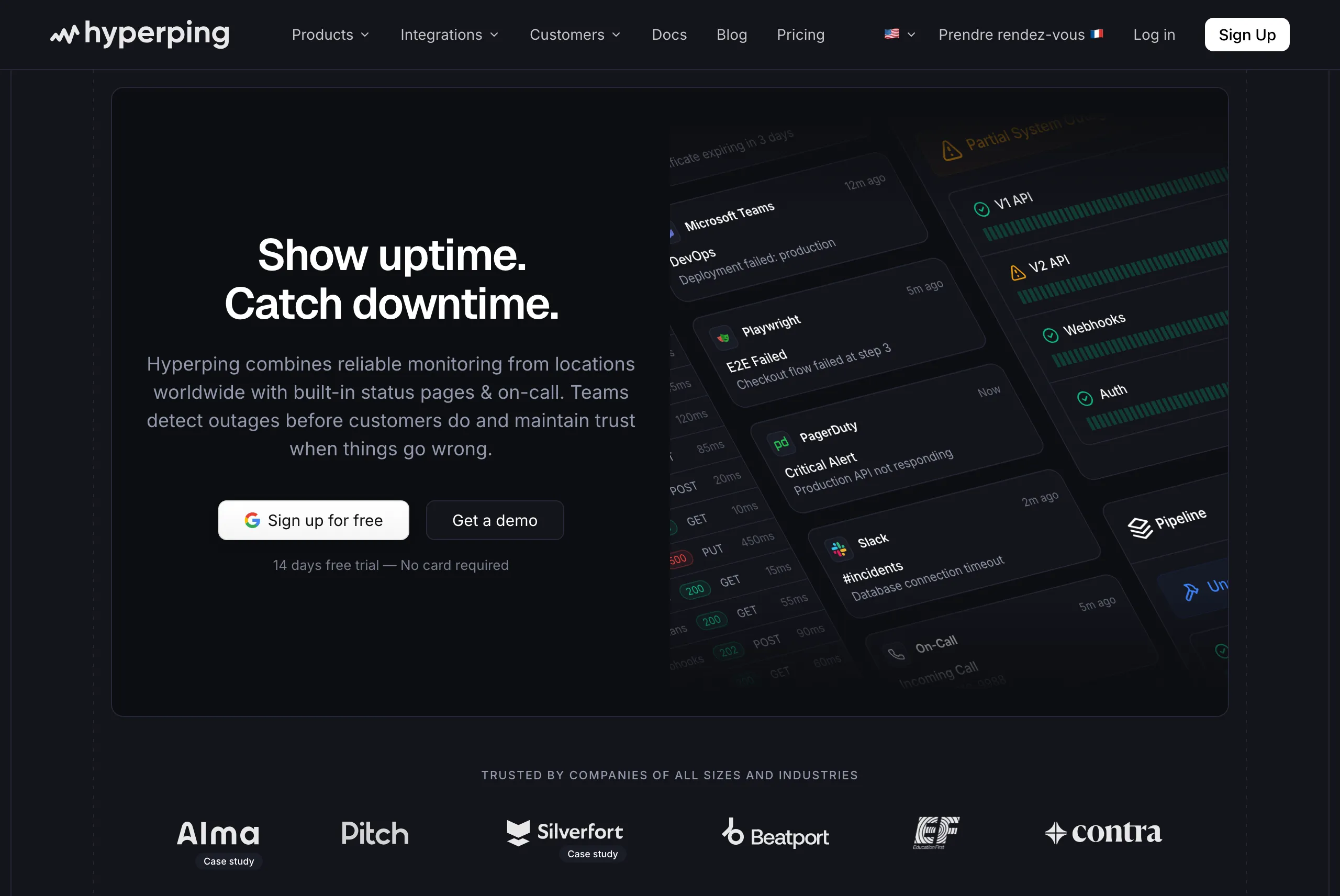
Teams that want cron/heartbeat monitoring alongside uptime checks, on-call scheduling, and status pages in a single platform with predictable pricing. Hyperping focuses on doing the essentials extremely well rather than adding every possible feature.
From the reviews and conversations I analyzed, Hyperping appeals to teams that value simplicity and predictable pricing. It's particularly popular with European companies due to being a French company with EU hosting, and with growing SaaS teams that need more than basic monitoring but don't need full observability suites.
Notable features
- Cron job monitoring: Track scheduled tasks using the heartbeat method, on a simple interval or the job's own cron expression and timezone. Jobs send HTTP pings to confirm execution, and Hyperping alerts when expected signals don't arrive.
- 30-second check intervals: Default uptime check frequency is 30 seconds. Business plans support sub-30-second intervals for mission-critical services.
- On-call scheduling and escalation policies for uptime monitors: Create flexible schedules with timezone-aware support, automatic rotation, and multi-step escalation. This is something Cronitor doesn't offer at all. Missed cron jobs page through PagerDuty or Opsgenie instead.
- Voice call alerts: Get phone calls for critical uptime incidents, not just Slack messages or emails.
- Multiple full-featured status pages: Custom domain, white-label branding, multi-language support, and subscriber notifications.
- Browser-based synthetic monitoring: Uses Playwright for end-to-end testing of critical user flows like checkout or login processes, with video replay and trace analysis.
- European hosting: GDPR-compliant infrastructure with all data stored in EU data centers.
Why choose Hyperping over Cronitor?
Predictable pricing that doesn't scale with monitor count
Cronitor charges $2 per monitor plus $5 per user. With 100 monitors and 5 users, that's $225/month. Hyperping offers 250 monitors, 3 public or private status pages, and 10 seats for $74/month flat. No per-monitor fees, included seats and paid additional seats. You know exactly what you'll pay. The line-by-line comparison, with the bill at 50 and 500 jobs and where Cronitor is stronger, is on Hyperping vs Cronitor.
On-call scheduling and escalation policies built in for uptime monitors
Cronitor sends alerts but doesn't manage who receives them or what happens when no one responds. Hyperping includes timezone-aware on-call rotations, multi-step escalation policies, and voice call alerts for your uptime monitors, so a website or API outage needs no separate PagerDuty or OpsGenie subscription. A missed cron job alerts email and SMS to the team, Slack, Discord, Telegram, PagerDuty and Opsgenie all at once: to page whoever is on call for it, route it to PagerDuty or Opsgenie.
What actual Hyperping users say
"Hyperping has been a total game-changer for us. The service is reliable, easy to use, and incredibly feature-rich. I love that it constantly checks our site and alerts us right away if there are any issues."
"We made our Hyperping status page publicly available and it became a crucial part of our sales pitches. We are proud of our uptime and we love that we can share it with prospects and customers in such an easy way."
How much does Hyperping cost?
- Essentials: $24/month for 50 monitors, 1 status page, 3 browser checks, 3 seats
- Pro: $74/month billed annually for 250 monitors, 3 public or private status pages, 10 browser checks, 10 seats. Includes email access codes, multilingual pages, and native account SAML SSO.
- Business: $249/month billed annually for 1000 monitors, 10 status pages, 20-second checks, 25 browser checks, 20 seats, priority support, and more.
Every plan, Free included, includes cron and heartbeat monitoring (healthchecks count toward the plan's monitors). Paid plans add on-call scheduling, escalation policies, and voice call alerts for uptime monitors. A free tier and 14-day trial are available on all paid plans.
Where Hyperping falls short
Hyperping doesn't try to be a full observability platform. You won't get integrated log management like Better Stack. If you need to correlate logs, metrics, and traces in a single platform, you'll need additional tools.
Hyperping's heartbeat monitoring uses the standard ping-based approach. Cronitor offers deeper job-specific features like schedule-aware timing analysis, job duration tracking, and crontab auto-import that Hyperping doesn't match. If your primary need is deep visibility into job execution patterns and timing anomalies, Cronitor's cron-specific capabilities are more mature.
Healthcheck alerts don't use escalation policies or on-call schedules yet: route them to PagerDuty or Opsgenie to page someone.
Is Hyperping right for you?
Choose Hyperping if you need cron/heartbeat monitoring alongside uptime checks with on-call scheduling, and status pages, without per-monitor pricing surprises. It's particularly appealing for teams that have outgrown Cronitor's pricing model at scale, European companies valuing GDPR compliance, and anyone who needs on-call scheduling and escalation policies for their uptime monitors without adding a separate tool.
Better Stack: Best for unified monitoring, logs, and incidents
Who Better Stack is built for
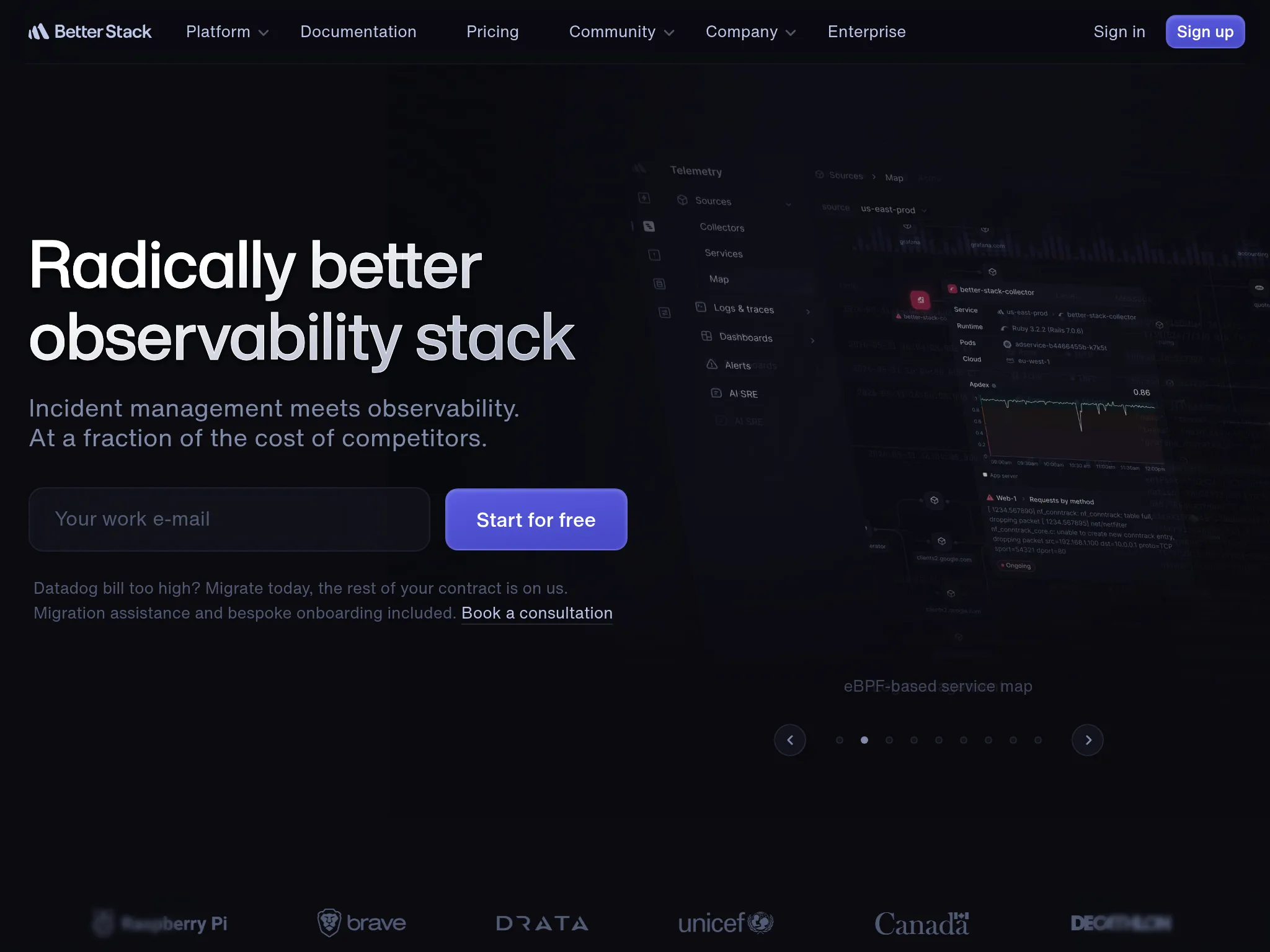
Engineering teams that want uptime monitoring, heartbeat checks, log management, and incident response unified in a single platform. Better Stack works well when you want to go from "job failed" to "here's what the logs say" without switching tools.
From what I gathered in G2 reviews, Better Stack's strength is its polished developer experience. Users consistently praise the modern interface and fast setup. One reviewer described it as having "probably the best looking interface you'll ever get to work with."
Notable features
- Heartbeat monitoring: Track cron jobs and background tasks with expected check-in intervals and alerting for missed pings.
- 30-second uptime checks: Verified from at least three geographic regions to minimize false positives.
- Integrated log management: SQL-like querying with ClickHouse-powered storage, supporting up to 1 billion log lines per second. This is the key differentiator from Cronitor: when a job fails, you can immediately search logs to understand why.
- Incident management: On-call scheduling, escalation policies, and AI-powered post-mortems built into the same platform.
- Multi-channel alerting: Voice, SMS, Slack, Teams, email, and push notifications with noise suppression.
- Status pages: Public and private pages with branded communication.
Why choose Better Stack over Cronitor?
Logs alongside monitoring
When a cron job fails, Cronitor tells you it failed. Better Stack can show you the logs from that job in the same platform. You don't need to SSH into a server or switch to a separate log aggregator. For teams debugging job failures, this is a significant workflow improvement.
On-call scheduling and incident management
Cronitor routes alerts but doesn't manage incident response. Better Stack includes on-call rotations, escalation policies, smart incident merging, and AI-powered post-mortems. If a nightly backup fails, the alert reaches whoever is on-call, escalates if they don't respond, and automatically creates an incident timeline.
Broader observability
Cronitor focuses on cron jobs, uptime, and basic RUM. Better Stack adds deep log management, infrastructure monitoring, and collaborative debugging tools (like Google Docs-style commenting on logs). For teams whose needs have grown beyond "is the job running?", Better Stack provides more context.
What G2 users say about Better Stack
"BetterStack Uptime is an excellent tool for monitoring the availability of sites and services in real-time. Its interface is modern, easy to use, and pleasant on a daily basis. I appreciate the ability to quickly set up monitors, receive multi-channel alerts, and share professional status pages with clients."
"It can be quickly and easily deployed as an external monitoring tool, with a free tier available. This allows organizations to test system uptime and functionality without a significant financial commitment."
How much does Better Stack cost?
Better Stack uses modular pricing that adds up across products:
- Free tier: 10 monitors, 1 status page, limited log retention
- Monitors: $21/month per 50 additional monitors
- On-call responders: $29/month per user
- Status pages: $12/month per page + advanced addons
- Heartbeat monitors: $17/month per 10
A G2 reviewer noted: "The initial paid tier starts at $29 which is very steep for the small open source services I run. I would love to see some grace for public repos, or a lower tier around $14."
Where Better Stack falls short
Pricing that's hard to predict. The modular structure (per-monitor, per-responder, per-status-page, per-heartbeat) makes total cost difficult to estimate in advance. What starts as a free tool can quickly reach $100-200/month for a small team.
Less mature cron-specific features. Cronitor's heartbeat monitoring understands cron schedules, tracks job durations, detects anomalies in timing, and can auto-import crontabs. Better Stack's heartbeat checks are more basic: expected check-in interval, alert when missed. If deep cron job analytics are your primary need, Cronitor is still more specialized.
No native metrics or distributed tracing. Better Stack handles logs and uptime well, but doesn't offer infrastructure metrics or APM capabilities.
Is Better Stack right for you?
Choose Better Stack if you want monitoring, logging, and incident management in one platform and you're comfortable with modular pricing. It's particularly strong for teams that need to debug job failures using logs (not just know they failed), organizations that value a modern developer experience, and teams that want on-call scheduling alongside their monitoring. Be aware that costs can climb faster than expected as you add monitors, responders, and status pages.
Healthchecks.io: Best for free open-source heartbeat monitoring

Who Healthchecks.io is built for
Developers and small teams that need simple, reliable heartbeat monitoring for cron jobs and scheduled tasks without paying for features they don't need. Healthchecks.io works well when your requirements are straightforward: know when a job doesn't run, get an alert, move on.
Healthchecks.io is one of Cronitor's most direct competitors. It's open-source (BSD license), can be self-hosted, and offers a generous free SaaS tier. For teams that chose Cronitor for heartbeat monitoring but find themselves paying more than expected, Healthchecks.io is often the first alternative they evaluate.
Notable features
- Simple heartbeat monitoring: Each check gets a unique ping URL. Jobs call it when they complete. If a ping doesn't arrive within the expected window, you get an alert.
- Cron expression support: Define expected schedules using cron expressions, and Healthchecks.io calculates when the next ping should arrive.
- Grace periods: Configure how long to wait after a missed ping before alerting, reducing false positives from jobs that run slightly late.
- Multi-channel alerting: Email, Slack, Discord, Telegram, PagerDuty, OpsGenie, Microsoft Teams, webhooks, and 25+ other integrations.
- Open-source and self-hostable: Run your own instance on your own infrastructure if data sovereignty or cost control matters.
- Generous free SaaS tier: 20 checks on the hosted version at no cost.
Why choose Healthchecks.io over Cronitor?
Free or significantly cheaper
Healthchecks.io's SaaS free tier includes 20 checks with no time limit. Business starts at $20/month ($16 billed annually) for 100 jobs; the $5 Supporter plan keeps the same 20. Cronitor's free tier includes only 5 monitors, and 100 monitors on Business costs $200/month in per-monitor fees alone. If heartbeat monitoring is your primary need, Healthchecks.io delivers it at a fraction of the cost.
Self-hosting option
Healthchecks.io is open-source under a BSD license. You can run it on your own server, keeping all data in your infrastructure. Cronitor is SaaS-only with no self-hosted option. For teams with data sovereignty requirements or those who want to avoid recurring SaaS fees, self-hosting is a meaningful advantage.
Focused simplicity
Where Cronitor has expanded into uptime monitoring, RUM, and status pages, Healthchecks.io stays focused on one thing: heartbeat monitoring. The interface is clean, the setup is fast, and there's no feature bloat. For teams that only need cron job monitoring, this focus is an asset.
How much does Healthchecks.io cost?
- Hobbyist: Free, 20 jobs, 100 log entries per job
- Supporter: $5/month, same 20 jobs (a way to support the project)
- Business: $20/month ($16 billed annually) for 100 jobs, 1,000 log entries per job, 50 SMS and WhatsApp credits, 20 phone call credits, email support
- Business Plus: $80/month ($64 billed annually) for 1,000 jobs, 500 SMS and WhatsApp credits, 100 phone call credits, priority email support
- Open source and nonprofits: Business plan for free
- Self-hosted: Free (BSD license), you provide the infrastructure
Where Healthchecks.io falls short
No uptime monitoring. Healthchecks.io only does heartbeat checks. It can't monitor whether your website is up, test API response times, or check SSL certificates. You'll need a separate tool for uptime monitoring.
No synthetic monitoring or browser checks. There's no way to test user flows or verify that pages render correctly.
No status pages. Healthchecks.io doesn't include hosted status pages for communicating incidents to customers. You'll need a separate tool like Instatus or Atlassian Statuspage.
No on-call scheduling. Alerts go to configured channels, but there's no concept of on-call rotations or escalation policies.
Basic job analytics. Cronitor provides deeper job timing analytics, duration tracking, and anomaly detection. Healthchecks.io tracks whether pings arrive on time but offers less insight into job performance trends.
Is Healthchecks.io right for you?
Choose Healthchecks.io if heartbeat monitoring is your primary need and you want it done simply and affordably. It's particularly strong for developers and small teams on tight budgets, organizations that need self-hosted monitoring for data sovereignty, and teams that already have separate tools for uptime monitoring and status pages. If you need uptime checks with on-call scheduling, or status pages, alongside cron monitoring, look at Hyperping or Better Stack instead.
UptimeRobot: Best for budget-friendly uptime and heartbeat monitoring
Who UptimeRobot is built for
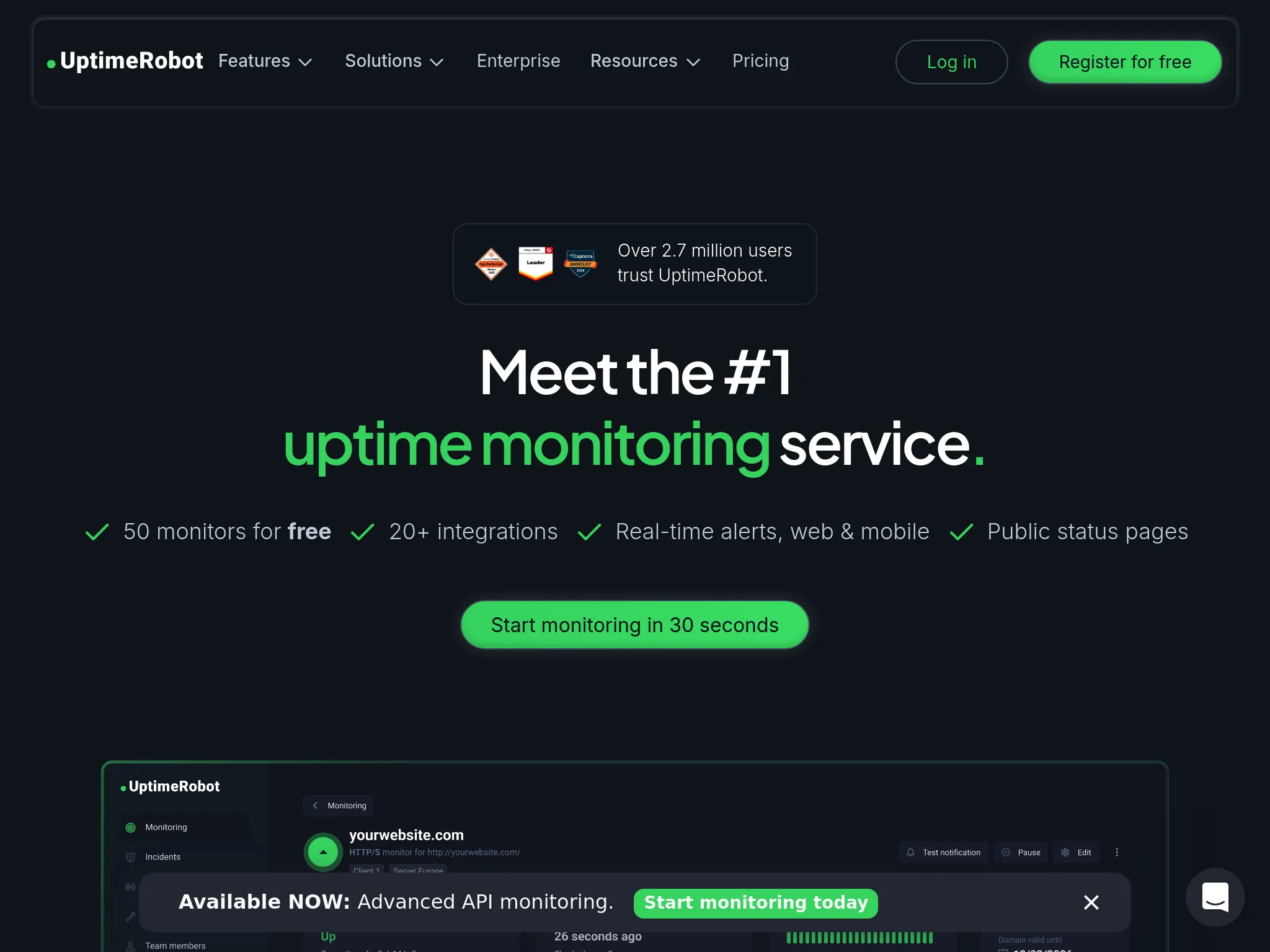
Freelancers, solo developers, small teams, and agencies that need simple, affordable monitoring for websites, APIs, and basic cron jobs. UptimeRobot works well when you want reliable "is it down?" checks and basic heartbeat monitoring without paying for features you don't need.
With more than 3.4 million users since 2010, UptimeRobot has the largest user base of any dedicated uptime monitoring tool. Its free plan with 50 monitors is the most generous in the category.
Notable features
- Multi-type monitoring: HTTP(S), ping, port, keyword/content checks, DNS, SSL certificate expiry, domain expiry, and cron/heartbeat monitoring.
- Generous free plan: 50 monitors with 5-minute check intervals, significantly more than Cronitor's 5 free monitors.
- Status pages: Customizable public status pages with subscription options for customers.
- Multi-channel alerting: Email, SMS, voice calls, push notifications, webhooks, and integrations with Slack, Teams, Discord, Telegram, Google Chat, PagerDuty.
- Mobile apps: Native iOS and Android apps for on-the-go monitoring.
- REST API: Full automation capabilities for agencies and teams managing many sites.
Why choose UptimeRobot over Cronitor?
More monitors for less money
UptimeRobot's free plan includes 50 monitors. Cronitor's free plan includes 5. Paid Solo is $12 to $13/month for 10 monitors with 60-second checks. Team is $39 to $46/month for 100 monitors with 30-second checks. Cronitor's equivalent (50 monitors on Business) costs $100/month in per-monitor fees alone. For teams that need many monitors, the cost difference is still substantial, especially on UptimeRobot's free tier.
Broader uptime monitoring
While Cronitor's strength is cron jobs, UptimeRobot offers more uptime-specific check types: HTTP(S), ping, port, keyword, DNS, SSL, and domain monitoring. If you need uptime monitoring alongside basic heartbeat checks, UptimeRobot covers more ground at a lower price.
Voice call alerts
UptimeRobot offers phone call alerts on paid plans. Cronitor doesn't offer voice calls at all. For teams that need guaranteed human acknowledgment of critical incidents, this matters.
What G2 users say about UptimeRobot
"Uptime Robot is a reliable service that I used for about 8 years to monitor the uptime of my application and its services. It has quite a rich feature set where it comes to setting up the monitor requests, is easy to use and allows the creation of very attractive status pages."
"UptimeRobot is very easy to set up and doesn't require much technical knowledge to get started. The free tier already covers the most important monitoring needs, which makes it perfect for smaller projects or first use cases."
How much does UptimeRobot cost?
- Free: 50 monitors, 5-minute intervals, basic status pages
- Solo: $13/month ($12 billed annually) for 10 monitors, 60-second checks, SSL/domain expiry monitoring
- Team: $46/month ($39 billed annually) for 100 monitors, 30-second checks, 100 status pages
- Scale: $98/month ($83 billed annually) for 200 monitors, 15-second checks
- Enterprise: Custom
Annual billing saves about 15% on Team and Scale.
Where UptimeRobot falls short
Basic heartbeat monitoring. UptimeRobot's cron/heartbeat monitoring exists but lacks Cronitor's schedule-aware features: no cron expression parsing, no job duration tracking, no anomaly detection for timing patterns. If deep cron job analytics are your priority, UptimeRobot won't match Cronitor's depth.
No synthetic monitoring. UptimeRobot can't test user flows, browser rendering, or multi-step transactions. There are no Playwright-based checks or visual editors for synthetic tests.
No on-call scheduling or escalation policies. Like Cronitor, UptimeRobot sends alerts but doesn't manage who's on-call or how incidents escalate through a team.
Limited diagnostics. UptimeRobot tells you something is down but doesn't help you figure out why. No APM, no RUM, no detailed performance analytics beyond basic response time tracking.
Is UptimeRobot right for you?
Choose UptimeRobot if you need affordable monitoring for many endpoints with basic heartbeat checks included. It's particularly strong for freelancers and agencies monitoring many client sites, teams that need the most monitors per dollar, and personal projects that need uptime and cron monitoring on a tight budget. If deep cron job analytics matter more than breadth of monitoring, Cronitor is still the better specialized tool.
Uptime.com: Best for synthetic monitoring and SLA verification
Who Uptime.com is built for
Engineering, operations, and SRE teams that need comprehensive third-party monitoring for SLA compliance and performance verification. Uptime.com works well when you need to prove uptime to customers with independent data from multiple global locations.
From what I gathered in reviews, Uptime.com's strength is its breadth of check types and focus on reducing false alerts. Users value the combination of external and private location monitoring for verifying both public-facing services and internal infrastructure.
Notable features
- 30+ check types: HTTPS, ping, DNS, SSL/cert, TCP/UDP, Whois/domain, API monitoring, transaction monitoring, page speed, heartbeat monitoring, and more. Significantly broader than Cronitor's monitoring types.
- No-code synthetic monitoring: Visual editor for creating transaction checks without writing scripts, testing funnels, forms, and multi-step flows.
- 80+ global monitoring locations: Plus private location probes for monitoring internal apps behind firewalls.
- Advanced alerting logic: Designed to reduce false positives through configurable verification and escalation workflows.
- Status pages: Public, private, and SLA-style pages for incident communication.
- Mobile apps: Native iOS and Android apps for on-the-go monitoring.
Why choose Uptime.com over Cronitor?
Broader monitoring beyond cron jobs
Cronitor's strength is heartbeat monitoring for scheduled tasks. Uptime.com offers 30+ check types covering websites, APIs, DNS, SSL, transactions, page speed, and more. If your monitoring needs extend well beyond cron jobs, Uptime.com covers significantly more ground in a single platform.
No-code synthetic monitoring
Cronitor doesn't offer browser-based synthetic checks. Uptime.com's visual editor lets you build multi-step transaction checks (test a login flow, verify a form submission) without writing code. For teams that need to verify complete user journeys alongside basic uptime and heartbeat checks, this is a meaningful addition.
Private location monitoring
If you need to monitor internal services behind a firewall, Uptime.com's private location probes let you do this alongside public monitoring. Cronitor only monitors externally.
What G2 users say about Uptime.com
"The flexibility of being able to create and monitor virtually anything and display the status on a self-created Status screen is what I value most. Being able to create 1-minute monitors from many different locations within the US to help identify network issues vs a real problem is an outstanding feature."
"Easy to use UI, easy to integrate, automated phone calls very effective. Customer support was very responsive, passed my feedback onto their developers, and followed up regularly with updates."
How much does Uptime.com cost?
Uptime.com recently simplified its pricing. Instead of fixed plans, you choose the number of checks and SMS alerts:
- $7/mo: 10 basic checks, 1 advanced check, 25 SMS alerts
- $30/mo: 50 basic checks, 5 advanced checks, 75 SMS alerts
- $60/mo: 100 basic checks, 10 advanced checks, 100 SMS alerts
- $600/mo: 1000 basic checks, 100 advanced checks, 1500 SMS alerts
All features are included at every tier. After 100 basic checks, pricing scales more gradually per 100 checks.
Where Uptime.com falls short
No on-call scheduling or escalation policies. Like Cronitor, Uptime.com sends alerts but doesn't manage who's on-call or how incidents escalate through a team. You'll need a separate tool for incident response workflows.
Less specialized cron monitoring. Uptime.com includes heartbeat checks, but it lacks Cronitor's schedule-aware features like cron expression parsing, job duration tracking, anomaly detection for timing patterns, and crontab auto-import. If deep cron job analytics are your priority, Uptime.com's heartbeat checks are more basic.
Some users report alerting delays. Capterra reviewers have noted delayed alerts and relatively low API rate limits, particularly in Terraform-heavy environments.
Is Uptime.com right for you?
Choose Uptime.com if your monitoring needs have grown well beyond cron jobs and you need comprehensive external monitoring with SLA verification. It's particularly strong for SRE teams managing customer-facing SLAs, organizations needing independent uptime verification alongside heartbeat checks, and teams that value a visual editor for synthetic checks over code-based approaches. If cron job monitoring is still your primary concern, Hyperping or Healthchecks.io are better focused options.
Open-source alternative: Healthchecks.io (self-hosted)
If you need a self-hosted option specifically for cron job monitoring, Healthchecks.io is the strongest choice. It's BSD-licensed, well-documented, and actively maintained. The self-hosted version gives you full control over your data and eliminates recurring SaaS costs.
For broader self-hosted uptime monitoring, Uptime Kuma offers a polished UI with HTTP, TCP, DNS, and other check types, plus basic heartbeat monitoring.
The tradeoff with both: you become the single point of failure. If your monitoring server goes down, you won't know when your jobs or services fail. There's no global probe network to verify outages from multiple locations. For most teams, the reliability of managed services outweighs the cost savings of self-hosting.
All Cronitor alternatives analyzed
For completeness, here's the full landscape of alternatives beyond our top picks:
| Name | Pricing (2026 Est.) | Main Strength | Main Weakness |
|---|---|---|---|
| Hyperping | From $24/mo | Predictable pricing. Cron monitoring, 30-second checks, status pages, on-call scheduling for uptime monitors, seats included. | Not full observability. No integrated log management or APM. |
| Better Stack | $29/mo | Unified platform. Monitoring + logs + incidents with modern interface and fast setup. | Pricing jumps. Modular pricing adds up quickly from free tier. |
| Healthchecks.io | Free; 100 jobs from $20/mo | Open-source and self-hostable. Simple heartbeat monitoring with generous free tier. | Heartbeat only. No uptime monitoring, status pages, or synthetic checks. |
| UptimeRobot | Free; Solo from $12/mo | Budget simplicity. Generous free tier, easiest setup, strong for agencies. | Basic cron features. No schedule awareness, no job analytics. |
| Uptime.com | From $7/mo | Breadth of checks. 30+ check types, private location probes, strong SLA reporting. | No on-call. Needs separate tools for incident response. |
| Pingdom | From $18/mo | RUM + transactions. Real user monitoring with 100+ global probes and transaction checks. | No cron monitoring. No heartbeat checks for scheduled jobs. |
| New Relic | Free tier; $49/user/mo (Core) | Generous free tier. 100GB ingest and one full platform user free, then usage-based ingest with no per-host fee. | Steep learning curve. Core seats are a restricted feature set, full platform seats are $549/user/mo at list, and costs escalate with data ingestion. |
| Site24x7 | From ~$9/mo | Value for money. Massive feature set (RUM, APM, server, network) at low price. | Dated UI. Interface is cluttered and difficult to navigate. |
| Checkly | Free; $24/mo | Programmable synthetics. Playwright-based E2E testing in CI/CD pipelines. | Requires coding. Not suitable for non-technical users. |
| StatusCake | Free; $24.49/mo | Page speed monitoring. Includes Lighthouse performance data in standard plans. | Slower development. Users report less frequent feature updates. |
| Uptime Kuma | Free (self-hosted) | Self-hosted freedom. No subscription costs with a polished UI. | You're the SPoF. No global probe network, you maintain everything. |
| Pulsetic | Free; $19/mo | Beautiful UI. Polished status pages and badges at a low price. | Limited depth. Lacks cron monitoring and on-call. |
| Grafana Cloud | Free; usage-based | Visualization. Top-tier dashboarding and data correlation. | Complexity. Steep learning curve (PromQL/LogQL), needs DevOps expertise. |
| Dynatrace | $0.04/hour per 8 GiB host | AI automation. Auto-discovery with real-time vulnerability analysis. | Premium pricing. Steep setup, overkill for smaller teams. |
How to test these tools
All five top picks offer trials or free tiers:
- Hyperping: Free tier and 14-day trial on all paid plans
- Better Stack: Generous free tier with monitoring, logging, and status pages
- Healthchecks.io: Free SaaS tier with 20 checks, or self-host for free
- UptimeRobot: Free plan with 50 monitors
- Uptime.com: Plans start at $7/month with all features included
To evaluate them:
- Update ping URLs in a few test cron jobs to point to the new tool alongside Cronitor. Run both in parallel.
- Deliberately trigger a failure (stop a test job) and compare how quickly each tool detects and alerts you.
- Test the alerting workflow end-to-end: Does the alert reach the right person, through the right channel, fast enough?
- Evaluate the dashboard for the information you actually need: job history, timing trends, failure patterns.
- Compare total cost at your expected monitor count, not just the starting price.
FAQ
Is Cronitor still worth using in 2026? ▼
Cronitor remains one of the best tools specifically for cron job and heartbeat monitoring. Its schedule-aware alerts, job timing analytics, and developer-friendly setup (curl a URL, done) are strengths that broader platforms don't fully replicate. If your primary need is deep cron job visibility and you have a manageable number of monitors, Cronitor delivers strong value. If you need on-call scheduling, synthetic monitoring, or predictable pricing at scale, alternatives address those gaps better.
How much does Cronitor cost compared to alternatives? ▼
Cronitor's Business plan charges $2/monitor/month plus $5/user/month. For 50 monitors and 3 users, that's $115/month. Hyperping offers 50 monitors (cron or uptime) with status pages for $24/month, plus on-call for uptime monitors. Healthchecks.io offers 100 heartbeat checks for $20/month. UptimeRobot's free plan covers 50 monitors including heartbeat checks, and Team is $39/month billed annually for 100 monitors. The price difference depends on whether you need Cronitor's deeper cron-specific analytics or can work with simpler heartbeat checks.
Can I migrate from Cronitor easily? ▼
For heartbeat monitoring, migration is straightforward: update the ping URLs in your cron jobs from Cronitor's endpoints to the new tool's endpoints. Most alternatives use the same HTTP ping approach. For uptime monitors, recreate them in the new tool (most offer quick setup or API import). Run both tools in parallel for a week to verify detection accuracy, then switch.
Which Cronitor alternative is best for small teams? ▼
Healthchecks.io for simple heartbeat monitoring on a tight budget (free for 20 checks). Hyperping for teams that also need uptime checks with on-call scheduling, and status pages ($24/month). UptimeRobot for teams that prioritize uptime monitoring with basic heartbeat checks included (free for 50 monitors).
Which Cronitor alternative is best for enterprises? ▼
Better Stack if you want monitoring + logs + incidents unified. Uptime.com if you need comprehensive third-party monitoring for SLA verification across complex deployments. Both handle enterprise scale, though pricing requires careful management.
Is there a free Cronitor alternative? ▼
Healthchecks.io offers 20 free heartbeat checks on their SaaS tier, or unlimited checks when self-hosted. UptimeRobot offers 50 free monitors (including heartbeat). Hyperping has a free tier with 20 monitors. Better Stack offers a free tier with 10 monitors. Cronitor itself offers 5 free monitors, which is the least generous free tier among these options.