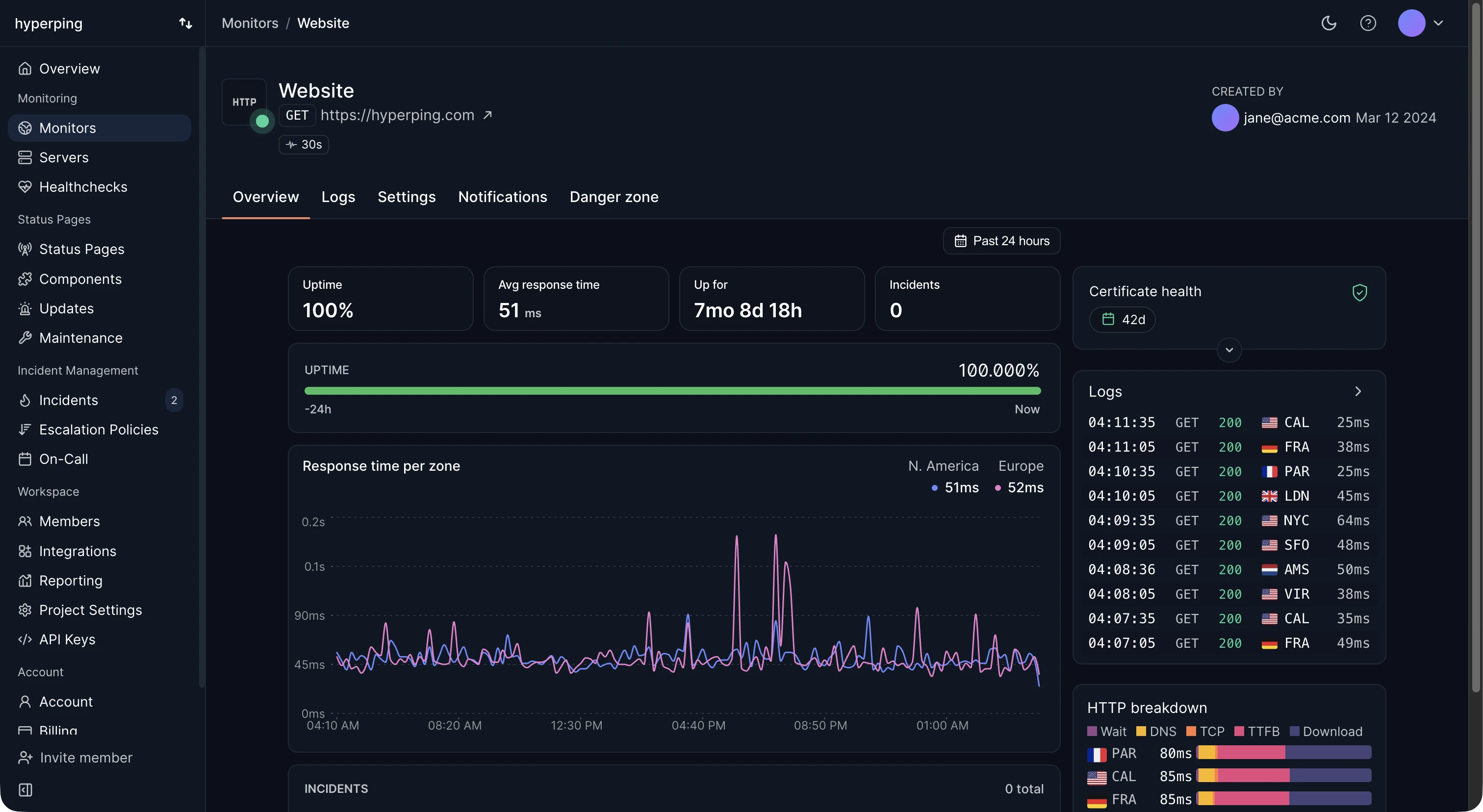
Availability is measured the way users reach the service: from outside, through DNS, TLS, the CDN, and the application. Hyperping measures it per monitor, with checks from up to 18 regions, and counts a failure only once other regions confirm it. Each monitor shows its availability for periods from the last 24 hours up to all time, next to the downtime and incidents behind each number.
Two ways to calculate availability
From measured downtime:
availability = (total time - downtime) / total time
A service down for 2 hours in a 30-day month (720 hours) was available 718 / 720 = 99.72% of the time.
From failure rates:
availability = MTBF / (MTBF + MTTR)
A service that fails on average every 500 hours (MTBF) and takes 1 hour to recover (MTTR) is available 500 / 501 = 99.8% of the time. This version is useful for planning, because it shows the two ways to improve: fail less often, or recover faster.
Availability vs uptime
Uptime often means the server is running. Availability means users can use the service. A server that is up but returns 500 errors on every request has full uptime and zero availability. When you report a number to customers or put it in an SLA, measure availability: check that the response is correct, with an expected status code and a keyword in the body, not only that something answered.
Availability of dependent systems
When a request goes through several services in a row, their availabilities multiply. An app at 99.9% behind a database at 99.9% and a DNS provider at 99.99% can't do better than 0.999 x 0.999 x 0.9999, about 99.79%. That's why a 99.99% target needs redundancy at each layer, not only a more reliable application.
Redundancy works the other way. Two independent copies at 99% each, where either one can serve traffic, give 1 - (0.01 x 0.01) = 99.99%, as long as their failures really are independent.
How to improve availability
- Remove single points of failure, starting with the ones in front of everything: DNS, the load balancer, the database primary.
- Shorten recovery: fast detection, an escalation policy that reaches someone, and rollbacks that take minutes.
- Deploy in small steps, with canary or blue-green releases, so a bad change hits a fraction of traffic.
- Track the slow failures, like certificate expiry and disk space, that cause avoidable outages.
FAQ
What is high availability?
A design goal, usually 99.99% or more, reached by running redundant copies of every component so one failure doesn't take the service down. It's an architecture choice, measured by availability.
What availability should I target?
99.9% for most customer-facing services, 99.95% to 99.99% for infrastructure others build on. Use the SLA calculator to see the downtime each target allows.
Does planned maintenance reduce availability?
It reduces measured availability, but most SLAs exclude announced maintenance. Report both numbers if you exclude it, so nobody mistakes one for the other.