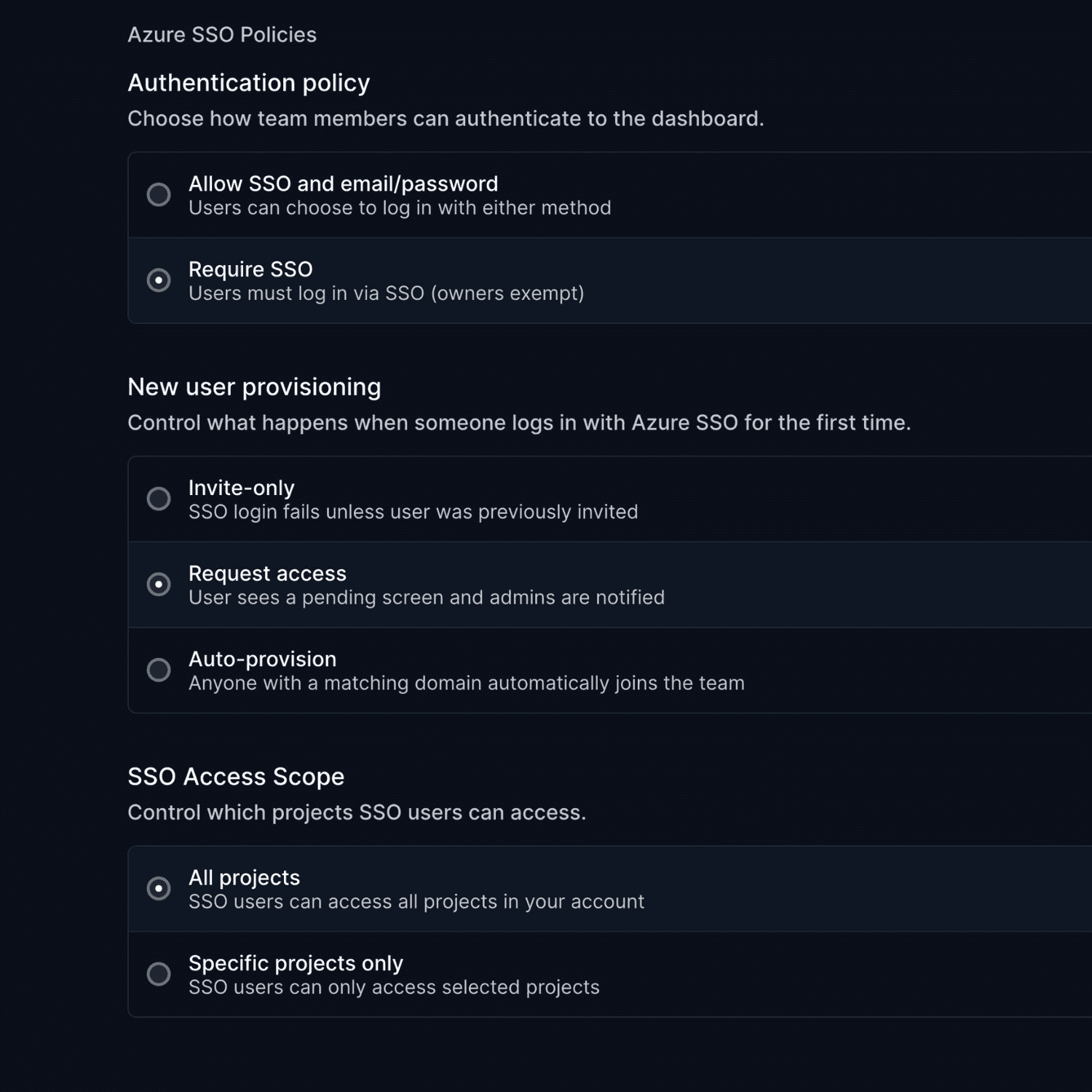
December brings enterprise-grade audit logging and a revamped incident creation experience. Here's what's new.
Audit Logs
Track every action across your organization. See who did what, when, and what changed.
- Full coverage: Monitors, incidents, maintenance, escalation policies, healthchecks, status pages, API keys, integrations, users
- Powerful filtering: Filter by action type, user, or target name
- User attribution: See the team member responsible for each action
Available under Settings → Audit Logs (Business plan).
Revamped Incident Creation
Faster, cleaner incident management with an improved interface.
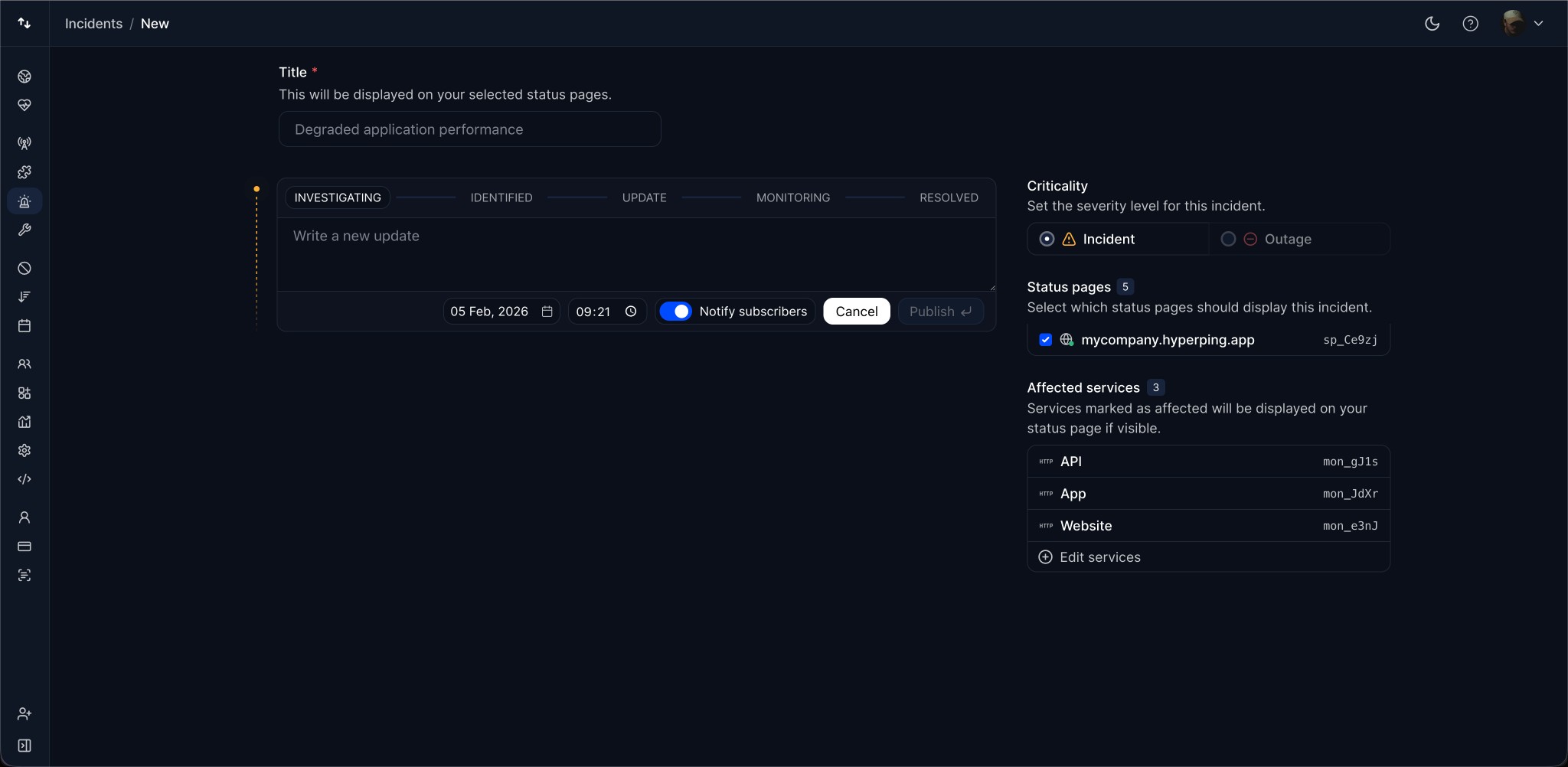
- Streamlined service picker: Select affected monitors and components faster
- Multi-language support: Write titles and descriptions in multiple languages
- Better date/time controls: Improved pickers for scheduling updates
Silent Incident Creation
Create incidents for internal tracking without notifying subscribers. Toggle notifications on or off for each update.
Questions? Reach out via in-app chat or email us at hello@hyperping.io.
Article by
I'm Léo Baecker, the heart and soul behind Hyperping, steering our ship through the dynamic seas of the monitoring industry.

Related Articles
Opsgenie vs PagerDuty in 2026: Default Choice or Per-User Tax?
Opsgenie vs PagerDuty for teams leaving Opsgenie before April 2027: on-call, routing, heartbeats, status pages, migratio...
Incident Management: Best Practices, Tools Guide & More
Become an incident management expert with this guide: 5 core components, 10 best practices, common mistakes, essential t...
Opsgenie is shutting down: Complete guide to alternatives in 2026
Opsgenie shuts down on April 5, 2027. Compare the best alternatives, with picks for small teams and SRE teams, and plan ...
Changelog: Outages Dashboard, Status Page API, New API Docs
Outages dashboard, Status Page API, migrated API documentation, and enhanced usage dashboard