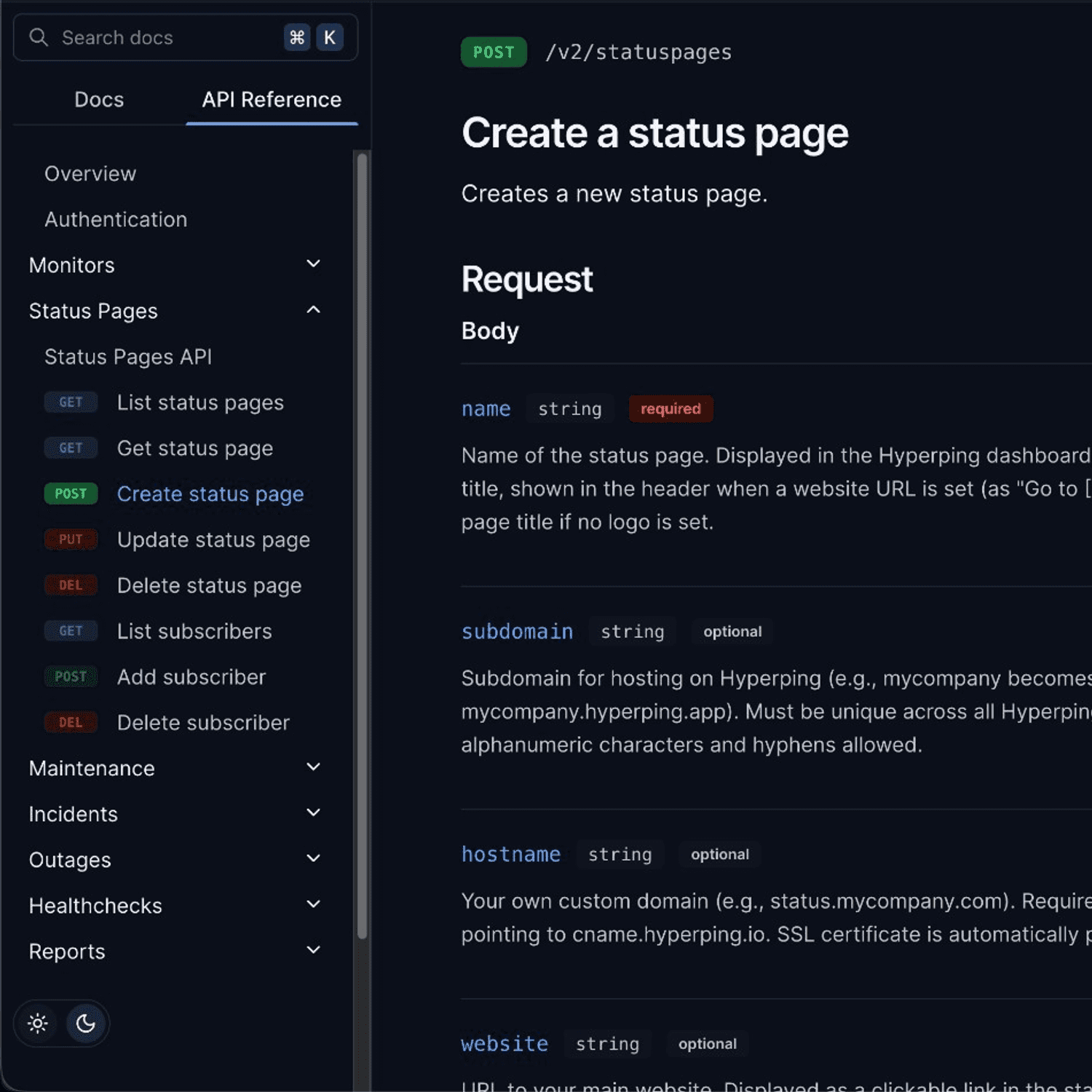
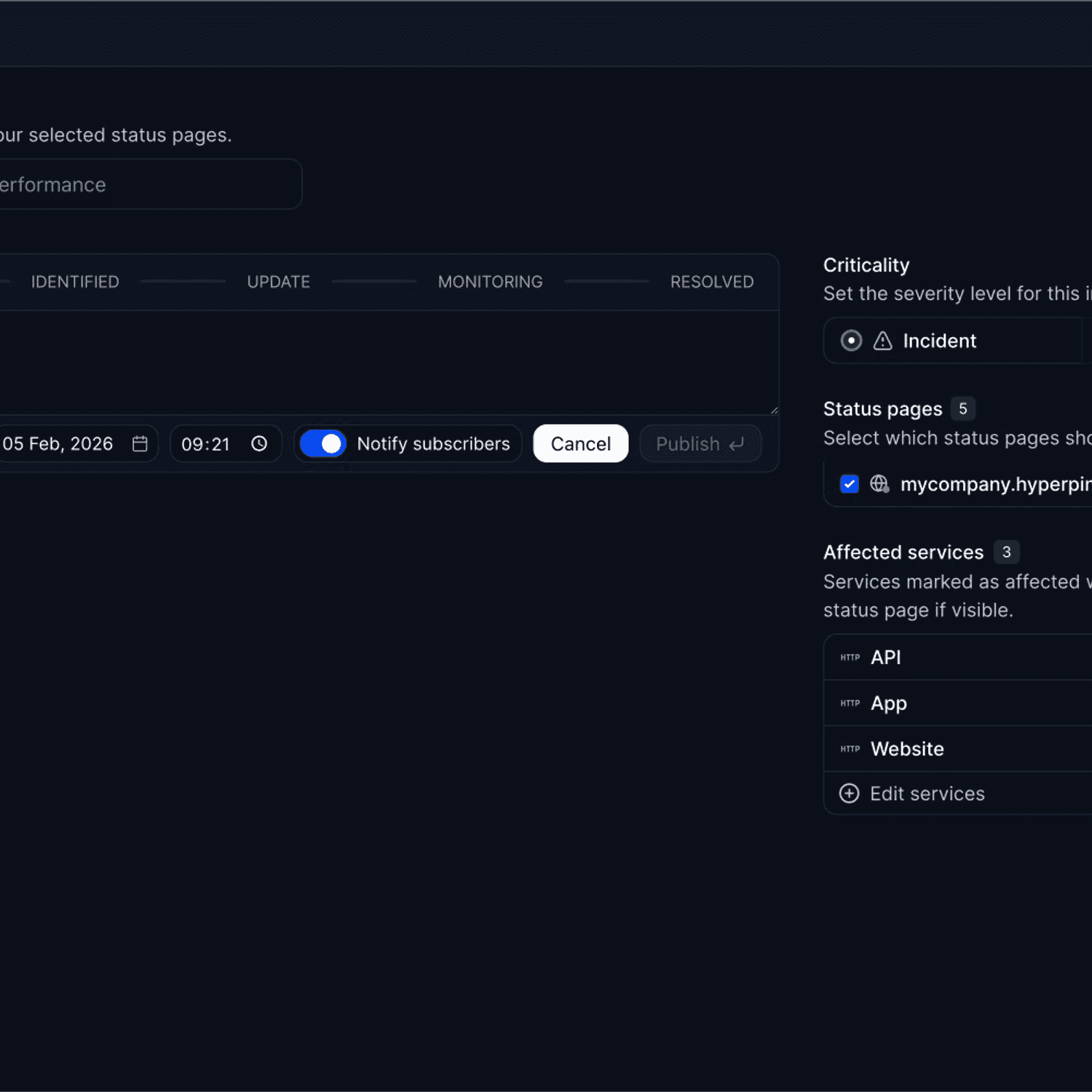
January delivers major enterprise SSO enhancements: native Microsoft Entra ID support, granular provisioning policies, and project-scoped access controls.
Microsoft Entra ID (Azure AD) SSO
Set up SSO with Microsoft Entra ID directly from Hyperping with a step-by-step wizard.
- Guided setup wizard: 7-step walkthrough with screenshots
- SAML attribute mapping: Automatic mapping of email, name, and surname
- Test before going live: Verify your SSO connection before enabling
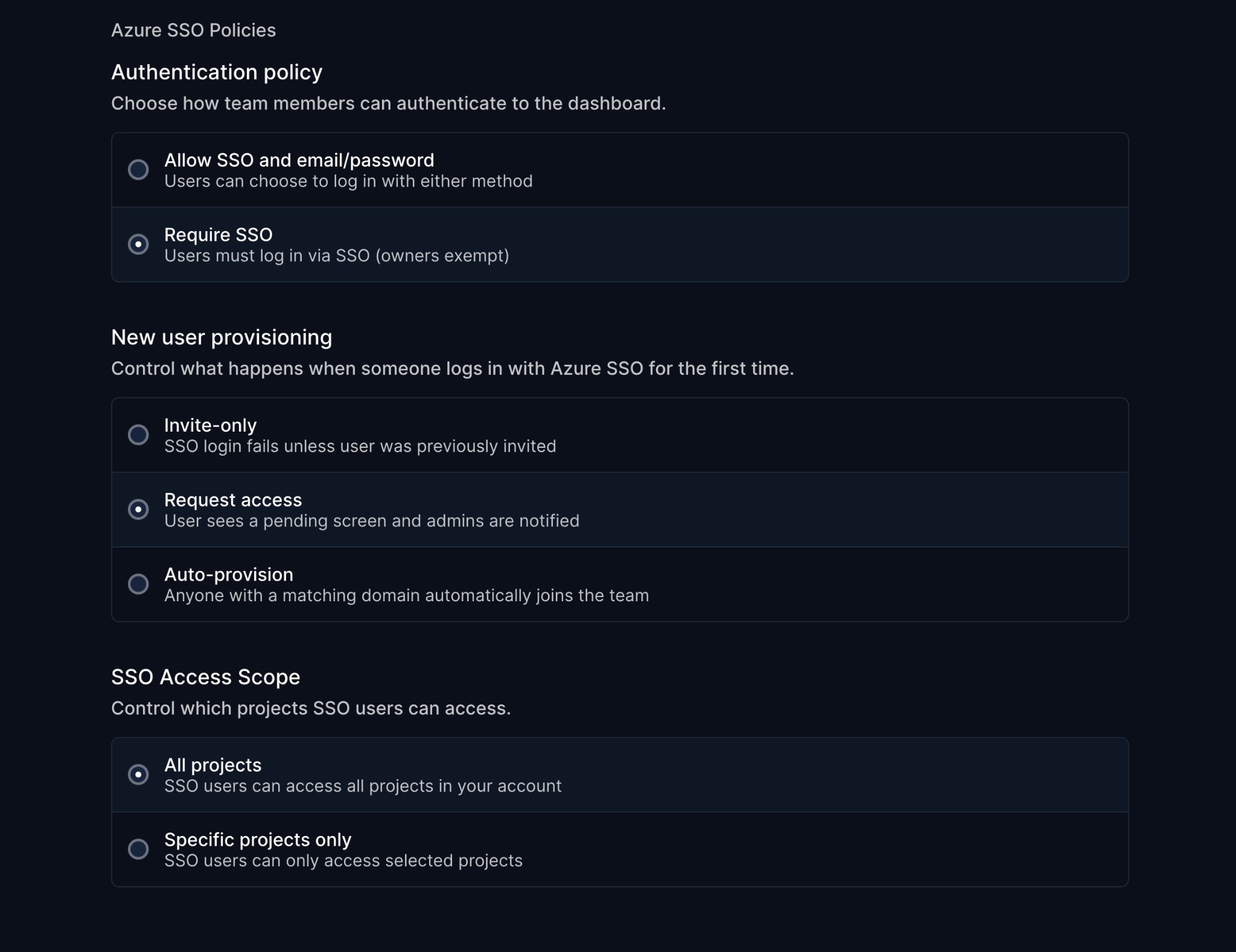
SSO Policies
Fine-tune how SSO works for your organization.
Authentication Policy
- Allow SSO and email/password: Users choose either method
- Require SSO: Force SSO-only authentication (owners exempt)
New User Provisioning
- Invite-only: SSO login fails unless user was previously invited
- Request access: Users see a pending screen, admins get notified
- Auto-provision: Anyone with a matching domain joins automatically
SSO Access Scope
- All projects: SSO users access everything (default)
- Specific projects only: Restrict SSO users to selected projects
Learn more in our SSO documentation.
Flexible Teammate Seats
Business plan users can now add extra seats on demand. When you hit your teammate limit, click "Add user" to purchase an additional seat.
UI Improvements
- Redesigned left navbar
- Improved project selector
- Better avatar rendering
Questions? Reach out via in-app chat or email us at hello@hyperping.io.
Article by
I'm Léo Baecker, the heart and soul behind Hyperping, steering our ship through the dynamic seas of the monitoring industry.