If you're comparing Pingdom vs UptimeRobot vs Hyperping, consider UptimeRobot if you want the most generous free tier and simple uptime monitoring. Pingdom for real user monitoring (RUM) and enterprise reporting. Hyperping for the best balance of features, pricing, and status page quality.
In this guide, you'll learn:
- Core features, pricing, and hidden costs to watch for
- Which tool fits your team size and monitoring complexity
- Real user experiences from hands-on testing and hundreds of analyzed reviews
- Common pain points: pricing jumps, outdated metrics, false positives, and missing capabilities
- How each platform handles these challenges differently
If you want monitoring that catches issues in 30 seconds, status pages that strengthen customer trust, and pricing you can actually predict, Hyperping delivers exactly that. Get in touch with us to schedule a demo of Hyperping.
Why you should trust this guide?
I'm Léo, founder of Hyperping. Yes, that means I have a stake in one of these tools. But I've seen teams choose competitors when they were genuinely the better fit. My goal isn't to convince you Hyperping is always the answer. It's to help you understand which tool actually solves your problem.
I've analyzed hundreds of G2 and Capterra reviews, tested all three platforms myself, and talked to DevOps teams about their experiences. Where I couldn't test something directly, I relied on verified user feedback and documented sources.
This guide breaks down exactly what each platform does well, where it falls short, and which use cases it's built for. By the end, you'll know whether you need Pingdom's enterprise capabilities, UptimeRobot's budget-friendly simplicity, or Hyperping's focused approach.
Pingdom vs UptimeRobot vs Hyperping: Summary table
| Feature | Pingdom | UptimeRobot | Hyperping |
|---|---|---|---|
| Best for | Teams needing RUM and detailed SLA reports | Budget-conscious teams and agencies with many sites | Teams wanting simple setup with capable features |
| Free version? | No (30-day trial) | Yes (50 monitors) | Yes |
| Starting price | $18/mo for 10 monitors | Free / Solo $12/mo billed annually | $24/mo for 50 monitors |
| Check frequency | 1 minute | 5 min (free), 60s / 30s / 15s (paid) | 30 seconds (20s on Business) |
| Key strength | Real User Monitoring | Low cost at scale for commercial use | Uptime + Status pages + On-call |
| Pricing model | Tiered by monitors | Tiered by monitors | Tiered by monitors, pages, users |
| Status pages | Included | Included | 3 public or private pages on Pro |
| Ideal team size | 10-500+ (enterprise focus) | 1-100 (SMB and agencies) | 1-500 (scale well) |
| Learning curve | Moderate to steep | Low | Low |
Which to choose? Quick verdict
Choose Pingdom if: You need real user monitoring alongside synthetic checks, detailed SLA reporting, and transaction monitoring for complex user flows. It's built for teams that have to prove uptime to stakeholders with comprehensive data.
Choose UptimeRobot if: You want affordable monitoring at scale. The free tier covers 50 monitors at 5-minute intervals. Paid Solo starts at $12/month billed annually for 10 monitors at 60-second checks, and Team is $39/month billed annually for 100 monitors at 30-second checks. Ideal for agencies and businesses managing many client sites on a budget.
Choose Hyperping if: You want reliable monitoring that "just works" with polished status pages and predictable pricing. No usage-based surprises, EU hosting for GDPR compliance, and 30-second checks even on lower tiers.
How much does each tool cost?
| Needs | Pingdom | UptimeRobot | Hyperping |
|---|---|---|---|
| Just starting (1-10 monitors) | $18/mo | $0 (Free) or $12/mo (Solo) | N/A |
| Small team (50 monitors) | $78/mo | $0 (Free, 5 min) or $39/mo (Team) | $24/mo |
| Growing business (100 monitors) | $149/mo | $39/mo (Team) | $74/mo |
| At scale (200+ monitors) | $1,295/mo (1,000) | $83/mo (Scale, 200) | $249/mo (1,000) |
Choosing the right tool for your needs between Pingdom vs UptimeRobot vs Hyperping
| What matters most to you | Winner | Why it wins |
|---|---|---|
| Lowest cost per monitor | UptimeRobot | 50 free monitors, or Team at $39/mo billed annually for 100 |
| Fastest issue detection | UptimeRobot Scale | 15-second checks on Scale vs Hyperping Business at 20 seconds |
| Real user behavior data | Pingdom | Only tool with RUM (Real User Monitoring) |
| Status page appearance | Hyperping | 3 public or private pages on Pro, multilingual support |
| Enterprise reporting | Pingdom | Built for SLA compliance and stakeholder presentations |
| Quick setup | UptimeRobot & Hyperping | Both claim <5 minutes to first working monitor |
| EU data compliance | Hyperping | GDPR-native, hosted in Europe |
| Transaction testing | Hyperping | E2E browser checks powered by Playwright |
| Free tier generosity | UptimeRobot | 50 monitors free |
Pingdom: Best for enterprise monitoring and real user data
Perfect for
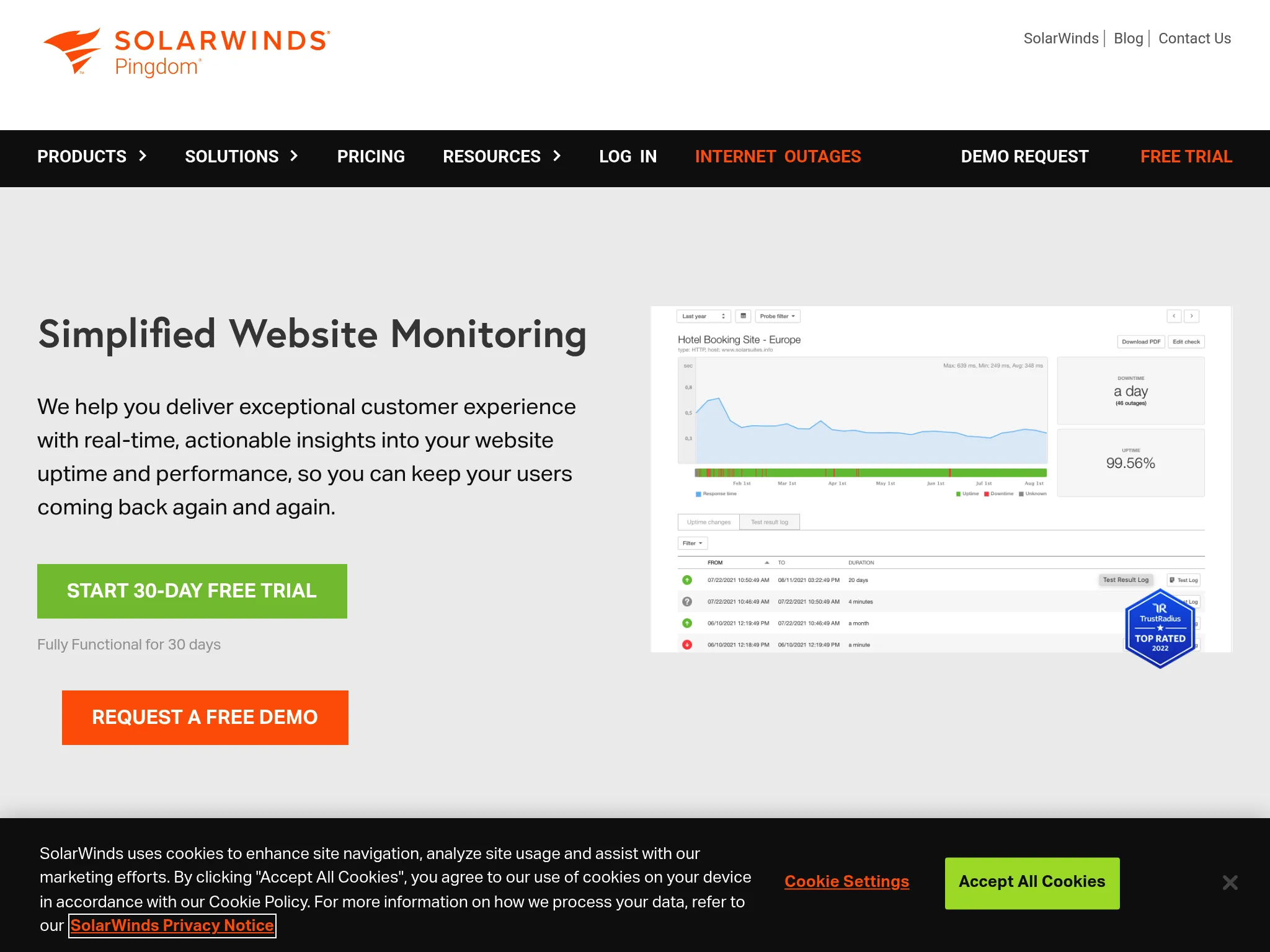
Organizations needing comprehensive monitoring that combines synthetic checks with real user monitoring data. Pingdom works well when you need to present detailed uptime reports to executives, prove SLA compliance, or understand how actual visitors experience your site across different devices and locations.
From what I gathered in reviews, Pingdom's strength is its depth of data rather than simplicity. Teams choose it when basic uptime monitoring isn't enough.
What Pingdom actually does: Key features
- Real User Monitoring (RUM): Collects data from actual visitors, segmented by browser, device, and geographic location. This is unique among the three tools I'm comparing.
- Transaction monitoring: Tests critical user workflows like shopping cart checkouts, user logins, and search functionality to ensure key business processes work correctly.
- 100+ global probe locations: The largest monitoring network of the three tools, useful for identifying region-specific issues.
- Page speed analysis: Analyzes load times and identifies performance bottlenecks by measuring every element's size and loading duration.
- Detailed reporting: Historical data, root cause analysis, and customizable reports for sharing with stakeholders.
What I like about Pingdom
The combination of synthetic monitoring and real user monitoring in one platform is genuinely valuable. When I read through reviews, users consistently mentioned how seeing both perspectives (simulated checks plus actual visitor data) gave them complete visibility they couldn't get elsewhere.
One blogger put it well: "As a full-time blogger, losing traffic means losing money. Therefore, website uptime is a critical issue to me. Besides getting a reliable web server, I also need a good website uptime monitor to notify me as soon as something goes wrong about the server."
The reporting capabilities also stand out. Multiple reviewers described the reports as "beautiful and easy to understand," which matters when you're sharing uptime data with non-technical stakeholders.
How much does Pingdom cost?
Pingdom doesn’t have plans but has tiered pricing based on usage. It comes with unlimited users by default. The short version is below; the slider ladder, tier by tier, is in our Pingdom pricing breakdown.
- $18/mo for 10 uptime checks, 1 advanced check, and 50 SMS alerts ($16.50 billed annually)
- $78/mo for 50 uptime checks, 10 advanced checks, and 200 SMS alerts ($71.50 billed annually)
- $149/mo for 100 uptime checks, 20 advanced checks, and 350 SMS alerts ($136.42 billed annually)
- $1,295/mo for 1,000 uptime checks, 80 advanced checks, and 1,000 SMS alerts ($1,186.92 billed annually)
Real User Monitoring is not an advanced check and is priced separately based on monthly pageviews.
What Pingdom is not good at
From the reviews I analyzed, pricing is the main friction point. Users frequently noted that while Pingdom delivers strong value, costs climb quickly as you add monitors. One user complaint I came across repeatedly: "Unfortunately the price point just isn't competitive anymore, relative to the features they provide… you can't pay per-check so the moment you cross 10 your plan price nearly triples."
False positives and alert fatigue came up in several reviews. Users reported getting notifications about downtime when servers were actually online, leading to mistrust in the monitoring system.
Support speed was another recurring complaint. Multiple users mentioned delayed responses and inadequate troubleshooting assistance.
Is Pingdom right for you?
Mid-market to enterprise organizations with complex monitoring requirements, particularly those needing comprehensive SLA documentation and real user data. It's a strong fit for e-commerce businesses testing checkout flows, SaaS companies with uptime guarantees, and IT teams managing critical infrastructure where detailed reporting matters to stakeholders.
UptimeRobot: Best for budget-conscious monitoring at scale
Perfect for
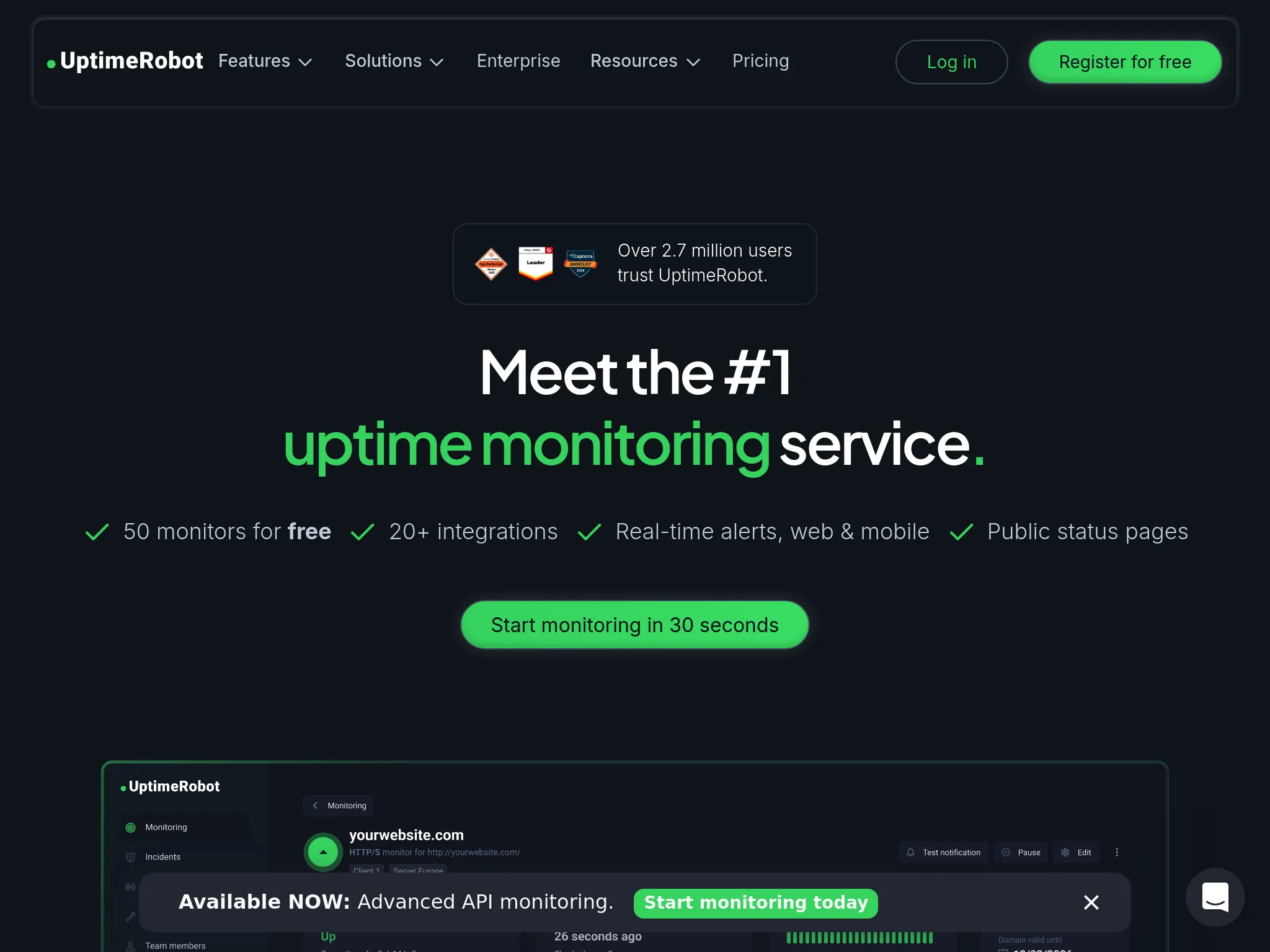
Teams that need reliable uptime monitoring at a low cost. UptimeRobot's free tier covers 50 monitors, and paid plans start at $12/month billed annually for Solo. This makes it the go-to choice for agencies, freelancers, and small businesses managing multiple sites on tight budgets.
From what I discovered in user feedback, UptimeRobot appeals to teams that value simplicity and cost-effectiveness over advanced features. It's particularly popular with digital agencies monitoring dozens of client websites.
What UptimeRobot actually does: Key features
- Free tier: 50 monitors with 5-minute intervals, HTTP/ping/port/keyword monitoring, and basic status pages at no cost.
- Affordable commercial plans: Solo at $12/month billed annually for 10 monitors with 60-second checks, Team at $39 billed annually for 100 monitors with 30-second checks, and Scale at $83 billed annually for 200 monitors with 15-second checks.
- Multi-type monitoring: HTTP(S), ping, port (TCP), keyword/content checks, DNS, SSL certificate expiry, domain expiry, cron/heartbeat monitoring, and server checks.
- Flexible alerting: Real-time alerts via email, SMS, voice calls, push notifications, webhooks, and integrations (Slack, Teams, Discord, Telegram, PagerDuty, Zapier).
- Public and private status pages: Customizable pages to communicate incidents and performance to customers, including email subscription for updates.
- Response time tracking: Historical logs, response time monitoring, monthly uptime reports, and analytics to identify patterns.
What I like about UptimeRobot
The value proposition for commercial use is still strong. Solo is $12/month billed annually for 10 monitors, Team is $39/month billed annually for 100, and Scale is $83/month billed annually for 200 with 15-second checks. For agencies managing client websites or businesses monitoring multiple services, the free tier and Team plan still undercut most competitors on raw monitor count.
The setup experience gets consistent praise. Users report being up and running in about 30 seconds, with monitors configured and alerts flowing within minutes. For teams that don't need advanced features, this simplicity is valuable.
I noticed in reviews that reliability is frequently mentioned. Users describe UptimeRobot as "rock solid" with "very few false flags," which builds trust over time.
How much does UptimeRobot cost?
UptimeRobot's pricing is notably straightforward (the full plan-by-plan breakdown, seat and SMS add-ons included, is in our UptimeRobot pricing guide):
- Free: 50 monitors, 5-minute intervals, basic status pages
- Solo: $13/month ($12 billed annually) for 10 monitors, 60-second checks, 3 status pages
- Team: $46/month ($39 billed annually) for 100 monitors, 30-second checks, 100 status pages
- Scale: $98/month ($83 billed annually) for 200 monitors, 15-second checks, unlimited status pages
- Enterprise: Custom
Important note: In November 2024, UptimeRobot announced terms-of-service changes (effective December 2024) that would ban commercial use on the free plan. After significant backlash, they quietly reversed course without a clear public announcement so most third-party content (and even some of their own help docs) still says "non-commercial only." The free tier appears usable for commercial projects again, but the episode is worth weighing: terms can change, enforcement can be inconsistent, and reversals aren't communicated clearly. If your business depends on the free plan, that's a reliability risk alongside the product itself.
What UptimeRobot is not good at
UptimeRobot focuses on "up/down plus basic performance" rather than deep diagnostics. You won't get real user monitoring, detailed transaction testing, or the sophisticated analytics that tools like Pingdom offer.
The free plan only monitors every 5 minutes. For critical services where you need to know immediately when something breaks, that delay matters. Solo buys 60-second checks but drops you to 10 monitors. Team is the first paid tier with both volume and 30-second checks.
The interface and reporting, while functional, are described as basic compared to enterprise platforms. Complex use cases may need supplementary tools.
Is UptimeRobot right for you?
Businesses and agencies needing affordable monitoring at scale. It's ideal for digital agencies managing multiple client sites, cost-conscious startups monitoring several services, and freelancers who need commercial-grade monitoring without enterprise pricing. The free tier offers excellent value with 50 monitors included — though the 2024 ToS episode means you should weigh terms stability before building a business on it.
Hyperping: Best for simple setup with capable features
Perfect for
Teams that want reliable monitoring with polished status pages and predictable pricing. Hyperping focuses on doing the essentials extremely well rather than adding every possible feature, making it particularly appealing for European companies needing GDPR compliance and startups wanting straightforward costs.
From the reviews and conversations I analyzed, Hyperping appeals to teams that value simplicity without sacrificing capability. The combination of fast checks, beautiful status pages, and flat-rate pricing hits a sweet spot for SMBs.
Notable features include
- 30-second check intervals: Faster than Pingdom's 1-minute checks and UptimeRobot Solo's 60-second checks. Team matches Hyperping at 30 seconds. Scale is faster at 15 seconds. Hyperping Business is 20 seconds.
- Multiple full-featured status pages: Pro includes 3 public or private status pages with custom domains, password or email-code protection, and multilingual support. White labeling requires Business. Users consistently praise these as "looking right for customer-facing comms without custom code."
- Browser-based transaction monitoring: Uses Playwright for synthetic testing of critical user flows.
- Voice call alerts: Included even on lower tiers, not locked behind enterprise plans.
- European hosting: GDPR-compliant infrastructure for teams with data residency requirements.
Why choose Hyperping?
Key reason #1: Fewer false alarms mean you actually trust your alerts
Nothing kills confidence in monitoring faster than false positives. When your phone rings at 3 AM for a non-issue, you start ignoring alerts—and that's when real problems slip through.
Hyperping uses multi-location verification before alerting you. When one probe detects an issue, we check from multiple regions to confirm it's real, not just a network blip. This means when you get an alert, you know it matters.
Unlike Pingdom (where users frequently report false downtime alerts) or basic monitors that ping from a single location, Hyperping's approach dramatically reduces alert fatigue.
Key reason #2: Everything you need in one platform: monitoring, status pages, and on-call scheduling
Most teams end up juggling multiple tools: one for uptime checks, another for status pages, a third for incident management. Each integration is another point of failure, another login to manage, another bill to pay.
Hyperping combines all three in a single platform. Monitor your endpoints, display that data on beautiful status pages, and route incidents to the right team member with built-in on-call scheduling. No integrations to configure, no data sync issues, no piecing together a workflow across three different dashboards.
This matters more as you scale. When an incident happens at 2 AM, you don't want to be switching between tools to figure out what's down, update the status page manually, and hunt down who's on-call. With Hyperping, it's all connected—monitoring detects the issue, status page updates automatically, and the on-call engineer gets paged immediately.
Key reason #3: Synthetic monitoring included: test real user flows without paying extra
Basic uptime monitoring tells you if your site responds. But it doesn't tell you if users can actually log in, complete a purchase, or submit a form. Most tools charge hundreds extra for transaction monitoring or require enterprise plans for synthetic checks.
Hyperping includes Playwright-based browser checks starting at $24/month. Test critical user workflows like checkout flows, login processes, and form submissions without upgrading or buying additional tools. Create browser-based checks that interact with your site exactly like real users do.
This means you catch issues before customers report them. Your homepage might be "up" but if the payment gateway times out during checkout, you're losing revenue. Hyperping's synthetic monitors detect these workflow failures immediately without requiring Pingdom's expensive price tag or third-party testing tools.
What I like about Hyperping
Predictable pricing stands out. You know exactly what you're paying each month without calculating check volumes or worrying about usage spikes. Several reviewers specifically called this out as a major advantage when budgeting.
The status page quality gets recurring praise. One customer described it this way: "We made our Hyperping status page publicly available and it became a crucial part of our sales pitches. We are proud of our uptime and we love that we can share it with prospects and customers in such an easy way."
Setup speed is genuinely fast. Users report minutes to first monitor and a usable status page. For teams that don't need advanced features, this simplicity is valuable compared to Pingdom's steeper learning curve.
What actual Hyperping users say
"Hyperping has been a total game-changer for us. The service is reliable, easy to use, and incredibly feature-rich. I love that it constantly checks our site and alerts us right away if there are any issues. This helps us anticipate and fix problems before they turn into bigger headaches."
"With Hyperping we have full visibility on response times and uptime metrics from around the globe. Knowing that our servers serve requests in milliseconds no matter where a customer is located, gives us confidence and peace of mind."
"Hyperping is essential for us to build and strengthen relationships with developers. We provide a status page with key metrics captured and reported by Hyperping. These facts increase trust when visitors see your product for the first time."
How much does Hyperping cost?
Hyperping's pricing is notably simpler than alternatives:
- Essentials: $24/month for 50 monitors, 1 status page, 3 browser checks, 3 seats
- Pro: $74/month billed annually for 250 monitors, 3 public or private status pages, 10 browser checks, 10 seats. Includes email access codes, multilingual pages, and native account SAML SSO.
- Business: $249/month billed annually for 1000 monitors, 10 status pages, 20-second checks, 25 browser checks, 20 seats, priority support, and more.
All plans include on-call scheduling, escalation policies, and voice call alerts.
The Pro plan at $74/month delivers core functionality most teams need. Compared to Pingdom at similar scales, this represents significant savings. Compared to UptimeRobot Team at $39/month billed annually for 100 monitors, Hyperping costs more and matches the 30-second interval, but includes on-call scheduling, escalation, and Playwright checks that UptimeRobot does not.
What Hyperping is not good at
Hyperping doesn't try to be a full observability platform. You won't get real user monitoring like Pingdom offers. If you need to understand how actual visitors experience your site across different devices, Pingdom's RUM capabilities are more advanced.
The synthetic monitoring capabilities are described as "less mature" compared to Pingdom's transaction monitoring. If complex browser flows are critical to your monitoring strategy, Pingdom's purpose-built tools are more sophisticated.
For pure cost-per-monitor, UptimeRobot wins, especially at the free tier. If budget is the primary concern and you need many monitors with basic checking, UptimeRobot delivers more coverage for less money.
Is Hyperping right for you?
Startups, SMBs, and indie developers who want solid monitoring without overpaying or over-configuring. It's particularly appealing for European companies valuing GDPR compliance, teams with straightforward monitoring needs who want beautiful status pages, and anyone frustrated by usage-based pricing models.
Frequently asked questions
How important is check frequency?
Our customer praise the speed of the alerts from Hyperping. They say it's usually faster than the other monitoring tools they use. So 30-second checks are definitely worth it.
"We have the real-time alerts from Hyperping telling us if the app is down. These are sometimes arriving even before AWS notices or notifies us. So, that's a crucial part in our daily process."
What about false positives?
This came up most often in Pingdom reviews, with users reporting notifications about downtime when servers were actually online. UptimeRobot users describe "very few false flags." Hyperping's multi-location verification helps reduce false alerts by confirming issues from multiple probe locations before alerting.
Can I use multiple tools together?
We have customers using Hyperping on top of bigger tools like Datadog or AWS CloudWatch.
"In addition to CloudWatch, we also want to have a view on our system from the outside. And this is where Hyperping comes in. It is basically an independent monitoring solution for us, just looking from the outside, pinging the API and the websites and all the crucial parts of our infrastructure."
Migrating to Hyperping
If you're leaving Pingdom or UptimeRobot for Hyperping, use the step-by-step migration guides:
Both cover API export, parallel runs, and cutover. Hyperping also offers free white-glove migration on paid plans.
How to test these tools before you commit
All three platforms offer ways to evaluate before committing:
- Pingdom: 30-day free trial, no credit card required
- UptimeRobot: Free tier available (50 monitors) and also a free trial
- Hyperping: Free tier and also a 14-day free trial on all paid plans
Start with the free options that match your use case. Run them in parallel with your existing monitoring for a week to see which fits your workflow. Pay attention to false positive rates, alert reliability, and how quickly you can investigate issues when they occur.
The monitoring space is mature, so switching costs are low. Most teams I spoke with had tried 2-3 tools before settling on their current choice. Don't feel locked in by your first decision. If a self-hosted option is on your list too, see UptimeRobot vs Uptime Kuma.
FAQ
How do Pingdom, UptimeRobot, and Hyperping compare for uptime monitoring? ▼
Pingdom is best for real user monitoring (RUM) and enterprise SLA reporting, UptimeRobot for budget-conscious monitoring with a generous free tier, and Hyperping for the best balance of features, pricing, and status page quality with 30-second checks, on-call scheduling, and flat-rate plans starting at $24/month.
Which is cheapest for monitoring: Pingdom, UptimeRobot, or Hyperping? ▼
UptimeRobot is cheapest to start: 50 free monitors, then Solo at $12/month billed annually for 10 monitors. Team is $39/month billed annually for 100 monitors. Scale is $83/month billed annually for 200. Hyperping Pro is $74/month billed annually for 250 monitors with on-call included. Hyperping Business is $249/month billed annually for 1,000 monitors. UptimeRobot does not publish a 1,000-monitor self-serve price.
Which monitoring tool has the fastest check frequency? ▼
UptimeRobot Scale checks every 15 seconds, the fastest published self-serve interval of the three. Hyperping Business checks every 20 seconds. UptimeRobot Team and Hyperping Essentials and Pro all check every 30 seconds. Pingdom checks every 1 minute. UptimeRobot Free is 5 minutes and Solo is 60 seconds.
Which tool has the fewest false positives: Pingdom, UptimeRobot, or Hyperping? ▼
Hyperping uses multi-location verification before alerting, confirming issues from multiple probe locations to reduce false alarms. Pingdom users frequently report false downtime notifications in G2 reviews. UptimeRobot users describe "very few false flags." When you trust your alerts, you respond faster to real incidents.
Can I get monitoring, status pages, and on-call scheduling in one tool? ▼
Yes. Hyperping combines 30-second uptime checks, Playwright-based synthetic monitoring, fully branded status pages with custom domains, and on-call scheduling with smart escalation policies in a single platform from $24/month. Pingdom and UptimeRobot focus on monitoring and basic status pages without built-in on-call capabilities.