Tell developers first
Post an incident in a minute: subscribers hear it by email, Slack, Teams or SMS, and the tools that read your page get it as JSON.
See every channelMonitoring, status pages and on-call for AI products. Catch failing models and APIs, and tell your users before they ask.
20 monitors free. No credit card required.
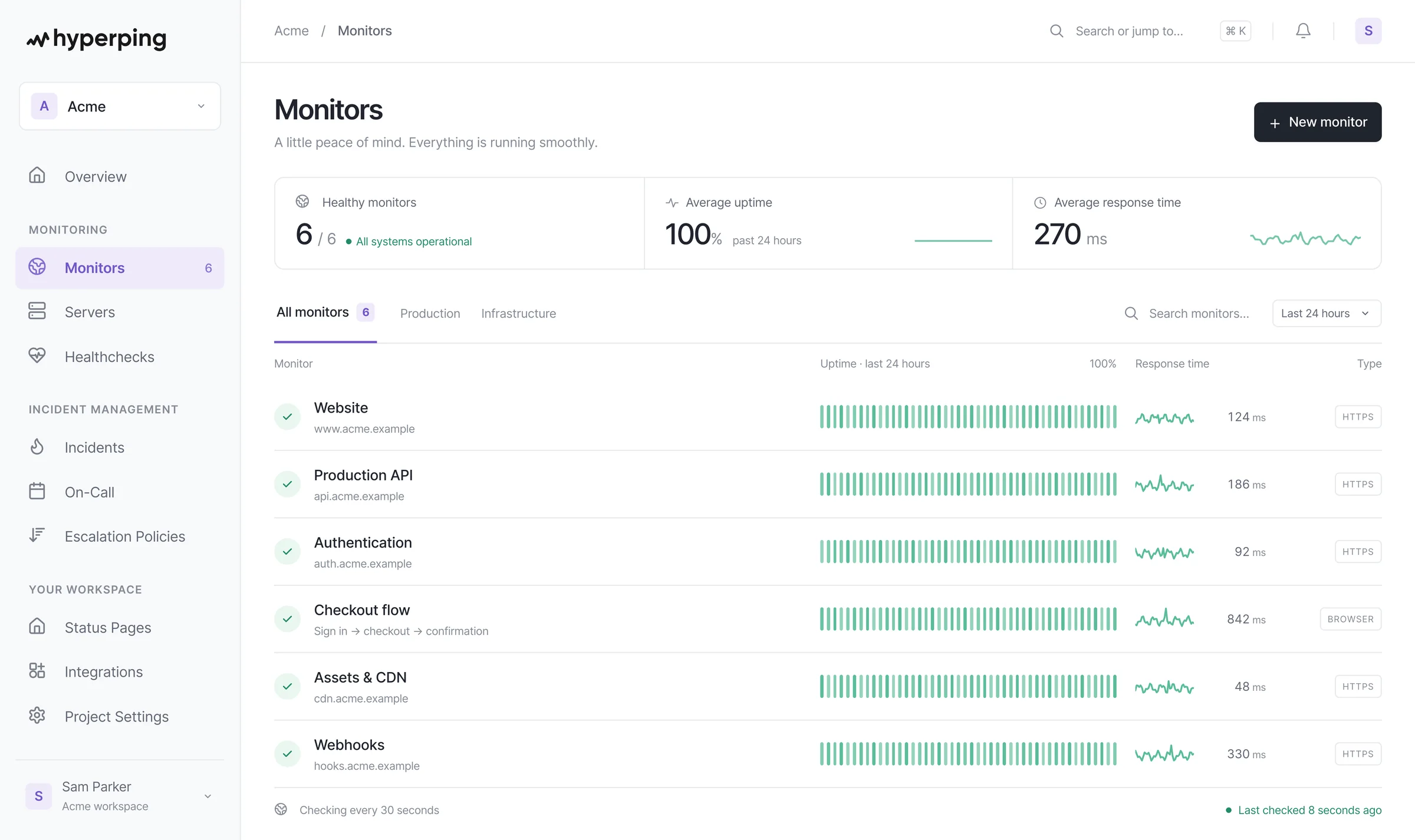
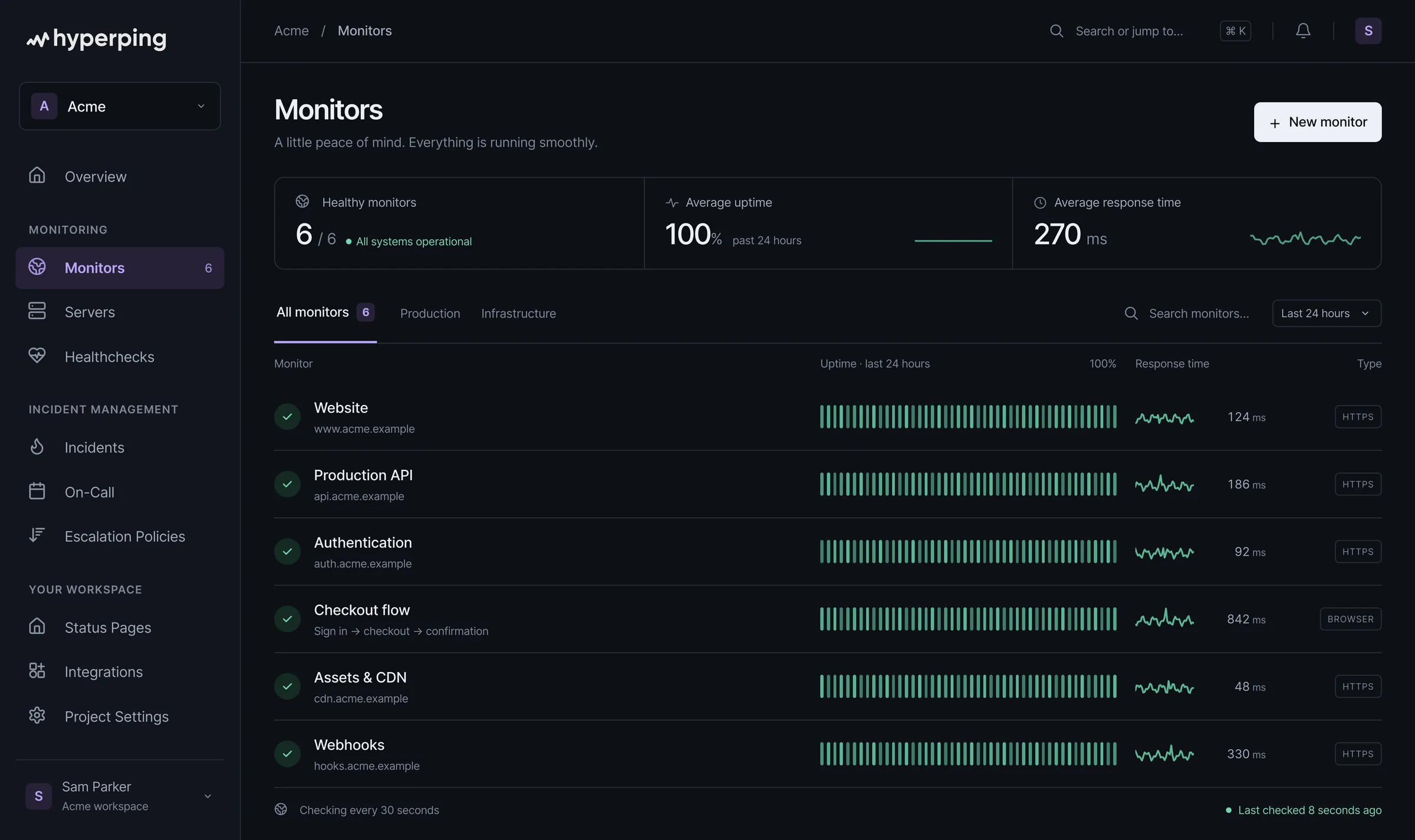















A text body assertion checks the response for a field only a real answer has. A one-token prompt is enough, and costs next to nothing.
Keyword monitoringMonitor the model APIs you call, with your own keys, and show them in a third-party section of your page. Users see the cause, support gets fewer tickets.
Uptime monitoringScheduled agents, evals and batch jobs ping Hyperping only once their output passes your check. A run that hits a rate limit, loops until its timeout or returns nothing never pings, and you hear about it before Monday.
Monitor scheduled agentsPlaywright checks run your real flow: sign in, send a prompt, wait for the result. Each failed run comes with a screenshot, a video and a trace.
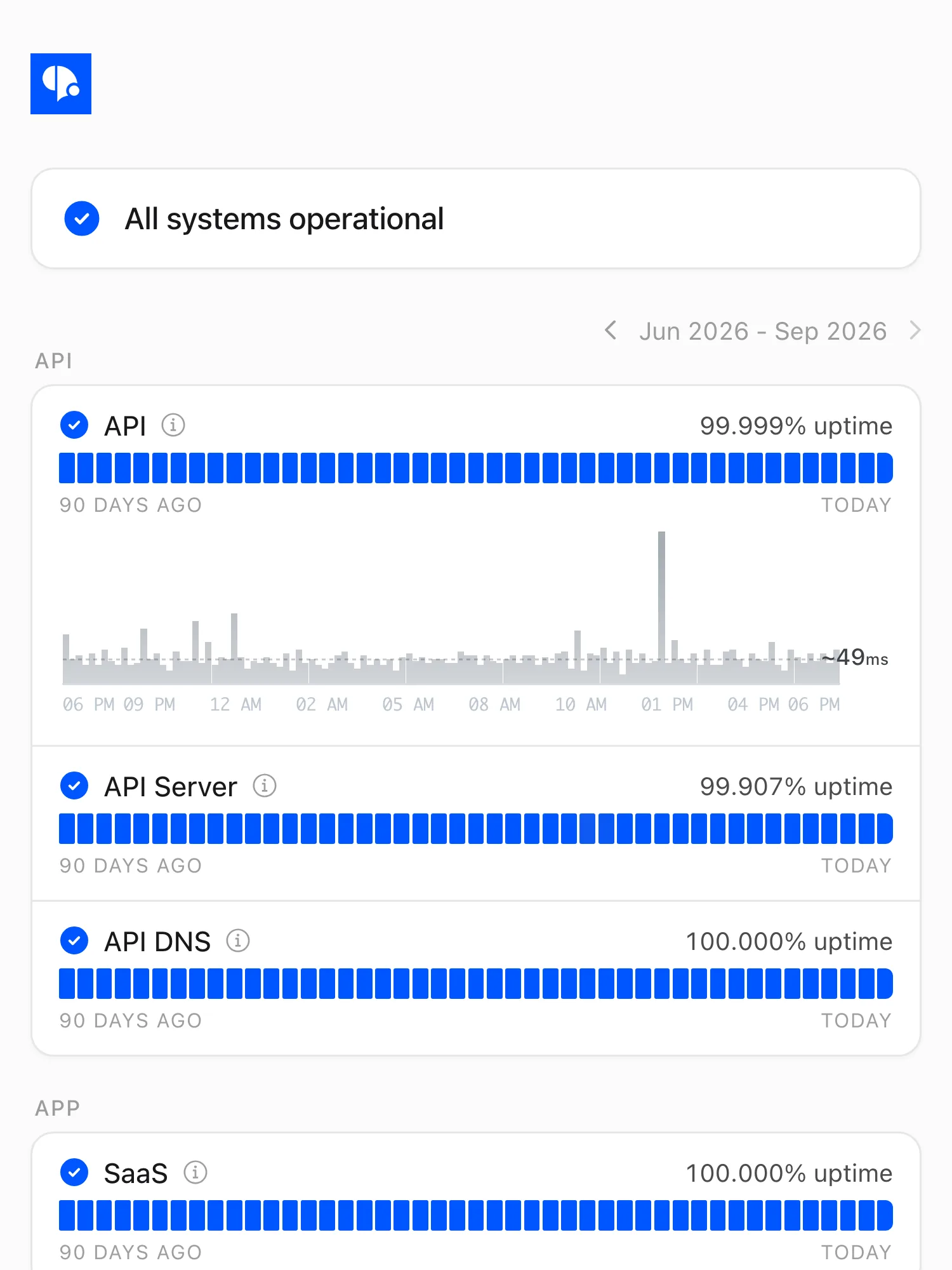
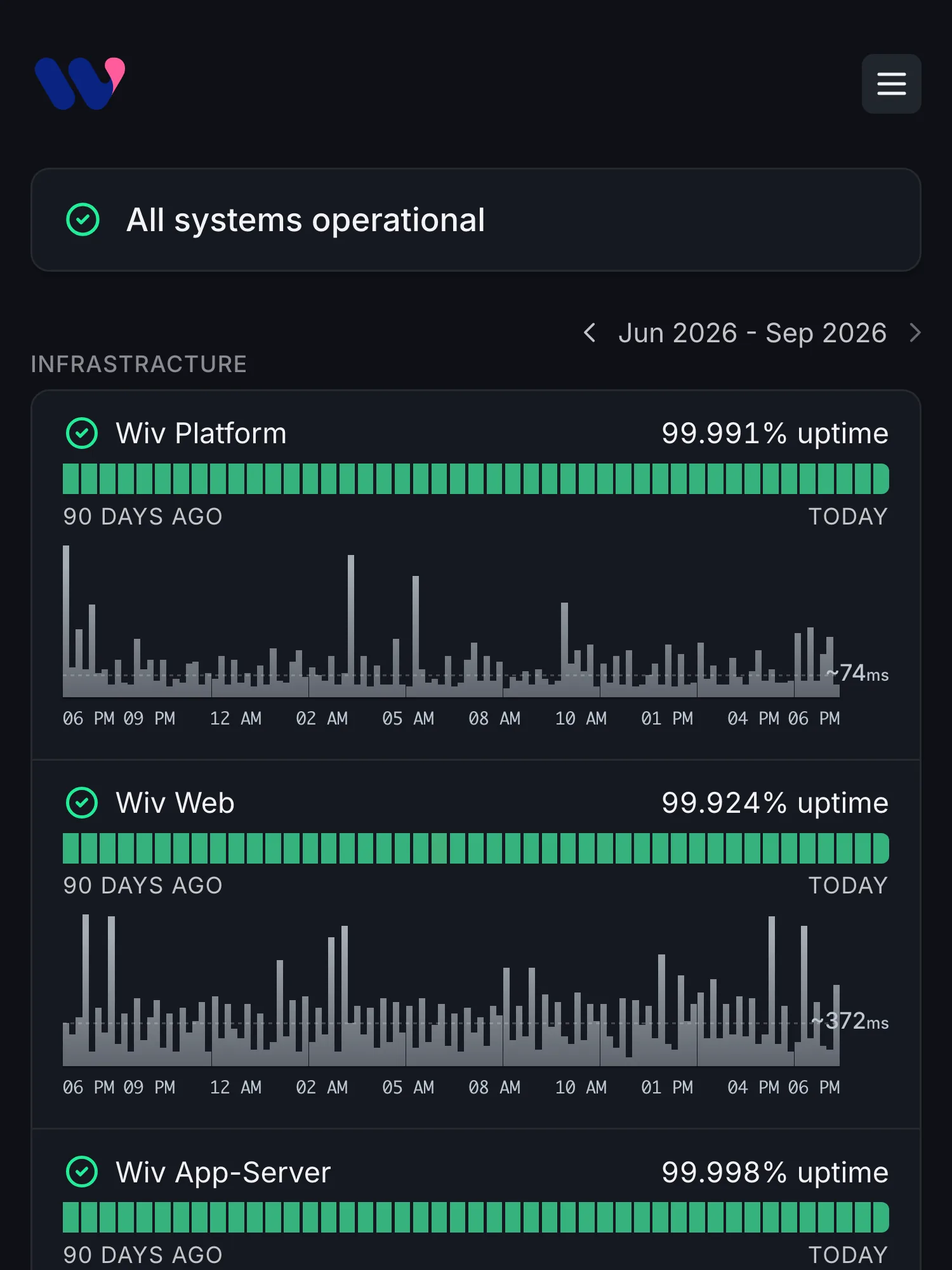
Browser checksEvery check records its response time by region, so a slower model or a congested region shows up on a graph before it shows up in reviews.
Response timesA failed check is confirmed from your other regions before anyone is paged, and an alert delay lets short blips pass.
How confirmation worksPost an incident in a minute: subscribers hear it by email, Slack, Teams or SMS, and the tools that read your page get it as JSON.
See every channelDedicated deployments get their own page, private behind a password, SSO or email codes. 10 pages on Business, more on Enterprise.
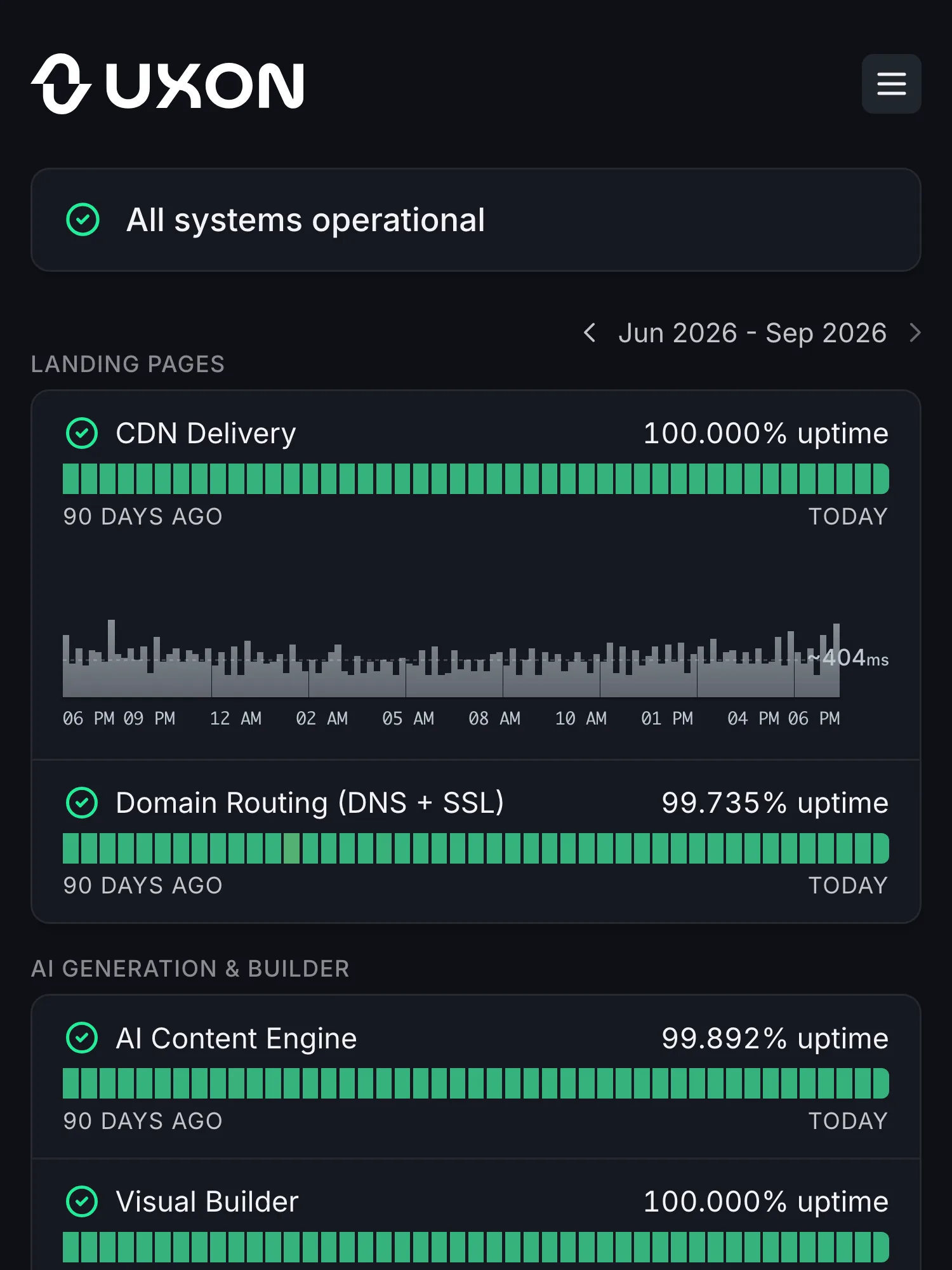
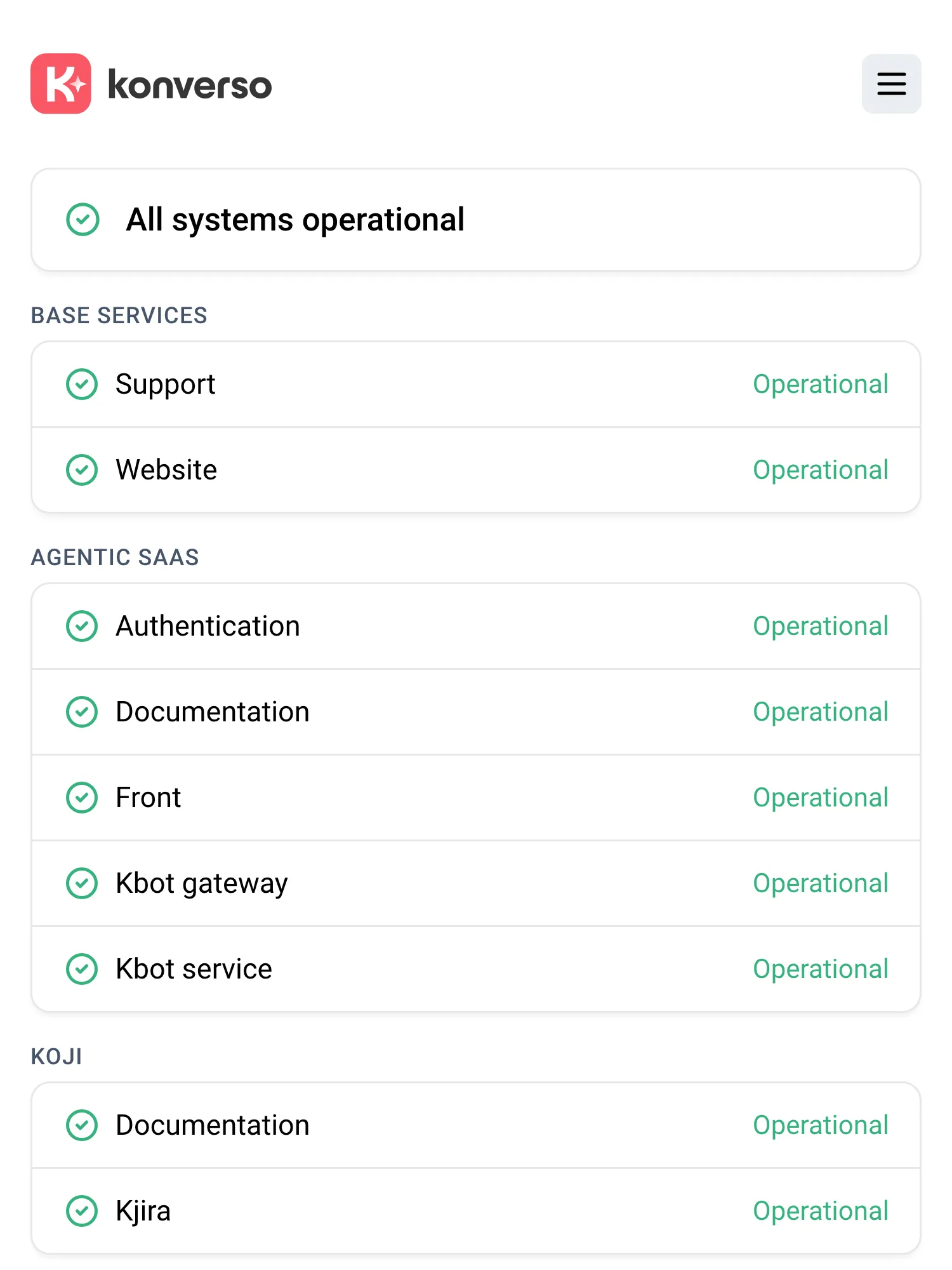
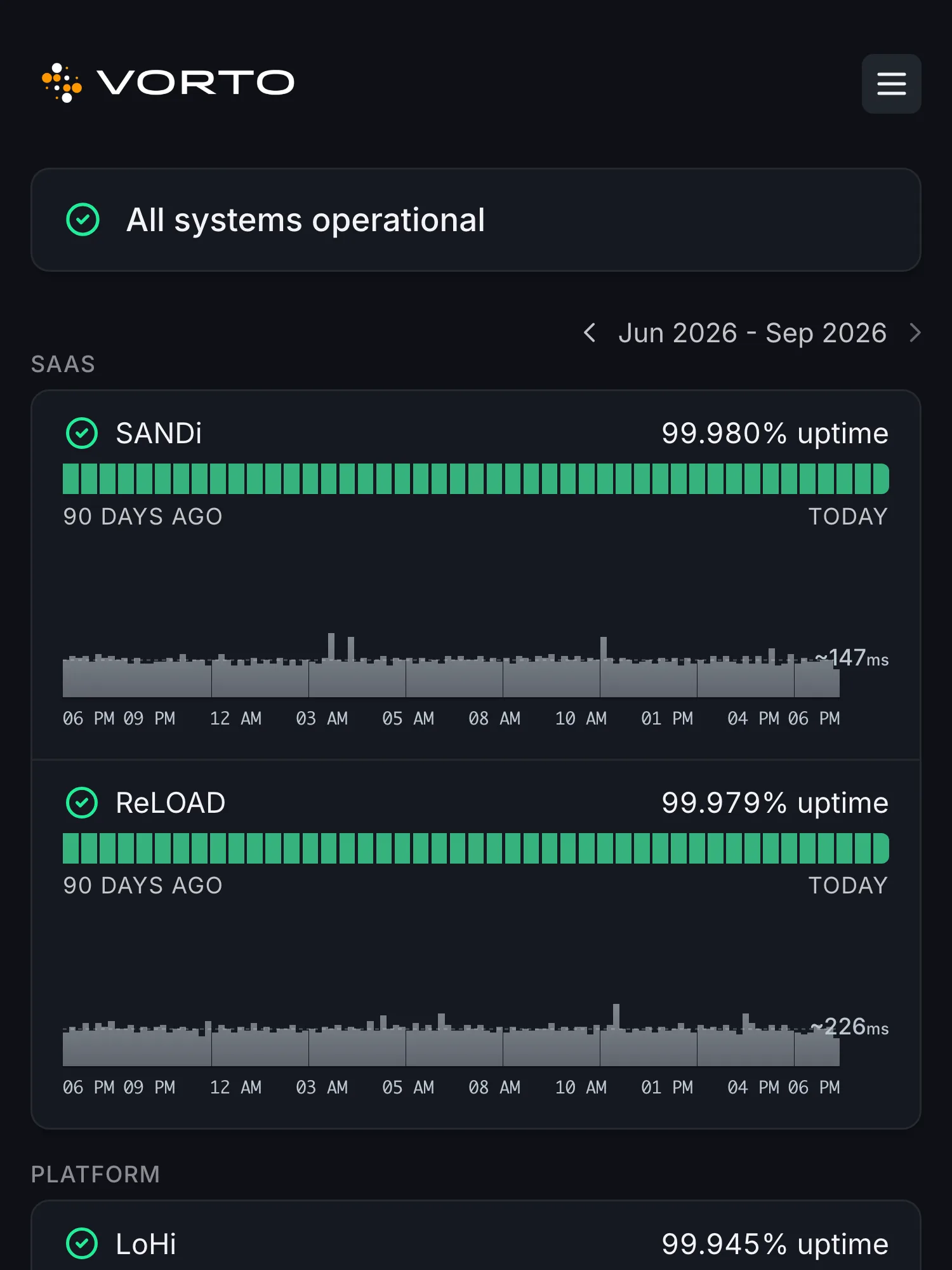
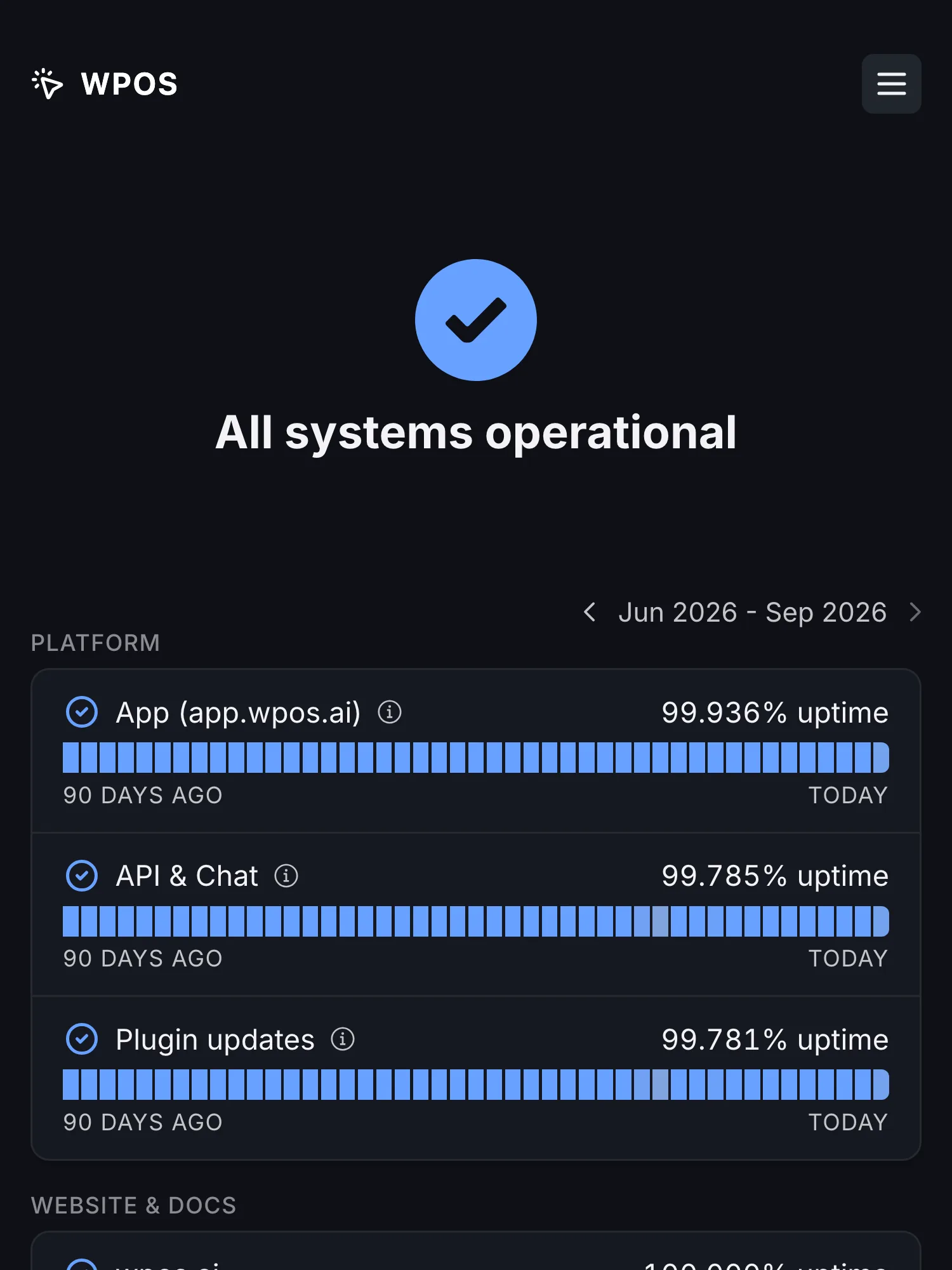
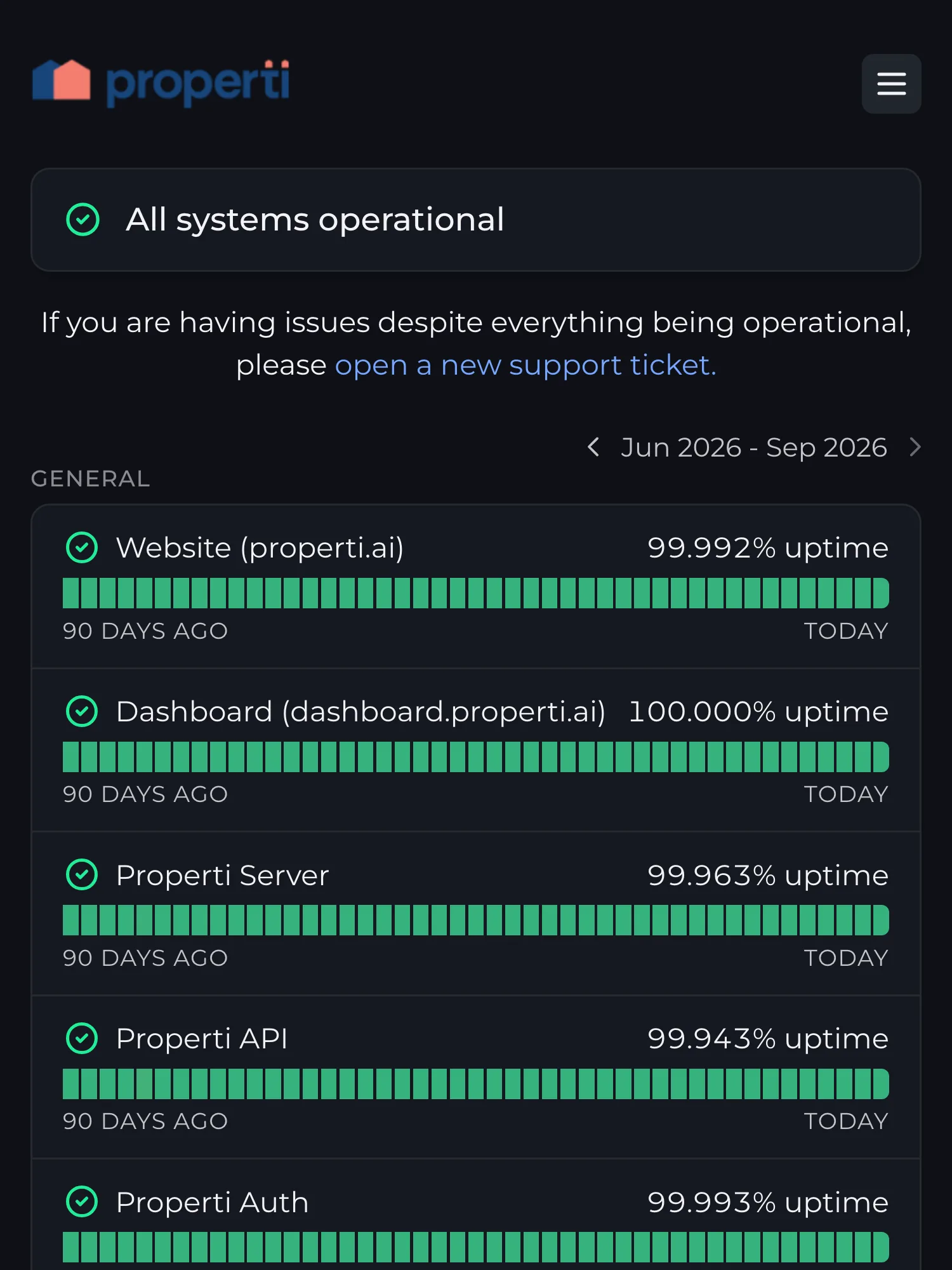
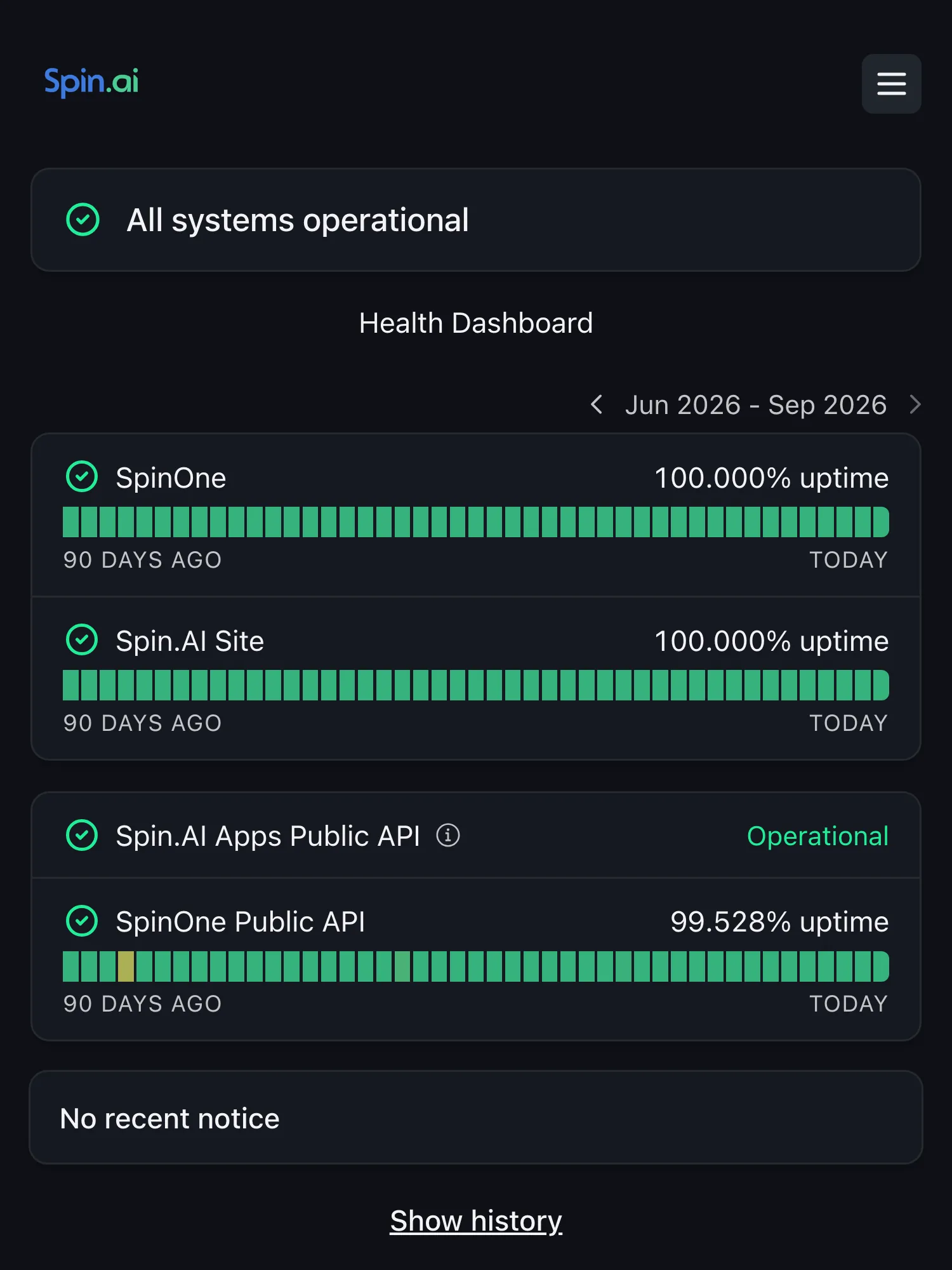
Explore private status pagesReal requests to your inference endpoints, checks on the model providers you call, heartbeats from your jobs and Playwright runs through your product. Each confirmed outage updates the right component on your page.
Explore uptime monitoringCreate checks through the API, bring your coding agent on call, and let your customers’ tools read your status.
curl -X POST \
  https://api.hyperping.io/v1/monitors \
  -H "Authorization: Bearer $API_KEY" \
  -H "Content-Type: application/json" \
  -d '{
    "name": "Inference API",
    "url": "https://api.acme.ai/v1/generate",
    "http_method": "POST",
    "request_body": "{\"prompt\":\"ping\",\"max_tokens\":1}",
    "required_keyword": "\"output\""
}'Create a POST check on your inference endpoint, with a one-token prompt and the text a real answer must contain. Script one for every model you ship.
Explore the APIcurl https://status.acme.ai/status.json
{
"indicator": "up",
"uptime": "99.967%"
}Every page serves status.json, plus incident and maintenance feeds in Statuspage’s format. Your customers’ scripts and agents can check before they retry.
Read the JSON docs# Connect Claude Code to Hyperping
claude mcp add --transport http hyperping \
https://api.hyperping.io/v1/mcp \
--header "Authorization: Bearer $HYPERPING_API_KEY"
# Then ask, from the same terminal
claude "What's down right now, since when, and who's on call?"One command connects Claude Code to Hyperping. Ask what’s down and since when, who’s on call, or have it declare an incident or add the monitors your new endpoint needs, without leaving the terminal.
Open the agent setupEvery alert is double-checked from at least two other locations before it reaches the tools your team already uses.
 Slack
Slack Microsoft Teams
 Google Chat
 PagerDuty
 Opsgenie
 Jira Service Management
 Discord
 Telegram
 Mobile app
USD · Monthly billing for every plan
Three subscriptions to keep it all running.
$747/month
$8,964 over 12 months
Everything connected, from the first check.
$299/month
$3,588 over 12 monthsSave $5,376 a year with this mix.
Reviewed . All amounts are USD; local currency prices may differ.
This is one example of a three-tool stack, not the cheapest possible setup or a feature-for-feature match. Pingdom and PagerDuty also include status-page features; a separate Statuspage subscription may not be needed by every team. Usage charges and paid connectors are not included. Annual totals are 12 monthly payments, not annual subscription quotes.
Yes. An HTTP monitor can send a GET or POST request with your own headers and body, then check the response for text only a real answer contains, so an error served with a 200 still counts as down. Every check is a real call to your endpoint: keep the prompt short and cap the output at a token or two. See API monitoring.
Create a monitor on the provider endpoint your product calls, with your own key, and add it to a section of your status page such as Third-party. When it fails, its component changes on its own and your users see the cause. You can also keep upstream monitors on a private page for your team.
Yes, with cron job monitoring. Your job calls its own URL when it finishes, and Hyperping alerts you when a run is missing. Call the /start URL first and you also see how long each run takes. For an AI agent, call it only after checking the output, so a run that ends on a rate limit or an empty answer counts as missed: see how to monitor scheduled AI agents.
A failed check is never trusted on its own: Hyperping double-checks it from your other regions before it opens an outage. You can also set an alert delay, so a check has to stay down for a few minutes before anyone is notified. See how false positives are avoided.
Yes. Create a page per customer or dedicated deployment, on its own domain, and make it private with a password or email codes on Pro, or with Google SSO and SAML SSO on Business (SAML connections are billed separately). Pro includes 3 status pages and Business 10. Beyond that, Enterprise plans are sized to your needs.
Yes. The hosted MCP server lets an agent check what’s down, pull uptime and on-call information, and create or update monitors, status pages, incidents and maintenance windows. It takes one command in Claude Code, or one pasted prompt in Cursor, Windsurf or Codex: see the agent setup.
Yes. The Statuspage importer brings your past incidents and maintenances over, and the public JSON endpoints of every page use Statuspage’s formats, so the tools that read your page keep working. Step-by-step guides cover Statuspage and Better Stack.
Start free with 20 monitors. Pro adds 250 monitors, 3 status pages, private pages and 10 seats. Business adds 1,000 monitors, 20-second checks, 10 status pages, white labeling and 20 seats. Compare every limit on the pricing page.