In Hyperping, routing is set per monitor. A monitor either alerts every channel you enabled at once, or hands its alerts to an escalation policy that pages in steps: the team channel first, then whoever the on-call schedule names, by SMS and phone call. Each monitor can use a different policy, so the checkout API and the marketing site don't wake up the same people.
Ways to route alerts
- By service: alerts for the payments API go to the payments team, alerts for the website go to the web team.
- By urgency: revenue paths page someone, internal tools post to chat.
- By time: business hours to the whole team's channel, nights and weekends to the on-call engineer only.
- By type: an SSL certificate expiring in 30 days goes to chat, a site that's down rings a phone.
- By acknowledgement: alerts nobody acknowledged move on to the next person, through an escalation policy.
Routing vs alerting everyone
Sending every alert to everyone feels safe and works badly. When ten people receive an alert, each assumes one of the others is on it, and the alert waits. When one named person receives it, with a backup after five minutes, someone owns it. Routing also cuts noise for everyone else, which keeps them responsive for the alerts that are theirs.
Designing routing rules
- Start from ownership. Every monitored service should have a team that owns it, and the routing follows that.
- Keep the number of policies small. Three or four (critical, standard, low, and off-hours) cover most teams. Dozens of rules become impossible to reason about at 3 a.m.
- Route people through schedules, not names, so rotations and vacations don't need routing changes.
- Make the default safe. A new monitor with no routing should still alert somewhere visible.
How to route alerts in Hyperping
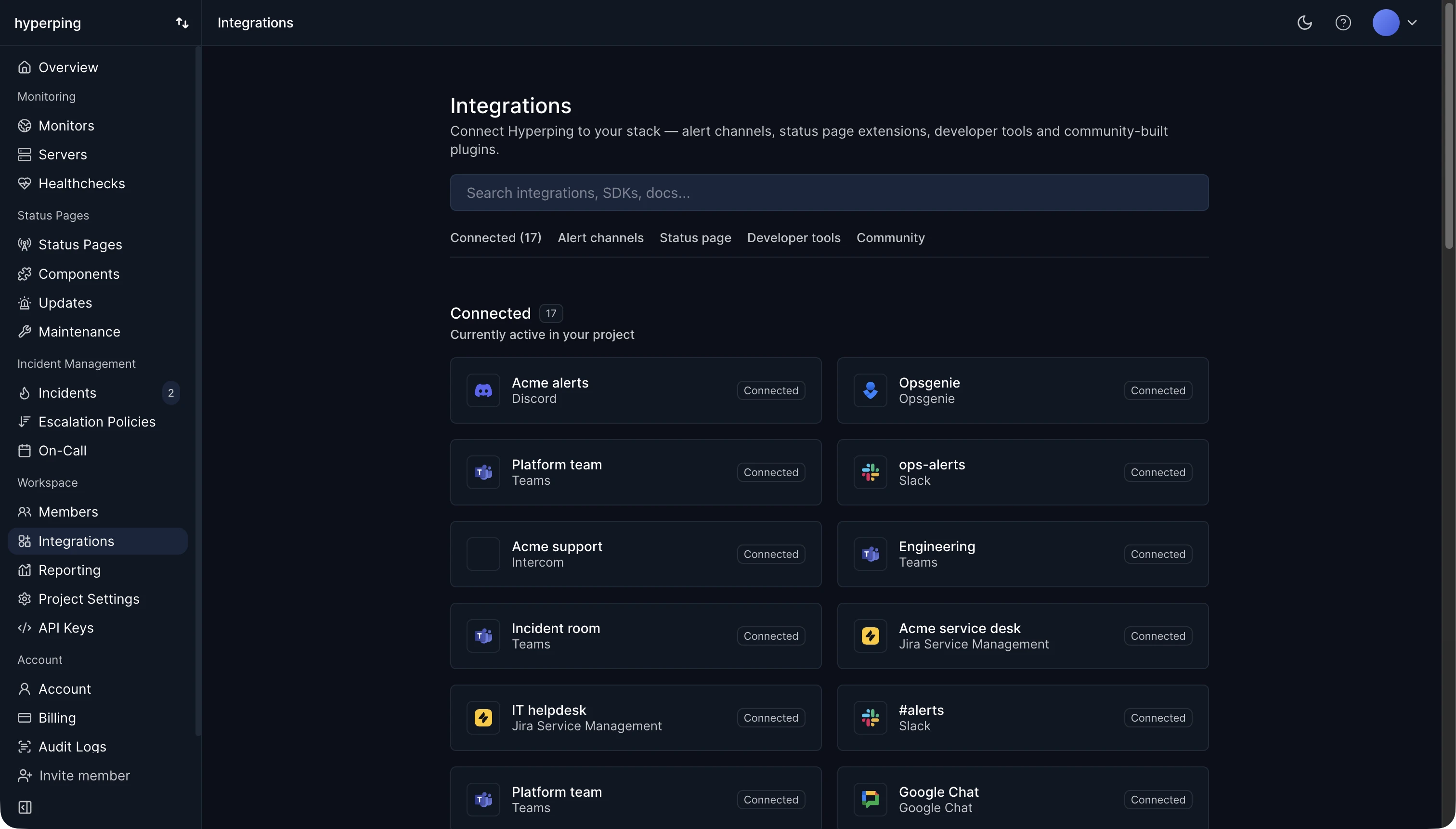
- Connect your notification channels: Slack, Microsoft Teams, Discord, Telegram, Google Chat, PagerDuty, Opsgenie, Jira Service Management, or webhooks.
- Build on-call schedules for each team.
- Create an escalation policy per level of urgency, pointing SMS and phone call steps at the right schedule.
- Assign each monitor its policy, or pick specific channels and teammates for low-stakes monitors.
FAQ
What is the difference between alert routing and escalation?
Routing decides who gets the alert first. Escalation decides what happens when they don't respond. In most tools, both live in the escalation policy.
Should alerts go to a shared channel?
As a first step and a record, yes. As the only step, no: a shared channel with no named owner is where alerts wait the longest.
Can I forward Hyperping alerts to PagerDuty or Opsgenie?
Yes. Both integrations open an alert when an outage starts and close it on recovery, so you can keep routing in the tool you already use.