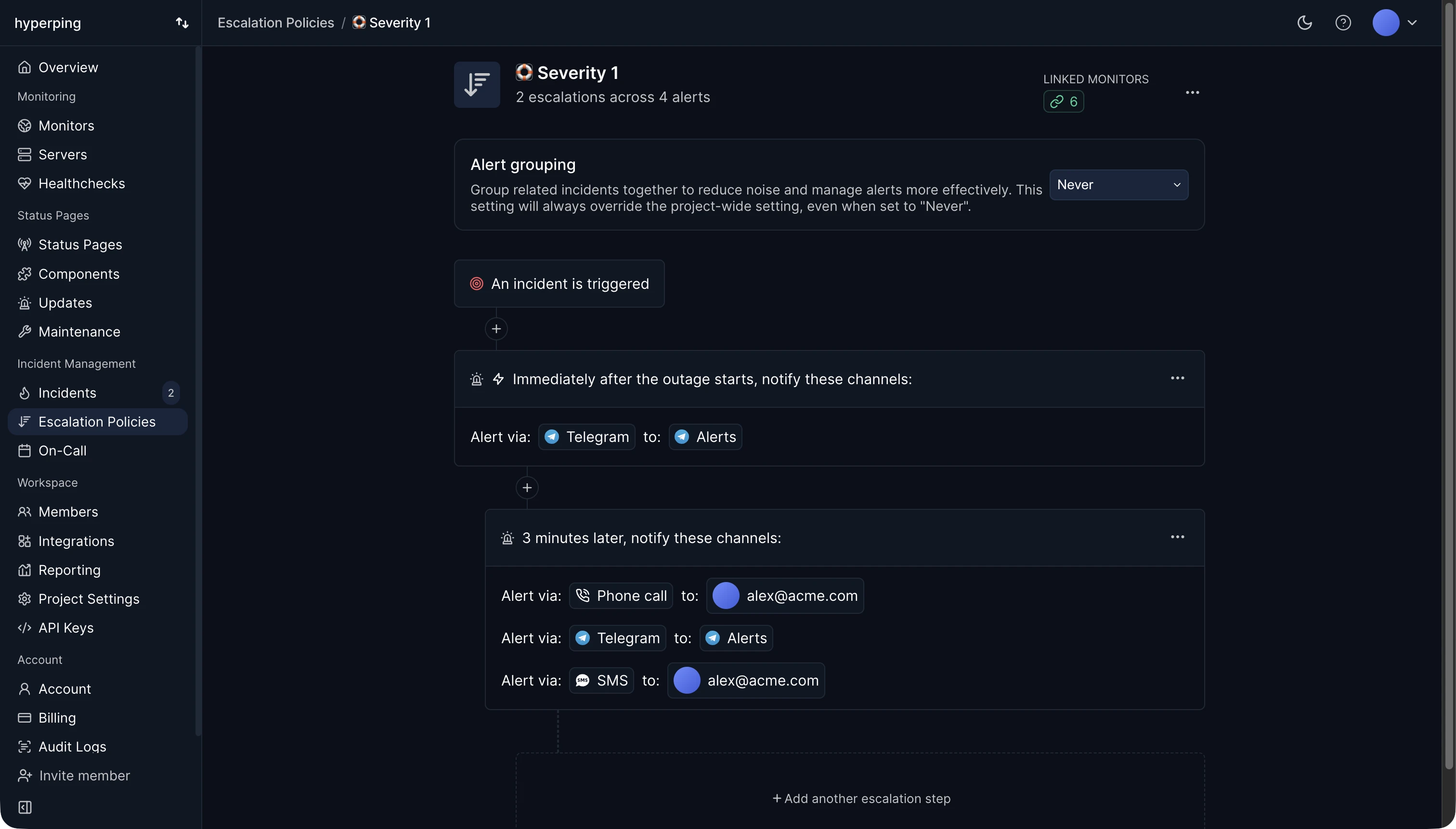
Most alert fatigue comes from alerts that should never have been sent. Hyperping cuts them at the source: a single failed check never alerts anyone, because the other regions recheck at once and an outage opens only if they fail too. On top of that, grouped alerts turn monitors failing together into one alert, alert delays ignore blips shorter than the time you set, and maintenance windows silence planned work.
Causes of alert fatigue
- False positives: a network blip between one probe and your server, a flaky test, a threshold set too tight.
- Duplicates: ten monitors behind the same load balancer each sending their own alert for one outage, or two tools alerting on the same failure.
- Alerts nobody needs to act on: a CPU spike that resolves itself, a warning that's been firing for months.
- Everything at the same urgency: a broken checkout and a slow admin page both ring the phone.
- Planned work: deploys and maintenance paging the people doing the work.
Signs your team has it
- Alerts sit unacknowledged for minutes during working hours.
- People mute alert channels or filter alert emails into a folder.
- Someone says "that one always fires" about an alert.
- An outage is first reported by a customer although monitoring alerted on time.
How to reduce alert fatigue
- Confirm before alerting. Require a failure from more than one location, or for more than one check in a row.
- Make every page actionable. If the person paged can't or shouldn't do anything right now, it's a ticket or a chat message, not a page.
- Route by urgency with escalation policies: phone calls for revenue paths, chat for everything else.
- Group related alerts, so a shared dependency failing sends one alert instead of twenty.
- Silence planned work with maintenance windows, and delay alerts for endpoints that restart during deploys.
- Review last week's alerts every week. Delete, tune, or downgrade each one that didn't lead to action.
Reducing alert fatigue in Hyperping
- Select at least three regions per monitor, so failures are confirmed before anyone hears about them.
- Turn on grouped alerts in project settings or on an escalation policy, with a window from 10 seconds to an hour.
- Set an alert delay on monitors that blip during deploys, and delay SMS until an outage has lasted a few minutes.
- Cap repeat alerts, and let acknowledgement stop them.
- Send low-stakes monitors to chat only by leaving them without an escalation policy.
FAQ
How many alerts are too many?
More than one or two pages per on-call shift outside working hours is a sign to tune. In working hours, every alert should still lead to someone doing something.
Is alert fatigue the same as burnout?
No, but one leads to the other. Alert fatigue is about attention: people stop reacting. Burnout is about the people: frequent night pages over months drive engineers out of the rotation, or out of the company.
What is a false positive alert?
An alert for a problem that isn't there, such as a check that failed because of the monitoring network rather than your service. See how to reduce false positives.