The best Uptime.com alternatives are Hyperping (monitoring + on-call + status pages at a flat rate), Better Stack (monitoring + logs + incidents), Cronitor (cron job + uptime monitoring), and UptimeRobot (budget-friendly basic monitoring). I analyzed 32 tools total and narrowed it to these four based on hundreds of G2 and Capterra reviews, product research, and conversations with DevOps teams.
Most teams leave Uptime.com for one of three reasons: no on-call scheduling or escalation policies for managing incident response, pricing that climbs fast as you add checks and SMS alerts, or a need for integrated incident management beyond basic alerting.
In this guide, you'll learn:
- Why teams leave Uptime.com (based on real user feedback, not speculation)
- Four alternatives that solve specific problems Uptime.com doesn't
- Honest pricing comparisons with actual numbers
- Which tool fits your team size, technical maturity, and budget
If you want monitoring that catches issues in 30 seconds, status pages that strengthen customer trust, on-call scheduling with smart escalation policies, and pricing you can actually predict, Hyperping delivers exactly that. Schedule a demo to see how it works.
Key takeaways
- Hyperping is the most cost-effective option starting at $24/mo flat-rate with included seats and paid additional seats: includes monitoring, on-call, and status pages.
- Better Stack combines uptime monitoring, log management, and incident response in a unified platform, but costs rise quickly from a generous free tier.
- Cronitor is the strongest choice for teams that rely heavily on cron jobs and background tasks, combining heartbeat monitoring with uptime checks starting at $7/mo.
- UptimeRobot provides the most generous free plan (50 monitors) and is the simplest option for basic uptime monitoring. Paid Solo starts at $12/mo billed annually.
Why you should trust this guide
I'm Léo, founder of Hyperping. Yes, that means I have a stake in one of these tools. But I've seen teams choose competitors when they were genuinely the better fit. My goal isn't to convince you Hyperping is always the answer. It's to help you understand which tool actually solves your problem.
I've analyzed hundreds of G2 and Capterra reviews, tested platforms myself, reviewed detailed product analyses, and talked to engineering teams about their experiences. Where I couldn't test something directly, I relied on verified user feedback and documented sources.
Top picks at a glance
| Best for | Product |
|---|---|
| Cost-effective monitoring + on-call + status pages | Hyperping |
| Unified monitoring + logs + incident management | Better Stack |
| Cron job and background task monitoring | Cronitor |
| Budget-friendly basic uptime monitoring | UptimeRobot |
Why teams consider Uptime.com alternatives
Uptime.com has built a solid reputation as a monitoring platform with 30+ check types, 80+ global probe locations, and no-code synthetic monitoring. It's particularly strong for SLA verification and third-party uptime reporting. But as teams grow and need more from their monitoring stack, several pain points push them to explore alternatives.
No on-call scheduling or advanced escalation policies
Uptime.com sends alerts to configured channels, but it doesn't manage who's on-call or what happens when no one responds. A G2 reviewer specifically requested: "Rich on-call scheduling and escalation policies with overlapping shifts, rotations etc." and "Integration with ticketing/issue tracking systems so that incidents automatically generate tickets." Teams using Uptime.com typically need PagerDuty or OpsGenie on top, which adds cost and complexity.
No integrated incident management
Uptime.com detects problems and sends alerts, but the incident lifecycle ends there. There's no built-in post-mortem workflow, no incident commander roles, no structured incident states, and no continuous improvement tracking. The same G2 reviewer noted wanting "deep root-cause analysis tools, post-mortem workflows, and continuous improvement tracking." Teams that need structured incident response end up assembling multiple tools around Uptime.com.
Pricing can be high for smaller teams
Uptime.com recently simplified its pricing to a per-check model, but costs add up. 100 basic checks with 10 advanced checks costs $60/month. Multiple G2 reviewers noted "high pricing for small teams" and that "the pricing model can become a bit high for smaller teams that need advanced features." SMS alerts are also capped per tier, which can be limiting for teams with many monitors.
Alerting delays and location attribution gaps
Some users report occasional delays in receiving alerts. Capterra reviewers have noted delayed alerts and relatively low API rate limits, particularly in Terraform-heavy environments. Others want clearer identification of which monitoring location triggered a down report, to better distinguish regional network issues from genuine outages.
Terraform provider gaps
Teams that manage infrastructure as code have reported friction with Uptime.com's Terraform provider. One G2 reviewer wrote: "The terraform provider does not match the features of the product. It seems that the terraform provider is more of an after thought. For example support for Vault and Escalations is lacking." For IaC-heavy teams, this gap adds manual work.
Quick comparison: Uptime.com alternatives
| Tool | Starting Price | Best For | Main Limitation |
|---|---|---|---|
| Hyperping | $24/mo (50 monitors) | SMBs wanting monitoring + status pages + on-call | Not a full observability platform |
| Better Stack | $29/mo | Teams wanting monitoring + logs + incidents unified | Costs rise quickly from free to paid |
| Cronitor | $7/mo | Teams with critical cron jobs and background tasks | Per-monitor pricing adds up at scale |
| UptimeRobot | Free; Solo from $12/mo | Budget-conscious teams needing basic monitoring | No synthetic monitoring or on-call |
Hyperping: Best for cost-effective monitoring with on-call and status pages
Who Hyperping is built for
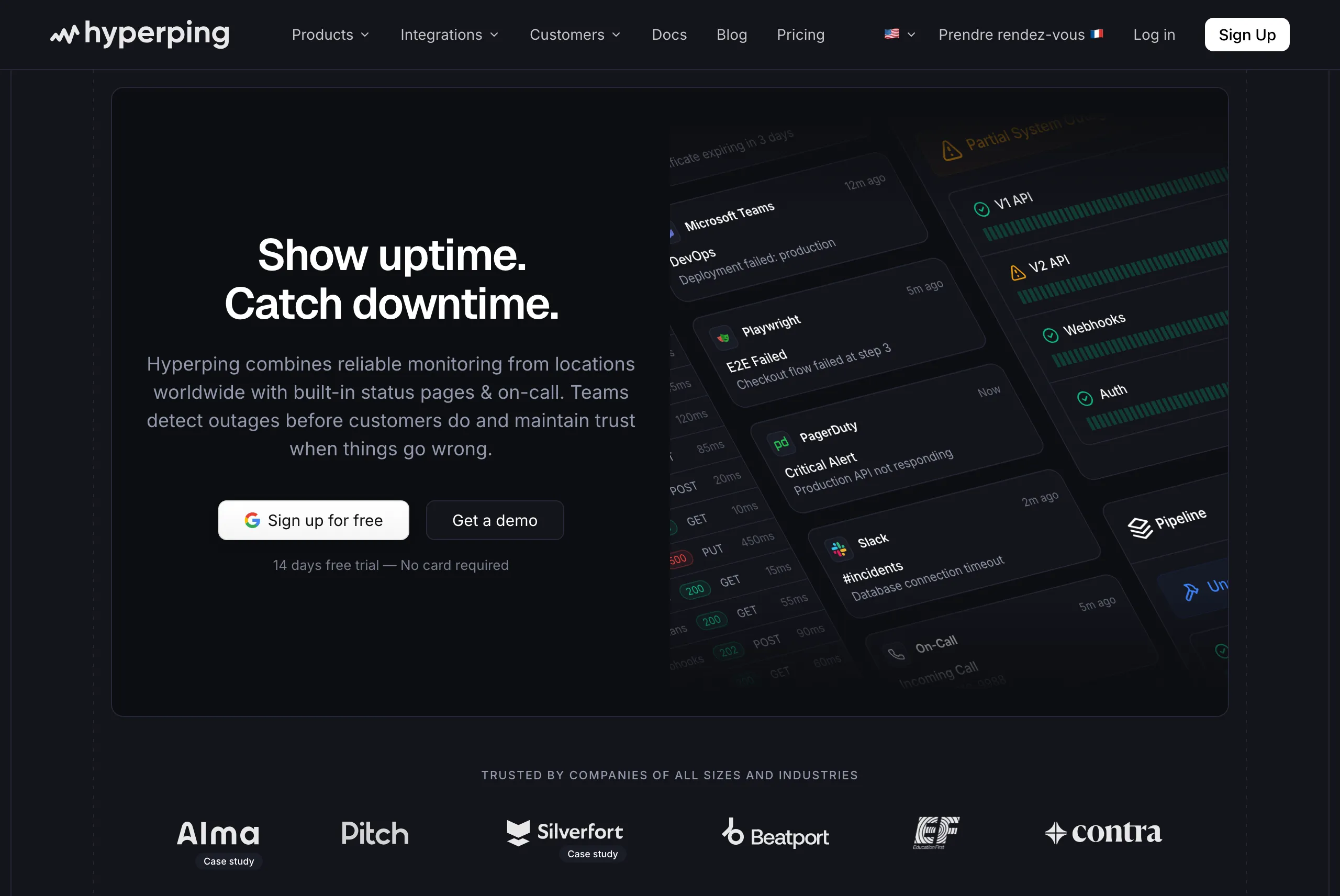
Teams that want reliable uptime monitoring, polished status pages, and on-call scheduling without complexity or budget strain. Hyperping focuses on doing the essentials extremely well rather than adding every possible feature.
From the reviews and conversations I analyzed, Hyperping appeals to teams that value simplicity and predictable pricing. It's particularly popular with European companies due to being a French company with EU hosting, and with growing SaaS teams that need more than basic monitoring but don't need full observability suites.
Notable features
- 30-second check intervals: Faster than Uptime.com's default check frequency. Business plans support sub-30-second intervals for mission-critical services.
- On-call scheduling and escalation policies: Create flexible schedules with timezone-aware support, automatic rotation, and multi-step escalation. This is something Uptime.com doesn't offer at all.
- Voice call alerts: Get phone calls for critical incidents, not just emails and Slack messages.
- Multiple full-featured status pages: Custom domain, white-label branding, multi-language support, and subscriber notifications.
- Browser-based synthetic monitoring: Uses Playwright for end-to-end testing of critical user flows like checkout or login processes, with video replay and trace analysis.
- Multi-channel alerting: Email, SMS, voice calls, Slack, Discord, Telegram, Microsoft Teams, PagerDuty, OpsGenie, and webhooks.
- Server monitoring: A one-line OpenTelemetry agent install collects CPU, memory, filesystem, disk I/O, and network metrics from Linux and macOS hosts, with server alerts routed through the same escalation policies as your uptime checks.
- European hosting: GDPR-compliant infrastructure with all data stored in EU data centers.
Why choose Hyperping over Uptime.com?
On-call scheduling and incident management built in
Uptime.com detects problems and sends alerts. Hyperping goes further: it manages who receives the alert based on on-call schedules, escalates to a backup if no one acknowledges, and supports timezone-aware rotations for distributed teams. No need for a separate PagerDuty or OpsGenie subscription.
Predictable flat-rate pricing
Uptime.com's per-check pricing means 100 basic checks with 10 advanced checks costs $60/month, and SMS alerts are capped per tier. Hyperping's Pro plan offers 250 monitors, 10 browser checks, 3 public or private status pages, and 10 seats for $74/month flat. No per-check fees, no SMS caps, no surprises.
Faster default check intervals
Hyperping checks every 30 seconds by default on all paid plans. Uptime.com offers 1-minute checks on standard tiers. For teams where every second of detection speed matters, Hyperping provides faster baseline monitoring.
What actual Hyperping users say
"Hyperping has been a total game-changer for us. The service is reliable, easy to use, and incredibly feature-rich. I love that it constantly checks our site and alerts us right away if there are any issues."
"We made our Hyperping status page publicly available and it became a crucial part of our sales pitches. We are proud of our uptime and we love that we can share it with prospects and customers in such an easy way."
How much does Hyperping cost?
- Essentials: $24/month for 50 monitors, 1 status page, 3 browser checks, 3 seats
- Pro: $74/month billed annually for 250 monitors, 3 public or private status pages, 10 browser checks, 10 seats. Includes email access codes, multilingual pages, and native account SAML SSO.
- Business: $249/month billed annually for 1000 monitors, 10 status pages, 20-second checks, 25 browser checks, 20 seats, priority support, and more.
All plans include on-call scheduling, escalation policies, and voice call alerts. A free tier and 14-day trial are available on all paid plans.
Where Hyperping falls short
Hyperping doesn't try to be a full observability platform. You won't get integrated log management like Better Stack.
Uptime.com offers a broader set of check types (30+ including DNS, TCP/UDP, Whois, and page speed) and private location probes for monitoring internal services behind firewalls. Hyperping doesn't offer private location monitoring. If your team relies on the breadth of Uptime.com's check types or needs to monitor internal infrastructure, that's a gap to consider.
Uptime.com also has native mobile apps for iOS and Android. Hyperping's interface is responsive on mobile but doesn't have dedicated native apps.
Is Hyperping right for you?
Choose Hyperping if you're a startup, SMB, or growing SaaS team that wants solid monitoring, on-call scheduling, and status pages without overpaying or over-configuring. It's particularly appealing for teams frustrated by Uptime.com's lack of on-call management, European companies valuing GDPR compliance, and anyone who wants predictable flat-rate pricing instead of per-check billing.
Better Stack: Best for unified monitoring, logs, and incidents
Who Better Stack is built for
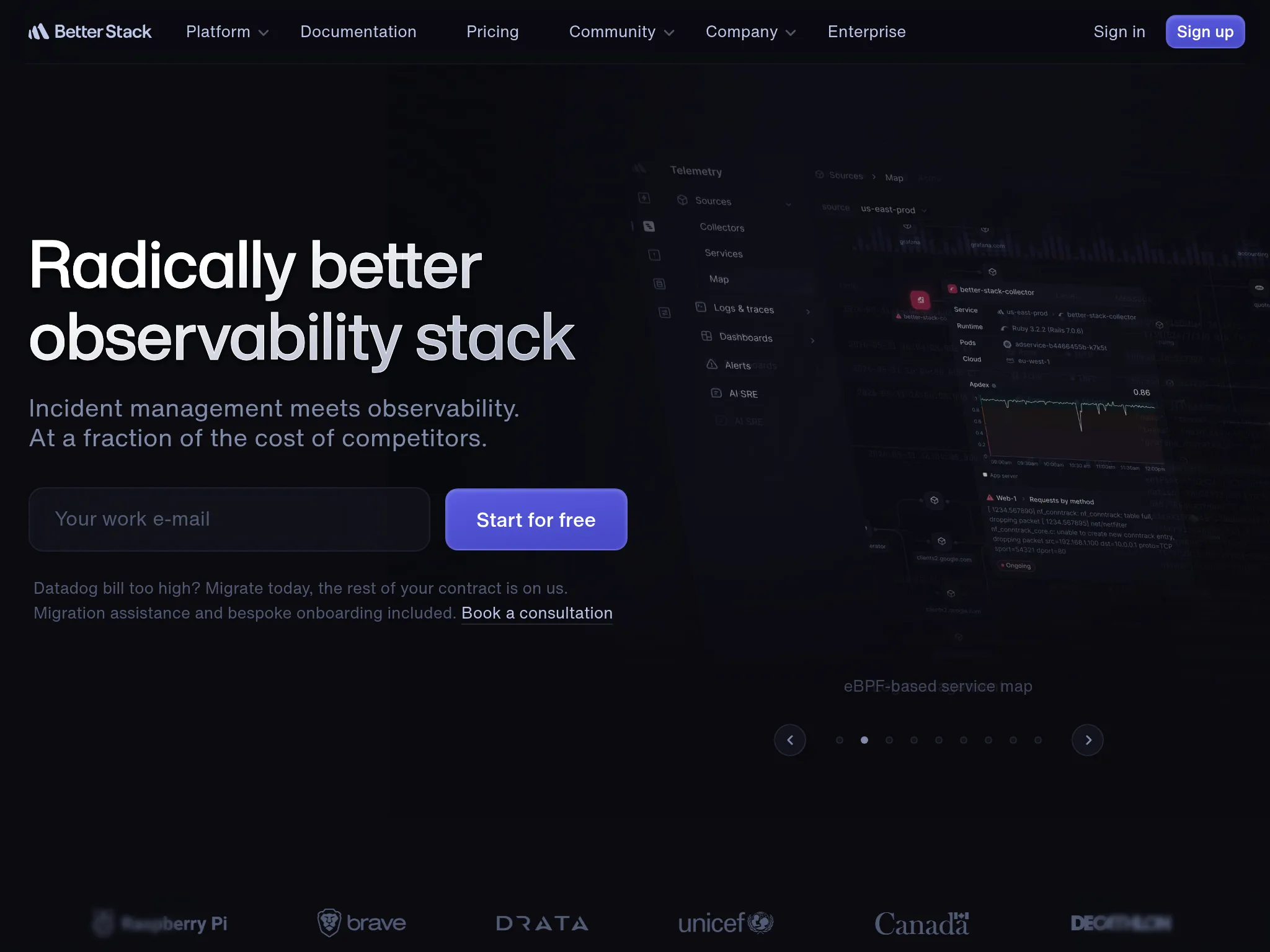
Engineering teams that want uptime monitoring, log management, and incident response unified in a single platform. Better Stack works well when you want to go from "site is down" to "here's what the logs say" without switching tools.
From what I gathered in G2 reviews, Better Stack's strength is its polished developer experience. Users consistently praise the modern interface and fast setup. One reviewer described it as having "probably the best looking interface you'll ever get to work with."
Notable features
- 30-second uptime checks: Verified from at least three geographic regions to minimize false positives.
- Integrated log management: SQL-like querying with ClickHouse-powered storage, supporting up to 1 billion log lines per second. When something goes down, you can immediately search logs to understand why.
- Incident management: On-call scheduling, escalation policies, and AI-powered post-mortems built into the same platform. This directly addresses Uptime.com's biggest gap.
- Multi-channel alerting: Voice, SMS, Slack, Teams, email, and push notifications with noise suppression.
- Status pages: Public and private pages with branded communication.
- Playwright-based synthetic monitoring: Browser-based transaction checks for testing user flows.
Why choose Better Stack over Uptime.com?
Incident management that Uptime.com lacks
Uptime.com detects outages and sends alerts. Better Stack goes from detection through resolution: on-call scheduling, escalation policies, Slack-based incident management, smart incident merging, and AI-powered post-mortems. The G2 reviewer who wanted "post-mortem workflows and continuous improvement tracking" from Uptime.com would find exactly that in Better Stack.
Logs alongside monitoring
When something goes down, Uptime.com tells you it's down. Better Stack can show you the logs from that moment in the same platform. You don't need to SSH into a server or switch to a separate log aggregator. For teams debugging outages, this context is the difference between a 5-minute fix and a 30-minute investigation.
Modern developer experience
Better Stack's interface is consistently praised as one of the most polished in the monitoring space. Uptime.com's UI is functional but some users report wanting more customization and finding navigation frustrating, particularly with grouping and filtering.
What G2 users say about Better Stack
"BetterStack Uptime is an excellent tool for monitoring the availability of sites and services in real-time. Its interface is modern, easy to use, and pleasant on a daily basis. I appreciate the ability to quickly set up monitors, receive multi-channel alerts, and share professional status pages with clients."
"It can be quickly and easily deployed as an external monitoring tool, with a free tier available. This allows organizations to test system uptime and functionality without a significant financial commitment."
How much does Better Stack cost?
Better Stack uses modular pricing that adds up across products:
- Free tier: 10 monitors, 1 status page, limited log retention
- Monitors: $21/month per 50 additional monitors
- On-call responders: $29/month per user
- Status pages: $12/month per page + advanced addons
- Heartbeat monitors: $17/month per 10
A G2 reviewer noted: "The initial paid tier starts at $29 which is very steep for the small open source services I run. I would love to see some grace for public repos, or a lower tier around $14."
Where Better Stack falls short
Pricing that's hard to predict. The modular structure (per-monitor, per-responder, per-status-page) makes total cost difficult to estimate in advance. Uptime.com's per-check pricing is simpler to calculate. What starts as a free tool can quickly reach $100-200/month for a small team with Better Stack.
Fewer check types. Uptime.com offers 30+ check types including DNS, TCP/UDP, Whois, page speed, and private location probes. Better Stack's monitoring is more focused on HTTP/HTTPS checks and heartbeats. If you rely on Uptime.com's breadth of monitoring types, Better Stack may not cover everything.
No private location monitoring. Uptime.com's private location probes for monitoring internal services behind firewalls don't have an equivalent in Better Stack.
Is Better Stack right for you?
Choose Better Stack if you want monitoring, logging, and incident management in one platform and you're comfortable with modular pricing. It's particularly strong for teams that need the incident management Uptime.com lacks, organizations that value a modern developer experience, and teams that want to debug outages using logs alongside monitoring data. Be aware that costs can climb faster than expected as you add monitors, responders, and status pages.
Cronitor: Best for cron job and background task monitoring
Who Cronitor is built for
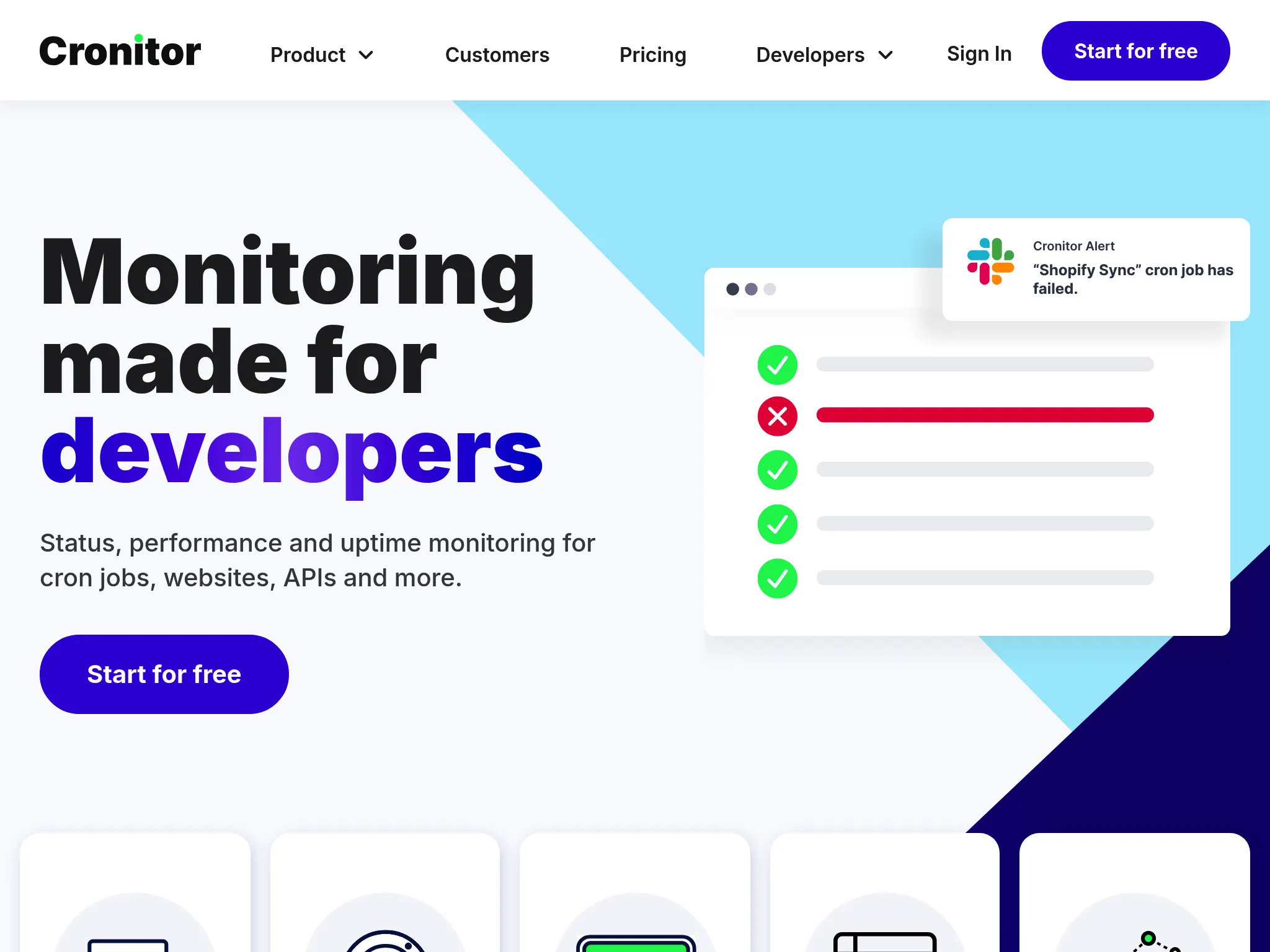
Engineering teams that rely heavily on cron jobs, background workers, and scheduled tasks for business-critical processes like billing, data pipelines, and backups. Cronitor works well when silent job failures could mean missed invoices, stale reports, or lost data.
From what I gathered in reviews, Cronitor's strength is making invisible scheduled processes visible. Users consistently describe it as a tool that "catches small problems before they become large ones." Trusted by teams at Johnson & Johnson, Reddit, Square, and monday.com.
Notable features
- Deep cron/heartbeat monitoring: Monitors cron jobs, background workers, Windows Scheduled Tasks, and other recurring processes using lightweight HTTP pings. Detects missing, failing, or slow jobs based on expected schedules.
- Job timing and anomaly detection: Alerts when jobs don't start, run too long, or go missing, with configurable grace periods and failure tolerances.
- Uptime monitoring: Website and API checks with frequencies down to 30 seconds on Business plans.
- Status pages: Basic, branded, and private options with subscriber notifications.
- Real User Monitoring (RUM): Basic performance analytics with first 100k events free.
- Developer-friendly setup: Jobs call a ping URL via curl/wget, with no agent installation needed. Existing crontabs can be imported automatically.
Why choose Cronitor over Uptime.com?
Purpose-built cron job monitoring
Uptime.com includes heartbeat checks, but they're a small part of a broader platform. Cronitor is built from the ground up for scheduled task monitoring. It understands cron schedules, tracks job durations, detects timing anomalies, and can auto-import your existing crontabs. If your infrastructure depends on jobs running reliably, Cronitor provides visibility that Uptime.com's heartbeat checks don't match.
Simpler pricing for cron-heavy teams
Uptime.com charges per-check with separate tiers for basic and advanced checks. For teams that primarily need cron monitoring with some uptime checks, Cronitor's free tier (5 monitors) and Business plan ($2/monitor) can be more cost-effective, especially if you don't need Uptime.com's advanced synthetic monitoring capabilities.
Centralized job logs and dashboards
Cronitor aggregates output from jobs across machines, showing failures, overdue runs, and performance trends with up to a year of retention. Uptime.com doesn't provide this kind of job-specific log aggregation.
What users say about Cronitor
"We monitor numerous automated processes with Cronitor, and it has helped us catch small problems before they became large ones."
"We highly recommend it, especially for smaller companies without dedicated DevOps teams. Allows a relatively small IT team the ability to monitor a variety of different systems and processes, both on-prem and cloud-based."
How much does Cronitor cost?
- Free (Hacker): 5 monitors, basic cron/heartbeat + website monitoring, basic status page, 5-minute check frequency, 1 user
- Business: Pay per monitor ($2/monitor), 30-second checks, additional users ($5/user/month), advanced status pages and SSO available as add-ons
- Enterprise: Custom pricing, 5-second checks, advanced SSO/SCIM, dedicated support
A 14-day free trial is available on all paid plans.
Where Cronitor falls short
Per-monitor pricing adds up. Users with many monitors find costs climbing quickly. One Capterra reviewer noted: "Recently there was a pricing change. This change might be good for people with only a few crons, but if you have many crons, it might not be ideal, since the cost is now based on the number of crons you have."
No on-call scheduling or escalation policies. Like Uptime.com, Cronitor routes alerts but doesn't manage who's on-call or how incidents escalate through a team.
No synthetic monitoring. Cronitor doesn't offer browser-based checks or no-code transaction monitoring. Uptime.com's synthetic monitoring for testing user flows is a clear advantage for teams that need to verify complete user journeys.
Fewer check types. Uptime.com offers 30+ check types including DNS, TCP/UDP, Whois, page speed, and private location probes. Cronitor's uptime monitoring covers the basics but doesn't match that breadth.
Is Cronitor right for you?
Choose Cronitor if your infrastructure depends on cron jobs, background tasks, and scheduled processes that need to run reliably. It's particularly strong for SaaS companies with critical billing and ETL jobs, teams wanting cron + uptime + status pages in one tool, and smaller engineering teams that need quick setup without specialized DevOps expertise. If you need Uptime.com's breadth of check types or synthetic monitoring, Cronitor won't be a full replacement for those capabilities.
UptimeRobot: Best for budget-friendly basic monitoring
Who UptimeRobot is built for
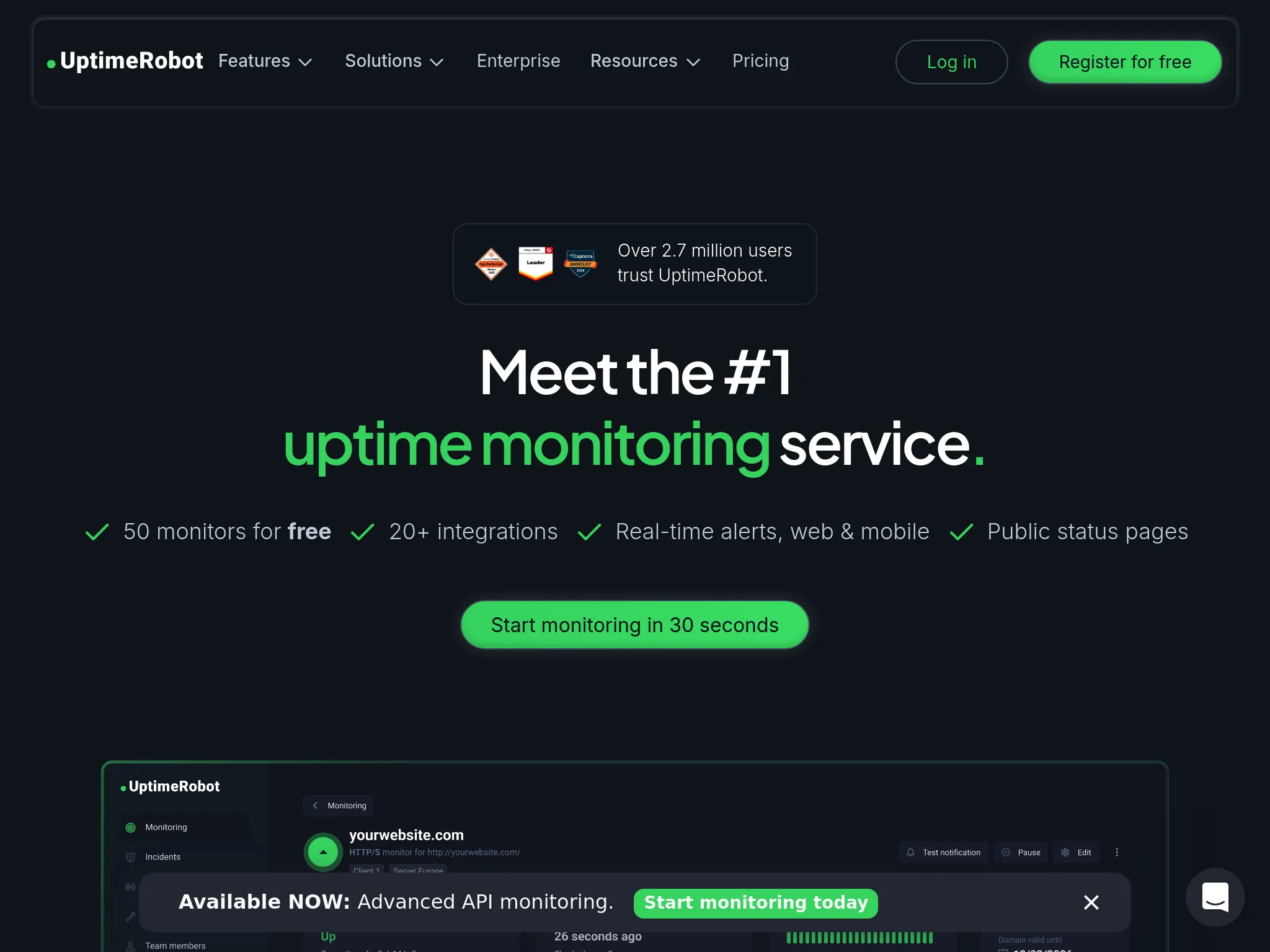
Freelancers, solo developers, small teams, and agencies that need simple, affordable uptime monitoring for multiple websites and services. UptimeRobot works well when you want reliable "is it down?" checks without paying for features you don't need.
With more than 3.4 million users since 2010, UptimeRobot has the largest user base of any dedicated uptime monitoring tool. Its free plan with 50 monitors is the most generous in the category.
Notable features
- Multi-type monitoring: HTTP(S), ping, port, keyword/content checks, DNS, SSL certificate expiry, domain expiry, and cron/heartbeat monitoring.
- Generous free plan: 50 monitors with 5-minute check intervals, far more than Uptime.com's $7/month entry for just 10 checks.
- Status pages: Customizable public status pages with subscription options for customers.
- Multi-channel alerting: Email, SMS, voice calls, push notifications, webhooks, and integrations with Slack, Teams, Discord, Telegram, Google Chat, PagerDuty.
- Mobile apps: Native iOS and Android apps for on-the-go monitoring.
- REST API: Full automation capabilities for agencies and teams managing many sites.
Why choose UptimeRobot over Uptime.com?
Significantly cheaper for basic monitoring
UptimeRobot's free plan includes 50 monitors with 5-minute checks. Uptime.com's cheapest option costs $7/month for 10 basic checks. Paid Solo is $12 to $13/month for 10 monitors with 60-second checks. Team is $39 to $46/month for 100 monitors with 30-second checks, which undercuts Uptime.com's $60/month 100-check tier on volume. For teams that need many basic monitors, the free tier is still the bigger gap.
Voice call alerts on paid plans
UptimeRobot offers phone call alerts on paid plans. Uptime.com includes phone calls too, but at a higher price point. For budget-conscious teams that still need voice alerts for critical incidents, UptimeRobot delivers them cheaper.
Simpler setup and interface
UptimeRobot is consistently described as the easiest monitoring tool to set up. One G2 reviewer noted being "up and running within minutes." Uptime.com is also user-friendly but has more features to configure, which some users find adds initial friction.
What G2 users say about UptimeRobot
"Uptime Robot is a reliable service that I used for about 8 years to monitor the uptime of my application and its services. It has quite a rich feature set where it comes to setting up the monitor requests, is easy to use and allows the creation of very attractive status pages."
"UptimeRobot is very easy to set up and doesn't require much technical knowledge to get started. The free tier already covers the most important monitoring needs, which makes it perfect for smaller projects or first use cases."
How much does UptimeRobot cost?
- Free: 50 monitors, 5-minute intervals, basic status pages
- Solo: $13/month ($12 billed annually) for 10 monitors, 60-second checks, SSL/domain expiry monitoring
- Team: $46/month ($39 billed annually) for 100 monitors, 30-second checks, 100 status pages
- Scale: $98/month ($83 billed annually) for 200 monitors, 15-second checks
- Enterprise: Custom
Annual billing saves about 15% on Team and Scale.
Where UptimeRobot falls short
No synthetic monitoring. UptimeRobot can't test user flows, browser rendering, or multi-step transactions. Uptime.com's no-code synthetic monitoring is a clear advantage for teams that need to verify complete user journeys.
Fewer check types. Uptime.com offers 30+ check types including advanced options like page speed, RUM, and private location monitoring. UptimeRobot's check types are more limited.
No on-call scheduling or escalation. Like Uptime.com, UptimeRobot sends alerts but doesn't manage incident response workflows.
Keyword monitoring doesn't handle JavaScript. UptimeRobot's keyword monitoring can't detect dynamically loaded content, limiting its usefulness for modern SPAs and JavaScript-heavy sites.
Limited diagnostics. UptimeRobot tells you something is down but doesn't help you figure out why. Uptime.com provides more detailed response data and performance metrics. Response data measured from outside the machine still won't show you that CPU is pinned or a filesystem is nearly full, which is what host metrics from an agent on the server are for.
Is UptimeRobot right for you?
Choose UptimeRobot if you need affordable monitoring for many endpoints without requiring the depth of Uptime.com's check types or synthetic monitoring. It's particularly strong for freelancers and agencies monitoring many client sites, personal projects and small-scale commercial use, and teams that only need "is it down?" monitoring at the lowest possible cost. If you need synthetic monitoring, SLA verification, or advanced check types, Uptime.com or Hyperping are better options.
Open-source alternative: Uptime Kuma
If you need a self-hosted option, Uptime Kuma offers the best balance of features and ease of use among open-source monitoring tools. It provides a polished UI, multiple notification channels, and supports HTTP, TCP, DNS, and other check types.
The tradeoff: you become the single point of failure. If your monitoring server goes down, you won't know when your services go down either. There's no global probe network to verify outages from multiple locations. For most teams, the reliability and support of managed services outweigh the cost savings of self-hosting.
Other open-source alternatives include Nagios, Upptime, CState, and Kener, but these generally require more technical expertise to set up and maintain.
All Uptime.com alternatives analyzed
For completeness, here's the full landscape of alternatives beyond our top picks:
| Name | Pricing (2026 Est.) | Main Strength | Main Weakness |
|---|---|---|---|
| Hyperping | From $24/mo | Predictable pricing. 30-second checks, status pages, Playwright tests, on-call scheduling with seats included. | Not full observability. No integrated log management or APM. |
| Better Stack | $29/mo | Unified platform. Monitoring + logs + incidents with modern interface and fast setup. | Pricing jumps. Modular pricing adds up quickly from free tier. |
| UptimeRobot | Free; Solo from $12/mo | Budget simplicity. Generous free tier, easiest setup, strong for agencies. | Basic only. No synthetic monitoring, no on-call, limited diagnostics. |
| Datadog | $15/host/mo + usage | Deep observability. Metrics, logs, traces, APM correlated to the line of code. | Cost complexity. Log ingestion and custom metrics create unpredictable bills. See the Datadog alternative comparison. |
| New Relic | Free tier; $49/user/mo Core, $549 full platform | Transparent user pricing. Free tier included, and Core seats cover a restricted set of the platform. | Steep learning curve. Costs escalate with data ingestion. See the New Relic alternative comparison. |
| Cronitor | $7/mo | Cron monitoring. Purpose-built for scheduled tasks with uptime + status pages bundled. | Per-monitor pricing. Costs climb with high monitor counts. |
| Checkly | Free; $24/mo | Programmable synthetics. Playwright-based E2E testing in CI/CD pipelines. | Requires coding. Not suitable for non-technical users. |
| StatusCake | Free; $24.49/mo | Page speed monitoring. Includes Lighthouse performance data in standard plans. | Slower development. Users report less frequent feature updates. See the StatusCake alternatives guide. |
| Uptime Kuma | Free (self-hosted) | Self-hosted freedom. No subscription costs with a polished UI. | You're the SPoF. No global probe network, you maintain everything. |
| Pulsetic | Free; $19/mo | Beautiful UI. Polished status pages and badges at a low price. | Limited depth. Lacks advanced incident management and on-call. |
| Instatus | Free; $20/mo | Status page focus. Unlimited subscribers, beautiful static pages at low cost. | No monitoring. Purely a communication tool, needs external webhooks. |
| Atlassian Statuspage | Free; $300-$1,499/mo | Jira ecosystem. For existing Atlassian/Opsgenie users. | Expensive private pages. Private status pages start at $300/month. |
| Freshping | Budget-friendly | Most affordable. Essential monitoring features at lowest price point. | Limited features. Sacrifices advanced functionality for cost savings. |
| Grafana Cloud | Free; usage-based | Visualization. Top-tier dashboarding and data correlation. | Complexity. Steep learning curve (PromQL/LogQL), needs DevOps expertise. |
| Dynatrace | $0.04/hour per 8 GiB host | AI automation. Auto-discovery with real-time vulnerability analysis. | Premium pricing. Steep setup, overkill for smaller teams. |
| ThousandEyes | Enterprise pricing | Internet intelligence. Maps performance across ISPs and cloud providers. | Enterprise only. Complex and expensive for simple monitoring needs. |
Frequently asked questions
Is Uptime.com still worth using in 2026?
Uptime.com remains one of the strongest monitoring platforms for teams that need breadth of check types, no-code synthetic monitoring, and third-party SLA verification. Its 30+ check types and private location probes are features that many competitors don't match. But if you need on-call scheduling, integrated incident management, or predictable flat-rate pricing, alternatives address those gaps better.
How much does Uptime.com cost compared to alternatives?
Uptime.com starts at $7/month for 10 basic checks and scales to $60/month for 100 checks. Hyperping offers 50 monitors with on-call and status pages for $24/month, or 250 monitors for $74/month. UptimeRobot offers 50 free monitors. Cronitor starts at $7/month with purpose-built cron job monitoring. The right comparison depends on what features you need beyond basic checks.
Can I migrate from Uptime.com easily?
Most alternatives allow you to recreate your monitoring setup in under an hour. Hyperping, Better Stack, and UptimeRobot all offer quick setup processes where you can add monitors individually or via API. There's no direct "import from Uptime.com" feature in most tools, but the migration is straightforward: export your current monitor list, recreate them in the new tool, run both in parallel for a week, then switch. If you rely on Uptime.com's Terraform provider, check whether the new tool also supports IaC configuration.
Which Uptime.com alternative is best for small teams?
Hyperping for teams that need monitoring, on-call scheduling, and status pages in one tool ($24/month). UptimeRobot for teams that only need basic uptime monitoring at the lowest cost (free for 50 monitors). Cronitor for teams whose primary concern is cron job and background task monitoring ($7/month).
Which Uptime.com alternative is best for enterprises?
Better Stack if you want monitoring + logs + incidents unified with on-call scheduling and AI-powered post-mortems. Both scale to enterprise needs, though Better Stack's modular pricing requires careful management at scale.
What about Uptime.com's private location monitoring? Which alternatives offer it?
Uptime.com's private location probes for monitoring internal services behind firewalls are a relatively uncommon feature. Most alternatives in this guide (Hyperping, Better Stack, Cronitor, UptimeRobot) focus on external monitoring only. If private location monitoring is critical to your workflow, verify the specific alternative supports it before switching.
How to test these tools
All four top picks offer trials or free tiers:
- Hyperping: Free tier and 14-day trial on all paid plans
- Better Stack: Generous free tier with monitoring, logging, and status pages
- Cronitor: Free tier with 5 monitors plus 14-day trial on paid plans
- UptimeRobot: Free plan with 50 monitors
To evaluate them:
- Sign up for 1-2 free tiers that match your primary use case.
- Run the new tool alongside Uptime.com for at least one week to compare detection accuracy and false positive rates.
- Test the alerting workflow end-to-end: Does the alert reach the right person, through the right channel, fast enough?
- Evaluate status pages if you use them: do they look professional, support custom domains, and integrate with your monitoring?
- Compare total cost at your expected scale, not just the starting price.
- Decide whether you also need host metrics. External checks tell you a service stopped responding, not that the box ran out of memory or filled its disk. The Linux server monitoring guide covers that layer.