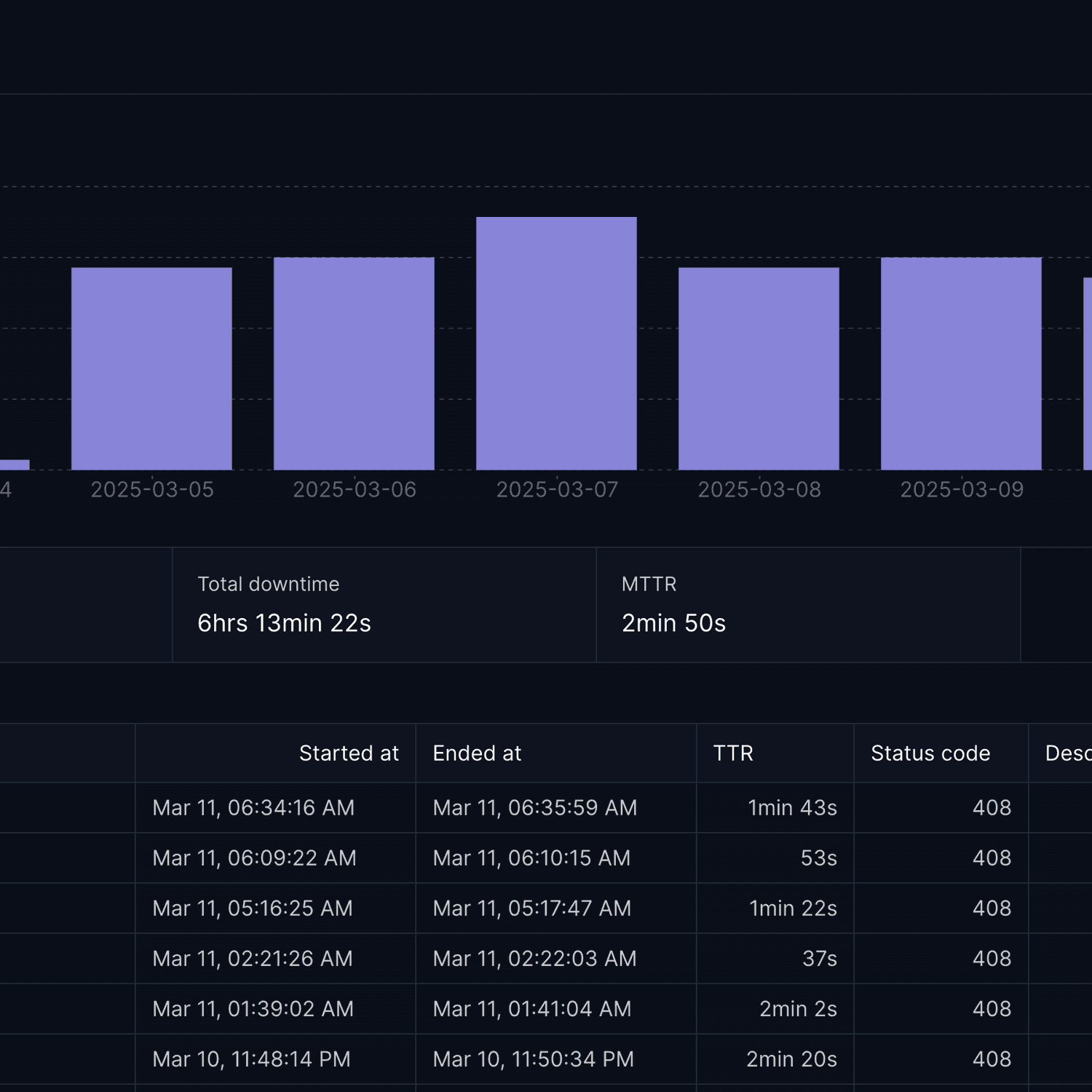
Today we're introducing bulk editing for monitors, making it easier than ever to update multiple monitors simultaneously. This powerful new feature helps you efficiently manage your monitoring setup at scale.
Streamlined Monitor Management
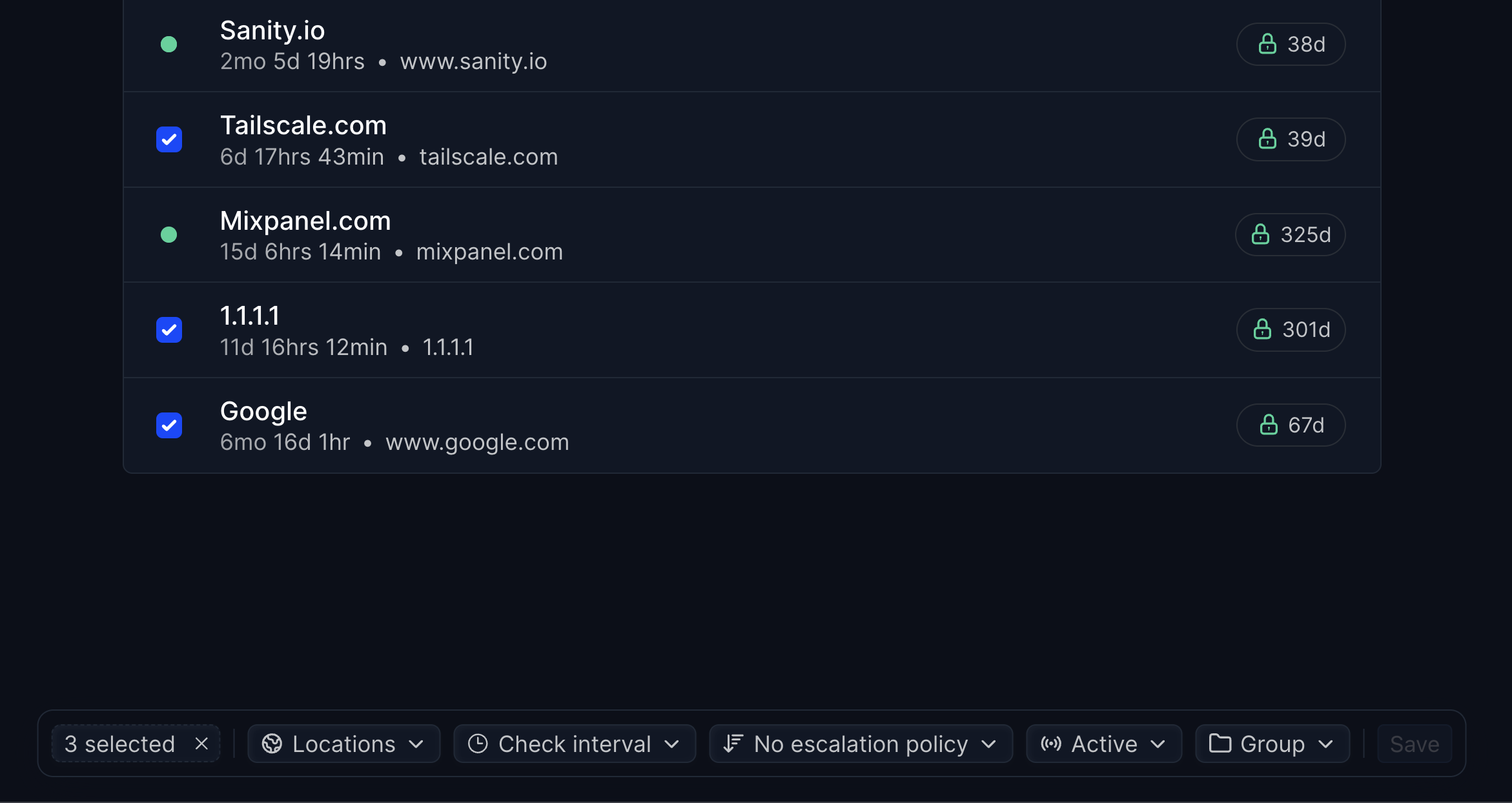
The new bulk editing capabilities let you:
- Mass update settings: Change check intervals, locations, or notification settings for multiple monitors at once
- Batch escalation policies: Apply or modify escalation policies across selected monitors
- Group operations: Enable/disable monitors in bulk or update group assignments
Access bulk editing by selecting multiple monitors in your dashboard and using the new bulk actions menu.
Article by
I'm Léo Baecker, the heart and soul behind Hyperping, steering our ship through the dynamic seas of the monitoring industry.

Related Articles
Top 5 Statuspage Alternatives (2026 Guide)
Compared 30+ status page tools on pricing, features, and uptime. These are the 5 best Statuspage.io replacements for any...
Healthchecks and Cron Jobs on Status Pages
You can now add healthcheck and cron job monitors to your status pages alongside your HTTP monitors.
Master DevOps feedback loops: proven strategies & tools to reduce fix costs, break down silos, enable confident releases.
Transform your DevOps process with feedback loops that reduce fix costs by up to 100x. Proven strategies for monitoring,...
Get The Most Out of Internal Status Pages (Best Practices, Results, Costs, ...)
Internal status pages give teams a single dashboard for real-time system health. Teams fix issues 30-40% faster with cen...