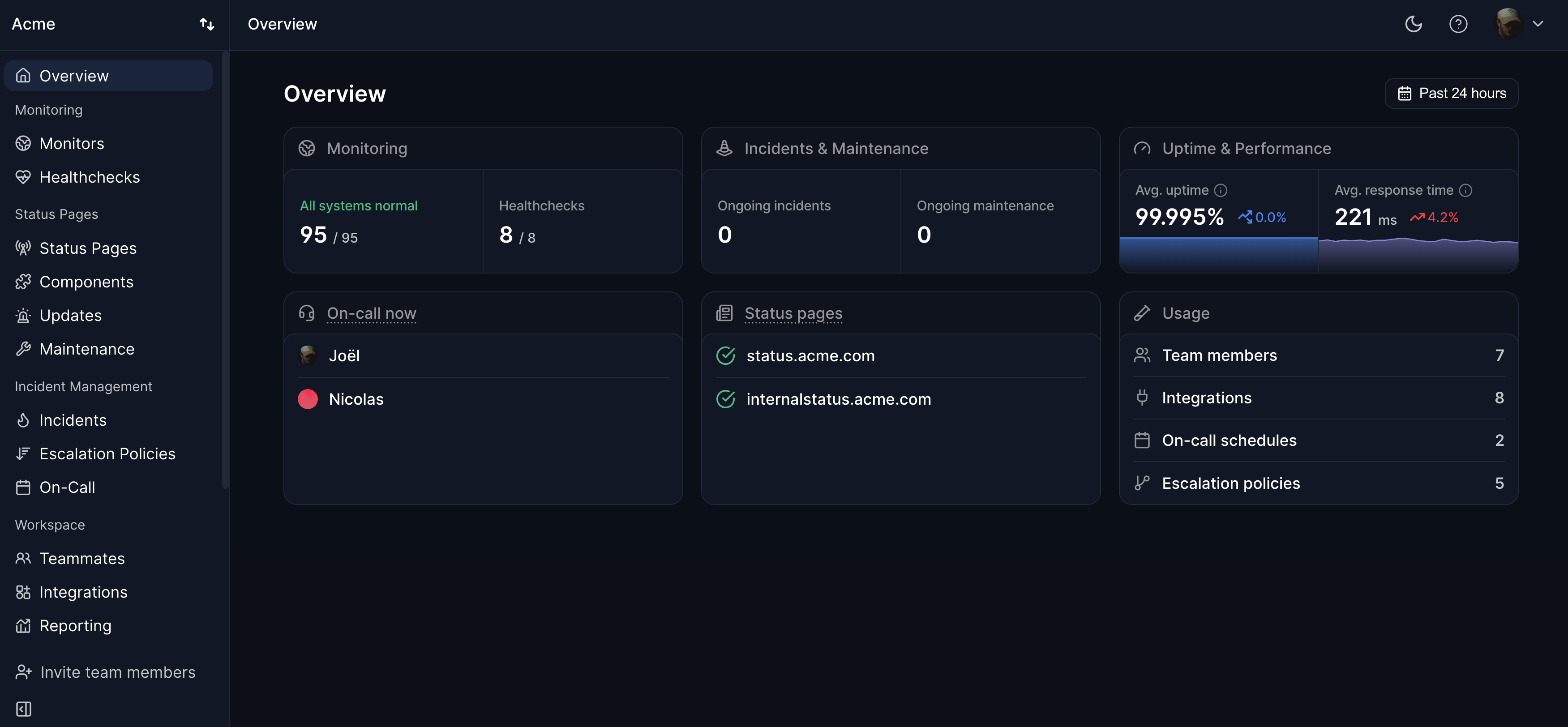
A maintenance window has two sides: telling customers, and keeping your own alerts quiet. In Hyperping, a maintenance is scheduled once with its start, end, and affected monitors. It shows on your status page, can notify subscribers immediately or a set number of minutes before it starts, and pauses the affected monitors while it runs, so the planned work doesn't page anyone. You can also use it for monitors only, or for a status page notice only.
Writing the announcement
- When it starts and ends, with the timezone. UTC plus your customers' main timezone works best.
- What will be affected, by name: "The dashboard will be read-only. The API and webhooks are not affected."
- What customers should do, if anything: avoid starting large imports, expect to log in again.
- Where updates will be posted, which should be your status page.
Announce it at least 48 hours ahead for anything customers will notice, and a week ahead for long or risky work. Many SLAs only exclude maintenance announced with a minimum notice.
Choosing the time
Pick the lowest-traffic hours in your customers' timezones, from your own traffic data rather than assumptions. For a global product there's no quiet hour for everyone, so keep windows short, avoid end-of-month and end-of-quarter for anything finance-related, and make sure the people doing the work are awake and fresh.
During and after the window
- Have a rollback plan and a time limit: if the work isn't done by a set point, roll back rather than run over.
- Post an update on the status page if anything changes, especially if the window will run long.
- Check the service from the outside when the work ends. A maintenance that ends with the service still down is an outage, and it should page someone.
- Mark the maintenance complete if you finish early, so monitoring resumes and the status page goes back to operational right away.
Zero-downtime alternatives
Most planned downtime can be avoided. Rolling deploys, blue-green releases, and database migrations split into backward-compatible steps remove most planned downtime. Keep windows for work that can't avoid it, like a major database upgrade.
FAQ
Does a maintenance window count as downtime?
It counts in raw uptime, but most SLAs exclude it when it was announced in time. State which convention your uptime reports use.
Should monitoring keep running during maintenance?
Pause only the monitors the work affects, and only for the window. In Hyperping, paused monitors stop checking and resume when the window ends, so if the work runs long, extend the window rather than letting the monitors come back mid-migration and page someone.
How long should a maintenance window be?
As short as the work allows, plus time to roll back. If a task needs more than two hours of downtime, look for a way to split it.