Getting started with Server monitoring
Get your first server reporting metrics in under a minute. Add the server in the dashboard, run one install command on the host, then wait for the first scrape.
Quick start
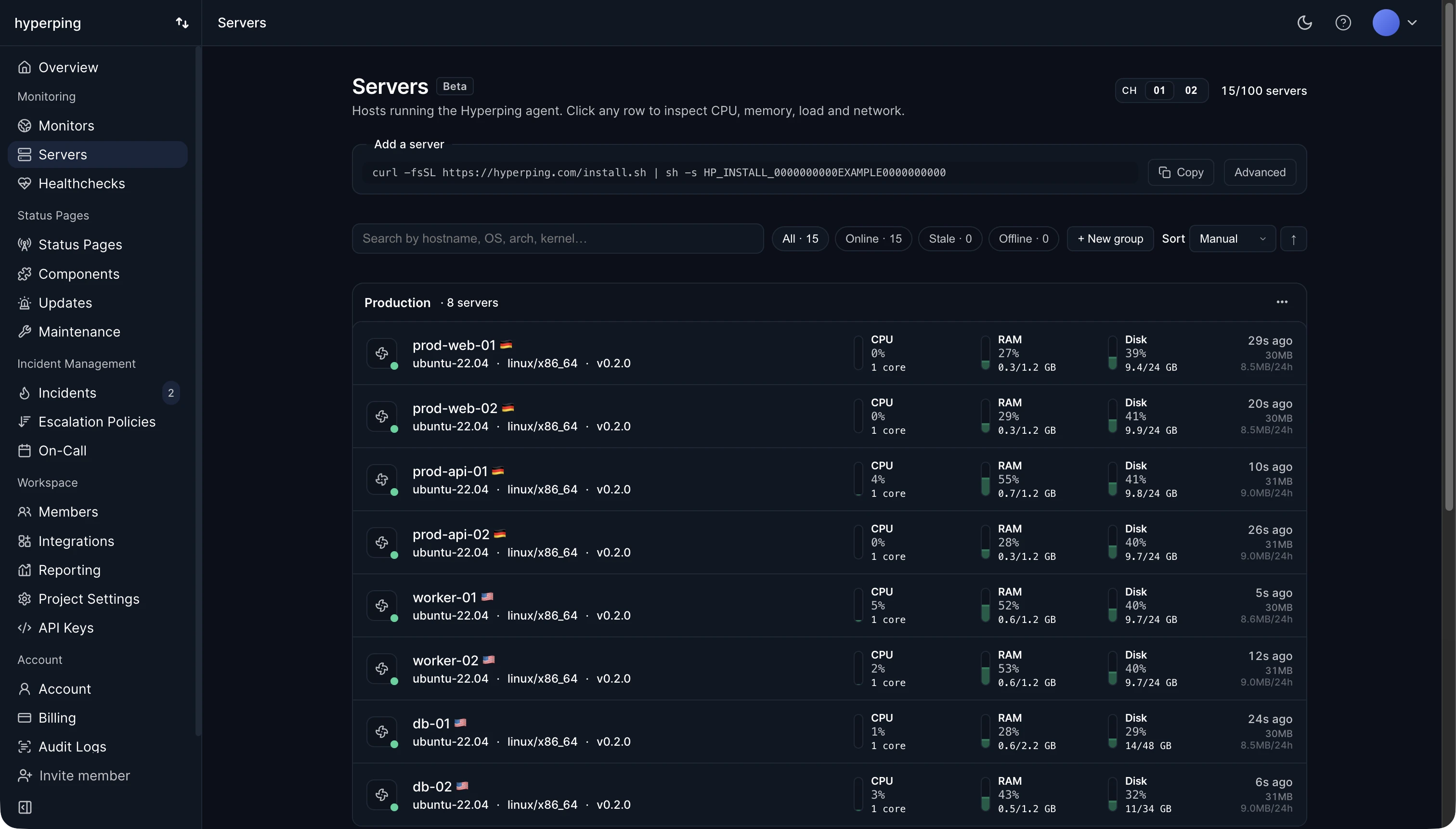
- Add a server in the dashboard
Open your Servers view and click New server. Give it a display name, for example
api-prod-1. Hyperping generates a single-use install token. - Run the install command on the host
Pick Linux / macOS or Windows above the command, copy it, and run it on the host: as a user that can
sudoon Linux and macOS, in a PowerShell window opened with Run as Administrator on Windows. The installer detects OS and architecture, verifies SHA256, and registers the service. - Wait for the first scrape
Refresh the Servers view. Within about 30 seconds the new row flips to Online (green dot) and the CPU, memory, disk, network, and System Info panels start filling in.
Install command
On Linux and macOS, replace the placeholder with your real install token:
curl -fsSL https://hyperping.com/install.sh | sh -s HP_INSTALL_xxxxxThe script is POSIX sh, so sh, dash, and bash all work. If you prefer to run as root directly, the command works without sudo.
On Windows 10, Windows Server 2016, and later, run this in an Administrator PowerShell window:
& ([scriptblock]::Create((irm https://hyperping.com/install.ps1))) HP_INSTALL_xxxxxOn Windows Server 2016, copy the command from the dashboard: it starts with a line that turns on TLS 1.2, which PowerShell 5.1 does not enable there by default. See Windows install notes.