What is Hyperping?
Hyperping is an uptime monitoring and status page platform. It checks your websites, APIs and servers around the clock from 18 regions worldwide, alerts the right person the moment something breaks, and keeps your users informed through a status page you control.
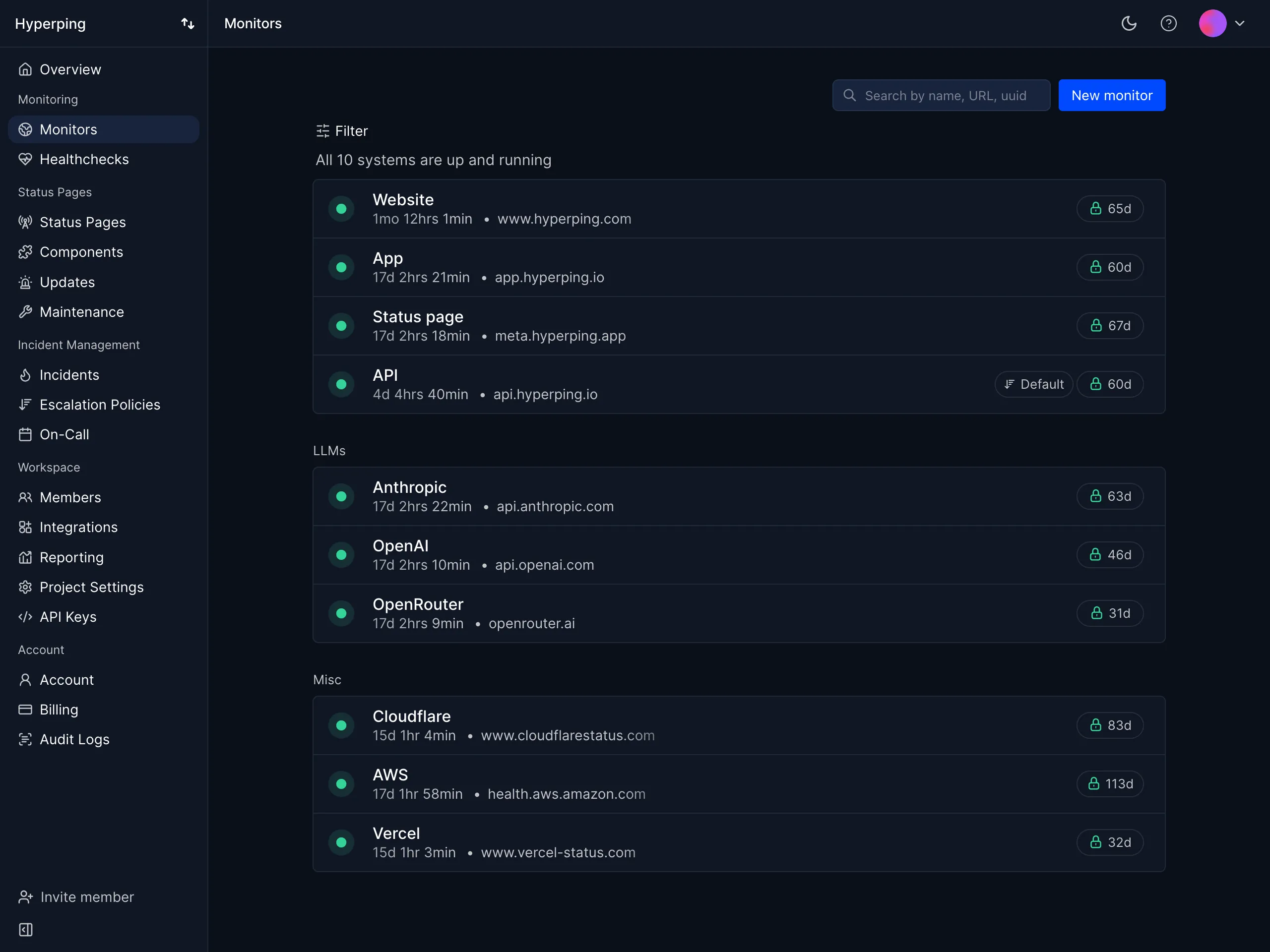
How a check works
Every monitor runs on a simple loop, built to catch real outages and ignore network noise:
- A check runs from your regions
Every 30 seconds by default, your monitor is queued and a server in one of your selected regions runs the check: status code, response time, SSL, and any assertion you configured.
- Failures are double-checked
If the check fails, Hyperping immediately re-runs it from every other region you selected. A single server having a bad moment never pages you.
- An outage opens and alerts go out
Confirmed failures open an outage and notify your channels: email, Slack, SMS, phone calls, PagerDuty, webhooks and more. Escalation policies decide who gets paged, in what order.
- Recovery is confirmed
When your service responds again, the outage resolves and the same channels get the all-clear, with the outage duration and logs kept for review.
Monitor anything
Uptime is more than a 200 on your homepage. Each check type has its own guide:
Create your first monitor
Use the dashboard, the REST API, or Terraform. They all create the same monitor:
curl -X POST https://api.hyperping.io/v1/monitors \
  -H "Authorization: Bearer ${API_TOKEN}" \
  -H "Content-Type: application/json" \
  -d '{
    "name": "Website",
    "url": "https://acme.com",
    "protocol": "http",
    "check_frequency": 30,
    "regions": ["paris", "frankfurt", "amsterdam", "london"]
}'Response201 Created
{
  "name": "Website",
  "url": "https://acme.com",
  "paused": false,
  "regions": ["paris", "frankfurt", "amsterdam", "london"],
  "http_method": "GET",
  "check_frequency": 30,
  "uuid": "mon_3GhAQMYGEQuyUH",
  "status": "up",
  "ssl_expiration": 90,
  "alerts_wait": 0
}
Grab an API key from your dashboard settings, then see the Monitors API for every available field, or the Terraform provider to manage monitoring as code.
What should you monitor?
Everything your users depend on deserves its own monitor. The usual starting point:
- Your main website - https://acme.com
- Your dashboard - https://app.acme.com
- Your API - https://api.acme.com
These are usually hosted differently, so each one deserves its own monitor. From there, add what would hurt if it silently broke: static assets, third-party dependencies like your payment provider, individual microservices, and scheduled jobs via healthchecks.
When something breaks
Detection is half the job. Hyperping also handles who gets paged and what your users see: