The five best website monitoring tools in 2026 are Hyperping (all-in-one monitoring with on-call and status pages), Better Stack (monitoring plus logs and traces), UptimeRobot (budget-friendly with a generous free tier), Uptime.com (enterprise SLA reporting and synthetic monitoring), and Datadog (large-scale infrastructure monitoring). I tested 15 tools over three weeks, measuring check speed, alert accuracy, integration quality, and real-world pricing at different scales.
If you want the short version: Hyperping is the best pick for SaaS teams that need fast checks, on-call scheduling, and status pages without unpredictable costs. For teams already invested in a full observability stack, Better Stack or Datadog may be a better fit depending on scale.
In this guide, you will learn:
- How I tested and scored 15 monitoring tools (methodology)
- Detailed reviews with real pricing for the top 5
- A comparison table for quick scanning
- A decision framework to match the right tool to your team
If you want uptime monitoring with 30-second checks, status pages that build customer trust, and on-call scheduling with escalation policies, Hyperping brings all three together. Start your free trial to see how it works.
Key takeaways
- Hyperping starts at $24/month flat-rate with 30-second checks, 19 monitoring regions, on-call scheduling, and status pages included in every plan. Seats are included; additional seats are billed separately.
- Better Stack combines monitoring, logs, and traces in one platform with a polished UI, but pricing scales with add-ons ($29/user/month for on-call, $21/month per 50 monitors, $12/month per status page).
- UptimeRobot offers 50 free monitors, making it the best free option for basic monitoring. Paid Solo starts at $12/month billed annually for 10 monitors at 60-second checks. Team is $39/month billed annually for 100 monitors at 30-second checks. Scale is 15 seconds.
- Uptime.com is built for enterprise teams that need SLA verification, real user monitoring (RUM), and detailed compliance reports. Plans start at $25.42/month.
- Datadog covers infrastructure, APM, logs, and synthetic monitoring in one platform. Powerful at scale, but pricing complexity and cost make it overkill for most SaaS teams.
Why you can trust this guide
I'm Leo, founder of Hyperping. That means I have a stake in one of these tools, and I will be upfront about that throughout this guide. I have also watched teams choose competitors when those tools were genuinely the better fit for their situation.
I tested platforms hands-on, pulled quotes from hundreds of G2 and Capterra reviews, compared actual pricing at multiple team sizes, and talked to engineering leads about their monitoring setups. I also cross-referenced criteria against Reddit threads where practicing operators share what works and what does not.
Where I could not test something directly, I relied on verified user feedback and documented product pages. I will be transparent about where Hyperping falls short, too.
The themes that come up most often in those threads: alert fatigue from false positives, pricing that scales faster than expected, binary up/down checks that miss latency degradation, and email-only alerting that fails at 3 a.m. I weighted those concerns in this guide more heavily than feature checklists.
Quick comparison
| Tool | Best For | Fastest Check Interval | Monitoring Regions | Starting Price | Free Tier |
|---|---|---|---|---|---|
| Hyperping | All-in-one SaaS monitoring | 30 seconds (20s on Business) | 19 | $24/month | Yes (limited) |
| Better Stack | Full observability stack | 30 seconds | 17 | $21/month (monitors only) | Yes (10 monitors) |
| UptimeRobot | Budget monitoring | 5 min (free), 60s / 30s / 15s (paid) | 13 | Free / Solo $12/mo | Yes (50 monitors) |
| Uptime.com | Enterprise SLA reporting | 1 minute | 30+ | $25.42/month | 14-day trial |
| Datadog | Large infrastructure | Custom | 100+ | $15/host/month | 14-day trial |
How I tested these tools
I evaluated 15 website monitoring tools across four categories, weighting each based on what matters most for production SaaS applications.
Check speed and accuracy (30% weight): I set up identical HTTP monitors pointing to the same endpoint across all tools and measured how quickly each tool detected a simulated outage. I also tracked false positive rates over a 7-day period.
Alerting and integrations (25% weight): I tested alert delivery times across Slack, email, and SMS. I evaluated integration depth (webhooks, PagerDuty, OpsGenie, Telegram) and whether the tool supports on-call scheduling natively or requires a separate product.
Features and flexibility (25% weight): I looked at monitor types (HTTP, TCP, DNS, SSL, keyword, cron/heartbeat, synthetic), status page quality, and whether the tool supports multi-step API monitoring or browser-based checks.
Pricing transparency (20% weight): I compared actual monthly costs for three team sizes: a 5-person startup with 20 monitors, a mid-stage SaaS with 100 monitors and 10 team members, and an enterprise with 500+ monitors. I factored in per-seat fees, usage-based charges, and add-on costs for features like on-call or status pages.
Ten tools did not make the final cut. Some lacked the check speed needed for production use (checking only every 5 minutes). Others buried essential features behind enterprise pricing or required too much configuration to get started. I focused on tools that a typical SaaS engineering team could set up and start using within an hour.
Hyperping: Best all-in-one monitoring for SaaS teams
Perfect for
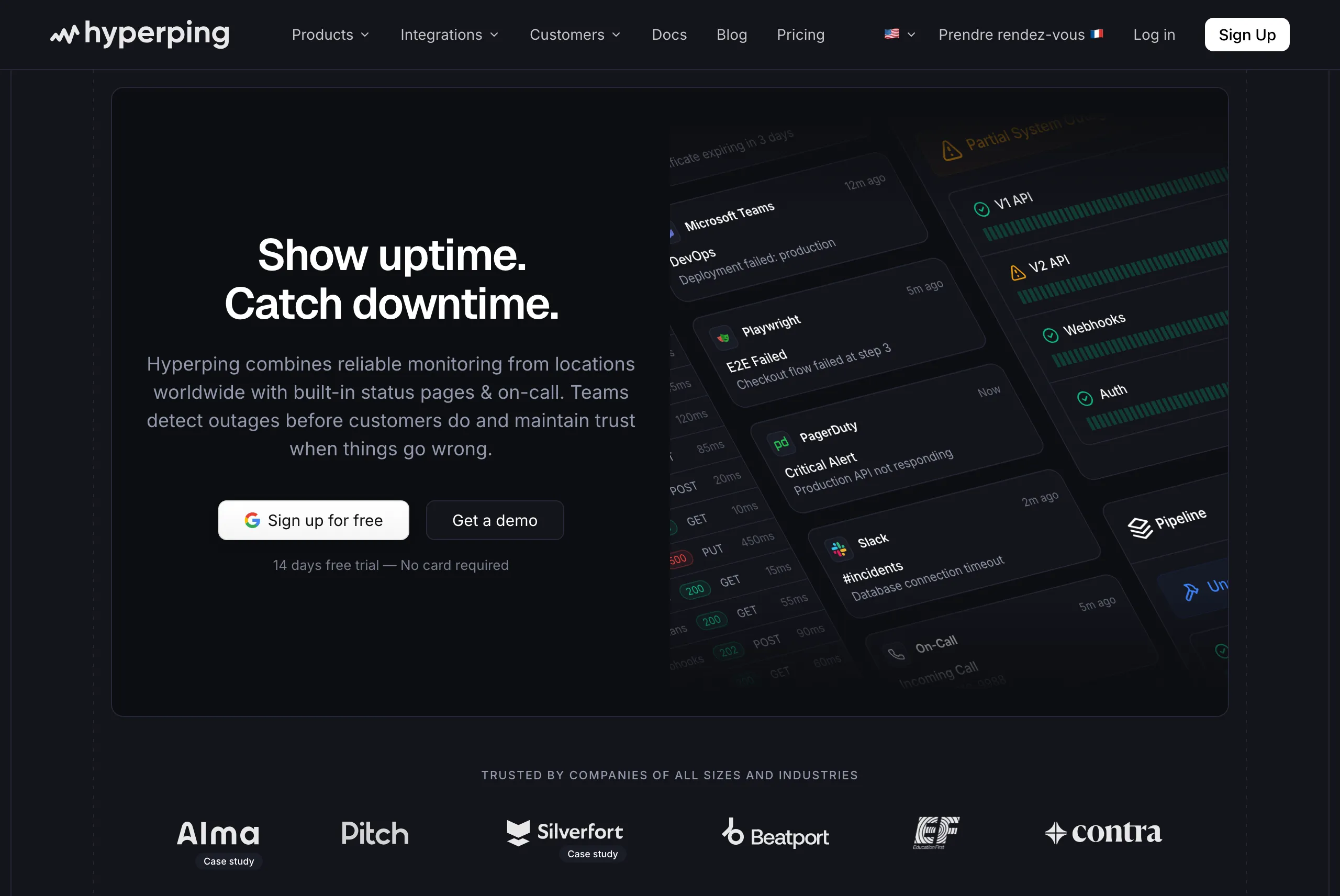
SaaS teams that need monitoring, on-call scheduling, and status pages in a single platform with predictable pricing.
Notable features
- 30-second check intervals on all paid plans (20-second on Business), with auto-retry from multiple regions to eliminate false positives
- 19 monitoring regions across North America, Europe, Asia, South America, and Oceania
- On-call scheduling with timezone-aware rotations, escalation policies, and voice call alerts included in every paid plan
- Multiple fully branded status pages with custom domains, multi-language support, and subscriber notifications
- Browser-based synthetic monitoring using Playwright for testing complex user flows like login and checkout
- HTTP, TCP, DNS, SSL certificate, keyword, and cron/heartbeat monitoring types
- Server monitoring through a one-line OpenTelemetry agent that reports CPU, memory, filesystem, disk I/O, and network metrics from Linux and macOS hosts, with server alerts routed through the same escalation policies as uptime checks
- Multi-channel alerting through email, SMS, voice calls, Slack, Discord, Telegram, Microsoft Teams, PagerDuty, OpsGenie, and webhooks
Pricing
- Essentials: $24/month for 50 monitors, 1 status page, 3 browser checks, 3 seats
- Pro: $74/month billed annually for 250 monitors, 3 public or private status pages, 10 browser checks, 10 seats. Includes email access codes, multilingual pages, and native account SAML SSO.
- Business: $249/month billed annually for 1,000 monitors, 10 status pages, 20-second checks, 25 browser checks, 20 seats
All plans include on-call scheduling, escalation policies, and voice call alerts. Seats are included; additional seats are billed separately. A free tier and 14-day trial are available. Full details on the pricing page.
Considerations
Hyperping does not offer integrated log management or distributed tracing. If you need to correlate application logs with monitoring data in a single dashboard, you will need a separate tool like Better Stack or Datadog alongside it.
The reporting features are functional but less detailed than what Uptime.com or Datadog provide for historical trend analysis. Teams that need granular custom reports for compliance may find the reporting basic.
What users say
"Hyperping's reputation in our company is that it's more reactive than Datadog. We usually get notifications from Hyperping before Datadog. It's useful as a fallback, a lighter backup monitoring solution."
"We made our Hyperping status page publicly available and it became a crucial part of our sales pitches. We are proud of our uptime and we love that we can share it with prospects."
"Hyperping helps us catch downtime and backend issues before our users even notice. We can act within minutes."
Choose Hyperping if
You want monitoring, on-call, and status pages working together without managing three separate subscriptions. The flat-rate pricing means your costs stay predictable as your team grows. It is a strong fit for SaaS startups, mid-stage companies, and European teams that value GDPR-compliant infrastructure.
Better Stack: Best for full observability
Perfect for
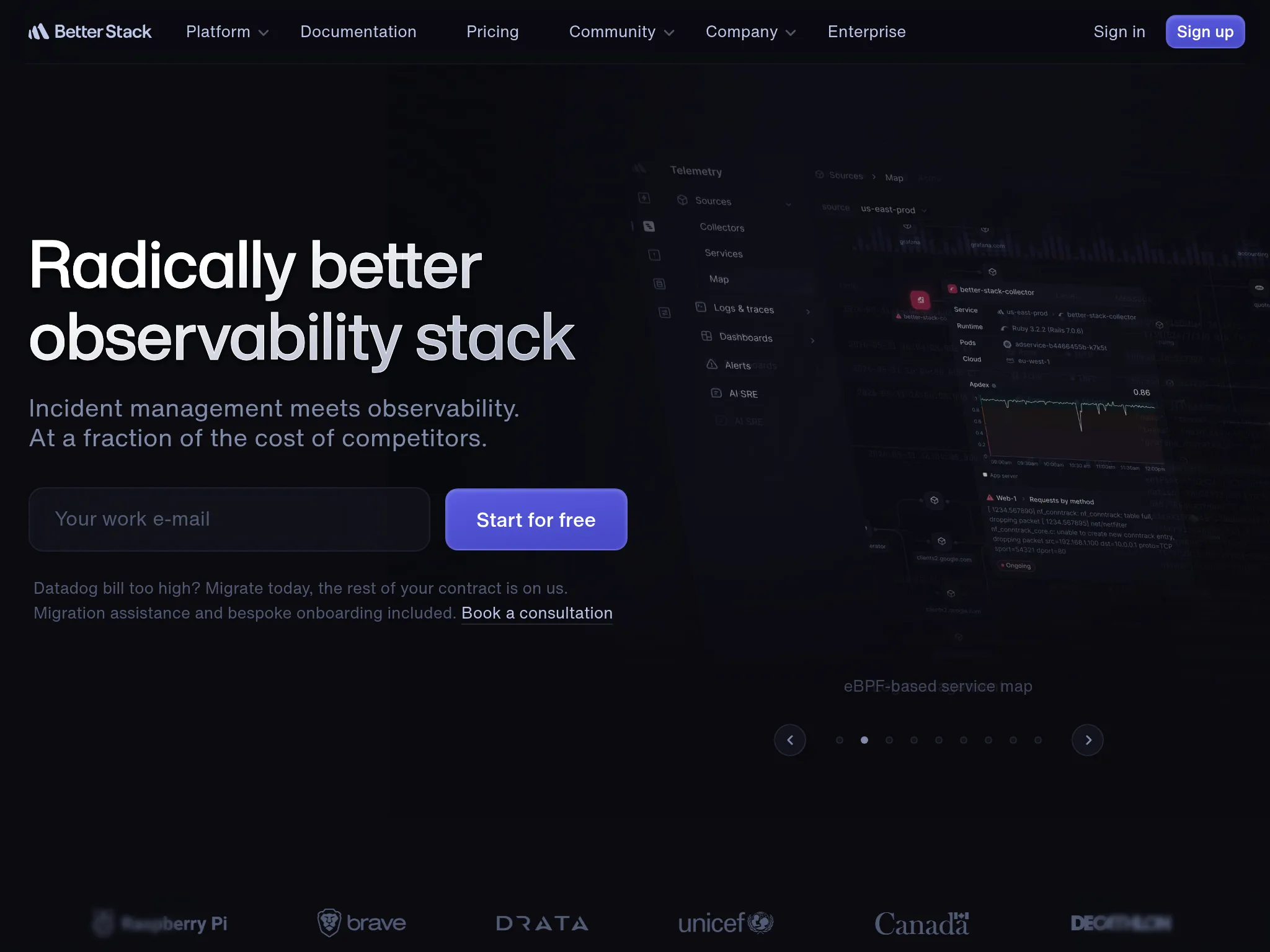
Engineering teams that want monitoring, log management, and incident response unified in a single platform with a modern interface.
Notable features
- Uptime monitoring with 30-second checks and 17 global regions
- Integrated log management with a search and query interface that handles large log volumes
- Incident management with Slack and Microsoft Teams integration, on-call calendars, and escalation policies
- Status pages with custom domains and subscriber notifications
- AI-powered anomaly detection that surfaces unusual patterns in both uptime and log data
- Supports HTTP, SSL, DNS, TCP, UDP, SMTP, POP3, IMAP, and cron/heartbeat monitors
Pricing
Better Stack uses modular pricing where each product is billed separately:
- Uptime monitoring: $21/month per 50 monitors
- On-call: $29/user/month
- Status pages: $12/month per page
- Logs: Starts at $25/month for 30-day retention
For a team of 5 engineers with 100 monitors, 1 status page, and on-call, the monthly cost adds up to roughly $199/month ($42 for monitors + $145 for on-call + $12 for the status page). A free tier includes 10 monitors.
Considerations
The modular pricing makes it easy to start small, but costs add up quickly when you combine monitoring, on-call, status pages, and logs. A team running Hyperping with comparable monitoring and on-call features would pay $74/month versus approximately $199/month on Better Stack.
The log management and observability features are powerful, but if you only need uptime monitoring, you are paying for infrastructure you may not use.
What users say
"BetterStack Uptime is an excellent tool for monitoring the availability of sites and services in real-time. Its interface is modern, easy to use, and pleasant on a daily basis... The only downside: the cost can quickly rise if you have many monitors or need advanced integrations. Additionally, some customization features (for example, on status pages) remain limited in the entry-level plans."
"The initial paid tier out the gate starts at $29 which is very steep for the small open source services I run... Currently, it is hard to justify for non-commercial and hobbyist projects."
"I encountered a bug where my slack alert did not display the snippet of the logs that caused the alert. This was not remediated for at least a month... the UI is just miserably slow. I often wait 2 to 5 minutes for my logs to load."
The common pattern across reviews: praise for the modern UI and bundled features, with consistent pushback on how quickly the bill climbs as monitors, responders, and add-ons stack up.
Choose Better Stack if
Your team already needs log management alongside monitoring, or you are looking to consolidate monitoring, logging, and incident management into one vendor. The unified platform reduces context-switching during incidents. It is a particularly good fit if your team is growing into full observability and wants to avoid stitching together multiple point solutions.
UptimeRobot: Best budget option
Perfect for
Solo developers, small teams, and anyone who needs basic uptime monitoring at minimal cost.
Notable features
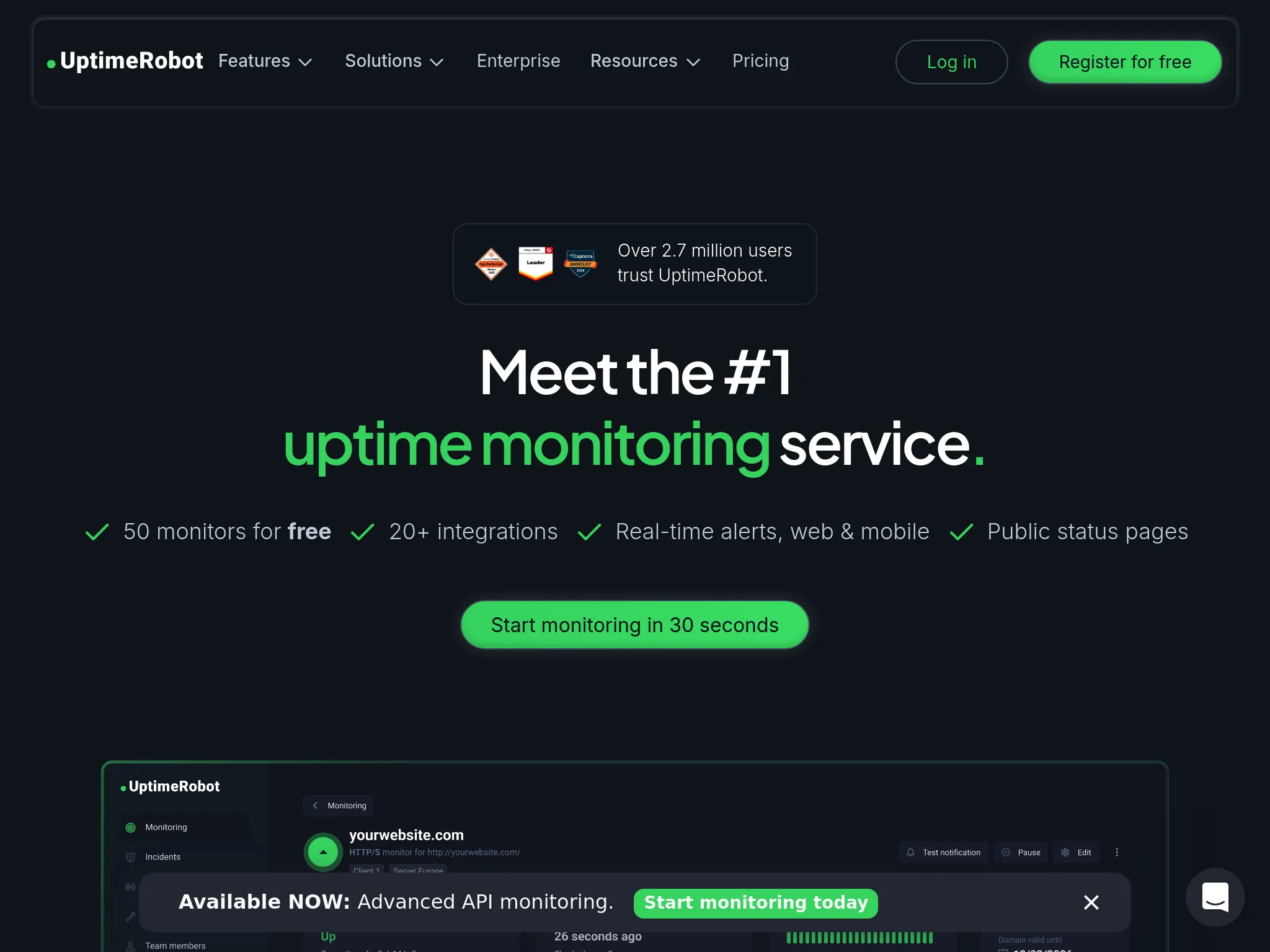
- 50 free monitors with 5-minute check intervals
- HTTP, keyword, port, ping, cron, API, UDP, DNS, SSL, and domain monitoring
- 13 monitoring locations across 4 continents
- Email, SMS, Slack, webhook, and PagerDuty alert integrations
- Public status pages on Free, 3 on Solo, 100 white-labeled on Team, unlimited on Scale
- Maintenance windows to suppress alerts during planned deployments
- Mobile app for on-the-go monitoring
Pricing
- Free: 50 monitors, 5-minute checks, email alerts
- Solo: $13/month ($12 billed annually) for 10 monitors, 60-second checks, 3 status pages
- Team: $46/month ($39 billed annually) for 100 monitors, 30-second checks, 100 status pages
- Scale: $98/month ($83 billed annually) for 200 monitors, 15-second checks, unlimited status pages
- Enterprise: Custom
UptimeRobot offers one of the most generous free uptime monitoring tiers available.
Considerations
The fastest check interval is 15 seconds on Scale, 30 seconds on Team, 60 seconds on Solo, and 5 minutes on Free. For production services where every second of downtime matters, Free and Solo lag tools with 30-second checks. Team matches Hyperping Essentials and Pro at 30 seconds.
Status pages and on-call features are basic compared to dedicated solutions. There is no synthetic browser monitoring, no multi-step API checks, and no integrated on-call scheduling with escalation policies. You would need separate tools for those capabilities.
Alert reliability has been a recurring topic in user feedback. Some users report occasional false positives, especially from specific monitoring regions. A recurring r/sysadmin thread flags "flapping" alerts where the tool reports port or DNS issues that don't match internal logs.
What users say
"I've been using UptimeRobot for months now, and it has been an absolute game-changer for monitoring my websites and servers. The service is reliable, easy to set up, and incredibly feature-rich, especially considering the free plan offers 50 monitors with 5-minute checks—which is more than enough for most users."
"Uptime does not seem to have progressed as much in its feature set as other services like BetterStack - which allows functionality such as using Playwright test scripts to test something is behaving as expected in a more complicated way than a request."
"When using keyword monitoring, UptimeRobot doesn't recognize content that is loaded dynamically through JavaScript. This limits monitoring options for modern websites or apps that rely heavily on client-side rendering."
Choose UptimeRobot if
You are looking for reliable, no-frills monitoring at the lowest possible cost. The free tier is hard to beat for personal projects, side projects, or early-stage startups. Upgrade to Team when you need 30-second checks on more than 10 monitors. If you later outgrow UptimeRobot and need on-call, Playwright checks, or server agents, Hyperping is a natural next step.
Uptime.com: Best for enterprise SLA reporting
Perfect for
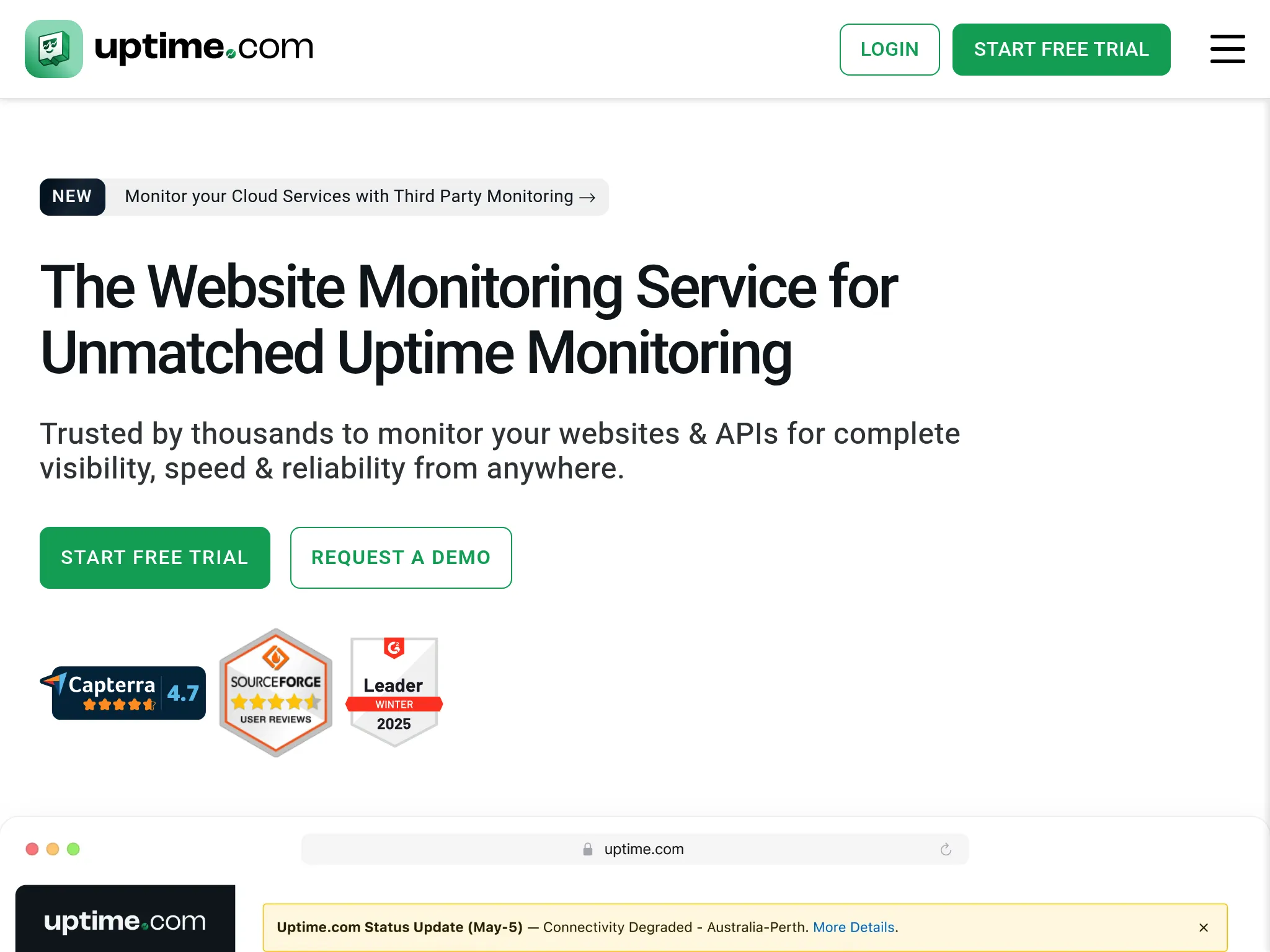
Enterprise teams and agencies that need SLA verification, real user monitoring (RUM), and detailed compliance reporting.
Notable features
- Synthetic monitoring with multi-step transaction checks
- Real User Monitoring (RUM) for measuring actual visitor performance
- SLA reporting with customizable uptime calculations and exportable reports
- 30+ monitoring locations for broad geographic coverage
- API monitoring with multi-step request chains and response validation
- DNS monitoring and domain health checks
- Root cause analysis with detailed error reporting and waterfall diagrams
Pricing
- Starter: $25.42/month (billed annually) for 10 monitors, 1-minute checks
- Growth: $55.67/month (billed annually) for 50 monitors, advanced integrations
- Business: $149.17/month (billed annually) for 100 monitors, RUM, SLA reports
- Enterprise: Custom pricing for 250+ monitors, dedicated support, SSO
Pricing is billed annually by default. Monthly billing is available at a higher rate. RUM and advanced synthetic monitoring are only available on Business and Enterprise plans.
Considerations
The per-monitor pricing scales steeply. A team needing 200 monitors quickly moves into Enterprise tier territory where pricing requires a sales conversation. Compared to Hyperping at $74/month for 250 monitors, Uptime.com's 100-monitor Business plan costs $149.17/month.
The interface is functional but feels more enterprise-oriented than modern. Teams accustomed to tools like Better Stack or Hyperping may find the UI less intuitive. On-call scheduling is not built in, so you still need PagerDuty or a similar tool for alert routing.
What users say
"We needed a tool to provide our customers a view into our service availability and help prove our SLA from a third party point of view... The flexibility of being able to create and monitor virtually anything and display the status on a self created Status screen is what I value most."
"I would like it to be a centralized incident management tool. It's great as is, but could be better. Additional features desired: Rich on-call scheduling & escalation policies with overlapping shifts, rotations etc."
"The pricing model can become a bit high for smaller teams that need advanced features. Some reports could also offer deeper historical analysis and more customization options."
Choose Uptime.com if
Your organization requires detailed SLA compliance reports, real user monitoring data, or multi-step synthetic transactions for testing complex workflows. It is a strong fit for enterprises with regulatory requirements or agencies managing monitoring for multiple clients. If SLA reporting is not a primary need, other tools on this list offer better value.
Datadog: Best for large infrastructure
Perfect for
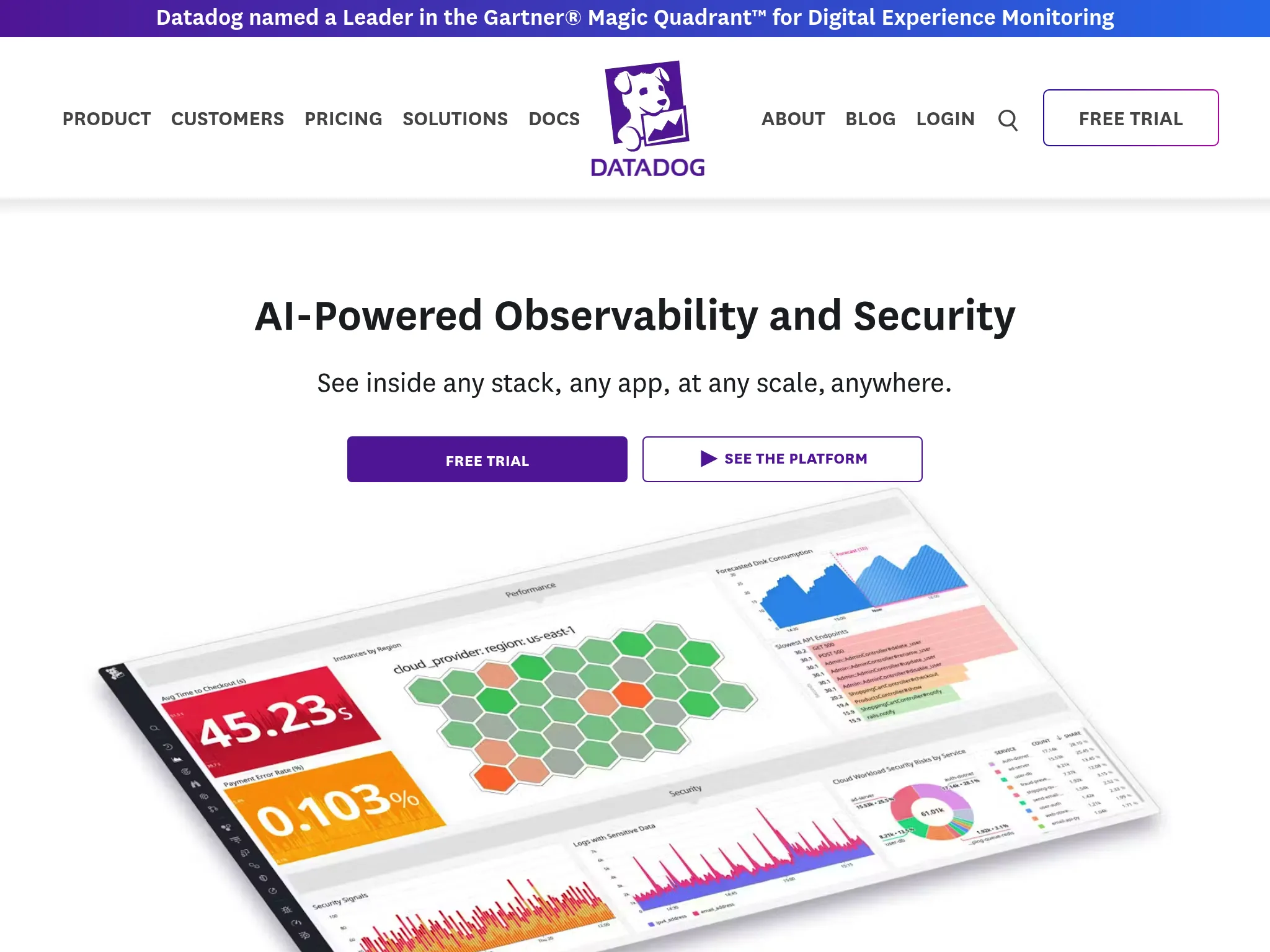
Large engineering teams managing complex, multi-service infrastructure that need APM, infrastructure monitoring, log management, and synthetic testing in one platform.
Notable features
- Synthetic monitoring with API tests, multi-step browser tests, and private testing locations
- Application Performance Monitoring (APM) with distributed tracing across services
- Infrastructure monitoring for servers, containers, Kubernetes, and cloud services
- Log management with search, analytics, and anomaly detection
- Real User Monitoring (RUM) with session replay
- 100+ monitoring locations worldwide
- 750+ integrations with cloud providers, databases, frameworks, and tools
Pricing
Datadog uses per-host, per-feature pricing that varies significantly based on usage:
- Synthetic Monitoring: Starts at $12/month per 10K test runs
- Infrastructure Monitoring: Pro at $15/host/month (annual) or $18/host/month (on-demand), Enterprise at $23/host/month (annual) or $27/host/month (on-demand)
- APM: $31/host/month (annual)
- Log Management: Starts at $0.10/GB ingested per month
A mid-sized team running 20 hosts on annual pricing pays about $920/month for Infrastructure Pro and APM alone (20 x $15 plus 20 x $31), before anything else is turned on. Log ingestion at $0.10/GB and synthetic runs at $12 per 10K tests stack on top of that, and custom metrics and longer retention stack on top again. Costs scale linearly with infrastructure size and can reach five or six figures for larger organizations.
Considerations
Datadog is powerful, but the pricing complexity is its biggest barrier. Many teams report bill surprises from log ingestion spikes, unexpected host counts, or feature add-ons. Getting accurate cost projections before committing requires careful planning, and the server monitoring cost calculator is the fastest way to see what a given host count costs on Datadog, New Relic, Netdata, and Hyperping.
The platform has a steep learning curve. Setting up dashboards, configuring alerts, and navigating the feature set takes days or weeks rather than minutes. For teams that primarily need uptime monitoring and alerting, Datadog is significant overkill.
There are no built-in status pages or public-facing incident communication tools. You would need a separate status page provider alongside Datadog.
What users say
"What I like best about Datadog is how seamlessly it brings together metrics, logs, and traces in one place... The main downside of Datadog is its pricing — it can get quite expensive as your infrastructure and data volume grow. Managing costs can be tricky, especially when you're monitoring multiple environments."
"The pricing model - costs scale quickly and unpredictably, especially with logs and additional features."
"Datadog can become extremely expensive if not managed carefully, especially when log volumes or monitored hosts grow quickly."
The aggressive sales outreach Datadog is known for also surfaces regularly on Reddit. One r/webdev commenter wrote: "I refuse to use datadog because their sales practices are really scummy. I've gotten calls on my personal cell (which is not published with my company) even after I told them on LinkedIn that I'm not the person they should speak to about it."
Choose Datadog if
You manage a large, distributed infrastructure and need APM, logs, metrics, and synthetic monitoring correlated in one platform. The investment in setup time and cost pays off when your team is actively using distributed tracing, log analytics, and infrastructure metrics together. For teams that primarily need uptime monitoring with alerting, a focused tool like Hyperping or Better Stack will serve you better at a fraction of the cost. Our Datadog alternative comparison breaks down where the per-host bill stops being worth it.
What monitoring actually costs at different team sizes
Pricing pages tell part of the story. Here is what I calculated for three common team sizes, including on-call and status pages where available.
Startup (5 engineers, 20 monitors, 1 status page):
| Tool | Monthly Cost | Includes |
|---|---|---|
| Hyperping | $38 | Monitoring + on-call + status page + 2 extra seats |
| Better Stack | ~$170 | $21 monitors + $145 on-call (5 users) + $12 status page |
| UptimeRobot | $0-13 | Monitoring only (no on-call). Free for 50 at 5 min, Solo $12-13 for 10 at 60s |
| Uptime.com | $25.42 | Monitoring only (no on-call or status page) |
| Datadog | ~$300+ | $15/host x 20 hosts on Infrastructure Pro, billed per host rather than per monitor (synthetics extra) |
Mid-stage SaaS (10 engineers, 100 monitors, 3 status pages):
| Tool | Monthly Cost | Includes |
|---|---|---|
| Hyperping | $74, billed annually | Pro with 10 seats, monitoring, on-call and 3 status pages |
| Better Stack | ~$368 | $42 monitors + $290 on-call (10 users) + $36 status pages |
| UptimeRobot | $39-46 | Monitoring + 100 status pages on Team (no on-call) |
| Uptime.com | $149.17 | Monitoring + RUM (no on-call or status pages) |
| Datadog | ~$2,300+ | Per-host + synthetics + log ingestion |
The differences are significant. A mid-stage SaaS team choosing Hyperping over Better Stack saves roughly $294/month, or about $3,528 per year, while getting comparable monitoring and on-call functionality.
How to choose the right monitoring tool
Picking the right tool depends on three things: what you need to monitor, how large your team is, and what you are willing to spend.
You are a small team or solo developer on a tight budget. Start with UptimeRobot's free tier. Fifty monitors with 5-minute checks covers most early-stage needs. When you outgrow it and need faster checks or on-call, move to Hyperping.
You are a SaaS team that needs monitoring, on-call, and status pages. Hyperping gives you all three in a single subscription starting at $24/month. You avoid the overhead of managing separate vendors for monitoring, incident response, and customer communication.
You need logs, traces, and monitoring together. Better Stack unifies these in one platform. The cost is higher than a pure monitoring tool, but you save on integration complexity and context-switching during incidents.
Your enterprise requires SLA compliance reports. Uptime.com has the strongest SLA reporting and real user monitoring among the tools I tested. The higher price point includes features that compliance-driven organizations actually need.
You manage large-scale infrastructure with hundreds of services. Datadog is the only tool on this list that combines APM, infrastructure monitoring, logs, and synthetics at scale. Accept the pricing complexity if you genuinely use the full stack.
A final thought: the best monitoring tool is the one your team will actually configure properly and respond to. A simple tool with well-tuned alerts beats a complex platform where notifications go ignored because there are too many of them.
Other website monitoring tools worth knowing about
The five tools above are the ones I'd recommend to most SaaS teams, but the broader market has 280+ players (per one r/SaaS commenter) and several deserve a mention for specific niches. I did not include them in the main rankings because they overlap with the top 5, are too narrow, or have opaque pricing but they come up enough in Reddit threads and reviews to be worth knowing about.
Synthetic, performance, and broad coverage:
- Pingdom (SolarWinds). Strong page-speed waterfalls, 100+ global locations. No meaningful free tier, starts at $18/mo ($16.50 billed annually). Frequently called out for slow dashboards and random false positives in r/devops threads.
- Site24x7. All-in-one value across uptime, synthetic, RUM, defacement, SSL, and infrastructure. 130+ locations. Free tier; paid from ~$9/mo for web uptime, ~$35/mo for broader plans. UI feels dated.
- Uptrends (ITRS). Large global network (200+ cities), strong multi-browser synthetic, waterfall reports. Starts around $16/mo and climbs fast.
- Dotcom-Monitor. Excellent for complex synthetic transactions and real-browser journeys. Custom/usage-based pricing; overkill for basic uptime.
- StatusCake. Affordable broad coverage (uptime, speed, SSL, domain, server). Free tier limited; paid from ~$15/mo.
- Oh Dear. Polished uptime, performance, broken-link, and certificate monitoring with a strong following in the Laravel and PHP communities.
- GTmetrix and DebugBear. Performance-focused (Core Web Vitals, page speed) more than continuous uptime.
Full-stack observability and APM:
- New Relic. Deep application tracing and full-stack observability. Generous free tier (100GB ingest/mo), usage-based above. Strong developer community but a steep learning curve (NRQL). See the New Relic alternative comparison if per-user seat pricing is your sticking point.
- Dynatrace. AI-powered root-cause analysis (Davis), automated discovery via OneAgent. Aimed at enterprises with 100+ hosts; expensive and complex.
- Sematext. Unified logs, metrics, tracing, synthetic, and RUM with good Kubernetes support. Smaller ecosystem than Datadog.
- AppDynamics (Cisco), Honeycomb, Catchpoint. Enterprise-focused observability and synthetic platforms; mostly opaque pricing.
- Sentry. Developer-friendly error and performance tracking. Self-hostable. More error-focused than pure uptime.
Open-source and self-hosted:
- Uptime Kuma. The most popular self-hosted option. Fully free, 90+ notification channels, modern UI. The recurring caveat from r/selfhosted and r/webdev is that it runs from a single location and lacks a proper REST API, SSO, and multi-region checks.
- Prometheus + Grafana. Free, flexible, powerful. Steep setup; needs the Blackbox exporter for website probes.
- Zabbix and Nagios Core. Mature OSS monitoring with broad protocol coverage. Real learning curves; Nagios in particular is being actively migrated off.
- OpenStatus and OneUptime. Newer open-source alternatives with generous free tiers and integrated status pages.
Change detection and visual monitoring:
- Changedetection.io. Best-in-class for content, visual, price, and stock change detection. Self-host free or ~$9/mo SaaS.
- Visualping. Screenshot-based change detection with easy area selection. Free tier limited.
- PageCrawl. Free tier with AI summaries and noise filtering.
- Hexowatch and similar. Niche visual/content change tracking.
Budget and indie alternatives that come up on Reddit:
- Pulsetic, HetrixTools, Freshping, Uptimia, Garmingo Status, RapidSpike, monitly, chemeroid, Upwatch: smaller players cited in r/webdev and r/SaaS threads. Most win on price or a specific feature (e.g., Upwatch's per-endpoint health score). Worth a look if cost is the primary driver, but feature sets and longevity vary.
Cloud-native and platform-bundled options:
- AWS CloudWatch, Google Cloud Monitoring, Azure Monitor. Usage-based, often bundled with existing cloud spend. Strong if you're already deep in one cloud, less useful as an independent customer-perspective check.
- Cloudflare Health Checks. Free as part of Cloudflare, useful for basic origin and endpoint checks when you're already routing through Cloudflare.
If you're shortlisting beyond the top 5, my advice is to pick based on the specific gap you have (multi-step synthetic flows, change detection, integrated logs, or zero budget) rather than treating these as direct substitutes for the all-in-one tools above.
Related reading
FAQ
What is the best website monitoring tool? ▼
Based on my testing, Hyperping is the best overall website monitoring tool for SaaS teams. It combines 30-second checks from 19 regions, on-call scheduling, and status pages in a single platform starting at $24/month with flat-rate pricing and included seats and paid additional seats.
How much does website monitoring cost? ▼
Website monitoring ranges from free (UptimeRobot offers 50 free monitors with 5-minute checks) to hundreds per month for enterprise tools. Most SaaS teams spend $24-79/month for full-featured monitoring. Datadog starts at $15/host/month but costs scale quickly with infrastructure size.
What should I look for in a website monitoring tool? ▼
The five factors that matter most are check frequency (30 seconds or faster for production services), number of monitoring regions (10+ for global coverage), alert reliability (auto-retry to prevent false positives), integration depth (Slack, PagerDuty, webhooks), and pricing transparency (flat-rate over usage-based when possible).
Is free website monitoring good enough? ▼
Free tiers from UptimeRobot and Better Stack work for personal projects or early-stage startups. The tradeoff is slower check intervals (5 minutes vs 30 seconds), fewer monitoring regions, and limited alerting options. For production SaaS applications, paid monitoring typically pays for itself after preventing a single extended outage.
How often should a monitoring tool check my website? ▼
For production SaaS applications, 30-second to 1-minute check intervals are recommended. A 5-minute check interval means an outage could go undetected for up to 5 minutes before alerting begins. Hyperping offers 30-second checks on all paid plans and 20-second checks on Business plans.