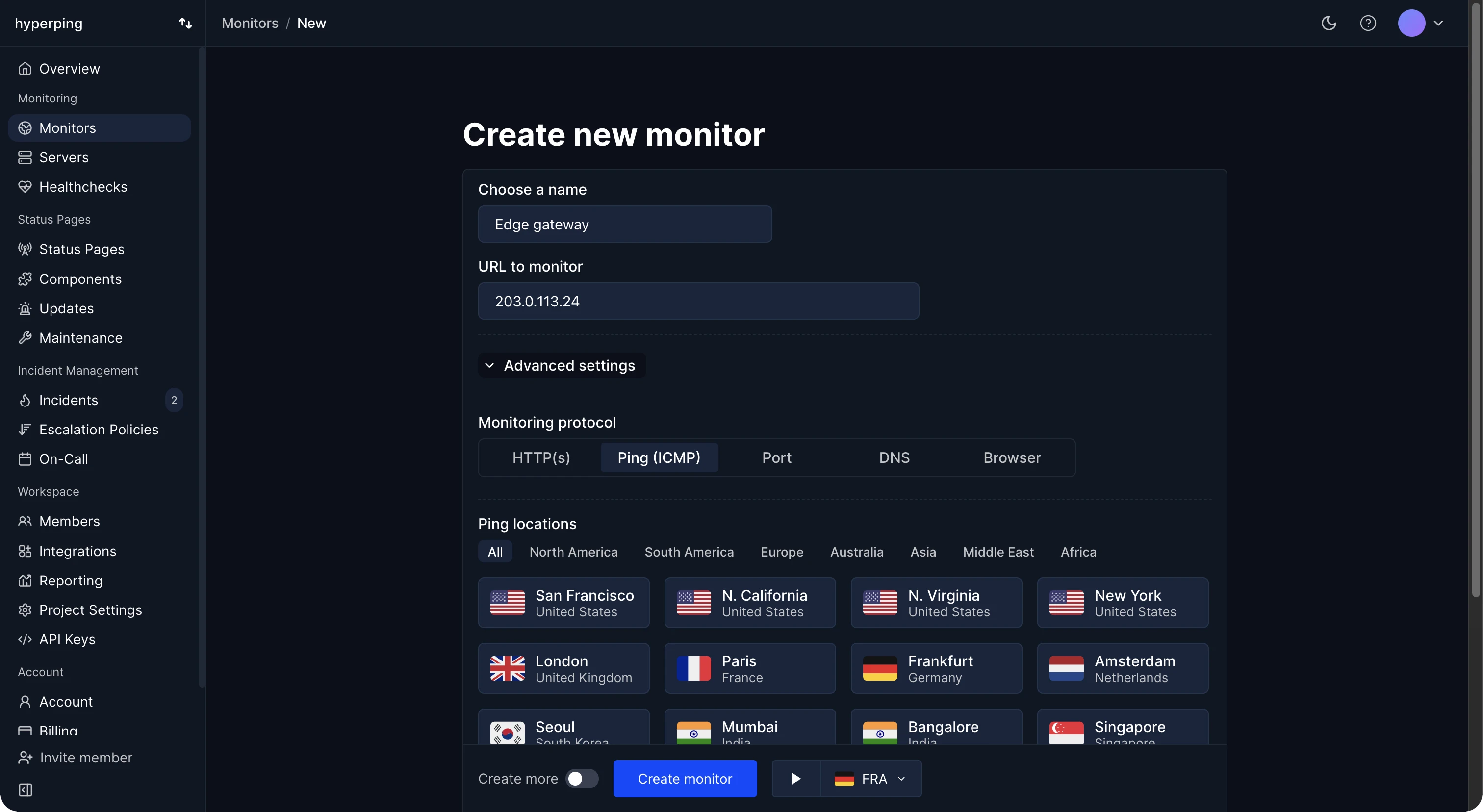
In Hyperping, TCP monitoring is the Port protocol: give it a host and a port, such as db.example.com and 5432, and each check tries to open a connection. An accepted connection is up. A refused or timed-out connection fails the check, and once other regions confirm it, an outage opens and your alerts go out. Port monitors run every 30 seconds on paid plans, every 5 minutes on Free, and can use IPv6.
Scope of a TCP check
A successful check proves three things: the host is reachable from the internet, something is listening on the port, and it completed the TCP handshake. It doesn't prove the service behind the port works. A PostgreSQL server that accepts connections but rejects every login, or a mail server that answers with an error, still passes. For those, pair the port check with an application-level check, like an HTTP health check that runs a query.
Common ports to monitor
- PostgreSQL: 5432. MySQL: 3306.
- Redis: 6379. Memcached: 11211.
- SMTP: 25 or 587. IMAP: 993.
- SSH: 22.
- MongoDB: 27017.
- Custom TCP services and game servers, on whatever port clients use.
Only monitor ports that are meant to be reachable from outside. If your database port is open to the internet just so it can be monitored, close it, and check the database through an internal health endpoint instead.
TCP monitoring vs ping
A ping (ICMP) check tells you the host answers network packets. A TCP check tells you a specific service is accepting connections. A server can answer pings while its database has crashed, and many cloud firewalls block ICMP entirely, which makes a healthy host look down. When you have a choice, monitor the port.
How to set up TCP monitoring in Hyperping
- Create a monitor and choose Port as the protocol.
- Enter the hostname or IP address, without
http://, and the port. - Pick regions close to your infrastructure, so connection times stay meaningful.
- Assign an escalation policy. See ping and port monitoring for API and examples.
FAQ
What is the difference between TCP and HTTP monitoring?
HTTP monitoring sends a request and checks the response: status code, content, and response time. TCP monitoring only checks that a connection opens. Use HTTP for websites and APIs, TCP for services that don't speak HTTP.
Can I monitor a UDP service?
Not with a TCP check, because UDP has no connection to open. Monitor it through an HTTP health endpoint on the same host, or have the service send a heartbeat.
Why does my port monitor fail when the service is up?
Usually a firewall or security group that only allows known IP addresses. Allow the monitoring regions' IPs, or monitor an endpoint that is public by design.