
Quick summary
UptimeRobot is one of the most reviewed uptime monitoring tools on the market, and on the review sites the verdict is clear: across the 48 recent G2 reviews I read, the average was 4.8 out of 5, with users praising the generous free tier, the speed of setup, and reliable alerts. The picture is more complicated once you leave the review sites. On Reddit, X, and self-hosting forums, the recurring themes are false-positive alerts, steep price increases on legacy plans (one user reported a jump from $8 to $34 a month), and a messy 2024 terms-of-service episode around commercial use on the free plan (announced, reversed quietly, never clearly communicated). If you want simple uptime monitoring on a tight budget and can live with 5-minute checks, UptimeRobot is hard to beat. If the false positives or the pricing changes are what brought you here, Hyperping is a flat-rate option built around multi-region verification, and I will be honest below about where it fits and where it does not.
What is UptimeRobot?
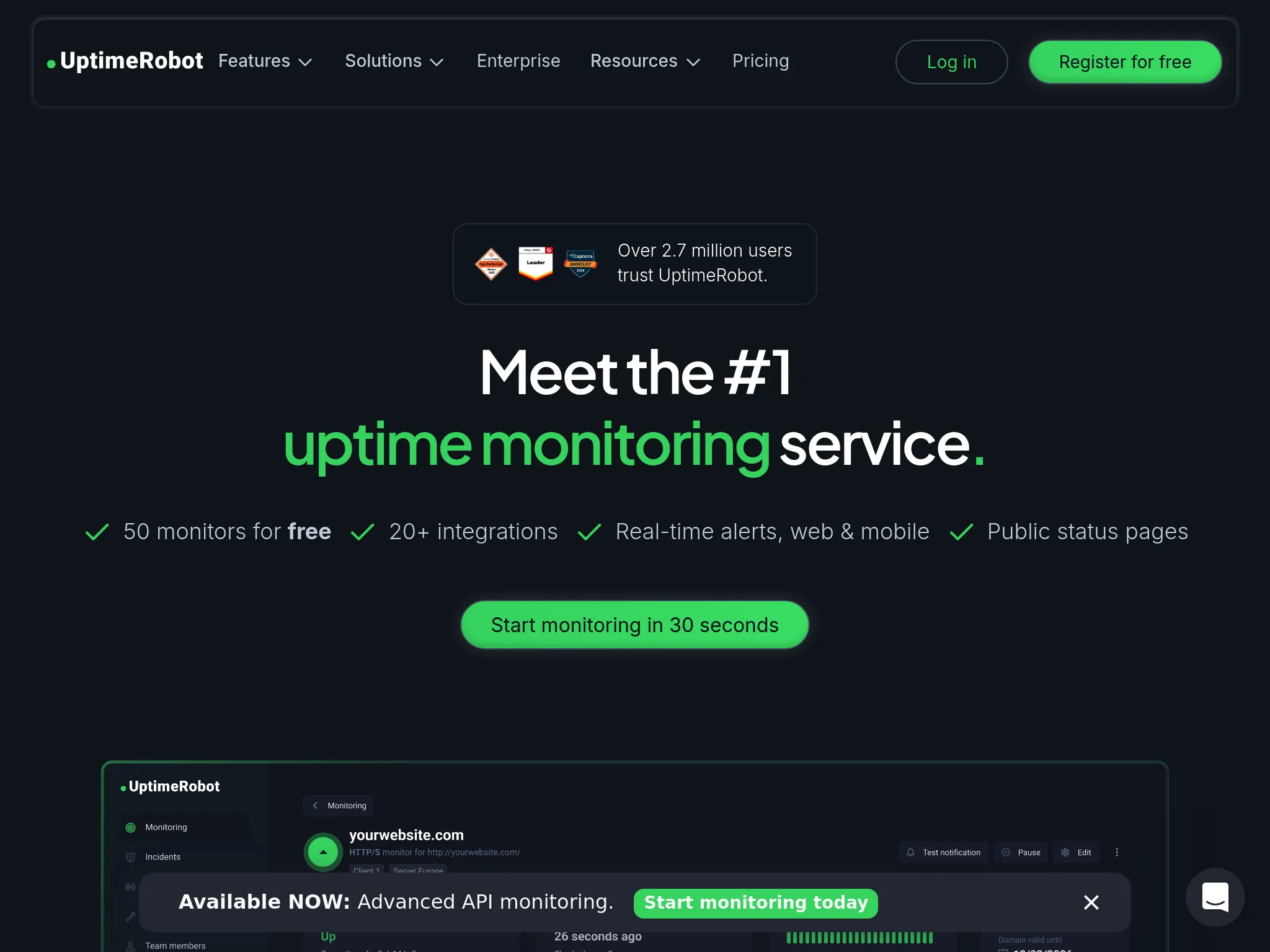
UptimeRobot is a cloud-based uptime monitoring tool that launched in 2010 and now serves more than 2.5 million users. It checks websites, APIs, servers, ports, and cron jobs on a schedule and alerts you when something goes down. Its core appeal is being uptime-first: it does the up/down job simply rather than trying to be a full observability platform.
The main features people use it for:
- Multi-type monitoring: HTTP(S), ping, port, keyword, SSL and domain expiry, DNS, and cron/heartbeat checks.
- Alerting: email, SMS, voice calls, push, webhooks, and integrations with Slack, Teams, Discord, Telegram, and PagerDuty.
- Status pages: public and private pages to communicate incidents to customers.
- Reporting: uptime history, response-time logs, and monthly reports.
- A free plan: up to 50 monitors at 5-minute check intervals, which is more generous than most competitors.
Is it the right tool for you? The best way to answer that is to look at what real users say across every platform, both the praise and the complaints. I cover Hyperping as the alternative at the end, and I have a stake in that, so let me be upfront about it first.
Why listen to us?
I am Léo, founder of Hyperping. So yes, I have a stake here: Hyperping competes directly with UptimeRobot. I am going to be straight throughout, including the parts where UptimeRobot is the better choice and Hyperping is not the right fit.
To put this together, I read recent G2 reviews in full, pulled the recurring complaints from Reddit (mainly r/sysadmin and r/selfhosted), X, and developer blogs, and cross-checked features and pricing against UptimeRobot's own pages. Where the review sites and the community threads disagree, I show you both rather than picking the flattering one. Hyperping sits at the simpler end of this market. It does uptime, server monitoring, status pages, and on-call well, and it is not a full observability tool with tracing or APM. The honesty is the point of a guide like this.
UptimeRobot reviews: overall sentiment
The headline is a split between two audiences.
On the B2B review sites, sentiment is strongly positive. My sample of recent G2 reviews averaged 4.8 out of 5, and the praise is remarkably consistent: easy setup, dependable alerts, and a free tier that covers real needs. Reviewers who have used it for years describe it as stable with few false positives.
On the community side, the tone changes. Reddit, X, and self-hosting forums in 2025 and 2026 are full of threads about false-positive alert storms, forced migrations off legacy plans, and frustration over a confusing 2024 terms-of-service episode on the free tier. These are not isolated gripes, they are recurring threads with many participants, and several end with users asking for alternatives.
Both things are true at once. UptimeRobot earns its high review-site scores, and the people most upset with it tend to be long-time users reacting to recent changes. Here is the source-by-source breakdown.
Reviews on the B2B review sites
G2: 4.8/5 across the reviews I read
G2 is where UptimeRobot looks strongest. The most common praise is how fast it is to get running and how reliable the alerts are once they are set.
A reviewer on 8/20/2025 (5 stars) captured the typical view:
"The most helpful aspect of UptimeRobot is its simplicity and reliability. Setting up monitors takes only a few clicks... One of the biggest upsides of UptimeRobot is its free plan, which covers the essential needs of many users without additional cost."
The free tier comes up constantly. A reviewer on 4/8/2025 (5 stars) said the free version handled almost everything they needed across client sites:
"Over the years I've used a few others, some paid, some not and Uptime is the best, even the free version is able to accomplish what I need it to... I was able to setup monitors for almost 10 clients in less than 5 min."
Even the positive reviews flag limits, though, and the same items recur. The free plan's 5-minute interval is the most common, raised by a reviewer on 2/6/2025 (4.5 stars) ("The free plan only monitors it every 5 minutes") and many others. Per-contact notification charges are another, from a reviewer on 6/11/2025 (4.5 stars) with 10+ years on the tool:
"The pricing of additional notification seats. Extra seats are not expensive, but if you need to set up a fine-grained system of notifications for lots of sites all with different people that should be notified, costs may run up a bit."
Notably, some happy reviewers name competitors as more capable. A reviewer on 2/7/2025 (4.5 stars) wrote that "other tools offer deeper incident resolution capabilities or monitoring from more locations across the globe (BetterStack and Hyperping, for example)."
Capterra and other software directories
Sentiment on Capterra and similar directories tracks closely with G2: scores in the high 4s, with the same praise for ease of use and value and the same notes about advanced features sitting behind paid tiers. The pattern is consistent enough that I am not going to pad it out, the review-site story is the G2 story above.
Reviews on Reddit and social
This is where the harder feedback lives, and where someone searching "is UptimeRobot still good" will end up.
Reddit: false positives, price hikes, and the ToS change
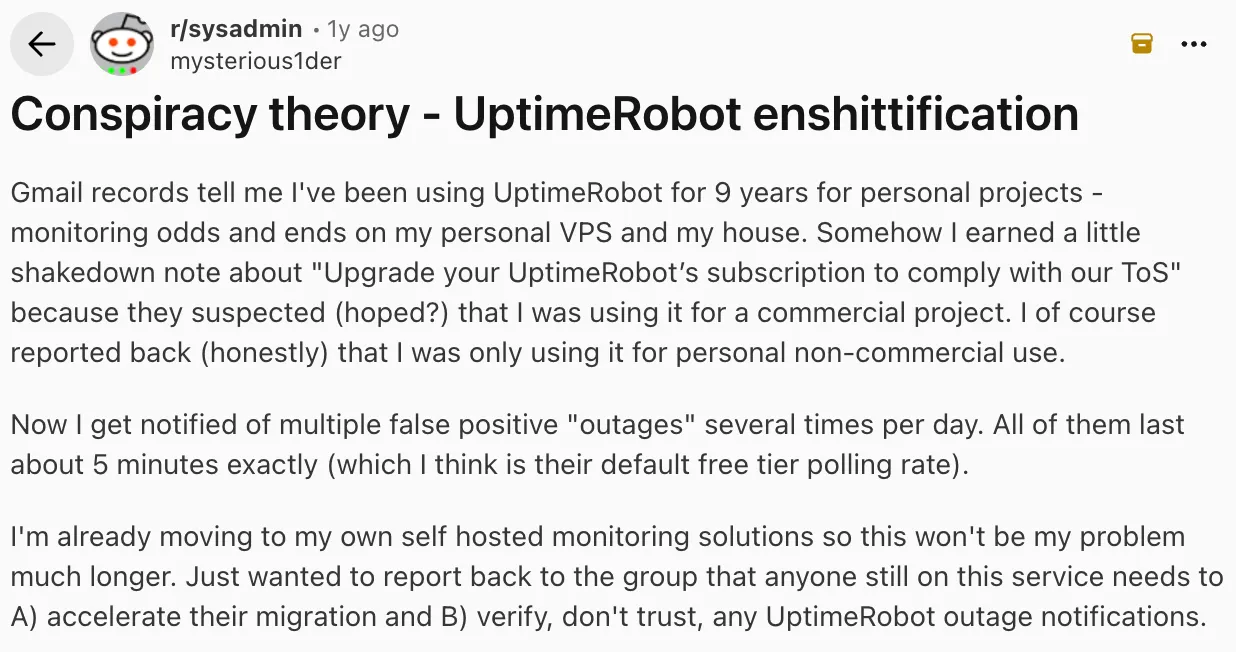
The single most vocal complaint on r/sysadmin and r/selfhosted is false positives and alert fatigue. A July 2025 r/sysadmin thread titled "Anyone Else Getting Lots Of Uptime Robot False Positives Last 24 Hours?" collected reports of "Port is Not Listening" and "DNS Resolving Problem" alerts with no actual downtime, including one user paged into work over flapping monitors. A February 2025 thread went further, with one user reporting 140 emails about services going up and down while everything was operational.
The second recurring theme is pricing. A July 2025 r/selfhosted thread titled "UptimeRobot killing legacy plans - wants to charge me 425% more" described a long-time customer paying $8/month being pushed to a $34/month Team plan or a reduced $19/month Solo plan. Others reported annual prices going from $88 to $348. The word "enshittification" shows up repeatedly, usually tied to a post-acquisition shift toward enterprise.
The third is the terms-of-service episode. In November 2024, UptimeRobot announced changes effective December 2024 that would ban commercial use on the free plan. After heavy backlash, they quietly reversed course without a clear public announcement so most blogs and comparison pages still say the free tier is non-commercial only. Users on multiple threads called the original announcement a "bait-and-switch," and some reported receiving emails demanding upgrades on projects they considered personal. The ban does not appear to be in effect today, but the episode left a trust problem: terms can change, reversals are not communicated clearly, and nobody is quite sure what the free plan actually allows.
X and developer blogs
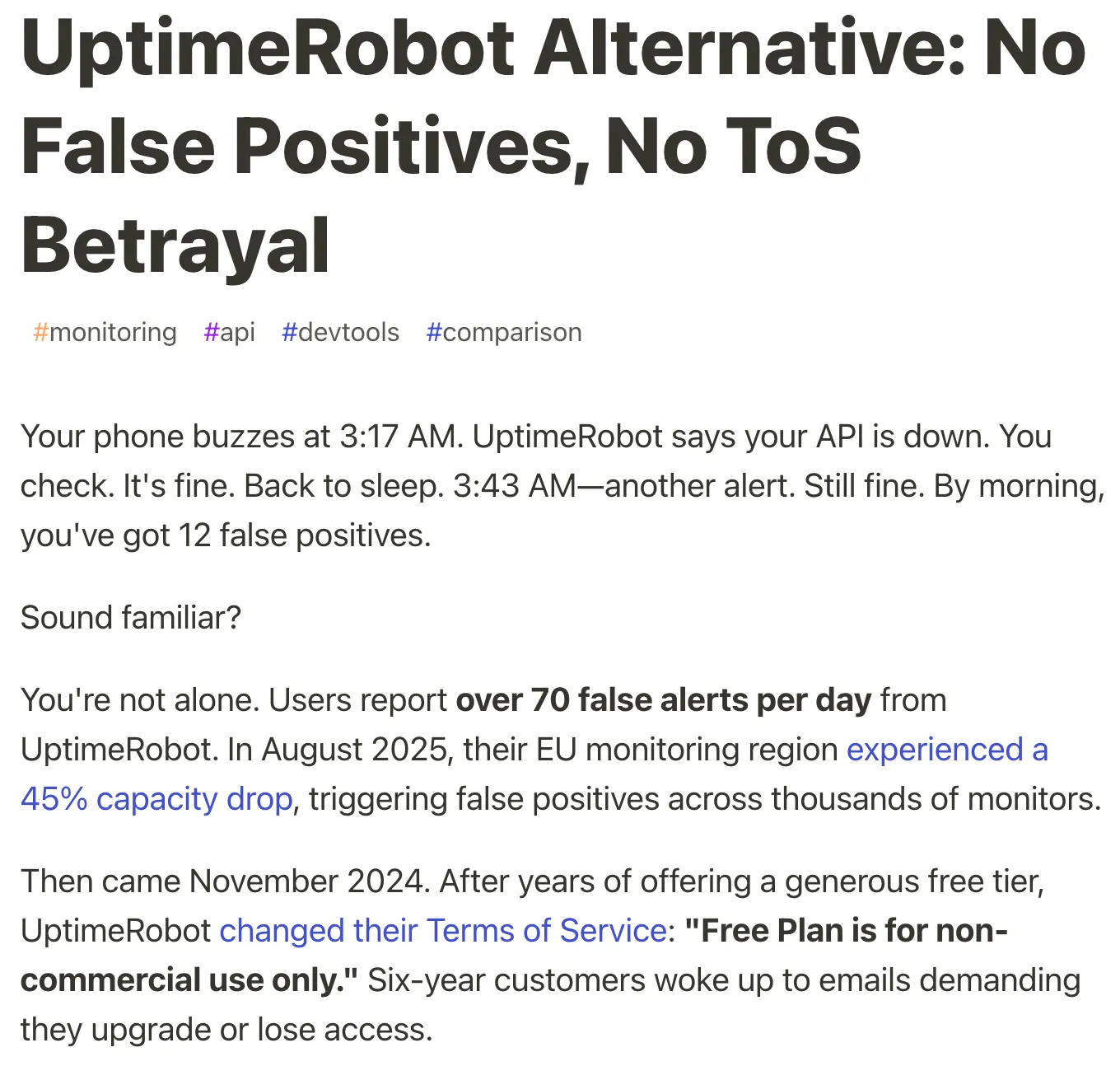
The same false-positive theme appears on X. During a February 2025 incident, multiple users reported phones "blowing up" with constant false up and down notifications for over an hour while the admin interface returned errors. In December 2024, a user reported UptimeRobot's own monitoring engine down for three days, producing hundreds of false connection-timeout emails.
Developer write-ups echo it. A 2026 dev.to article reported users seeing over 70 false alerts per day in some cases and called false positives UptimeRobot's biggest weakness. There are also reports on TrustPilot of false positives burning through paid SMS credits with no refund. The fix users keep asking for is multi-location verification before an alert fires, so a single failed check from one node does not page the whole team.
UptimeRobot feature reviews
Two features draw most of the sentiment, and they pull in opposite directions.
The free plan
This is the feature people love most. 50 monitors at 5-minute checks for free is more generous than nearly every competitor, and it is the reason UptimeRobot gets recommended so often for side projects, homelabs, and agencies watching client sites. A reviewer on 8/5/2025 (4.5 stars) called it a "generous free tier" after several years of use.
The limits are just as consistently noted. The 5-minute interval (60 seconds on Solo, 30 on Team, 15 on Scale), 7-day log history, and advanced notifications all sit behind upgrades, and a reviewer on 1/20/2025 (5 stars) flagged that the free service "does not allow for historical data past 7 days." Separately, the November 2024 ToS episode — where a commercial-use ban was announced and then quietly dropped — makes it harder to trust the free plan for a business that depends on it long term, even though the restriction does not appear to be enforced today.
Alerting and false positives
Alerting is where the review sites and the community most disagree. On G2, reviewers repeatedly describe alerts as reliable with few false positives, like the user on 2/24/2025 (5 stars) who said they had "rarely, if ever, experienced false positives." On Reddit and X, false positives are the number-one complaint.
The likely reason both can be true: false positives cluster around specific incidents and specific monitor types (port and DNS checks, flapping during regional capacity drops), so a user monitoring a few stable HTTP endpoints may never see them, while a user with many port monitors during an outage window gets buried. A reviewer on 8/14/2025 (4.5 stars) described a related cost, a slow-response monitor that "burns through SMS message credits" with no way to tune it separately.
UptimeRobot review: the pros
Based on what users consistently say:
- Fast, simple setup: nearly every review mentions getting monitors running in minutes without technical effort. This is the most repeated praise across all 48 G2 reviews.
- Generous free tier: 50 monitors at 5-minute checks beats most paid entry tiers elsewhere, which is why it is the default recommendation for small projects and agencies.
- Reliable for stable HTTP monitoring: long-time users on simple website checks report years of dependable alerts with few false alarms.
- Good status pages for the price: reviewers repeatedly call the status pages easy to set up and useful for client communication.
- Responsive support: several reviewers, including one on 7/9/2025 (5 stars), single out quick and friendly customer service.
UptimeRobot review: the cons
Drawn from the community threads and the critical notes inside positive reviews:
- False positives at scale: flapping and false down alerts during incidents, with documented cases of 140 emails and 70+ false alerts per day. The mechanism users point to is the lack of multi-location verification before alerting.
- Steep increases on legacy plans: forced migrations pushing $8/month users to $19 or $34/month, and annual plans from $88 to $348. The jump is structural, not a small annual bump.
- Unreliable terms on the free tier: the November 2024 commercial-use ban was announced, reversed quietly, and never clearly communicated so most content online still says the free plan is non-commercial only, which is a trust problem if your business depends on it.
- Per-contact and SMS costs add up: each additional notification contact is billed, and false positives can drain paid SMS credits with no refund.
- Basic depth for power users: no Playwright-style scripted checks, limited alert customization (you cannot edit email content), and keyword monitoring that misses JavaScript-rendered content.
What is UptimeRobot best for?
UptimeRobot is the right tool if you fit one of these:
- A solo developer or homelabber on the free tier: if you need to watch personal sites or self-hosted services and 5-minute checks are fine, the free plan is excellent and hard to beat on monitor count.
- An agency watching many simple sites on a budget: if you are monitoring dozens of stable HTTP endpoints and want shareable status pages cheaply, it scales well per monitor.
- A small team that wants uptime and nothing more: if you do not need on-call scheduling, server monitoring, or scripted browser checks, the focused scope is a feature, not a limitation.
Where it starts to strain: teams hit by false positives during incidents, long-time customers facing the legacy-plan increases, and businesses wary of building on a free tier after a quietly reversed ToS change.
Hyperping as the alternative
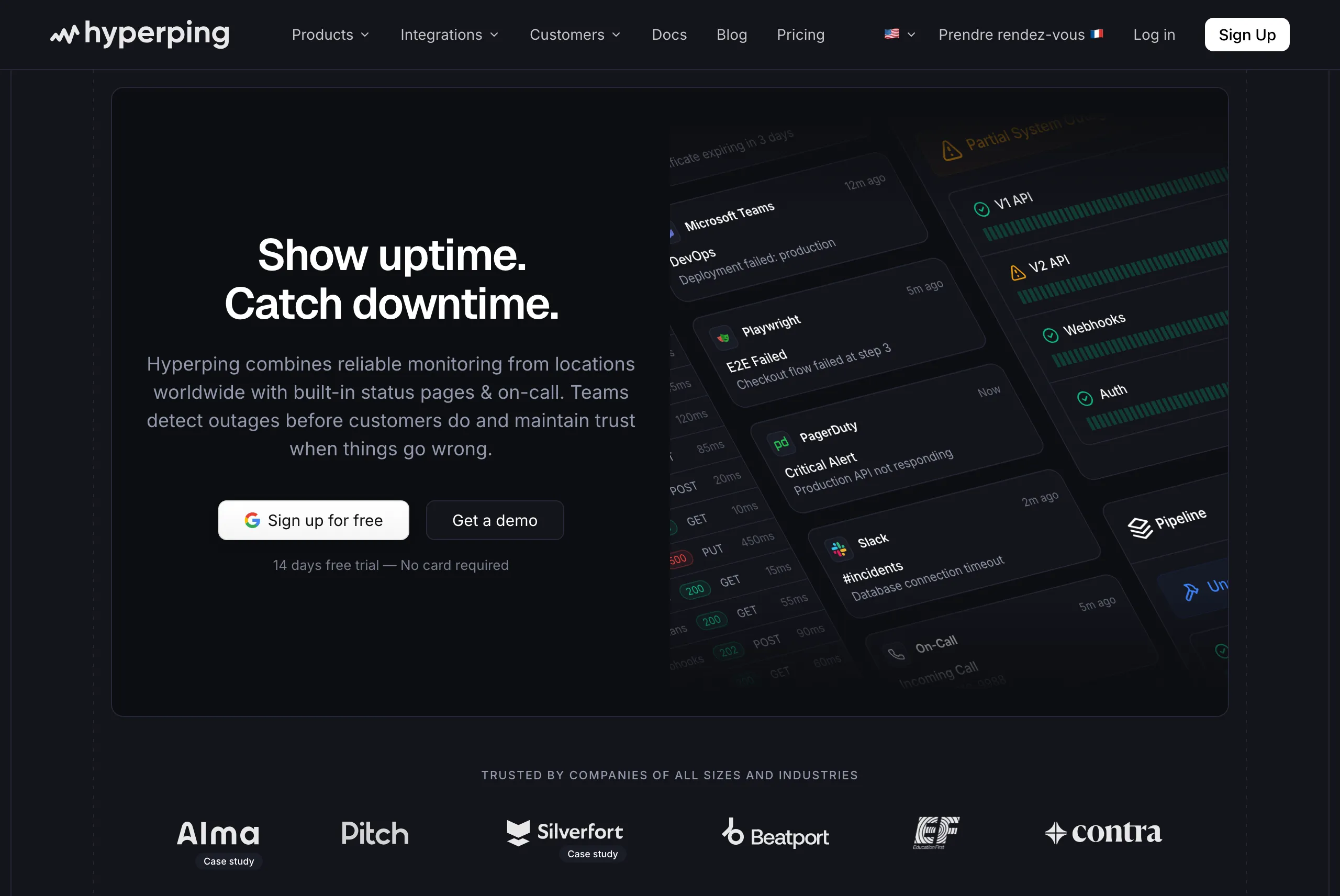
If you came here because of the false positives or the pricing changes, this is where Hyperping fits. I will be honest about both sides.
What Hyperping does: uptime monitoring, server monitoring, status pages, and on-call scheduling, at a flat, predictable price. What it does not do: it is not a full observability platform, so no tracing, APM, or log analytics. If you need those, a tool like Datadog is the better fit, not Hyperping.
Here is why teams switching from UptimeRobot tend to prefer it, tied to the specific complaints above.
Fewer false positives by design
The top UptimeRobot complaint is false positives, and the fix users keep asking for is verification before alerting. Hyperping checks from multiple regions and auto-retries a failed check from a different location before it pages you, so a single flaky node does not trigger an alert storm. This directly addresses the "140 emails" and "70+ false alerts a day" problem.
Flat, predictable pricing
The legacy-plan increases and surprise migrations are the second-biggest complaint. Hyperping's paid plans are flat: Essentials at $29/month, Pro at $89/month, Business at $299/month, with two months free on annual billing. There is also a genuinely free plan (20 monitors, 1 status page) with terms that have not been quietly reversed. To be fair, UptimeRobot's free tier allows more monitors (50 vs 20), so if raw free monitor count is your only criterion, it still wins there.
Founder-led support that ships
Several UptimeRobot threads describe a post-acquisition drift away from smaller users. Hyperping is the opposite end of that. Parseur, a document-processing SaaS, needed a Telegram integration we did not have. Their team wrote to me directly, and we built and shipped it within days of them subscribing. That is the kind of responsiveness that gets harder as a tool scales toward enterprise.
Read our customer stories to see how other teams use Hyperping.
Choose Hyperping if: you are tired of false-positive alert storms, you want flat pricing that will not jump 300% on renewal, or you want uptime, status pages, server monitoring, and on-call in one tool. See the migrate from UptimeRobot to Hyperping guide if you are ready to switch.
Stay on UptimeRobot if: you need the maximum number of free monitors, you are comfortable with the ToS uncertainty on the free tier, or your monitoring is simple, stable HTTP checks where false positives have never been an issue for you.
Frequently asked questions
Is UptimeRobot worth it?
For simple uptime monitoring on a budget, yes. It averages around 4.8/5 in the G2 reviews I read, and the free tier covers most small projects. It becomes less worth it if you are hit by false positives at scale or by the legacy-plan price increases that many long-time users reported in 2025.
Is UptimeRobot any good?
It is genuinely good at its core job: fast setup and reliable alerts for stable HTTP monitoring. Reviewers with years of use praise its dependability. The main caveats are false positives during incidents and a feature set that stays basic compared to more advanced tools.
Is UptimeRobot reliable?
For most users monitoring straightforward websites, yes. But reliability complaints exist, including documented false-positive storms and a December 2024 case where UptimeRobot's own monitoring engine was reported down for three days. The recurring user request is multi-location verification before alerts fire.
What do users say about UptimeRobot?
On G2 and Capterra they praise the free tier, ease of setup, and reliable alerts, averaging in the high 4s. On Reddit and X they complain about false positives, a 2025 round of legacy-plan price increases, and a confusing 2024 ToS episode where a commercial-use ban on the free tier was announced and then quietly reversed.
What are the downsides of UptimeRobot?
The most cited are false-positive alerts at scale, steep increases on older plans, unreliable terms on the free tier after the 2024 ToS episode, per-contact notification costs, and limited depth for power users (no scripted browser checks, basic alert customization).
What is a good alternative to UptimeRobot?
Self-hosters often move to Uptime Kuma. Our UptimeRobot vs Uptime Kuma comparison weighs the free plan against the real cost of running your own server. If you want a hosted tool with multi-region false-positive prevention, flat pricing, and status pages plus on-call in one place, Hyperping is built for that slice. See the migrate from UptimeRobot to Hyperping guide. For full observability with tracing and APM, Datadog is the heavier option.

