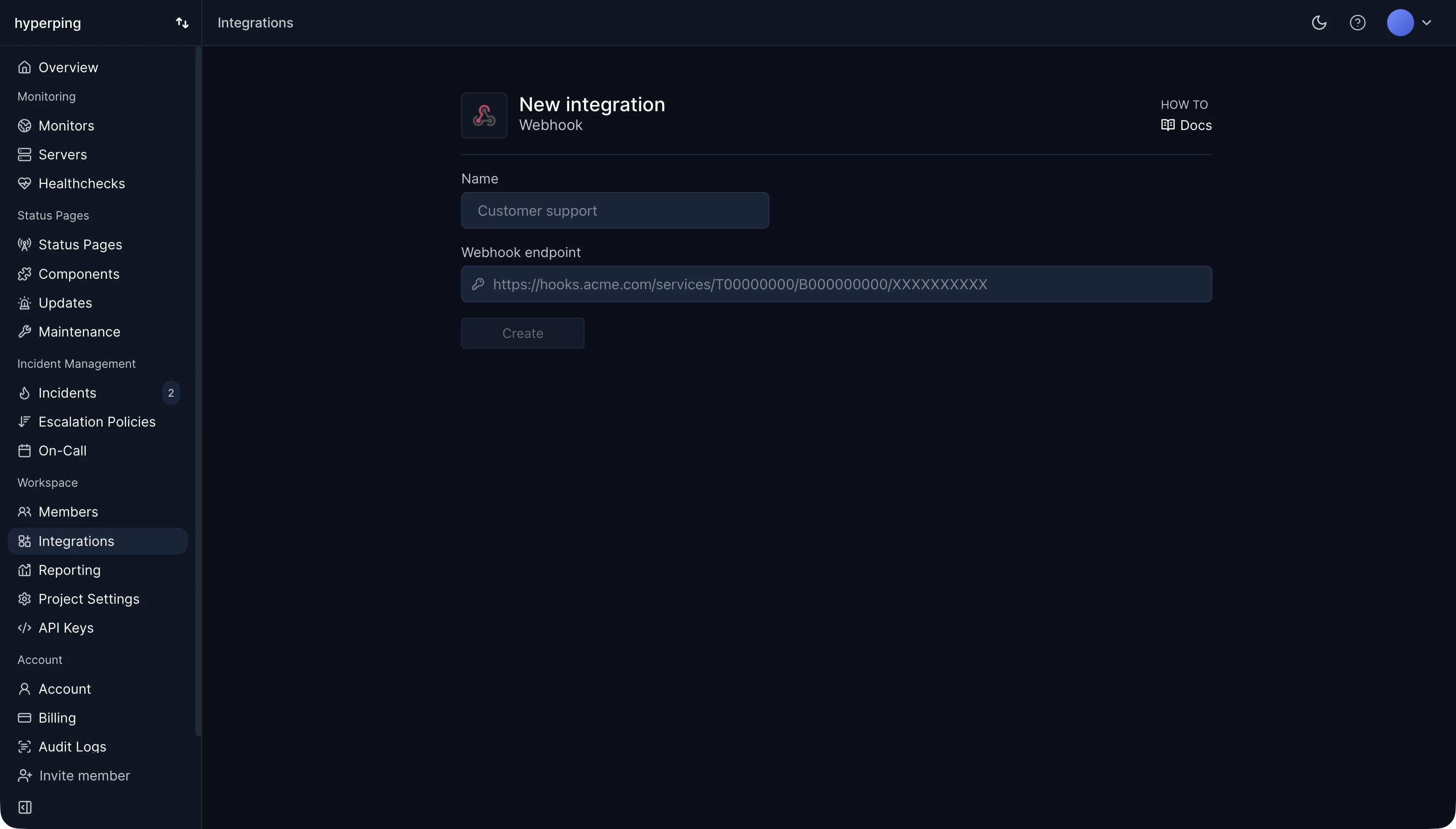
Monitoring tools use webhooks to hand alerts to systems they don't integrate with directly. When a Hyperping monitor goes down, a webhook integration POSTs a check.down event to your URL with the monitor, the status code, and the result from each region that confirmed the failure, then a check.up event when it recovers. Your own code decides what to do with it: open a ticket, post to an internal chat, restart a service.
Webhook vs API polling
With polling, your system calls an API on a timer to ask whether anything changed. Most calls return nothing new, and changes arrive late by up to one polling interval. With a webhook, the other side calls you once, when the event happens. Webhooks are faster and cheaper for both sides. Polling is simpler when you can't expose a public URL, and it can't miss an event while your server is down.
Example webhook payload
A POST with a JSON body and a few headers. A shortened Hyperping down event:
{"event":"check.down","check":{"url":"https://api.acme.com/v1/","status":502,"down":true}}
The receiving endpoint should answer with a 2xx quickly, within a few seconds, and do any slow work in the background. Senders treat a slow or failed answer as a delivery failure.
Receiving webhooks safely
- Use HTTPS, so the payload can't be read or changed in transit.
- Verify the sender. Check the signature header if the provider signs requests, or put a long random secret in the URL path if it doesn't.
- Make the handler idempotent. Most senders retry on failure, so the same event can arrive twice.
- Monitor the receiver. If your webhook endpoint is down, the events are lost or retried with delay, and nobody knows. An HTTP monitor on the endpoint catches it.
Incoming webhooks and heartbeats
The same mechanism works the other way round for monitoring jobs. A cron job or a worker calls a unique Hyperping URL when it finishes, and an alert fires when the call doesn't arrive on schedule. The job is sending a webhook to the monitoring tool, and silence is the signal.
How to send Hyperping alerts to a webhook
- Open Integrations and connect the Webhooks card.
- Paste the URL that should receive the events.
- Add the webhook to a monitor's alert channels, or to a step of an escalation policy.
- Test it with a monitor pointing at a 404 page, and check that both events arrive. See webhooks for the full payloads.
FAQ
What is the difference between a webhook and an API?
An API waits for you to call it. A webhook calls you. Many services offer both: the API to read and change data, webhooks to tell you when something changed.
Is a webhook a GET or a POST?
Almost always a POST, because it carries a body. Some heartbeat URLs accept GET too, so a plain curl works.
How do I test a webhook?
Point it at a request inspector to see the raw payload, then at your real endpoint. Trigger a real event when you can, such as a monitor on a URL that returns 404.