If you're stuck choosing between Better Stack vs Site24x7 vs Hyperping, consider Better Stack if you need all-in-one observability (monitoring + logging + incident management). Site24x7 for comprehensive infrastructure monitoring with deep network and cloud coverage. Hyperping for straightforward monitoring with polished status pages and predictable pricing.
In this guide, you'll learn:
- Core features, pricing, and hidden costs to watch for
- Which tool fits your team size and infrastructure complexity
- Real user experiences from hands-on testing and hundreds of analyzed reviews
- Common pain points: pricing confusion, UI complexity, alert fatigue, and feature overload
- How each platform handles these challenges differently
If you want monitoring that catches issues in 30 seconds, status pages that strengthen customer trust, and pricing you can actually predict, Hyperping delivers exactly that. Get in touch with us to schedule a demo of Hyperping.
Why you should trust this guide
I'm Léo, founder of Hyperping. Yes, that means I have a stake in one of these tools. But I've seen teams choose competitors when they were genuinely the better fit. My goal isn't to convince you Hyperping is always the answer. It's to help you understand which tool actually solves your problem.
I've analyzed a lot of G2 reviews across all three platforms, tested Better Stack and dug deep into Site24x7's capabilities through user feedback and documentation. Where I couldn't test something directly, I relied on verified user reviews and published sources.
This guide breaks down exactly what each platform does well, where it falls short, and which use cases it's built for. By the end, you'll know whether you need Better Stack's unified observability, Site24x7's infrastructure depth, or Hyperping's focused simplicity.
Better Stack vs Site24x7 vs Hyperping: Summary table
| Feature | Better Stack | Site24x7 | Hyperping |
|---|---|---|---|
| Best for | Teams wanting uptime + logs + incidents in one platform | Organizations monitoring servers, networks, and cloud infra | Teams seeking straightforward monitoring with polished status pages |
| Free version? | Yes | Yes (30-day trial, then limited free tier) | Yes |
| Starting price | $29/mo per user, lots of paid addons | $9/mo (Starter), $42/mo (Pro) | $24/month (3 users) for 50 monitors |
| Check frequency | 30 seconds | 1 minute (varies by plan) | 30 seconds (10 seconds on Business plan) |
| Key strength | Full observability stack with incident management | All-in-one infrastructure monitoring (web, server, network) | Simple setup with excellent status pages |
| Pricing model | Usage-based (users, logs, calls, etc) | Tiered by monitors + add-ons | Tiered by monitors, status pages, and users |
| Status pages | Included (many features are paid addons) | Included | 3 on Pro plan |
| Learning curve | Moderate (powerful but needs setup) | Moderate to steep (many options) | Low (quick onboarding) |
Which to choose? Quick verdict
Choose Better Stack if: You want uptime monitoring as part of a broader observability strategy. The tight integration between monitoring, logs, and incident management makes troubleshooting faster when things break. Best for DevOps teams already using infrastructure-as-code practices.
Choose Site24x7 if: You need comprehensive monitoring across websites, servers, networks, and cloud infrastructure in a single platform. It's built for IT teams managing diverse environments who want to consolidate multiple monitoring tools.
Choose Hyperping if: You want simple, reliable monitoring that "just works" with beautiful status pages and predictable pricing. No usage-based surprises, EU hosting for GDPR compliance, and 30-second checks even on lower tiers.
How much does each tool cost?
| Needs | Better Stack | Site24x7 | Hyperping |
|---|---|---|---|
| Just starting (10 monitors) | $29/mo (1 responder) | $9/mo | N/A |
| Small team (50 monitors) | $50/mo (1 responder + $21 addons) | $42/mo | $24/mo |
| Growing business (100 monitors) | $71/mo (1 responder + $42 addons) | ~$200/mo | $74/mo |
| At scale (1000 monitors) | $391/mo (1 responder + addons) | $1000+/mo | $249/mo |
Note: Better Stack pricing includes 1 responder at $29/mo. Additional monitors cost $21/50 monitors. Logging and other features have separate usage-based costs. Site24x7 pricing varies significantly based on monitor types and add-ons.
Choosing the right tool for your needs
| What matters most to you | Winner | Why it wins |
|---|---|---|
| Unified observability | Better Stack | Only tool combining monitoring + logging + incident management |
| Infrastructure depth | Site24x7 | Monitors servers, networks, databases, cloud resources, and applications |
| Predictable pricing | Hyperping | Flat-rate plans vs usage-based billing |
| Infrastructure as code | Better Stack | Mature Terraform provider for DevOps workflows |
| Network monitoring | Site24x7 | SNMP, bandwidth tracking, and network device discovery |
| Status page quality | Hyperping | 3 full-featured status pages on Pro ($74/mo) vs paid addons elsewhere |
| Cloud monitoring | Site24x7 | Native AWS, Azure, and GCP integrations with cost tracking |
| Quick setup for small teams | Hyperping | Minutes to working monitors, minimal configuration |
| EU data compliance | Hyperping | French company, hosted in Europe |
| Incident response integration | Better Stack | Built-in on-call scheduling with logs/metrics in unified timeline |
| APM capabilities | Site24x7 | Code-level visibility into Java, .NET, PHP, Node.js applications |
| Learning curve | Hyperping | Lowest friction, focused feature set |
Better Stack: Best for unified observability
Perfect for
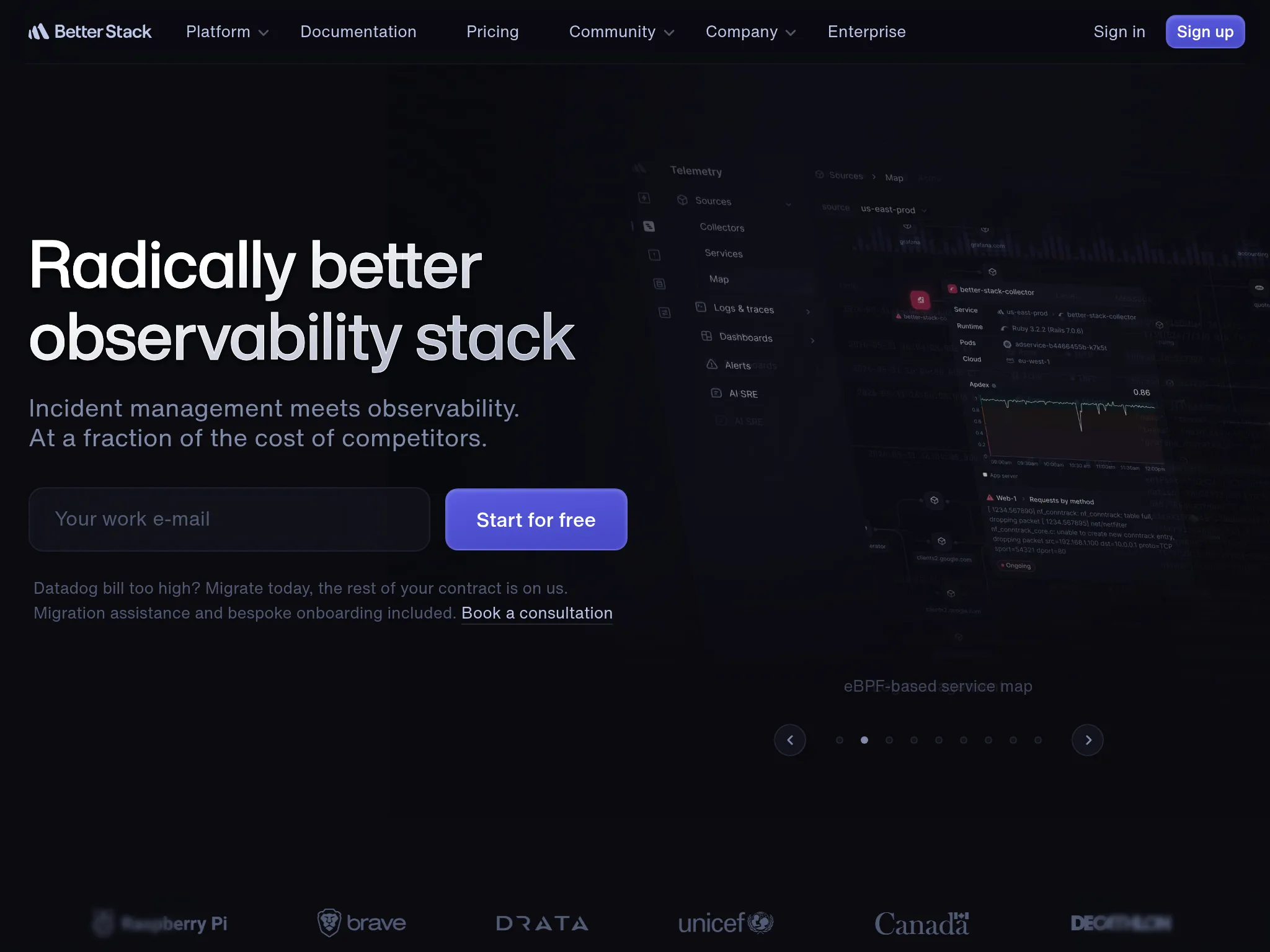
Teams that want uptime monitoring tightly integrated with logs, metrics, and incident management. Better Stack works well when you need to move quickly from "something's down" to "here's why and here's the fix."
From what I gathered in G2 reviews, this integration is the main reason teams choose it over standalone monitoring tools.
What Better Stack actually does: Key features
- Unified incident timeline: When an alert fires, you immediately see related logs, metrics, and screenshots in one view. Multiple reviewers called out how this speeds up troubleshooting compared to jumping between tools.
- On-call scheduling: Built-in rotations, escalation chains, and SMS/voice alerts. The on-call functionality gets consistent praise for reliability.
- Terraform provider: DevOps teams appreciate being able to define monitors and on-call policies as code.
- Log management: Not just monitoring, you get centralized logging with SQL-like queries and real-time tailing. This dual capability is unique among the three tools I'm comparing.
- Global probes: Multi-region checks to verify outages aren't just network blips from one location.
What I like about Better Stack
The integration between components genuinely works. When I read through reviews, a common theme was how seamlessly everything flows from detection to investigation to resolution. One user described it as "having all the context you need without switching tabs."
The modern UI gets consistent praise. Multiple reviewers mentioned that the interface is "sleek and modern" with "clean" dashboards that make complex data accessible. This matters when you're troubleshooting at 2 AM.
The Terraform support also stands out. If you're managing infrastructure as code, Better Stack fits naturally into that workflow in a way the other two tools don't emphasize as heavily.
What G2 users like about Better Stack
"The integration of log management with incident timelines and screenshots provided a holistic view of outages and errors, streamlining root cause analysis and post-incident reviews. Automated AI post-mortems and detailed reporting features supported a culture of continuous improvement."
"BetterStack Uptime is an excellent tool for monitoring the availability of sites and services in real-time. Its interface is modern, easy to use, and pleasant on a daily basis. I appreciate the ability to quickly set up monitors, receive multi-channel alerts (Slack, SMS, email, call), and share professional status pages with clients."
How much does Better Stack cost?
Better Stack's pricing is usage-based and seat-based.
- Users: $29/mo/responder (but unlimited team members who aren't responders)
- Status pages: Many features for status pages are paid addons
- Monitors: After the free limits, it's $21/mo for every 50 monitors, $17/mo for every 10 cron job monitors, and $1 for every 100 Playwright minutes (synthetic monitoring)
Several G2 reviewers mentioned that while pricing is competitive at smaller scales, it can climb quickly for larger deployments or heavy log volumes. One user noted: "The cost can quickly rise if you have many monitors or need advanced integrations."
What Better Stack is not good at
From the reviews I analyzed, pricing transparency is the main friction point. Users frequently noted that while the platform itself is excellent, predicting monthly costs requires careful estimation of hosts, log volume, and alert channels. One reviewer mentioned the "$29 starting tier is very steep for small open source services."
The interface is praised as modern and intuitive, but mastering all the features takes time. Several reviewers mentioned needing dedicated onboarding to unlock the platform's full potential.
A few users reported occasional performance issues: "The UI is just miserably slow. I often wait 2 to 5 minutes for my logs to load." However, this wasn't a universal complaint.
Better Stack also lacks the deep infrastructure monitoring that Site24x7 offers. If you need SNMP-based network monitoring, VMware integration, or detailed cloud resource tracking, Site24x7's specialized tools are more comprehensive.
Is Better Stack right for you?
DevOps teams and SREs managing cloud-native infrastructure who want to consolidate monitoring, logging, and incident response. It's particularly strong for teams already using infrastructure-as-code practices and those who value modern tooling over established enterprise vendors. Less suitable for teams needing deep network or server-level monitoring.
Site24x7: Best for comprehensive infrastructure monitoring
Perfect for
Organizations that need to monitor everything: websites, servers, networks, cloud resources, and applications from a single console. Site24x7 is built for IT teams managing diverse environments who want to replace multiple specialized tools with one unified platform.
From what I discovered in user feedback, Site24x7's breadth of coverage is its defining characteristic. It solves the "tool sprawl" problem that many IT teams face.
What Site24x7 actually does: Key features
- Website and API monitoring: Checks uptime and performance from over 130 global locations, monitoring HTTP/HTTPS, DNS, FTP, and SSL certificates.
- Server monitoring: Tracks the health and resource utilization (CPU, memory, disk) of Windows, Linux, FreeBSD, and OS X servers with easy agent-based monitoring.
- Network monitoring: Discovers and monitors network devices (routers, switches, firewalls) using SNMP to track traffic and bandwidth.
- Cloud monitoring: Native integrations with AWS, Azure, and GCP, including cloud cost optimization features.
- Application Performance Monitoring (APM): Code-level visibility into Java, .NET, PHP, and Node.js applications to identify bottlenecks.
- Real User Monitoring (RUM): Analyzes actual user experience by tracking browser metrics, load times, and errors by geography.
What I like about Site24x7
The all-in-one monitoring approach genuinely works for teams tired of managing separate tools. One reviewer captured it well: "Site24x7 solved our biggest challenge, fragmented monitoring, by bringing server, application, website, and log monitoring into one unified platform."
Being part of Zoho Corporation means native integration with ManageEngine and other Zoho tools. For organizations already in that ecosystem, this creates seamless workflows. The MSP capabilities also get strong praise from managed service providers managing multiple client environments.
The alerting system is repeatedly described as fast and reliable. Multiple users mentioned getting notifications "immediately" when issues arise, allowing them to "address issues before clients even reach out."
What G2 users like about Site24x7
"Site24x7 enables us to monitor our servers, applications, and websites in real time, allowing us to identify and resolve issues before they impact our users. By providing instant alerts whenever a problem arises, it significantly reduces manual effort, saves us time, and enhances our response speed."
"This is a great monitoring tool with a wide range of features that can handle virtually any scenario. The monitoring features and timely alerts have helped us reduce downtime significantly."
"We use Site24x7 to monitor our systems and are completely satisfied. The platform impresses with a surprisingly simple user interface, combined with a very comprehensive set of features."
How much does Site24x7 cost?
Site24x7 operates on a subscription model with tiered pricing plus add-ons:
- Starter: ~$9/month, includes 2 servers, 5 websites and basic features
- Pro: ~$42/month, adding more servers/websites and advanced capabilities
- Classic/Enterprise: Higher tiers starting around $625 per month
- Add-ons: Granular costs for extra monitors, RUM pageviews, or advanced features (e.g., $15 for 10 extra servers)
Multiple reviewers noted that while the base pricing is affordable, the add-on model can become confusing: "The pricing can occasionally be on the higher side" and "it can quickly get pricey, especially for advanced monitors."
If you are also weighing per-host tools, the server monitoring cost calculator compares Datadog, New Relic, Netdata, and Hyperping by host count.
What Site24x7 is not good at
From the reviews I analyzed, the UI is the most common complaint. While functional, it's described as "dated" and "cluttered" compared to more modern tools like Better Stack. One user said: "The graphical interface has remained unchanged since I began using it."
The mobile app receives mixed reviews. Users find it "less user-friendly" than the web version and "somewhat sluggish."
The sheer number of options can be overwhelming. Multiple reviewers mentioned that "sometimes too many options isn't a feature" and that finding specific settings can be difficult. The learning curve is steeper than simpler tools, particularly for advanced configurations like custom plugins or SNMP monitoring.
False positives came up occasionally: "Receiving false positives on monitoring devices using ICMP. I feel some tweaking is required."
Support speed was mentioned by some users, though others praised the responsiveness. It seems to vary based on the complexity of the issue.
Is Site24x7 right for you?
IT teams and operations managers who need comprehensive monitoring across diverse infrastructure: servers, networks, cloud resources, and applications. It's particularly strong for MSPs managing multiple client environments, organizations already using Zoho/ManageEngine products, and teams that want to consolidate multiple monitoring tools. Less suitable for teams wanting modern UI or simple setup.
Hyperping: Best for straightforward monitoring with polished status pages
Perfect for
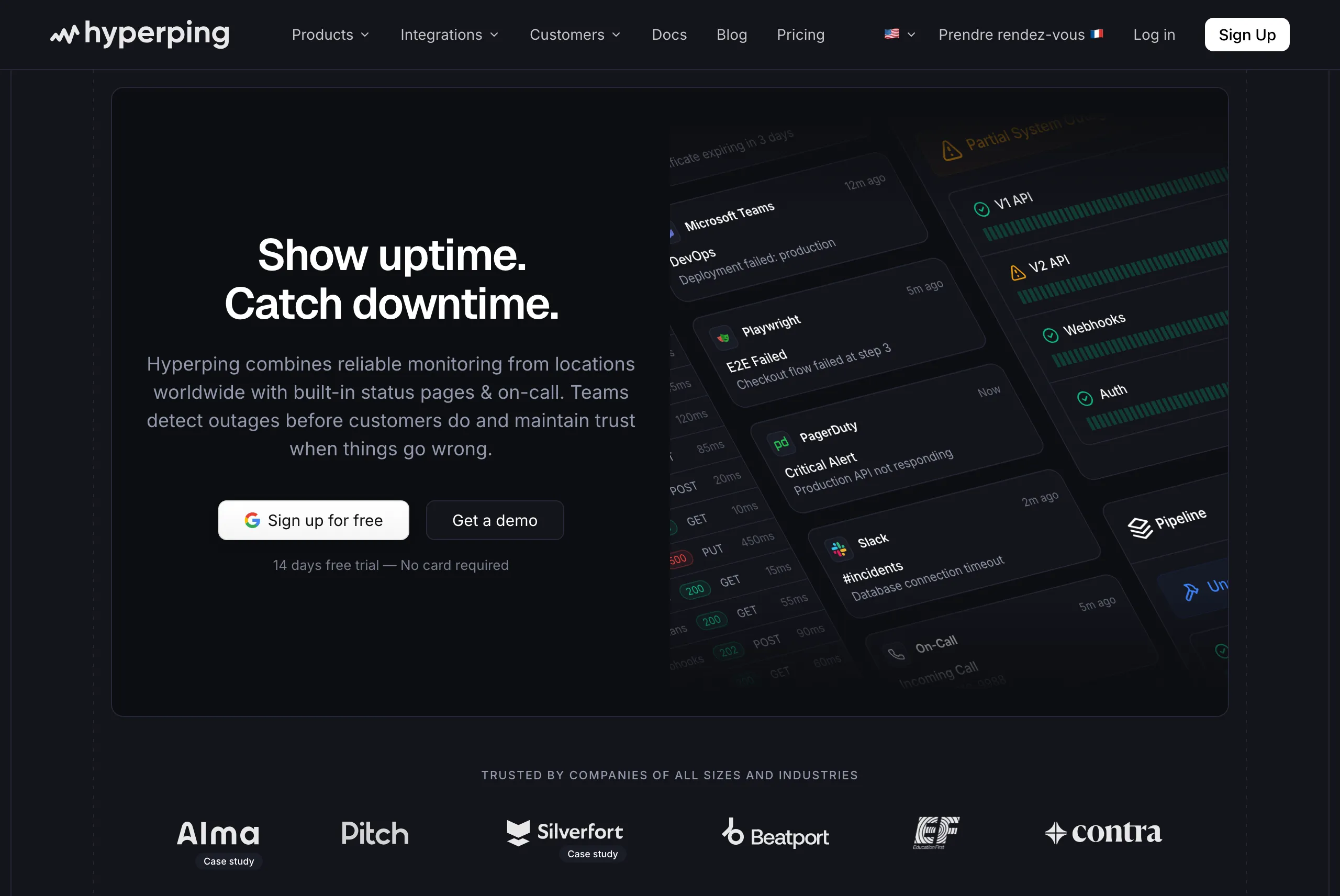
Teams that want reliable uptime monitoring without complexity or budget strain. Hyperping focuses on doing the essentials extremely well rather than adding every possible feature.
From the reviews I analyzed and conversations I had with users, Hyperping appeals to teams that value simplicity and predictable pricing. It's particularly popular with European companies due to EU hosting.
Notable features include
- 30-second check intervals: Faster than Site24x7's standard frequency, matching Better Stack. Even 10-second checks on the Business plan.
- Multiple full-featured status pages: On Pro plan, you get 3 status pages, each with custom domains and branding.
- Browser-based transaction monitoring: Uses Playwright for synthetic testing of critical user flows
- Server monitoring agent: A one-line install on Linux or macOS streams CPU, memory, filesystem, disk I/O, and network metrics next to your uptime checks
- On-call scheduling and smart escalation policies: Streamline incident response with automated scheduling, escalation, and multi-timezone coordination
- Voice call alerts: Included even on lower tiers
- European hosting: GDPR-compliant infrastructure for teams with data residency requirements
Why choose Hyperping?
Key reason #1: Predictable, transparent pricing that doesn't explode as you scale
Unlike Better Stack's usage-based model (where costs depend on log volume, check types, and responder count) or Site24x7's add-on pricing (where each monitor type has different costs), Hyperping offers flat-rate plans with no hidden usage fees. You know exactly what you'll pay each month.
This matters when you're budgeting for the year or pitching monitoring costs to finance. With Better Stack, adding 50 monitors costs $21/month, plus $29 per responder, plus potential overages on Playwright minutes. With Site24x7, you're calculating base plans plus add-ons for different monitor types. With Hyperping, 250 monitors and 3 full-featured status pages cost $74/month, period.
Key reason #2: Status pages that actually strengthen customer trust
Both Better Stack and Site24x7 include status pages, but they're often afterthoughts with limited customization unless you pay for add-ons. Hyperping includes 3 public or private status pages on the Pro plan with custom domains, branding, and professional design that works for customer-facing communication.
Key reason #3: EU-based monitoring that doesn't compromise on features
Most monitoring tools were built in the US and retrofitted for GDPR compliance as an afterthought. Hyperping is designed from the ground up for European data regulations. Your monitoring data stays in EU data centers, managed by EU companies, with no data transfers to third countries.
For EU-based companies, this isn't just a nice-to-have. It's about avoiding legal complexity and data transfer agreements that come with US-hosted tools. When Better Stack or Site24x7 process your monitoring data (which includes URLs, response content, and potentially customer data), you're managing cross-border data flows and SCCs.
With Hyperping, compliance is built in. You get full functionality without sacrificing features: multiple status pages, synthetic monitoring, on-call scheduling, and 30-second checks, all while keeping your data in Europe.
What I like about Hyperping
You know exactly what you're paying each month without calculating check volumes or worrying about usage spikes. Several reviewers specifically called this out as a major advantage when budgeting.
The setup experience gets consistent praise. Users report being up and running in minutes rather than hours. For teams that don't need the comprehensive infrastructure monitoring of Site24x7 or the full observability stack of Better Stack, this simplicity is valuable.
The status page quality is a recurring theme. Unlike functional-but-basic status pages from competitors, Hyperping's pages are designed for customer-facing communication from day one.
What actual Hyperping users say
"Hyperping has been a total game-changer for us. The service is reliable, easy to use, and incredibly feature-rich. I love that it constantly checks our site and alerts us right away if there are any issues."
"With Hyperping we have full visibility on response times and uptime metrics from around the globe. Knowing that our servers serve requests in milliseconds no matter where a customer is located, gives us confidence and peace of mind."
"Hyperping is essential for us to build and strengthen relationships with developers. We provide a status page with key metrics captured and reported by Hyperping. These facts increase trust when visitors see your product for the first time."
How much does Hyperping cost?
Hyperping's pricing is notably simpler than the alternatives:
- Essentials: $24/month for up to 3 seats, 50 monitors, 1 status page, and 3 browser checks
- Pro: $74/month billed annually for 250 monitors, 10 browser checks, 10 seats, and 3 public or private status pages. Includes email access codes, multilingual pages, and native account SAML SSO.
The Pro plan at $74/month delivers the core functionality most teams need. Compared to Better Stack or Site24x7 at similar scales, this represents significant savings and far less pricing complexity.
What Hyperping is not good at
Hyperping doesn't try to be a full observability platform. You won't get integrated log management like Better Stack or the infrastructure depth that Site24x7 offers. If you need to monitor network devices via SNMP, track VMware resources, or get APM-level code insights, those tools are better suited.
The synthetic monitoring capabilities are solid but less mature than dedicated transaction monitoring tools. If complex browser flows with many steps are critical to your monitoring strategy, you may need more sophisticated options.
For teams needing comprehensive server, network, and cloud monitoring in one place, Site24x7's breadth of coverage is unmatched. Hyperping covers web and API checks plus Linux and macOS host metrics, not SNMP network devices, Windows agents, or full infrastructure management.
Is Hyperping right for you?
Startups, SMBs, and indie developers who want solid monitoring without overpaying or over-configuring. It's particularly appealing for European companies that value GDPR compliance, teams with web/API monitoring needs who want beautiful status pages, and anyone frustrated by usage-based pricing models or complex add-on structures.
Frequently asked questions
Can I use multiple tools together?
Yes. We have customers using Hyperping on top of bigger tools like Datadog or AWS CloudWatch for infrastructure monitoring.
"In addition to CloudWatch, we also want to have a view on our system from the outside. And this is where Hyperping comes in. It is basically an independent monitoring solution for us, just looking from the outside, pinging the API and the websites and all the crucial parts of our infrastructure."
What about open-source alternatives?
Tools like Uptime Kuma offer free monitoring but require self-hosting and maintenance. If you have the infrastructure and time, they're worth considering. Most teams I spoke with prefer the reliability and support of managed services.
How important is check frequency?
Our customers praise the speed of alerts from Hyperping. They say it's usually faster than other monitoring tools they use. 30-second checks are definitely worth it for catching issues quickly.
"We have the real-time alerts from Hyperping telling us if the app is down. These are sometimes arriving even before AWS notices or notifies us. So, that's a crucial part in our daily process."
How to test these tools before you commit
All three platforms offer trials or free tiers:
- Better Stack: Free tier available
- Site24x7: 30-day full-feature free trial
- Hyperping: Free tier and also a 14-day free trial on all paid plans
Start with the free options that match your use case. Run them in parallel with your existing monitoring for a week to see which fits your workflow. Pay attention to false positive rates, alert reliability, and how quickly you can investigate issues when they occur.
The monitoring space is mature, so switching costs are low. Most teams I spoke with had tried 2-3 tools before settling on their current choice. Don't feel locked in by your first decision.
FAQ
How do Better Stack, Site24x7, and Hyperping compare for monitoring? ▼
Better Stack is best for unified observability (monitoring + logs + incidents), Site24x7 for comprehensive infrastructure monitoring across servers, networks, and cloud resources, and Hyperping for straightforward uptime monitoring with polished status pages, on-call scheduling, and predictable flat-rate pricing starting at $24/month.
Which monitoring tool has the simplest pricing: Better Stack, Site24x7, or Hyperping? ▼
Hyperping has the simplest pricing with flat-rate plans and no add-on complexity. Better Stack uses usage-based billing per responder, monitor count, and log volume. Site24x7 has tiered pricing plus granular add-ons for extra servers, monitors, and features that reviewers describe as confusing.
Which tool is cheapest at scale: Better Stack, Site24x7, or Hyperping? ▼
Hyperping is the most affordable at scale: $249/month for 1000 monitors, 10 status pages, and 20 seats. Better Stack costs approximately $391/month (1 responder plus add-ons), and Site24x7 can exceed $1000/month at the same scale depending on monitor types and add-ons.
Which monitoring tool is best for EU data compliance? ▼
Hyperping is the strongest choice for EU-based teams. It's a French company with all data stored in EU data centers, designed from the ground up for GDPR compliance with no data transfers to third countries. Better Stack and Site24x7 are US-based, requiring cross-border data transfer agreements.
Which tool has the fastest check frequency: Better Stack, Site24x7, or Hyperping? ▼
Hyperping and Better Stack both offer 30-second check intervals, while Site24x7 checks every 1 minute on standard plans. Hyperping goes further with 10-second checks on the Business plan. Customers report that Hyperping alerts often arrive before other monitoring tools or even cloud provider notifications.