Webhooks
Receive UP and DOWN Hyperping alerts on any endpoint you control. Paste a webhook URL once and route alerts into your own tooling.
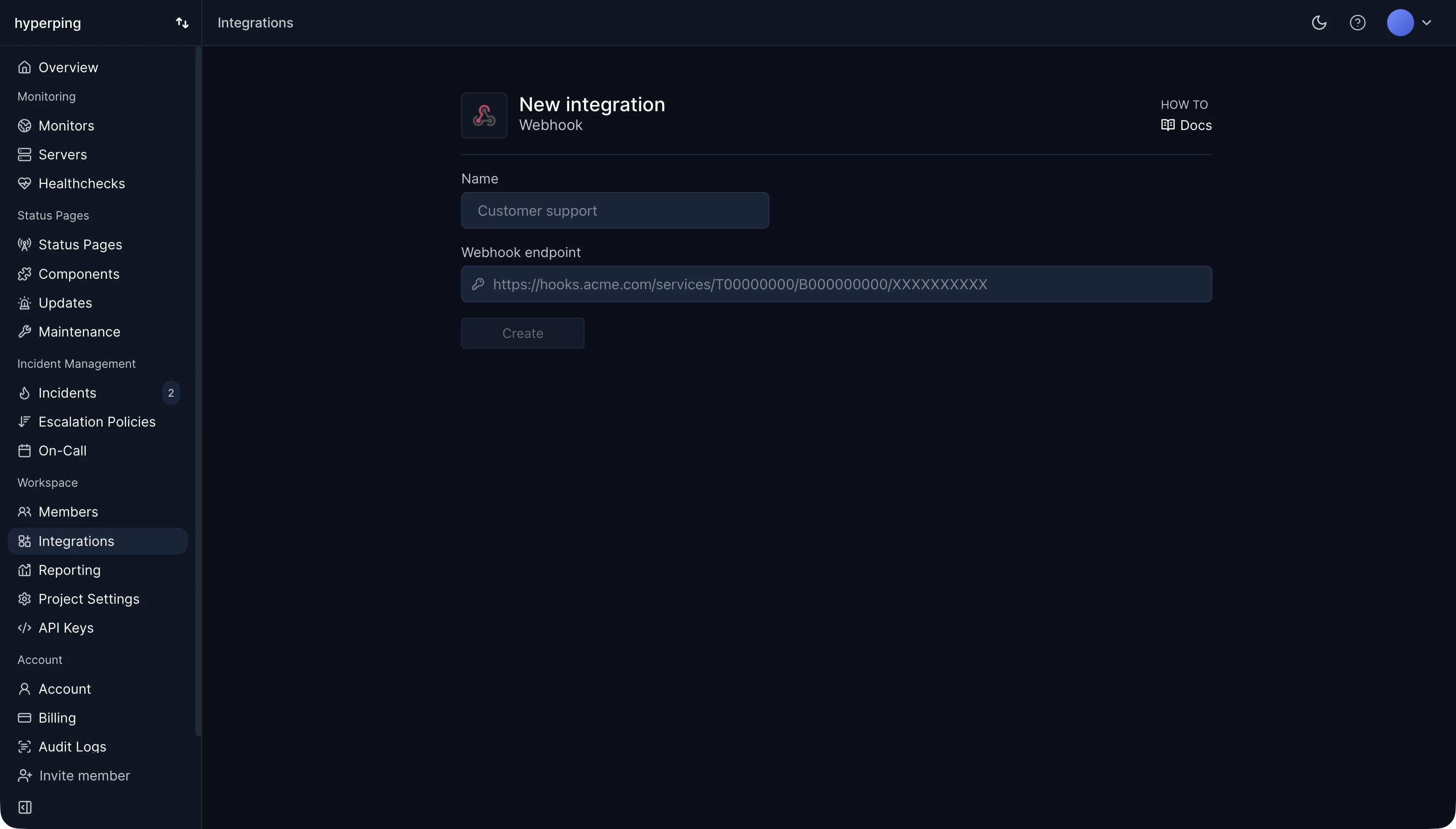
Configure
- Connect the Webhooks integration
Head to your Integrations page, then click on Connect on the Webhooks card.
- Paste your webhook URL
Paste the webhook URL you want the alerts to be sent to.
Hyperping will send UP and DOWN when they occur.
Down event
When a downtime is detected, we will instantly send a check.down webhook event containing this payload:
{
  "event": "check.down",
  "check": {
    "monitorUuid": "mon_e17f0a7a4A6EwF",
    "url": "https://api.acme.com/v1/",
    "status": 502,
    "down": true,
    "date": 1556506024291,
    "downtime": 1,
    "pings": [
      {
        "original": true,
        "location": "london",
        "status": 502,
        "statusMessage": "Bad Gateway"
      },
      {
        "original": false,
        "location": "paris",
        "status": 502,
        "statusMessage": "Bad Gateway"
      },
      {
        "original": false,
        "location": "frankfurt",
        "status": 502,
        "statusMessage": "Bad Gateway"
      }
    ]
  }
}
Up event
When the monitor is back up, we will instantly send a check.up webhook event containing this payload:
{
  "event": "check.up",
  "check": {
    "monitorUuid": "mon_e17f0a7a4A6EwF",
    "url": "https://api.acme.com/v1/",
    "status": 200,
    "down": false,
    "date": 1556505843864,
    "downtime": 2
  }
}
Next steps
Escalation policies
Fire your webhook first, then escalate if the outage lasts.
Notification channels
Every channel Hyperping can alert, in one place.
API reference
Manage monitors and outages programmatically.