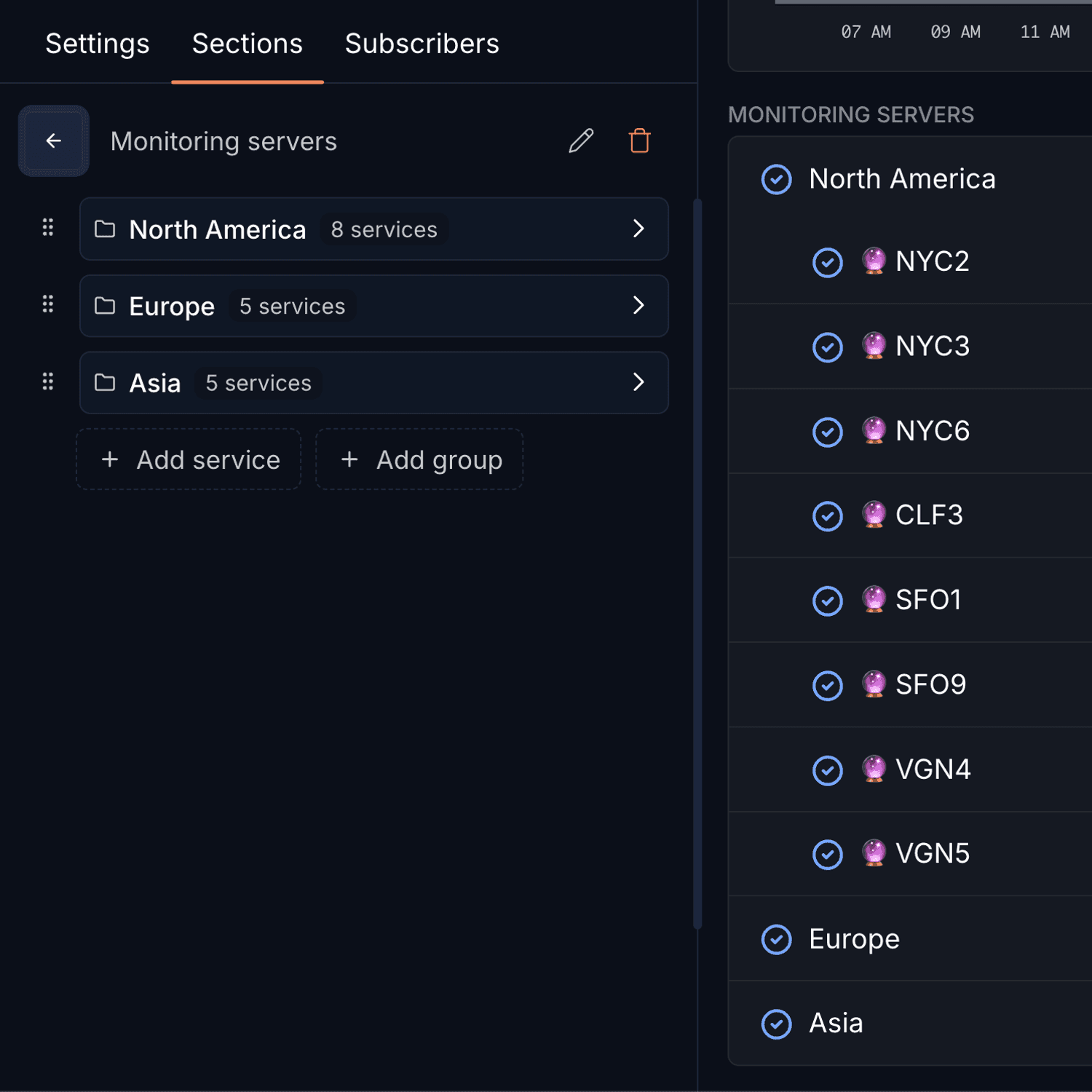
Today we're introducing historical browsing for your status page services. You can now navigate through past incidents and uptime data to get a complete picture of your services' reliability over time.
Time Travel Through Your Uptime Data
The new time navigation feature lets you:
- Browse historical data: View uptime and incident data from previous months
- Track reliability trends: Analyze how your services perform over extended periods
- Compare timeframes: Use the timeline navigation to jump between different time periods
- Access complete history: All your historical uptime and incident data is preserved and accessible
Check out our status page to see the historical browsing in action.
Misc
- Improved visual consistency across the status page design
Article by
I'm Léo Baecker, the heart and soul behind Hyperping, steering our ship through the dynamic seas of the monitoring industry.

Related Articles
Best UptimeRobot Alternatives in 2026 [35 Analyzed, Top 5 Picks]
I analyzed 35 UptimeRobot alternatives and picked the top 5. Hyperping offers 30-second checks, on-call, and status page...
Why you need a status page (& what great ones include)
Status pages reduce support tickets by 24% during outages. Learn about automated updates, public vs private pages, and w...
Public vs private status pages [cost analysis, security, compliance, and more]
Public vs private status pages: which builds trust and cuts support tickets by 50%? Compare pros, cons, hybrid options, ...
Introducing the Hyperping Intercom Integration: Reduce Support Tickets with Proactive Status Communication
New Intercom integration automatically shares service status and incident updates directly in your support conversations...